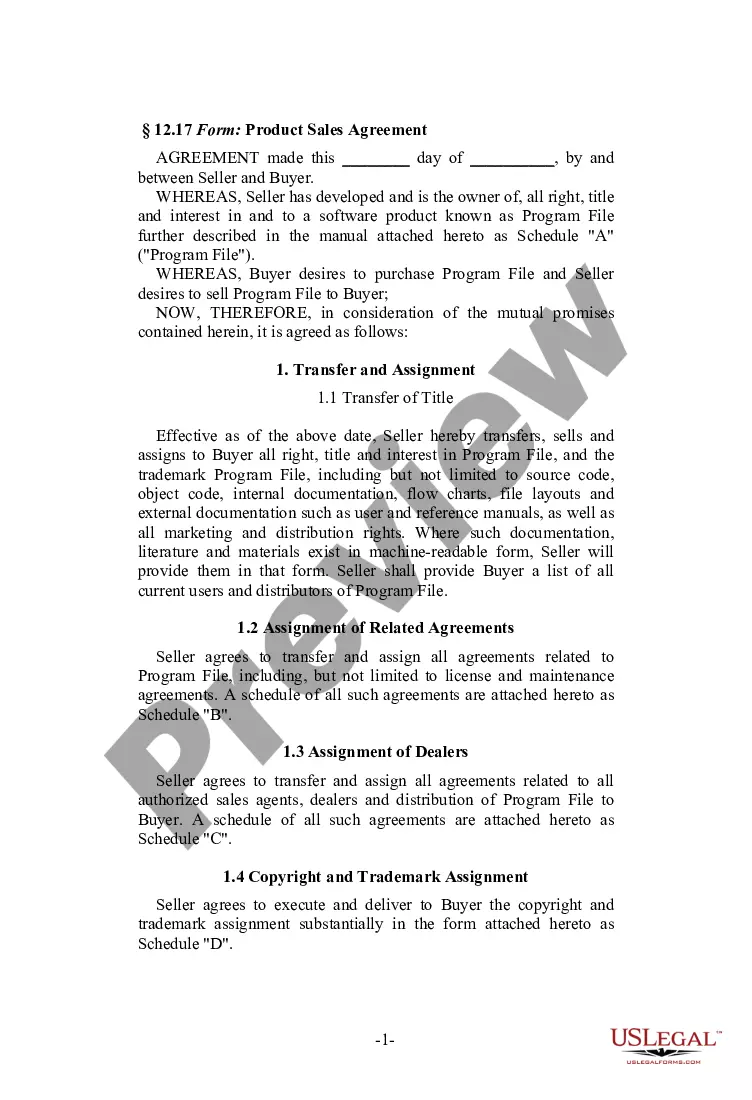
Non Profit Board Resolution Template With Sponsorship In San Antonio
Description
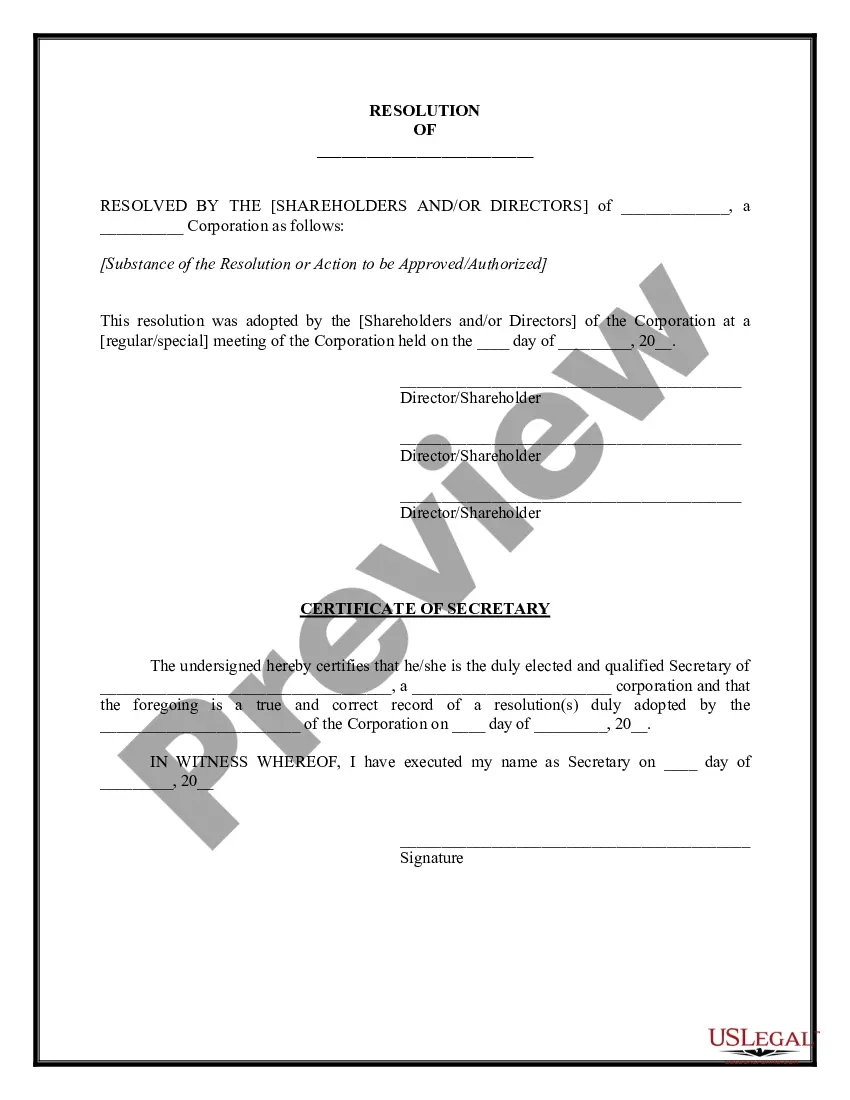


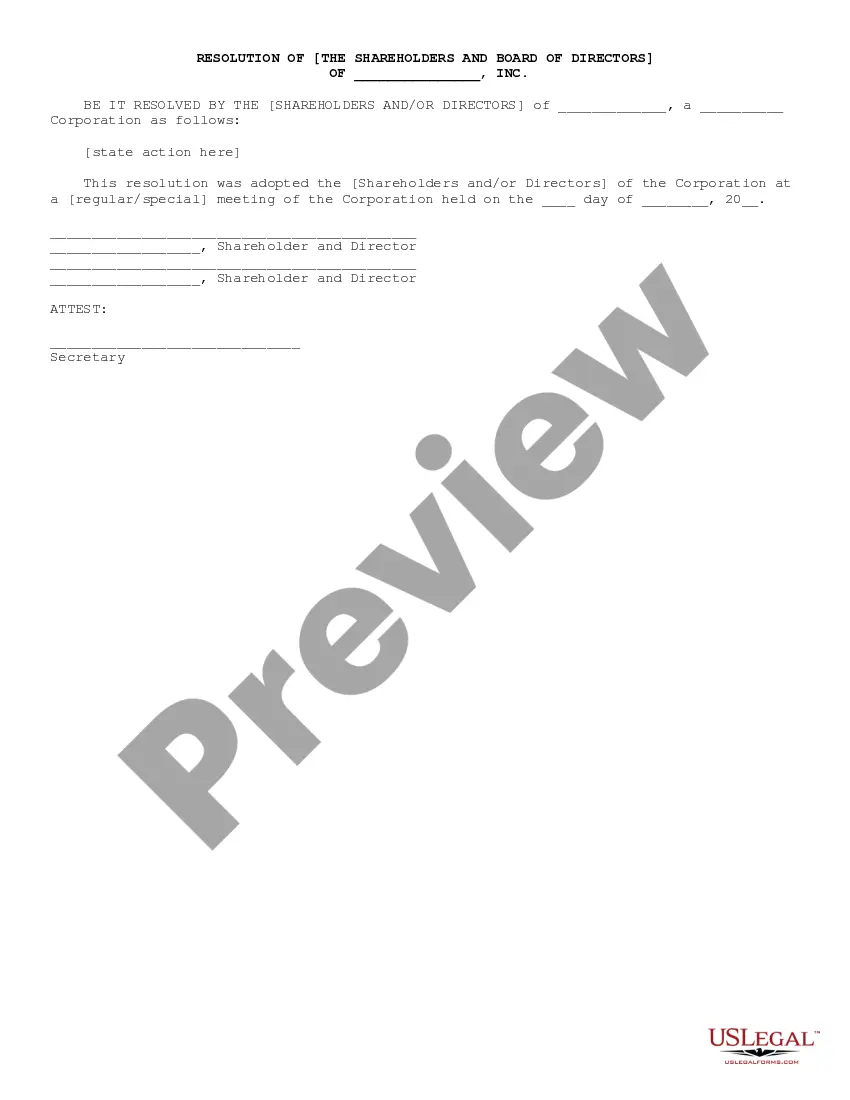

Get your form ready online
Our built-in tools help you complete, sign, share, and store your documents in one place.
Make edits, fill in missing information, and update formatting in US Legal Forms—just like you would in MS Word.
Download a copy, print it, send it by email, or mail it via USPS—whatever works best for your next step.
Sign and collect signatures with our SignNow integration. Send to multiple recipients, set reminders, and more. Go Premium to unlock E-Sign.
If this form requires notarization, complete it online through a secure video call—no need to meet a notary in person or wait for an appointment.
We protect your documents and personal data by following strict security and privacy standards.

Make edits, fill in missing information, and update formatting in US Legal Forms—just like you would in MS Word.

Download a copy, print it, send it by email, or mail it via USPS—whatever works best for your next step.

Sign and collect signatures with our SignNow integration. Send to multiple recipients, set reminders, and more. Go Premium to unlock E-Sign.

If this form requires notarization, complete it online through a secure video call—no need to meet a notary in person or wait for an appointment.

We protect your documents and personal data by following strict security and privacy standards.
Looking for another form?





Form popularity
FAQ
The title of the resolution must appropriately reflect the intent. Resolutions begin with "Whereas" statements, which provides the basic facts and reasons for the resolution, and conclude with "Resolved" statements which, identifies the specific proposal for the requestor's course of action.
With a mutually beneficial partnership, nonprofits receive the support they need to further their cause, and businesses get a positive bump in reputation that helps them generate more revenue. A great sponsorship is truly a win-win—you just need to know how to communicate that to obtain a partnership successfully.
How to write a board resolution Put the date and resolution number at the top. Give the resolution a title that relates to the decision. Use formal language. Continue writing out each critical statement. Wrap up the heart of the resolution in the last statement.
Use formal language to record the resolutions. You will write your board resolutions using “whereas” and “resolved” clauses. “Whereas” statements show the reason for the resolution while “resolved” clauses state the action that will be taken. Your “whereas” statement should lead the reader to the “resolved” clause.
A conflict of interest occurs where individuals' obligation to further the organization's charitable purposes is at odds with their own financial interests.
How to Write a Strong Resolution Identify your genre. Different genres contain different kinds of expectations for the resolution of a story. Wrap up your plot. Resolve your main character's arc. Clarify your story's theme. Experiment with different resolution styles.
How to write a board resolution Put the date and resolution number at the top. Give the resolution a title that relates to the decision. Use formal language. Continue writing out each critical statement. Wrap up the heart of the resolution in the last statement.
A written resolution is a document that describes a company decision (as a resolution) that can be circulated to the required audience (shareholders/directors), with them able to sign and return it – confirming their agreement.
To check your screen resolution, use these steps in Windows 10: Type Display Settings in the search bar from the Start Menu in the lower-left corner of your screen. Click to open. Scroll down to the Scale and Layout section and look for the resolution drop-down box. Make note of the resolution listed.
A board resolution is passed after gaining approval by a majority of board members with voting rights. Your organization's governing documents will determine the votes necessary to approve a resolution formally.