Non Profit Resolution Template Format In Los Angeles
Description



Get your form ready online
Our built-in tools help you complete, sign, share, and store your documents in one place.
Make edits, fill in missing information, and update formatting in US Legal Forms—just like you would in MS Word.
Download a copy, print it, send it by email, or mail it via USPS—whatever works best for your next step.
Sign and collect signatures with our SignNow integration. Send to multiple recipients, set reminders, and more. Go Premium to unlock E-Sign.
If this form requires notarization, complete it online through a secure video call—no need to meet a notary in person or wait for an appointment.
We protect your documents and personal data by following strict security and privacy standards.

Make edits, fill in missing information, and update formatting in US Legal Forms—just like you would in MS Word.

Download a copy, print it, send it by email, or mail it via USPS—whatever works best for your next step.

Sign and collect signatures with our SignNow integration. Send to multiple recipients, set reminders, and more. Go Premium to unlock E-Sign.

If this form requires notarization, complete it online through a secure video call—no need to meet a notary in person or wait for an appointment.

We protect your documents and personal data by following strict security and privacy standards.
Looking for another form?


Form popularity
FAQ
Under this act, Section 179 provides provisions and powers for the board of directors to pass board resolutions. In Section 179(3)(c), the Board of Directors can issue securities, which means they can issue new shares and debentures in the company by passing a board resolution.
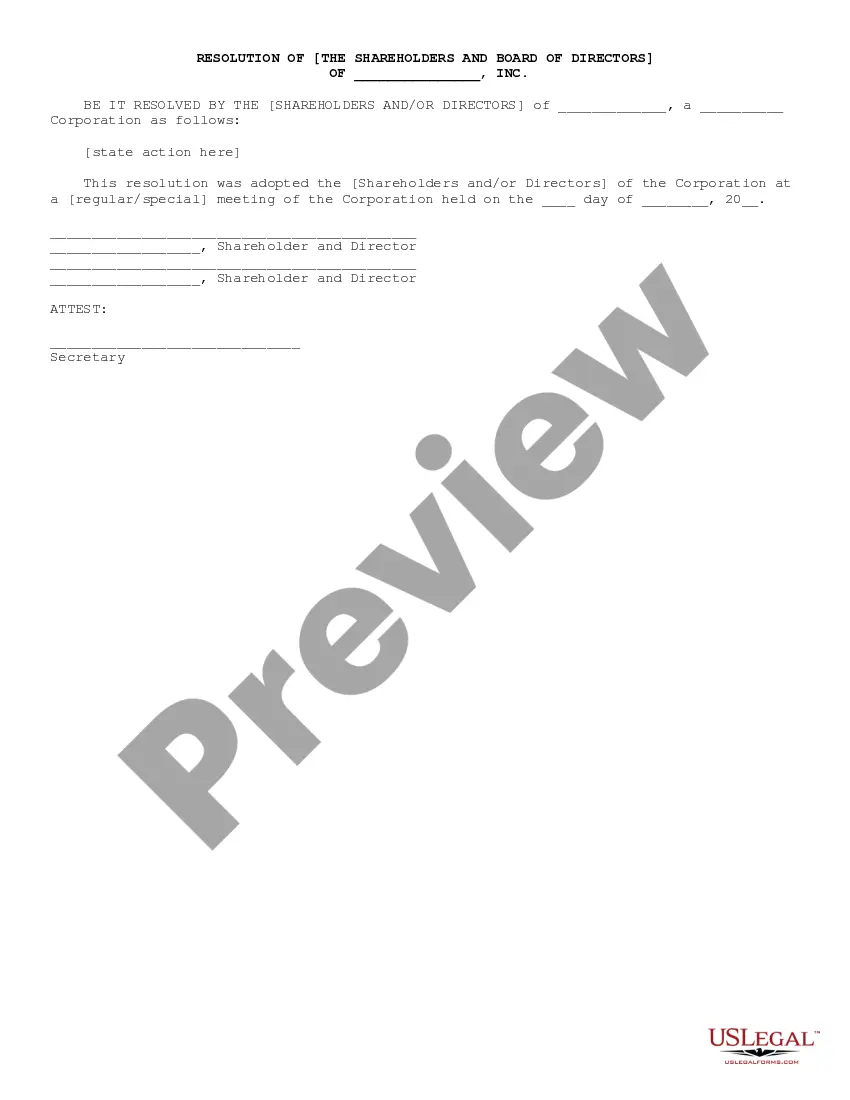
A board of directors resolution (also called a “board resolution”) is the result of a director vote authorizing a specific business action. Major decisions by the board of directors should always be formally documented in writing and added to the corporate record.
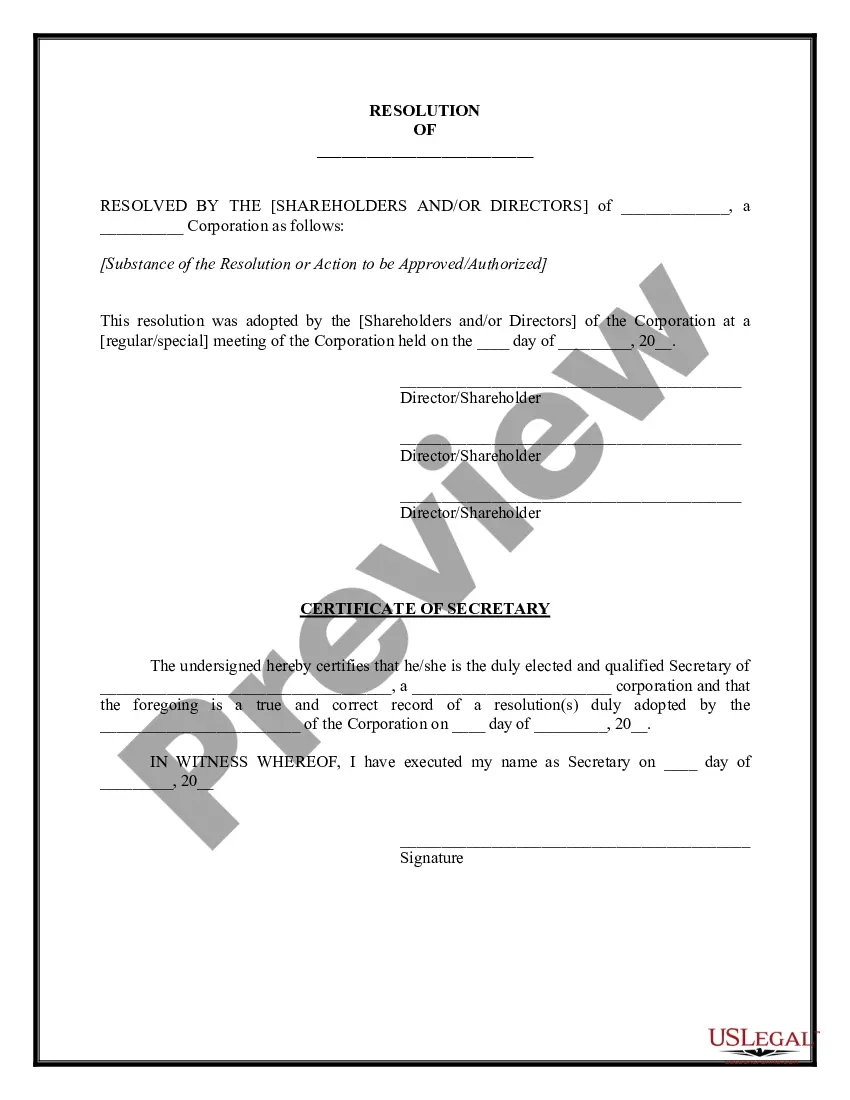
What Are the Components of a Nonprofit Board Resolution Template? The board meeting date. The number of the resolution. A title of the resolution. The resolution itself (what is being voted on) The name and vote of each voting member of the board. The Chairperson's name and signature.
How to write a board resolution Put the date and resolution number at the top. Give the resolution a title that relates to the decision. Use formal language. Continue writing out each critical statement. Wrap up the heart of the resolution in the last statement.
7 steps for writing a resolution Put the date and resolution number at the top. Give the resolution a title that relates to the decision. Use formal language. Continue writing out each critical statement. Wrap up the heart of the resolution in the last statement.
Obtain a copy of the corporate resolution form California from the Secretary of State's website or local office. Fill in the necessary information on the form, such as the name of the corporation, its address, and the date of the resolution.
How to fill out a resolution of the board of directors? Date, time, and location of the meeting. Title that describes the board's decision to be made. Statement of majority or unanimous decision. Resolution of the decision, including any necessary actions. Officers responsible for carrying out the resolution.
Vote: Hold a vote ing to the organization's bylaws. This could be a show of hands, a voice vote or a written ballot. Record the resolution: The corporate secretary should include the vote results in meeting minutes. Collect signatures: Appropriate officers should sign the resolution to verify the vote.
How to Write a Board Resolution (Step-by-Step) Establish Resolution Title. The resolution title should capture the board's name and a concise statement about the issue you want to record. Document Resolution. Use formal language to record the resolutions. Document Board of Director Votes.