Corporate Resolution Signing Without Meeting In San Bernardino
Description


Get your form ready online
Our built-in tools help you complete, sign, share, and store your documents in one place.
Make edits, fill in missing information, and update formatting in US Legal Forms—just like you would in MS Word.
Download a copy, print it, send it by email, or mail it via USPS—whatever works best for your next step.
Sign and collect signatures with our SignNow integration. Send to multiple recipients, set reminders, and more. Go Premium to unlock E-Sign.
If this form requires notarization, complete it online through a secure video call—no need to meet a notary in person or wait for an appointment.
We protect your documents and personal data by following strict security and privacy standards.

Make edits, fill in missing information, and update formatting in US Legal Forms—just like you would in MS Word.

Download a copy, print it, send it by email, or mail it via USPS—whatever works best for your next step.

Sign and collect signatures with our SignNow integration. Send to multiple recipients, set reminders, and more. Go Premium to unlock E-Sign.

If this form requires notarization, complete it online through a secure video call—no need to meet a notary in person or wait for an appointment.

We protect your documents and personal data by following strict security and privacy standards.
Looking for another form?

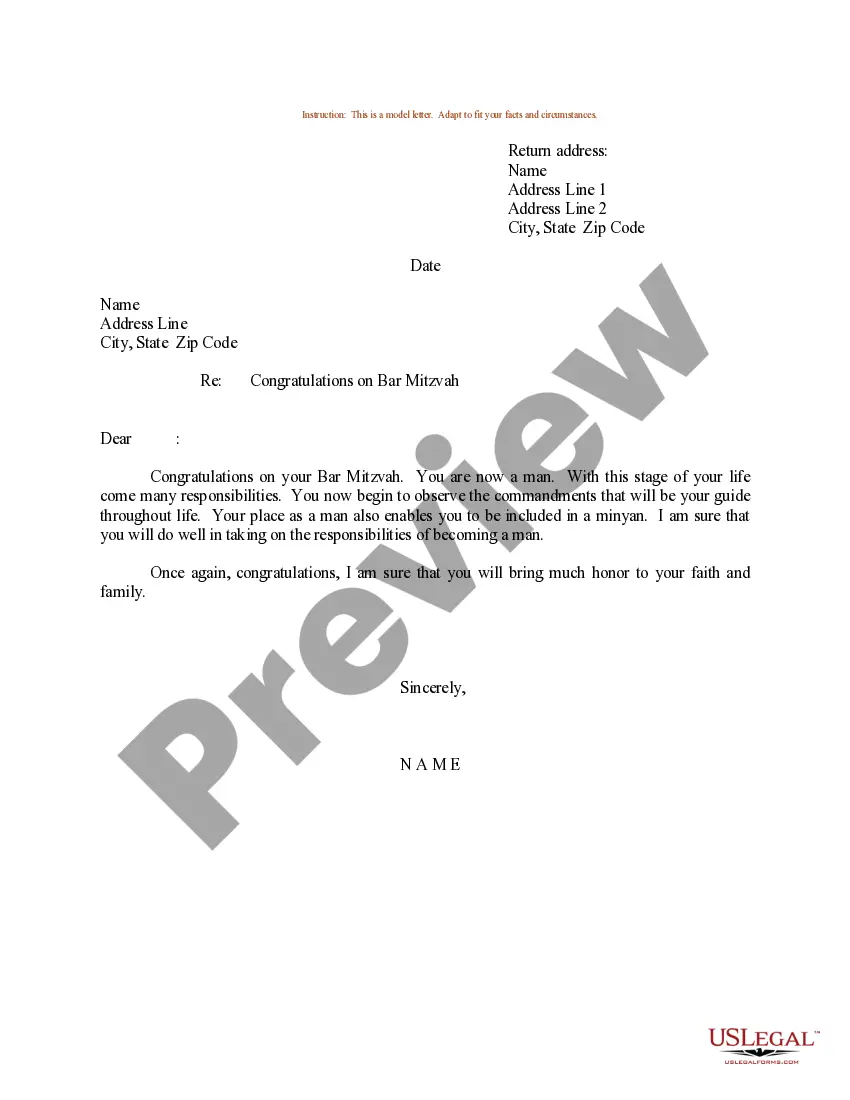

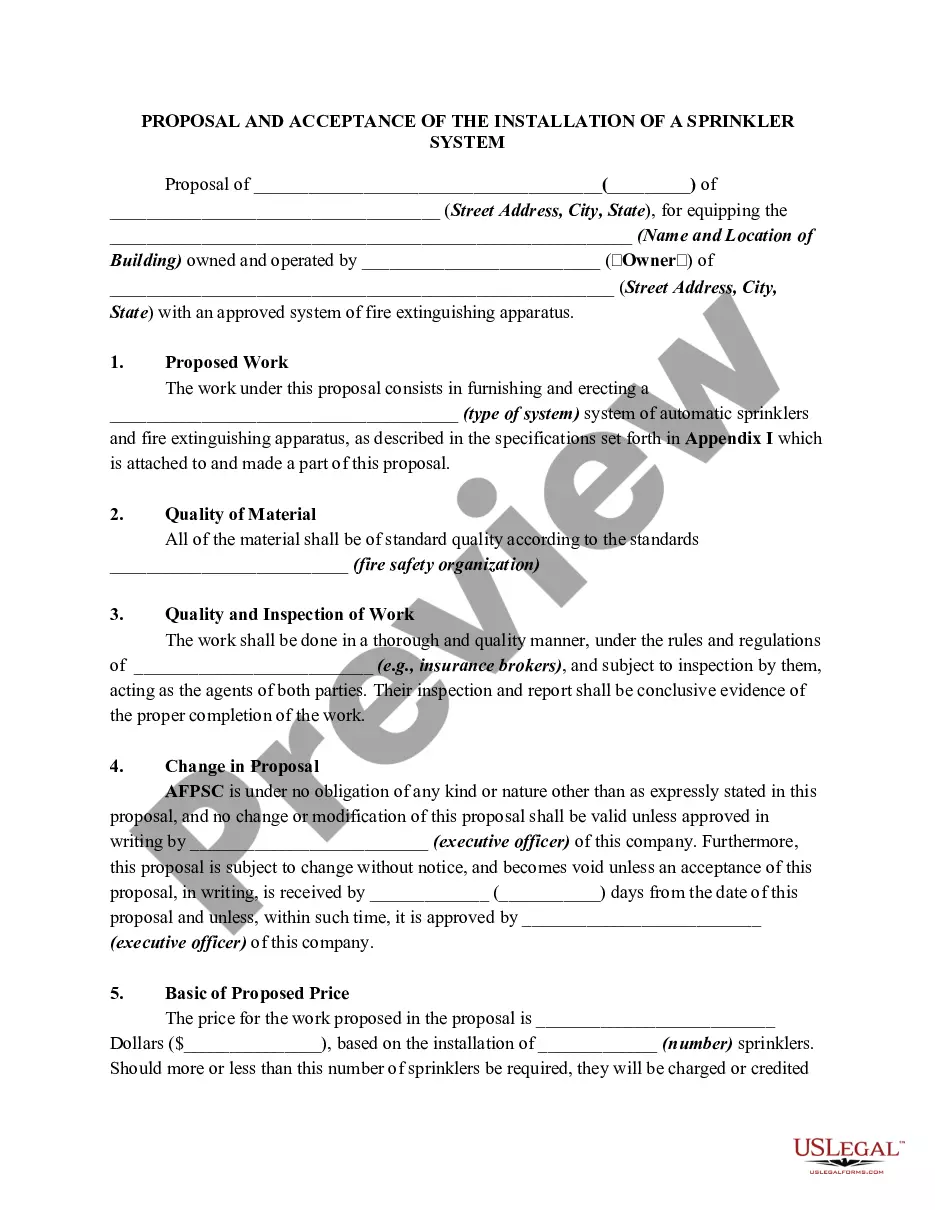
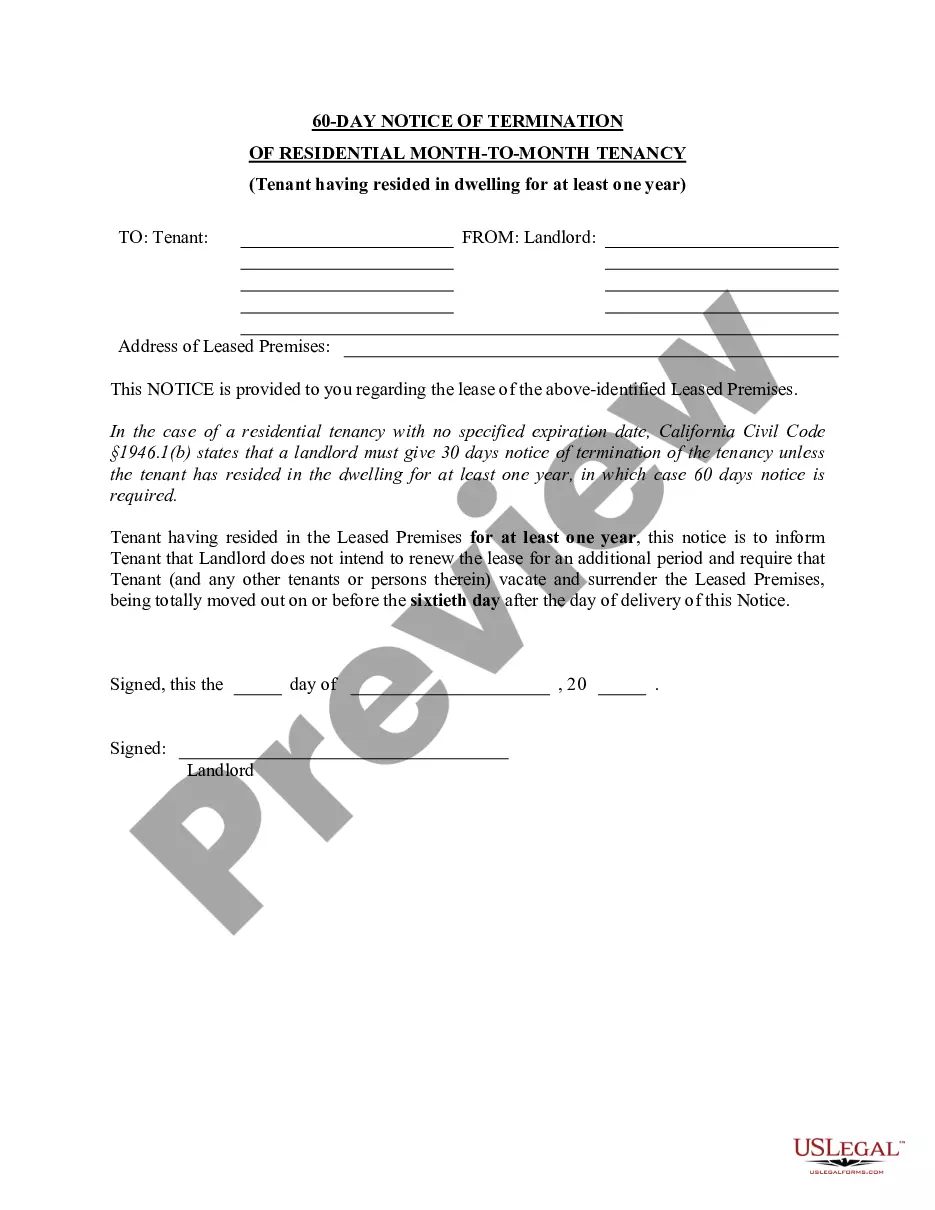




Form popularity
FAQ
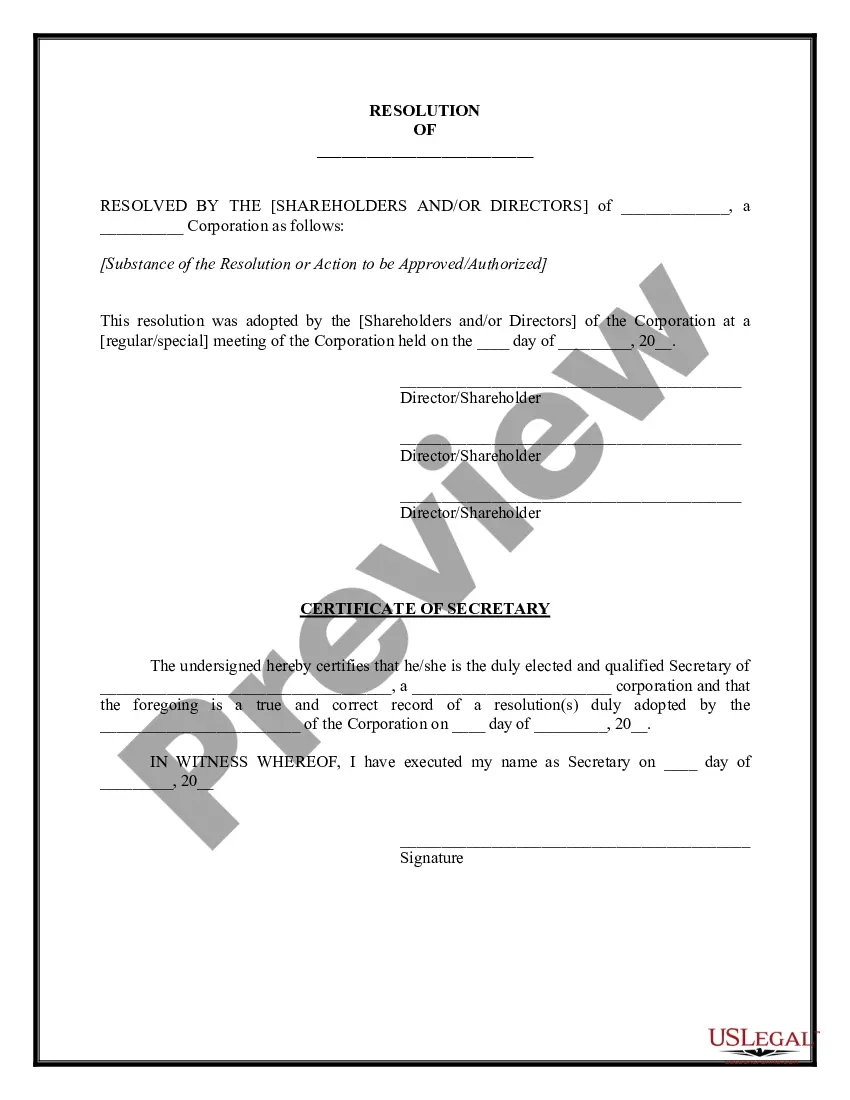
These resolutions are officially recorded by a corporate secretary, signed by the board of directors, and stored among a company's official records in a document repository.
Who needs to sign a board resolution? The board members need to sign the board resolution. The President and Secretary only need to sign when the resolution is certified. But they can sign an uncertified board resolution as well, but it is not required.
Company directors are authorised signatories and companies might require at least two directors to sign for a valid execution. Employees with a certain position in the company might also be impliedly authorised to sign documents on the company's behalf in order to streamline the execution of contracts.
The corporate resolution for signing authority is a specific corporate resolution that authorizes specific corporate officers with the legal standing to sign contracts on behalf of the corporation.
Corporate Resolution Authorizing Filing Select Bankruptcy menu. Select Other. Enter the case number using correct format and ensure case name and number match the document you are filing. Select Document event: Corp Resolution Auth Filing. Select the party filer. Browse, verify and attach the document (PDF file).
Guidelines for Valid Corporate Resolutions. The certification must bear an original signature by an officer of the corporation, (preferably the secretary), and this signature must be someone other than the person who signed the RFP, RFQ, RFI, etc.
The governing body of the corporation (usually its board of directors) Must meet on a specified date. At which time, officers decide to specifically authorize (the “resolution”) A specific person by name and title. To sign a specific contract.
A resolution, on the other hand, describes one action taken by the board at a meeting, is prepared separately during the meeting, and is attested to by the secretary of the corporation before the president approves it.