Confirmation Letter Format In Wayne
Description




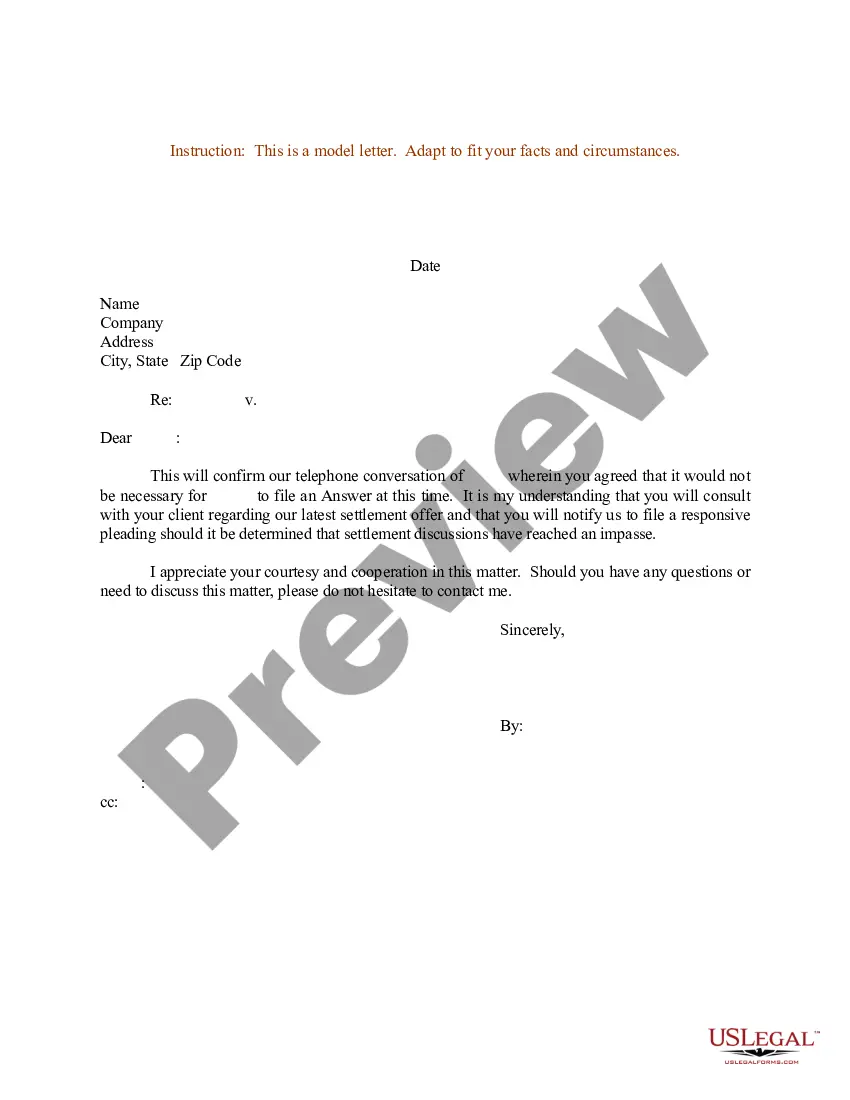
Get your form ready online
Our built-in tools help you complete, sign, share, and store your documents in one place.
Make edits, fill in missing information, and update formatting in US Legal Forms—just like you would in MS Word.
Download a copy, print it, send it by email, or mail it via USPS—whatever works best for your next step.
Sign and collect signatures with our SignNow integration. Send to multiple recipients, set reminders, and more. Go Premium to unlock E-Sign.
If this form requires notarization, complete it online through a secure video call—no need to meet a notary in person or wait for an appointment.
We protect your documents and personal data by following strict security and privacy standards.

Make edits, fill in missing information, and update formatting in US Legal Forms—just like you would in MS Word.

Download a copy, print it, send it by email, or mail it via USPS—whatever works best for your next step.

Sign and collect signatures with our SignNow integration. Send to multiple recipients, set reminders, and more. Go Premium to unlock E-Sign.

If this form requires notarization, complete it online through a secure video call—no need to meet a notary in person or wait for an appointment.

We protect your documents and personal data by following strict security and privacy standards.
Looking for another form?







Form popularity
FAQ
Subject: Confirmation of Employment – Job Classification Dear Mr./Ms. Last Name of Selected Applicant: Welcome to Agency/Department/Office Name. I am pleased to confirm your acceptance of our offer for the full-time/part-time position of job classification reporting to supervisor's name.
Confirmation Letter Format Header: Includes the company's name, address, and official contact information. Date: Includes the date on which the letter is being sent. Recipient's information: Includes the recipient's name, title, and official address. Subject: It describes the purpose of the letter.
Tips to write a Confirmation Letter in a professional tone: Use a formal tone and language throughout the letter. Clearly state the details of the agreement or arrangement being confirmed. Include relevant dates, times, and locations. Provide contact information in case the recipient has any questions or concerns.
The main requirement is that the letter be from your heart. effort, service, prayer, concern, and care he/she has shown. Point out the gifts or talents they have or any achievements in their personal lives. have they brought love and joy to the family and others?
The main requirement is that the letter be from your heart. effort, service, prayer, concern, and care he/she has shown. Point out the gifts or talents they have or any achievements in their personal lives. have they brought love and joy to the family and others?
Congratulations on your confirmation! I'm so proud of you and your decision in making your faith your own. This is a huge step in your walk with the Lord, and I can't wait to see what God has in…
Heartwarming Confirmation Card Messages It is indeed a special day to celebrate with you. Good luck with everything as you continue to grow your faith. Congratulations on your confirmation! I am so proud of the person that you have become, and today can be a testimony of that.
Some basic tips to start Let them know how proud of them you are. Give them sound advice that will encourage them to develop and strengthen their faith. Include a blessing. Add an encouraging scripture or a prayer. Choose an appropriate way to sign off before writing your signature.
Confirmation Letter Templates Dear Recipient Name, We are pleased to confirm your employment with ABC Ventures starting from Joining Date in the position of Job Title. As per the terms and conditions of your employment, your responsibilities will include Job Responsibilities. Your starting salary is Salary.
If you need to write a confirmation letter, here are five helpful steps you can use to write your own: Include a letter header. Start with an explanation. Add detailed information. Highlight attachments. End with a supportive statement.