Confirmation Letter Sample For Company In San Bernardino
Description




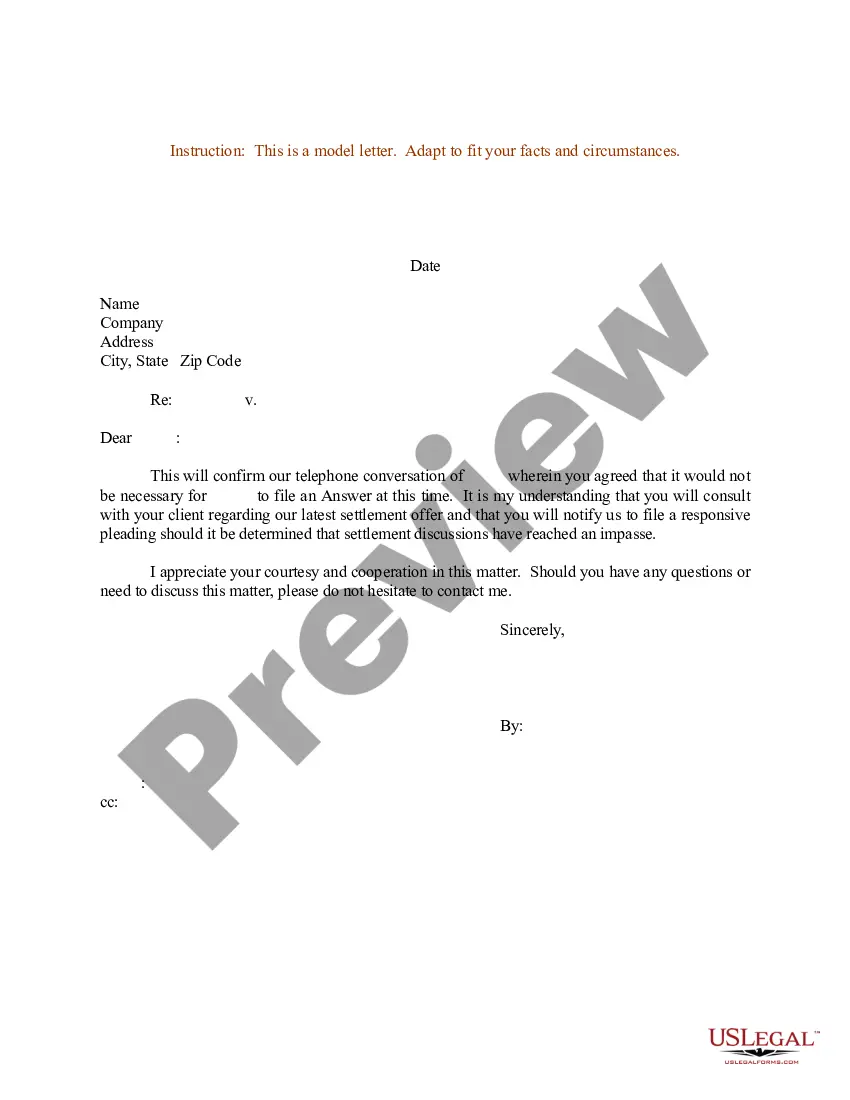
Get your form ready online
Our built-in tools help you complete, sign, share, and store your documents in one place.
Make edits, fill in missing information, and update formatting in US Legal Forms—just like you would in MS Word.
Download a copy, print it, send it by email, or mail it via USPS—whatever works best for your next step.
Sign and collect signatures with our SignNow integration. Send to multiple recipients, set reminders, and more. Go Premium to unlock E-Sign.
If this form requires notarization, complete it online through a secure video call—no need to meet a notary in person or wait for an appointment.
We protect your documents and personal data by following strict security and privacy standards.

Make edits, fill in missing information, and update formatting in US Legal Forms—just like you would in MS Word.

Download a copy, print it, send it by email, or mail it via USPS—whatever works best for your next step.

Sign and collect signatures with our SignNow integration. Send to multiple recipients, set reminders, and more. Go Premium to unlock E-Sign.

If this form requires notarization, complete it online through a secure video call—no need to meet a notary in person or wait for an appointment.

We protect your documents and personal data by following strict security and privacy standards.
Looking for another form?










Form popularity
FAQ
Every California and registered foreign limited liability company must file a Statement of Information with the California Secretary of State, within 90 days of registering with the California Secretary of State, and every two years thereafter during a specific 6-month filing period based on the original registration ...
A Statement of Information must be filed either every year for California stock, cooperative, credit union, and all qualified out-of-state corporations or every two years (only in odd years or only in even years based on year of initial registration) for California nonprofit corporations and all California and ...
To submit Form SI-100, you may file it online at the California Secretary of State's website or mail it to the Statement of Information Unit at P.O. Box 944230, Sacramento, CA 94244-2300. For in-person submissions, visit the Sacramento office located at 1500 11th Street, Sacramento, CA 95814.
Purpose of the California statement of information Periodic filings after the first report update the state with new information about your business that has occurred since the previous filing, such as changes in the entity's name or address or changes in the names or addresses of its officers, directors, or partners.
Generally, complete only one form FTB 3533-B to change your business address. If you are a representative filing for the taxpayer, go to ftb.ca/poa for more information. You may also go to ftb.ca and login or register for MyFTB or call 800-852-5711 to change your address.
A Statement of Information must be filed either every year for California stock, cooperative, credit union, and all qualified out-of-state corporations or every two years (only in odd years or only in even years based on year of initial registration) for California nonprofit corporations and all California and ...
If you have a human resources (HR) department, you'll most likely send your request to an HR representative. Smaller companies may require your employer, direct supervisor or payroll manager to send the letter.
How to request an employment verification letter from your employer Ask your supervisor. Ask your supervisor if they can write an employment verification for you. Contact the human resources department. Review company policy. Include all the necessary details. Request it in writing. Ensure that it has a handwritten signature.
Request for Confirmation: Politely ask for the confirmation email. - Example: ``I would appreciate it if you could send me a confirmation email regarding my employment, including the start date and any other relevant details.'' Closing: Thank them again and express your enthusiasm. Dear (Hiring Manager's Name),
Subject Line - Keep it clear and concise (e.g., ``Job Confirmation - (Your Name)''). Salutation - Address the recipient appropriately (e.g., ``Dear (Hiring Manager's Name),''). Introduction - State the purpose of the email (confirming the job offer). Details of the Job Offer Expression of Gratitude