Confirmation Letter For Speaking Engagement In Oakland
Description




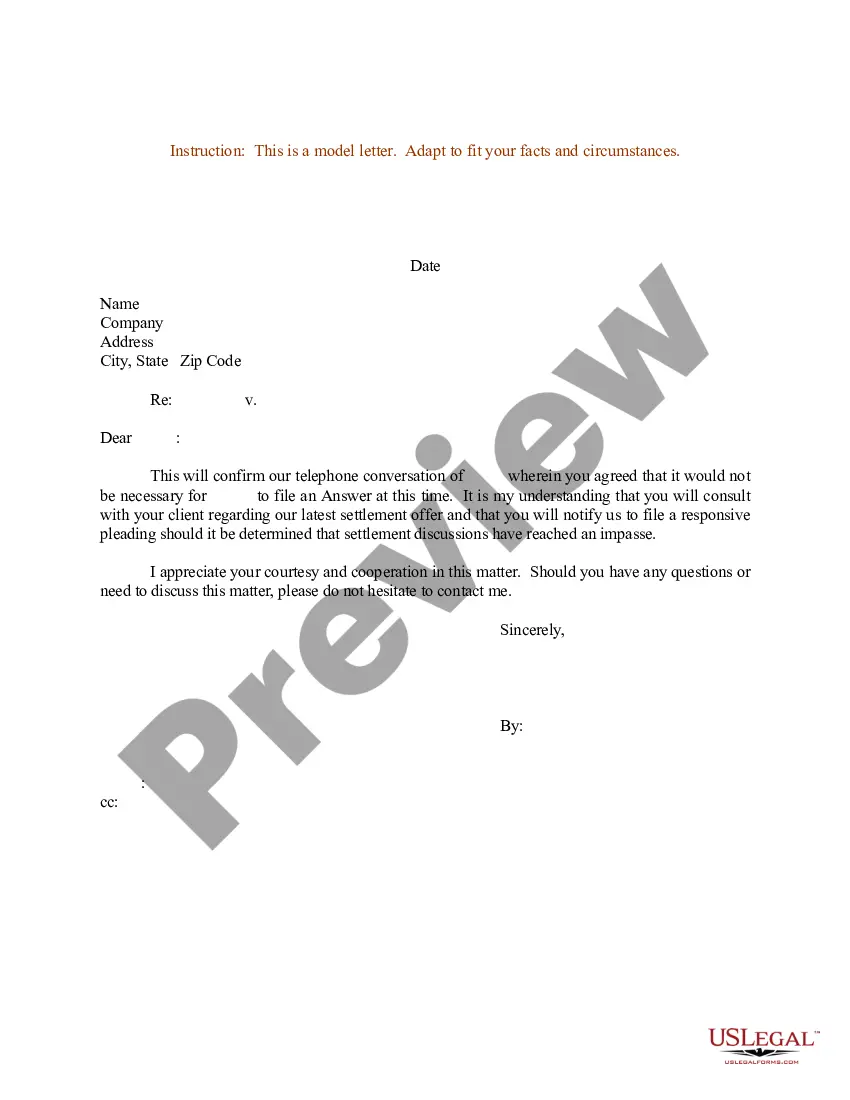
Get your form ready online
Our built-in tools help you complete, sign, share, and store your documents in one place.
Make edits, fill in missing information, and update formatting in US Legal Forms—just like you would in MS Word.
Download a copy, print it, send it by email, or mail it via USPS—whatever works best for your next step.
Sign and collect signatures with our SignNow integration. Send to multiple recipients, set reminders, and more. Go Premium to unlock E-Sign.
If this form requires notarization, complete it online through a secure video call—no need to meet a notary in person or wait for an appointment.
We protect your documents and personal data by following strict security and privacy standards.

Make edits, fill in missing information, and update formatting in US Legal Forms—just like you would in MS Word.

Download a copy, print it, send it by email, or mail it via USPS—whatever works best for your next step.

Sign and collect signatures with our SignNow integration. Send to multiple recipients, set reminders, and more. Go Premium to unlock E-Sign.

If this form requires notarization, complete it online through a secure video call—no need to meet a notary in person or wait for an appointment.

We protect your documents and personal data by following strict security and privacy standards.
Looking for another form?








Form popularity
FAQ
Could you please acknowledge receipt of this email and the attached document(s), so we can ensure the safe delivery of these materials? Thank you for your attention, and should you have any questions or need clarification, don't hesitate to contact me.
9 steps to send a brilliant confirmation message email Add the right recipients. Write an appealing subject line. Address the recipient or customer by their first name. Communicate the purpose briefly. List out all key details. Ask questions or request more information. Show appreciation. Add your customer support details.
Here is how to write a confirmation email in 10 steps: Specify the recipients. Add the email addresses of the recipient or recipients in the email address bar. Write a subject line. Craft a greeting. State the purpose of the email. List the details. Request additional information. Ask questions. Express gratitude.
SAMPLE SPEAKER CONFIRMATION LETTER Dear <Name>: Thank you for agreeing to serve as an author/presenter/speaker at our upcoming CME activity, <title of activity>, to be held <date> at <location>. Your presentation on <title of presentation> is scheduled to begin at <time>.
Thank the recipient for being in your life and bringing you love and joy. For example, you might write "I am extremely proud of you, and all the blessings you have brought to my life. I am honored to be your Confirmation sponsor, and pray that you will continue to grow in faith, hope, and charity."
How to write a confirmation email Start with a clear and specific subject line. Personalize the greeting. Confirm the action taken by the recipient. Provide the necessary details about the action. Include a call to action (CTA) guiding the next steps. Offer a way to contact for further assistance.
Writing Effective Confirmation Letters Be Clear and Concise: Clearly and concisely outline the details and terms being confirmed. Use Formal Language: Use formal and professional language in the letter. Include Relevant Information: Include all relevant information, such as dates, times, locations, and terms.
Effective confirmation letters should confirm all essential details in writing, including meeting dates, times, and locations, as well as administrative details and terms and conditions. They should also thank the recipient for their support.
SAMPLE SPEAKER CONFIRMATION LETTER Dear <Name>: Thank you for agreeing to serve as an author/presenter/speaker at our upcoming CME activity, <title of activity>, to be held <date> at <location>. Your presentation on <title of presentation> is scheduled to begin at <time>.