Confirmation Letter For Ein Number In Mecklenburg
Description




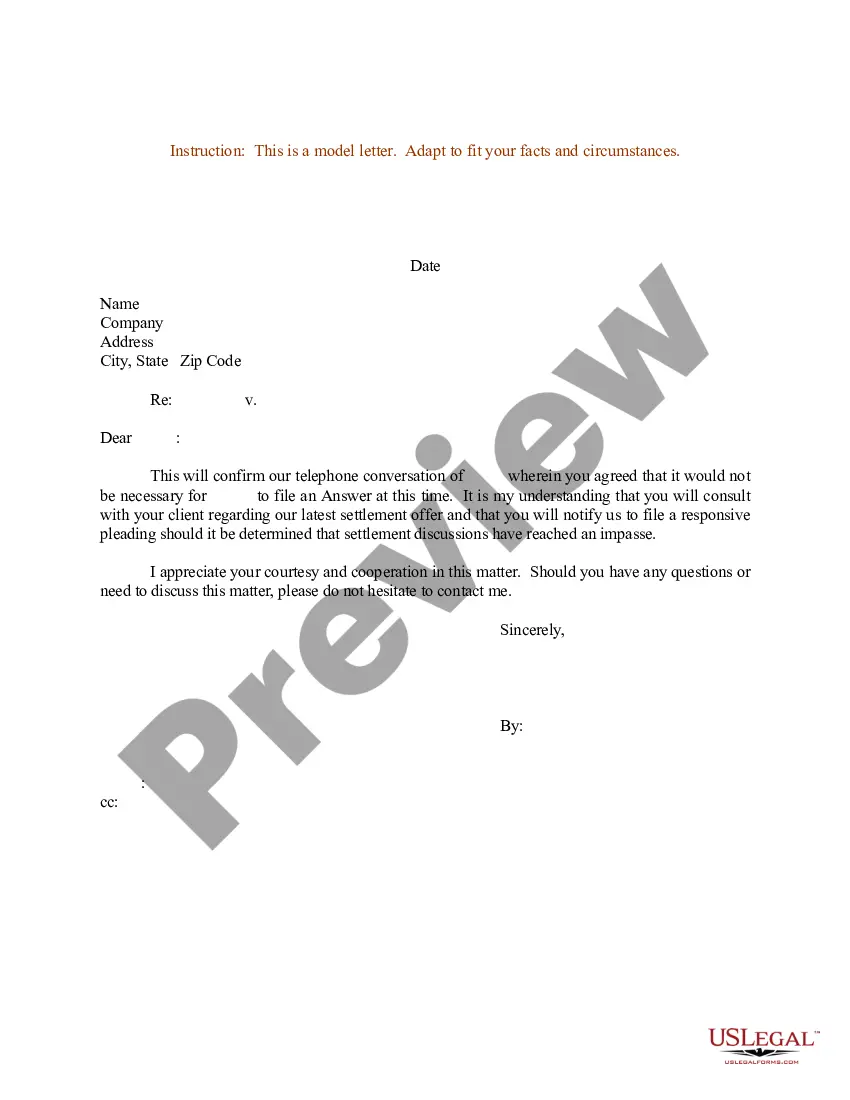
Get your form ready online
Our built-in tools help you complete, sign, share, and store your documents in one place.
Make edits, fill in missing information, and update formatting in US Legal Forms—just like you would in MS Word.
Download a copy, print it, send it by email, or mail it via USPS—whatever works best for your next step.
Sign and collect signatures with our SignNow integration. Send to multiple recipients, set reminders, and more. Go Premium to unlock E-Sign.
If this form requires notarization, complete it online through a secure video call—no need to meet a notary in person or wait for an appointment.
We protect your documents and personal data by following strict security and privacy standards.

Make edits, fill in missing information, and update formatting in US Legal Forms—just like you would in MS Word.

Download a copy, print it, send it by email, or mail it via USPS—whatever works best for your next step.

Sign and collect signatures with our SignNow integration. Send to multiple recipients, set reminders, and more. Go Premium to unlock E-Sign.

If this form requires notarization, complete it online through a secure video call—no need to meet a notary in person or wait for an appointment.

We protect your documents and personal data by following strict security and privacy standards.
Looking for another form?










Form popularity
FAQ
Call the IRS Business and Specialty Tax Line at 1-800-829-4933. Request a copy of Form 147C (Confirmation of EIN) from the IRS representative. Verify your identity and the ownership of the entity associated with the EIN during the call.
Step by Step: How to Apply for an EIN Go to the IRS website. Identify the legal and tax structure of your business entity. If your business is an LLC, provide information about the members. State why you are requesting an EIN. Identify and describe a contact person for the business. Provide the business' location.
The IRS sends out an EIN confirmation letter for every EIN application it processes. This EIN confirmation letter is called CP 575, and the IRS only mails the letter to the mailing address listed on line 4 of the SS-4 application. Unfortunately, you cannot get a copy of the IRS EIN confirmation letter online.
What you need Your business entity type. The Social Security number or taxpayer ID number of the responsible party in control of your business or organization. If you're a third-party designee, you must have signed authorization to apply.
Reference number 101 (sometimes referred to as an error code) means that the IRS system already has a business entity with a name that is either too similar to or the same as your entity's name. You'll probably need to fax in your application instead, but first follow the instructions below.
Find a previously filed tax return for your existing entity (if you have filed a return) for which you have your lost or misplaced EIN. Your previously filed return should be notated with your EIN. Ask the IRS to search for your EIN by calling the Business & Specialty Tax Line at 800-829-4933.
For trusts, the responsible party is a grantor, owner, or trustor. For decedent estates, the responsible party is the executor, administrator, personal representative, or other fiduciary.
People who apply online through the IRS website won't need to check their application status because they'll receive their EIN instantly. If you applied by fax through Clerky, you'll have access to a timeline showing where you are in the process of obtaining your startup's EIN.
How to find EIN of a private company Check your Form W-2. If you are an employee of the company, you will receive a W-2 form every year from them. Search government filings. Contact the company.
It's not a hard job to get an EIN confirmation letter even if you lose initial EIN confirmation called (CP 575). You just need to contact IRS and ask for EIN confirmation letter called (C 147).