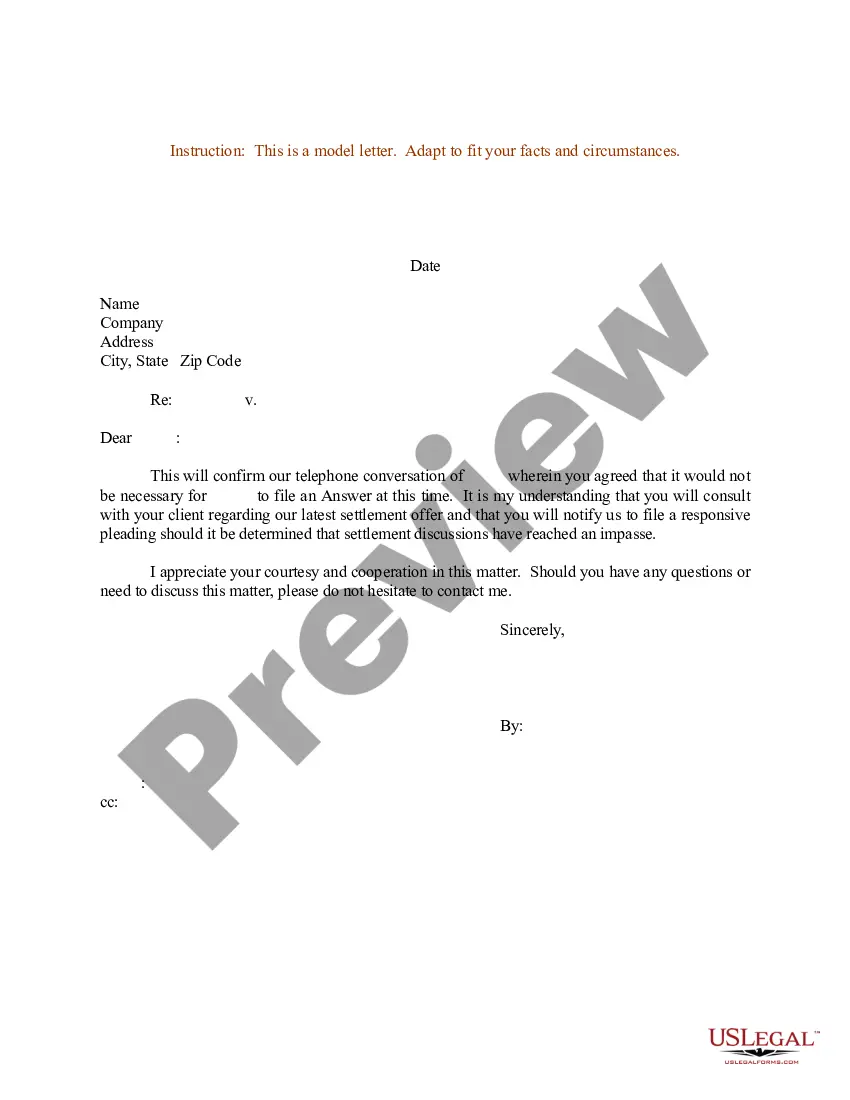
Confirmation Letter For Settlement In Alameda
Description




Get your form ready online
Our built-in tools help you complete, sign, share, and store your documents in one place.
Make edits, fill in missing information, and update formatting in US Legal Forms—just like you would in MS Word.
Download a copy, print it, send it by email, or mail it via USPS—whatever works best for your next step.
Sign and collect signatures with our SignNow integration. Send to multiple recipients, set reminders, and more. Go Premium to unlock E-Sign.
If this form requires notarization, complete it online through a secure video call—no need to meet a notary in person or wait for an appointment.
We protect your documents and personal data by following strict security and privacy standards.

Make edits, fill in missing information, and update formatting in US Legal Forms—just like you would in MS Word.

Download a copy, print it, send it by email, or mail it via USPS—whatever works best for your next step.

Sign and collect signatures with our SignNow integration. Send to multiple recipients, set reminders, and more. Go Premium to unlock E-Sign.

If this form requires notarization, complete it online through a secure video call—no need to meet a notary in person or wait for an appointment.

We protect your documents and personal data by following strict security and privacy standards.
Looking for another form?





Form popularity
FAQ
The Arizona Judicial Branch offers the ability to eFile Civil/Tax and Family Law documents in Maricopa County through authorized Electronic Filing Service Providers (EFSPs). We encourage you to familiarize yourself with the below resources and attend a training session prior to eFiling in a Civil, Tax, or Family case.
A “Lead” document, is any filing that needs to be filed or issued through the Circuit Clerk's Office.
The lead document field is where you would upload the document/form/filing you are wanting to submit to the court. In general, if there is a filing code that matches the document you need to file, your document should be filed as a lead document. Only lead documents get a file stamp.
All notice documents (such as a Notice for Court Date, Notice of Motion) are Lead Documents. You can file more than one Lead Document at a time. o For example, you could have Lead Document 1: Notice of Motion; Lead Document 2: Motion for a Continuance; and Lead Document 3: Application for Waiver of Court Fees.
Superior Court of Alameda County.
The lead document field is where you would upload the document/form/filing you are wanting to submit to the court. In general, if there is a filing code that matches the document you need to file, your document should be filed as a lead document. Only lead documents get a file stamp.