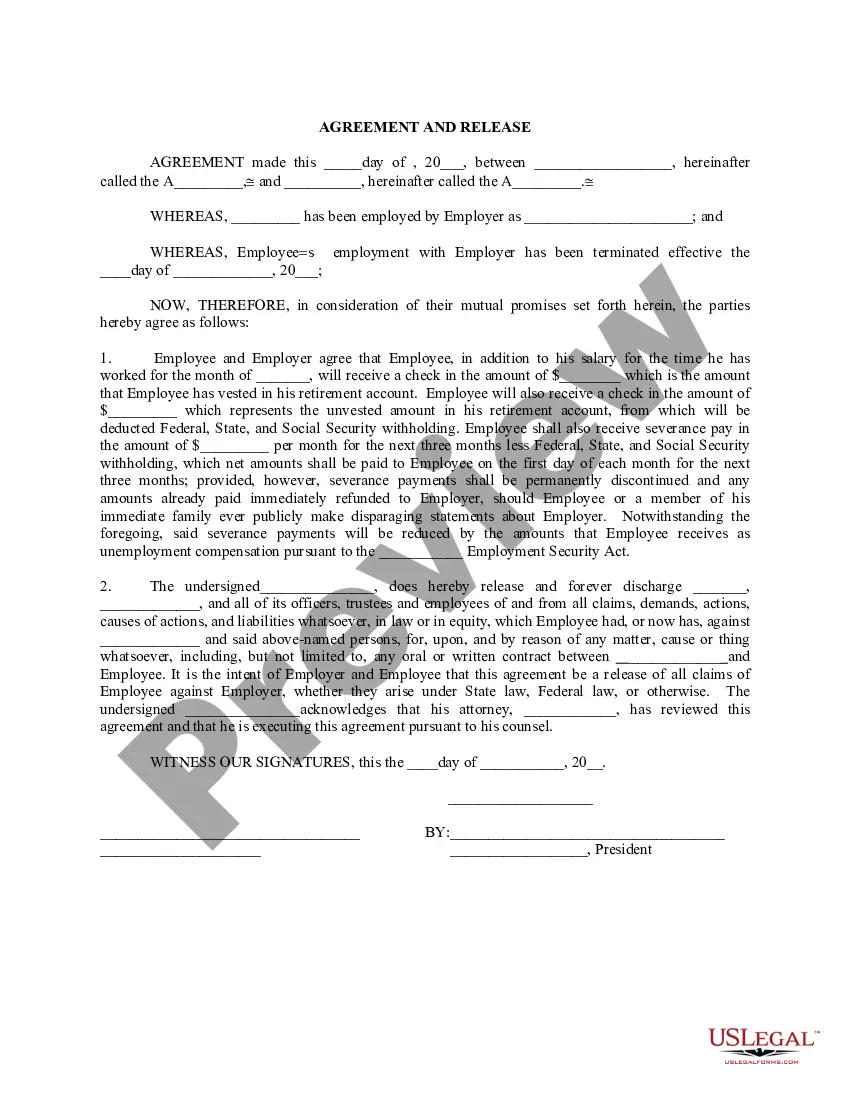
Employer Withholding Severance In Contra Costa
Description

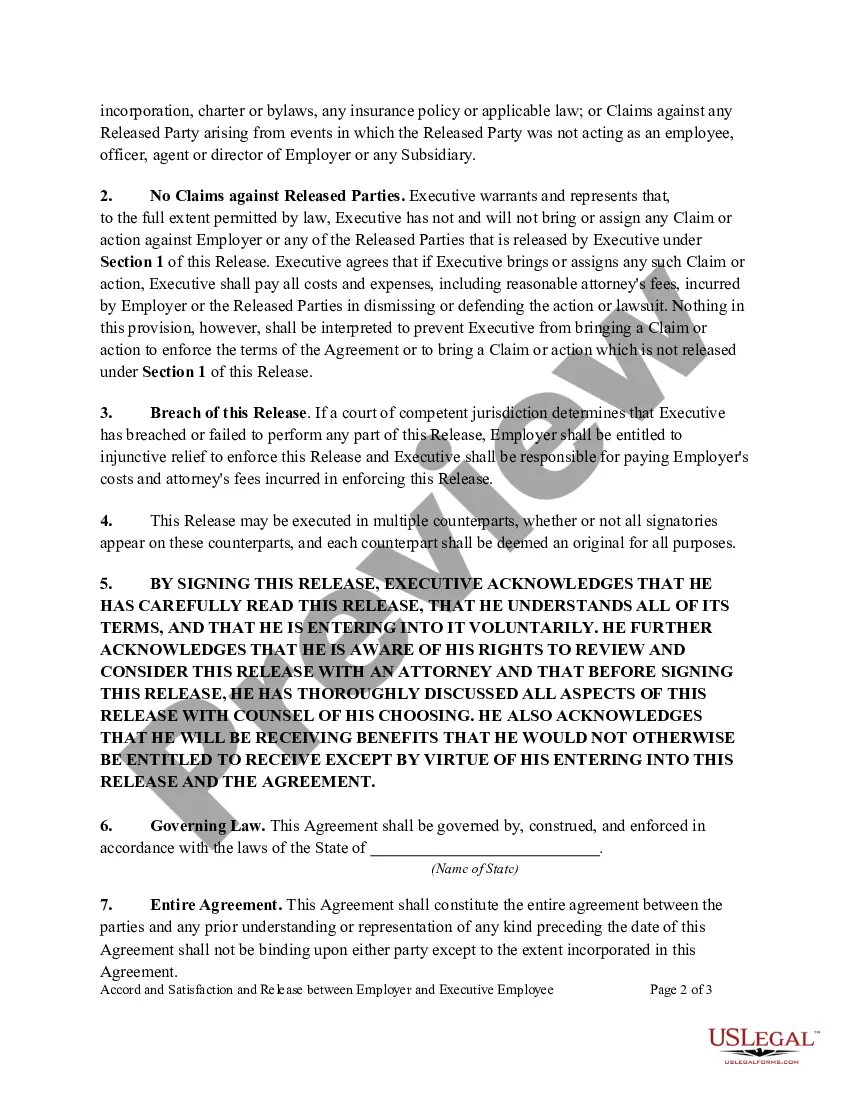
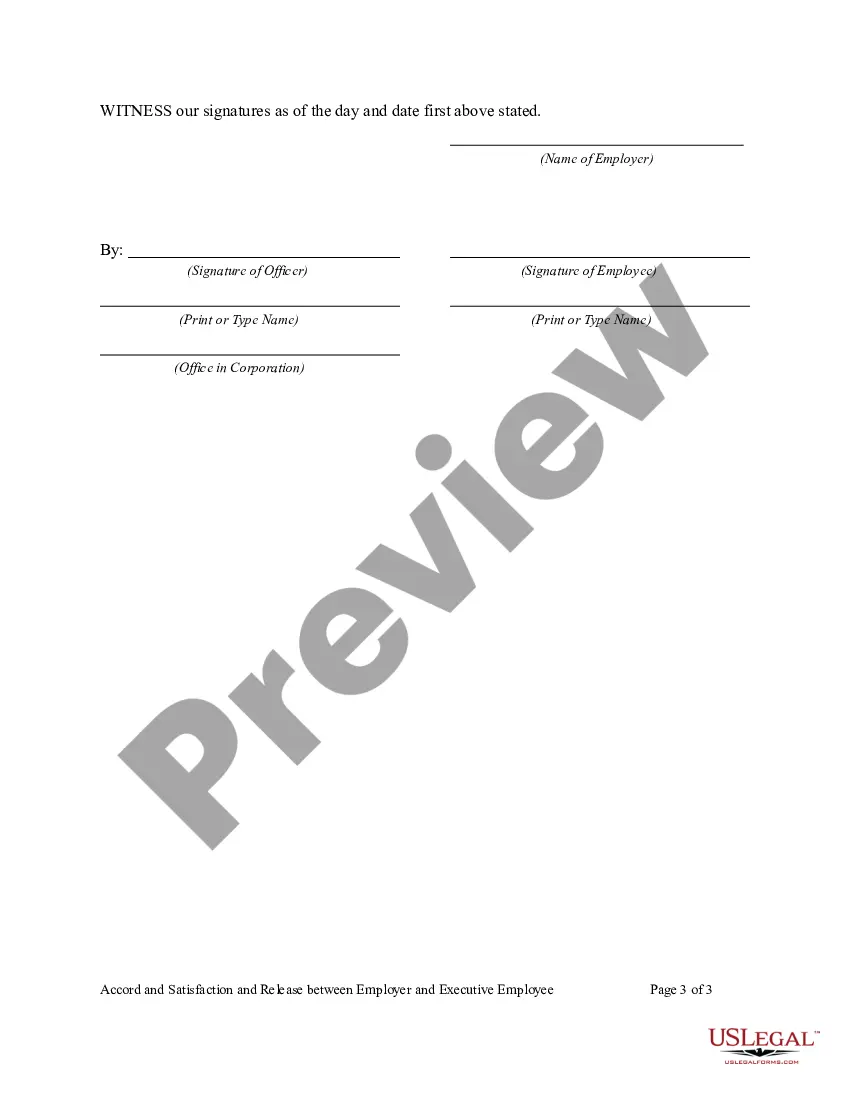
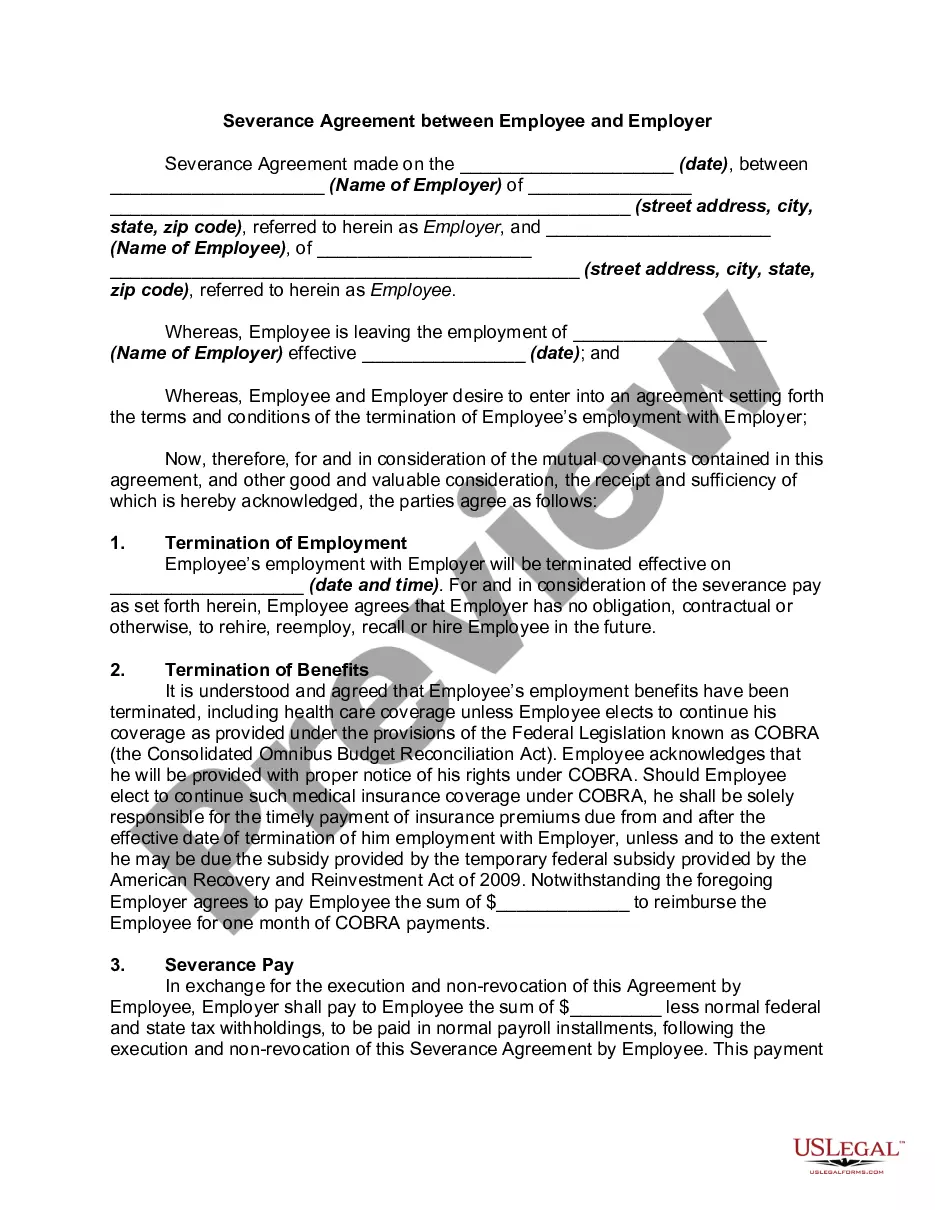
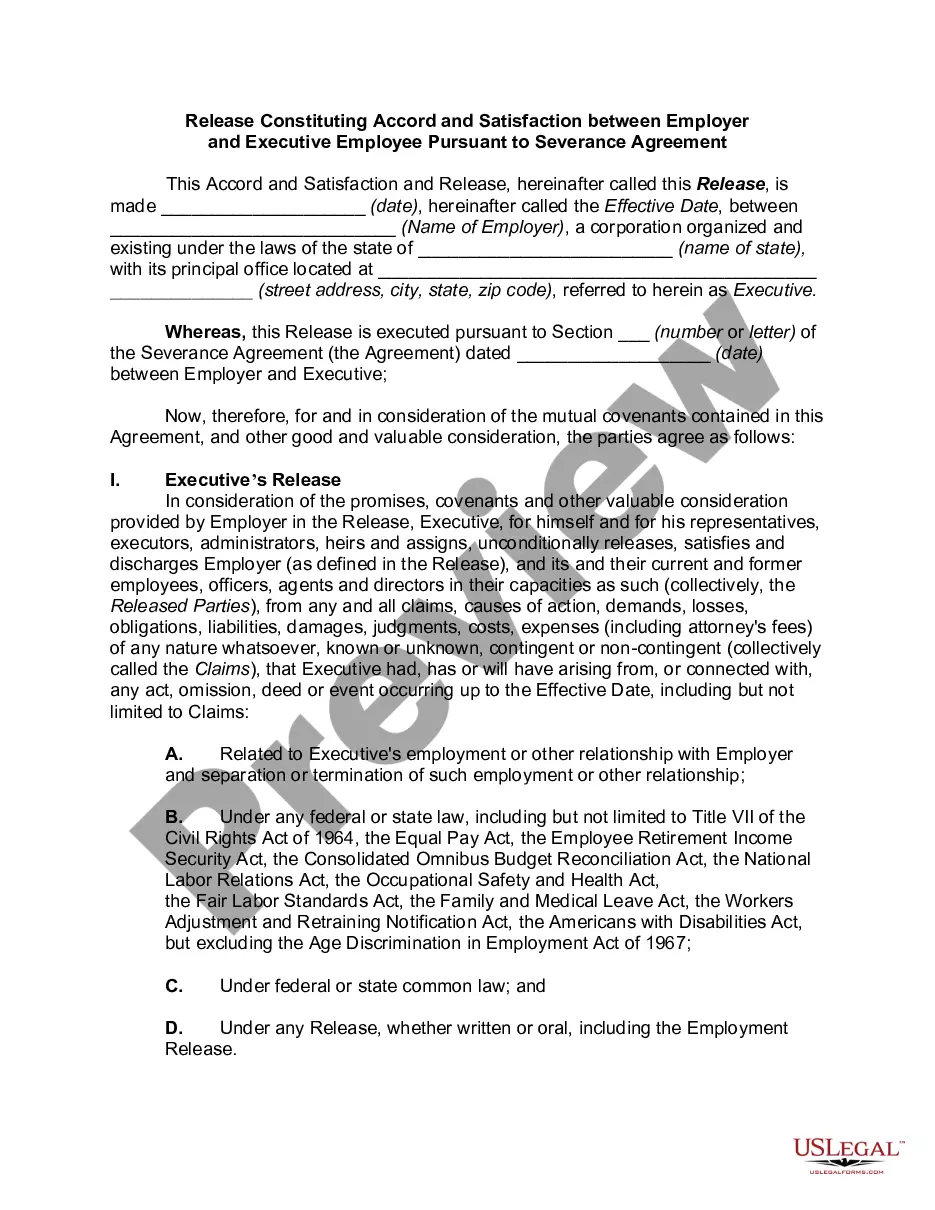
Get your form ready online
Our built-in tools help you complete, sign, share, and store your documents in one place.
Make edits, fill in missing information, and update formatting in US Legal Forms—just like you would in MS Word.
Download a copy, print it, send it by email, or mail it via USPS—whatever works best for your next step.
Sign and collect signatures with our SignNow integration. Send to multiple recipients, set reminders, and more. Go Premium to unlock E-Sign.
If this form requires notarization, complete it online through a secure video call—no need to meet a notary in person or wait for an appointment.
We protect your documents and personal data by following strict security and privacy standards.

Make edits, fill in missing information, and update formatting in US Legal Forms—just like you would in MS Word.

Download a copy, print it, send it by email, or mail it via USPS—whatever works best for your next step.

Sign and collect signatures with our SignNow integration. Send to multiple recipients, set reminders, and more. Go Premium to unlock E-Sign.

If this form requires notarization, complete it online through a secure video call—no need to meet a notary in person or wait for an appointment.

We protect your documents and personal data by following strict security and privacy standards.
Looking for another form?

Form popularity
FAQ
While no mandate requires employers to provide severance under California law, SB 331, signed into law in October 2021, introduced important provisions: Time to Review: You have a minimum of five days to review the severance agreement.
Complete California State DE-4 Form Select Form DE-4 tab. Review your Full Name and Home Address. Select your Filing Status. Enter the Number of allowances you wish to claim in Section 1. Enter any Additional amount you want withheld from each paycheck in Section 2.
Update your state tax withholding elections Sign in to Gusto. Click My profile. Go to the Taxes section. In the applicable “State” card, click Edit. Enter your state filing status. Fill out the remaining fields. Click Save.