Installment Agreement With Irs Online In Fairfax
Description

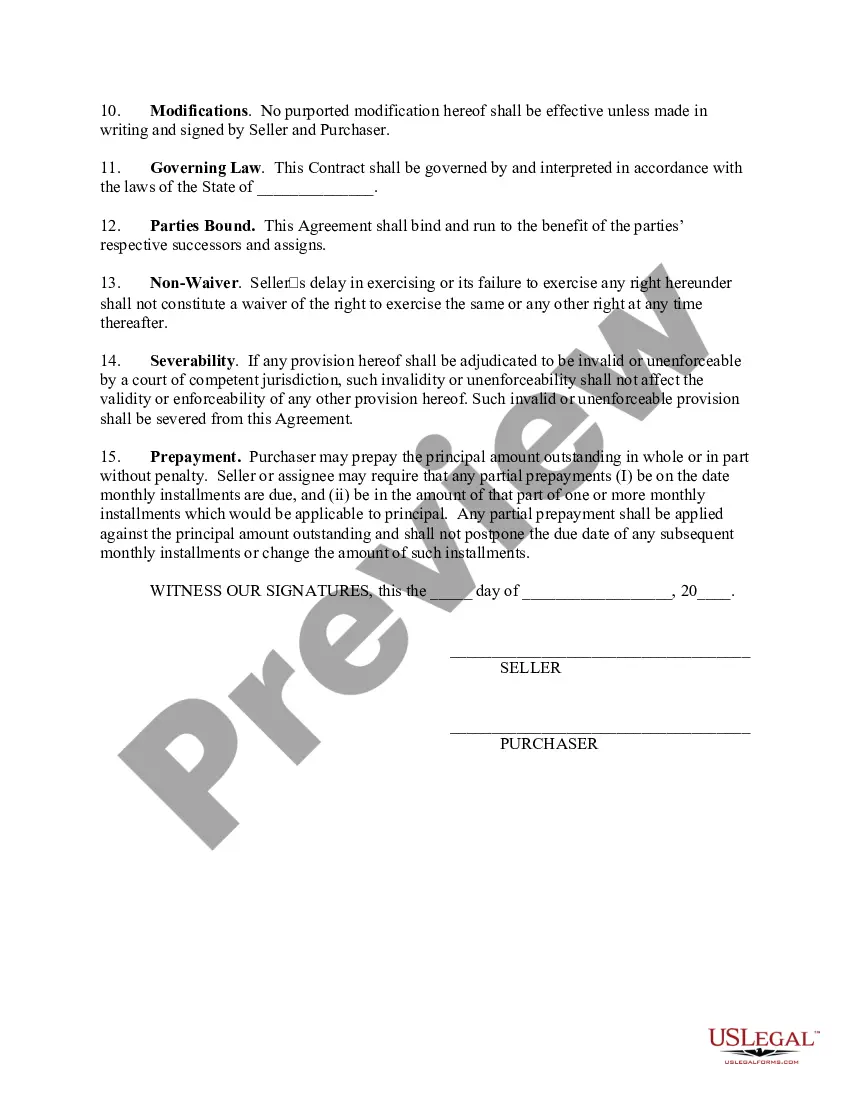
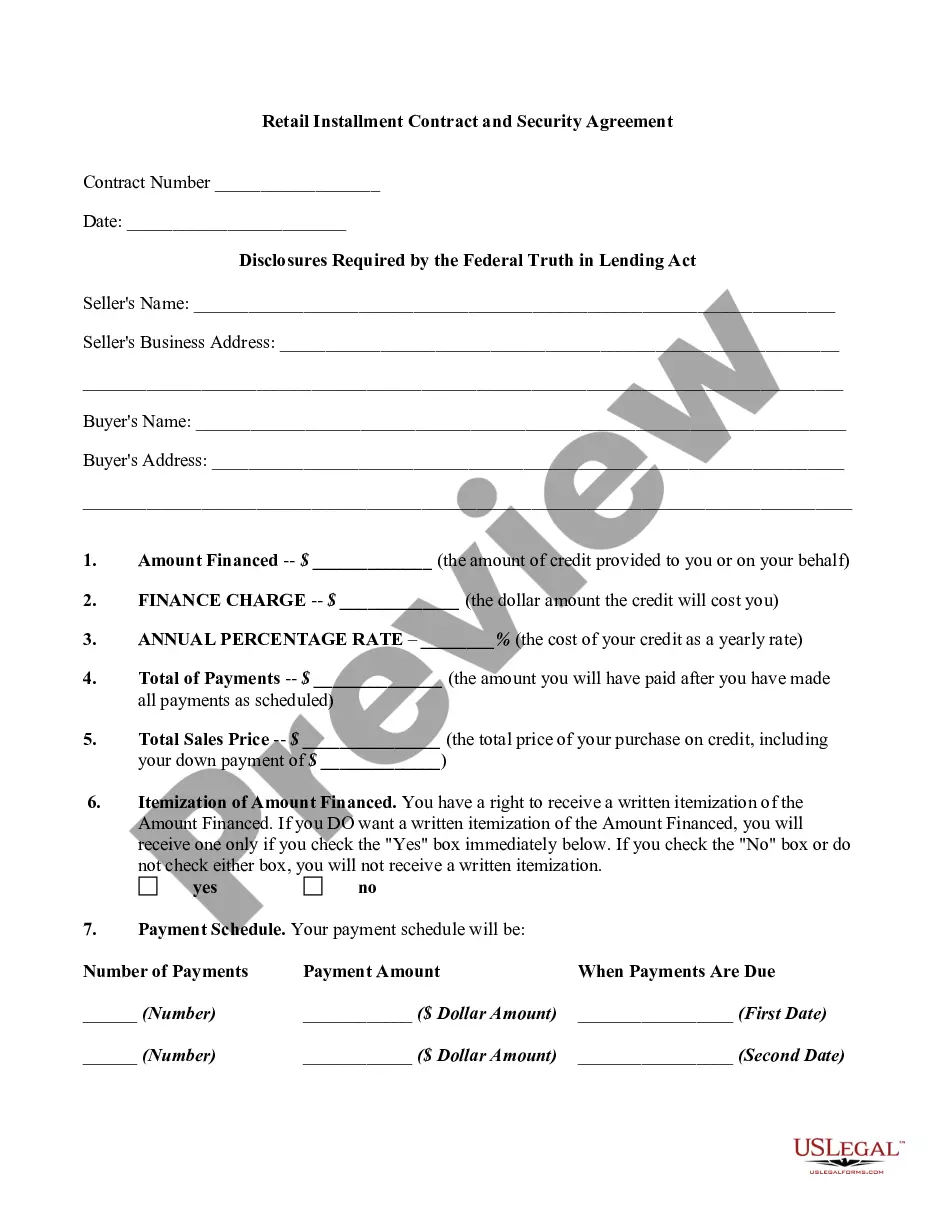
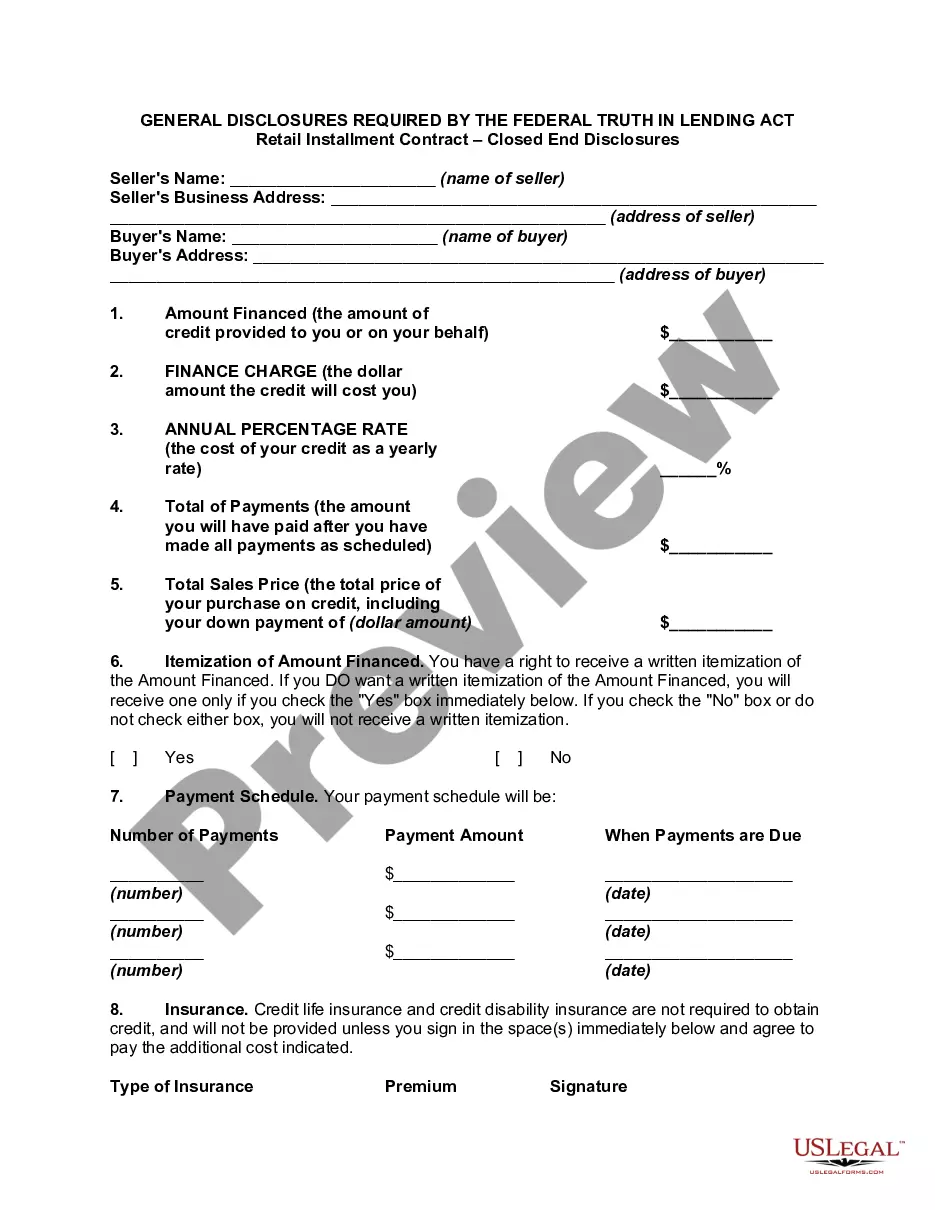
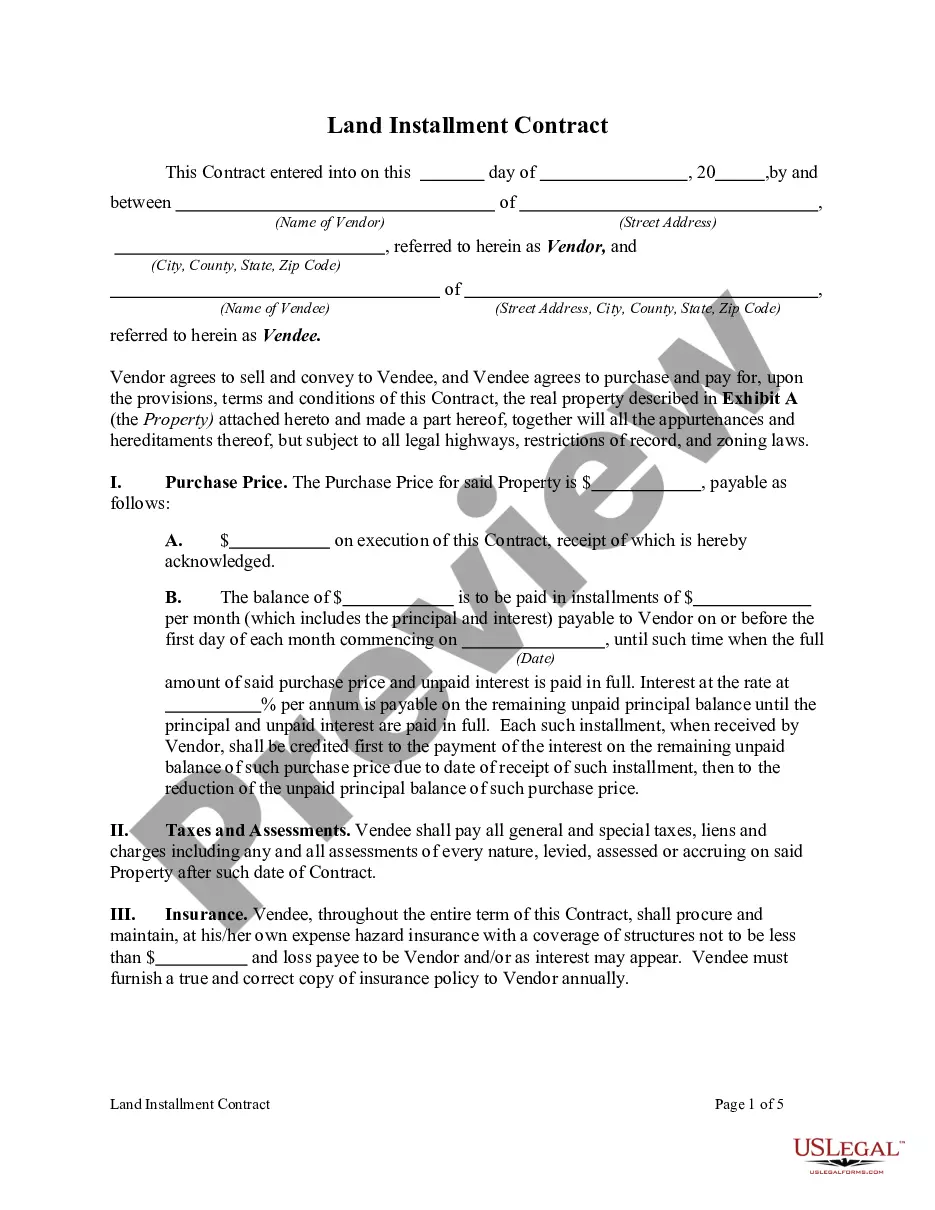
Get your form ready online
Our built-in tools help you complete, sign, share, and store your documents in one place.
Make edits, fill in missing information, and update formatting in US Legal Forms—just like you would in MS Word.
Download a copy, print it, send it by email, or mail it via USPS—whatever works best for your next step.
Sign and collect signatures with our SignNow integration. Send to multiple recipients, set reminders, and more. Go Premium to unlock E-Sign.
If this form requires notarization, complete it online through a secure video call—no need to meet a notary in person or wait for an appointment.
We protect your documents and personal data by following strict security and privacy standards.

Make edits, fill in missing information, and update formatting in US Legal Forms—just like you would in MS Word.

Download a copy, print it, send it by email, or mail it via USPS—whatever works best for your next step.

Sign and collect signatures with our SignNow integration. Send to multiple recipients, set reminders, and more. Go Premium to unlock E-Sign.

If this form requires notarization, complete it online through a secure video call—no need to meet a notary in person or wait for an appointment.

We protect your documents and personal data by following strict security and privacy standards.
Looking for another form?







Form popularity
FAQ
After an installment agreement is approved, you may submit a request to modify or terminate your installment agreement. You may modify your payment amount or due date by going to IRS/OPA. You may also call 800-829-1040 to modify or terminate your agreement.
You will need to create an IRS Online Account, and then you can apply for a payment plan online without needing to call, mail, or visit the IRS. You will need a photo identification to create your account. If you are applying for a direct debit payment plan, you will need your bank routing and account numbers.
With an IRS Online Account, you can apply for a Simple Payment Plan and set up a direct debit or other payment methods, without needing to call, mail, or visit the IRS. If unable to apply for a Simple Payment Plan online, see Tax Topic 202 for other options to submit a payment plan.
You will need to create an IRS Online Account, and then you can apply for a payment plan online without needing to call, mail, or visit the IRS. You will need a photo identification to create your account. If you are applying for a direct debit payment plan, you will need your bank routing and account numbers.
To request an installment agreement, the taxpayer must complete Form 9465. Form 9465 can be included electronically with an e-filed return or paper-filed.
If you choose to mail in your payment(s), I recommend mailing your payment via certified return receipt or priority mail so that you can track it and have a written confirmation of the date and time the agency received your payment.
Essentially, Form 9465 is a request form used to apply for a payment plan, and Form 433-D is the direct debit installment agreement form that is used to establish the actual agreement once the IRS has approved the payment plan. 433 d form allows the IRS to take payments directly from a taxpayer's bank account.
If you owe more than $50,000, you will need to send in your 9465 by mail. When you file your taxes, simply attach this form to the front of your tax return. The form can also be submitted by itself, so you can conveniently file your taxes online and send this form separately.
You can send Form 9465 with the e-return, but the IRS must still approve the installment agreement form.
