Work Law Pay With Tax
Description

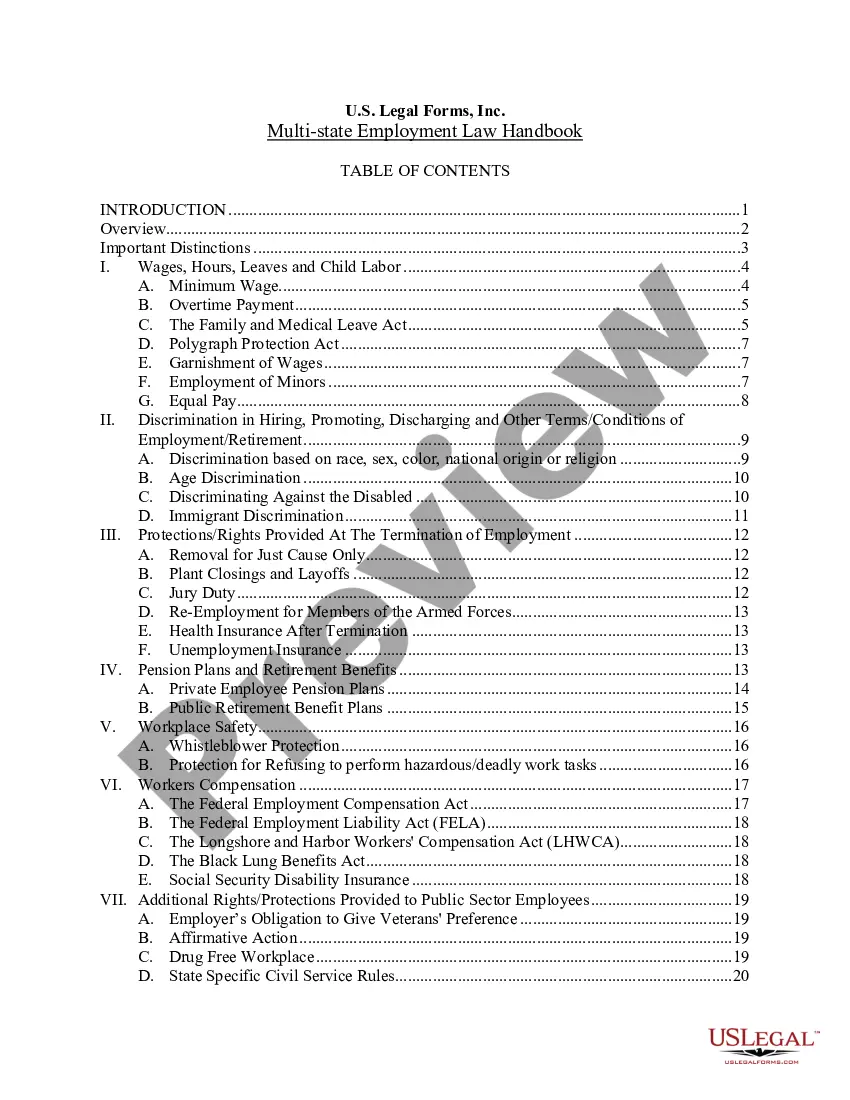


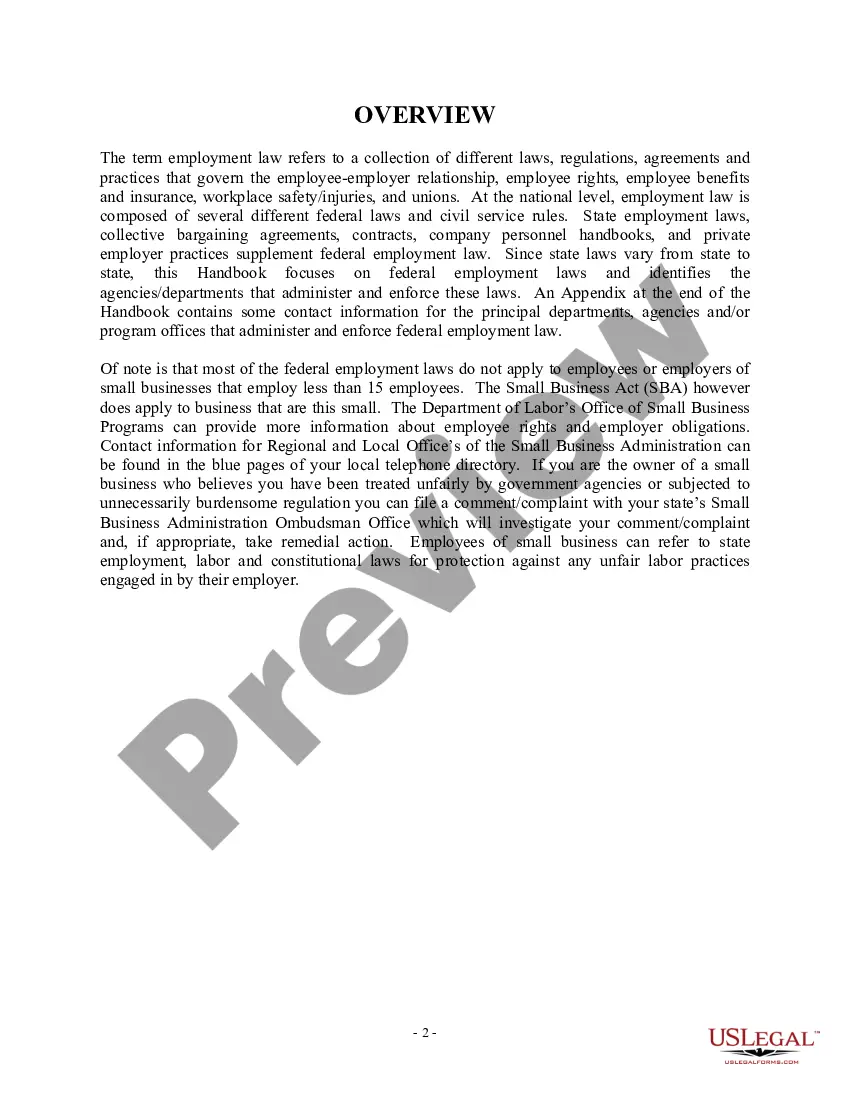
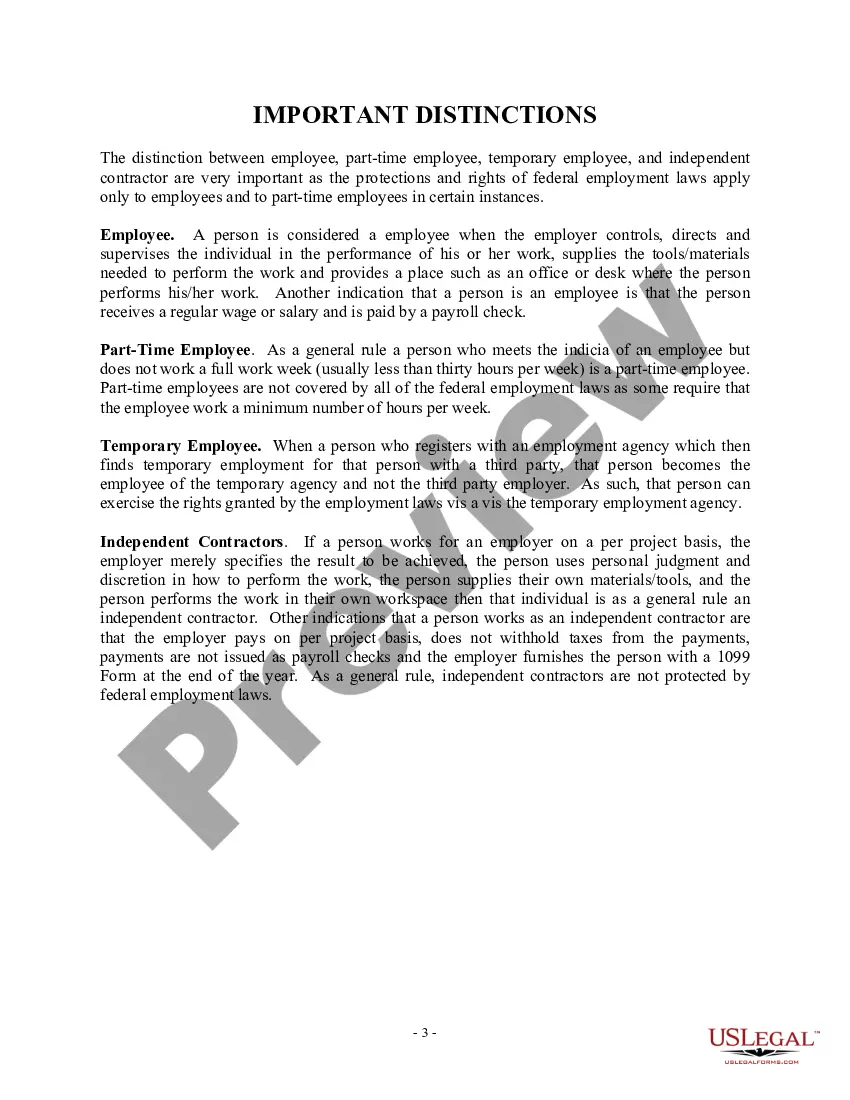
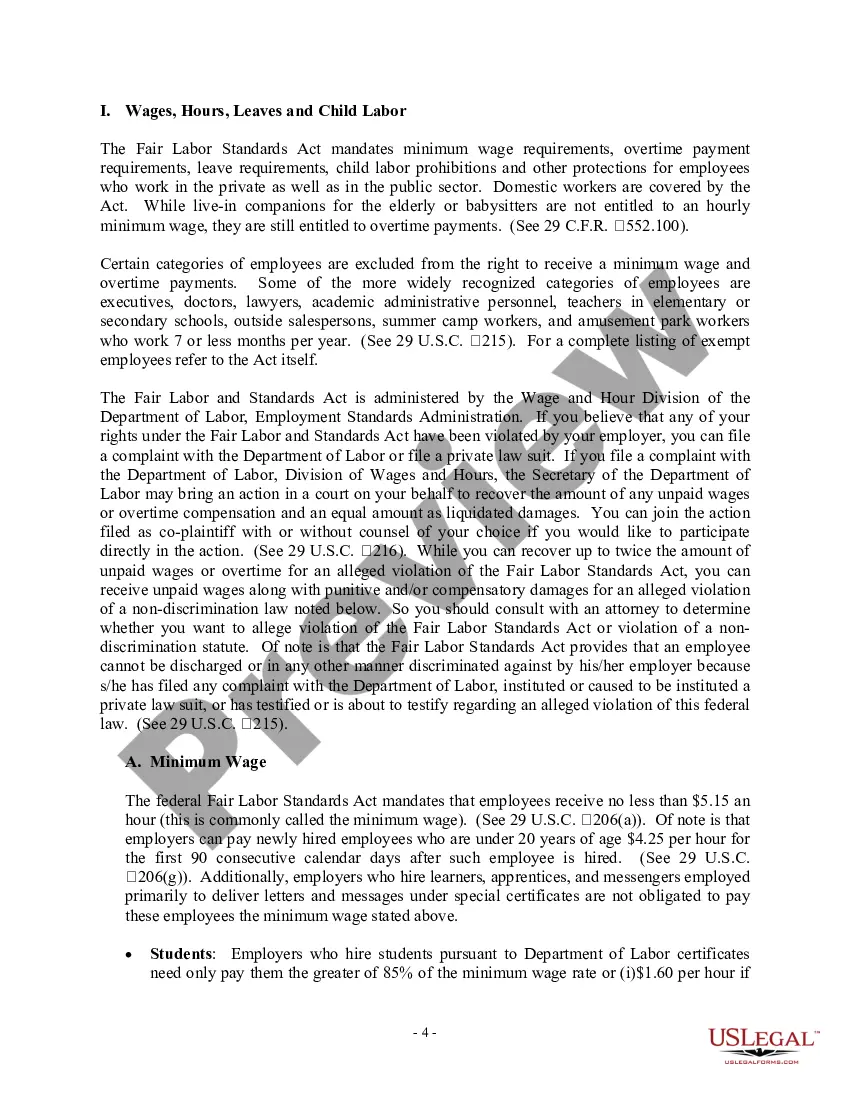





Get your form ready online
Our built-in tools help you complete, sign, share, and store your documents in one place.
Make edits, fill in missing information, and update formatting in US Legal Forms—just like you would in MS Word.
Download a copy, print it, send it by email, or mail it via USPS—whatever works best for your next step.
Sign and collect signatures with our SignNow integration. Send to multiple recipients, set reminders, and more. Go Premium to unlock E-Sign.
If this form requires notarization, complete it online through a secure video call—no need to meet a notary in person or wait for an appointment.
We protect your documents and personal data by following strict security and privacy standards.

Make edits, fill in missing information, and update formatting in US Legal Forms—just like you would in MS Word.

Download a copy, print it, send it by email, or mail it via USPS—whatever works best for your next step.

Sign and collect signatures with our SignNow integration. Send to multiple recipients, set reminders, and more. Go Premium to unlock E-Sign.

If this form requires notarization, complete it online through a secure video call—no need to meet a notary in person or wait for an appointment.

We protect your documents and personal data by following strict security and privacy standards.
Looking for another form?




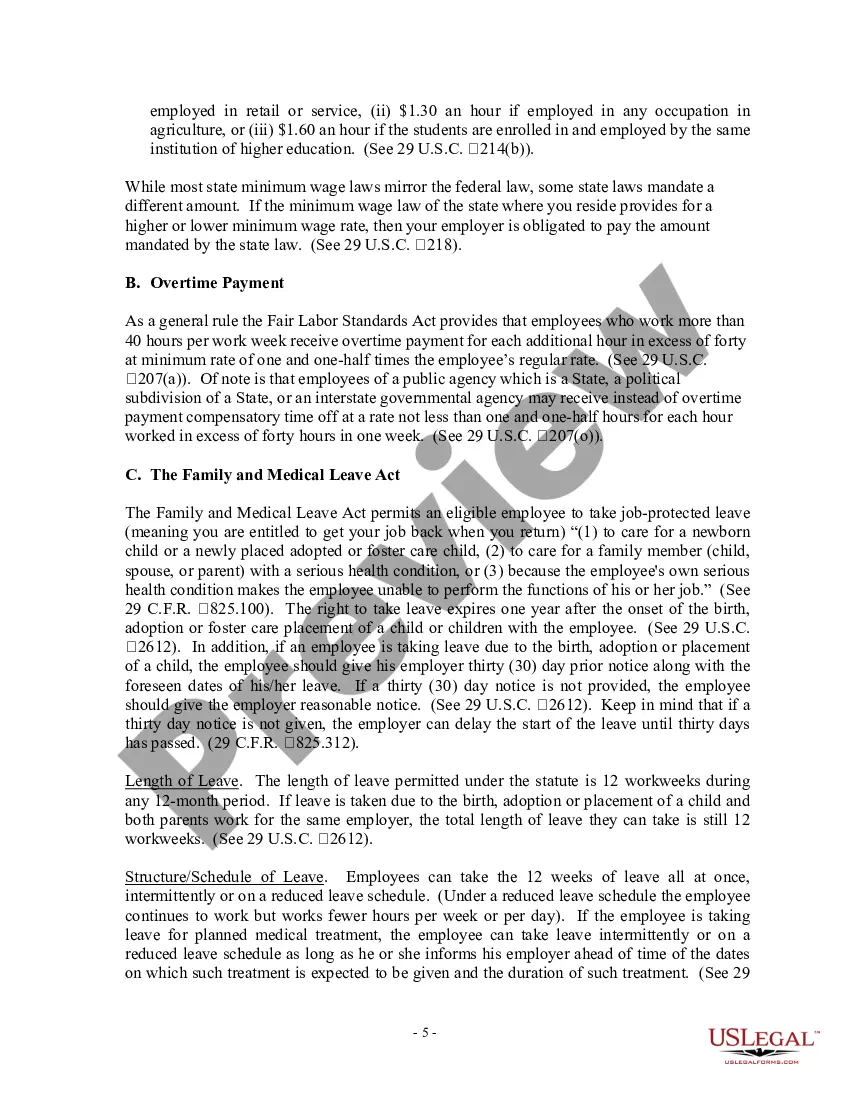
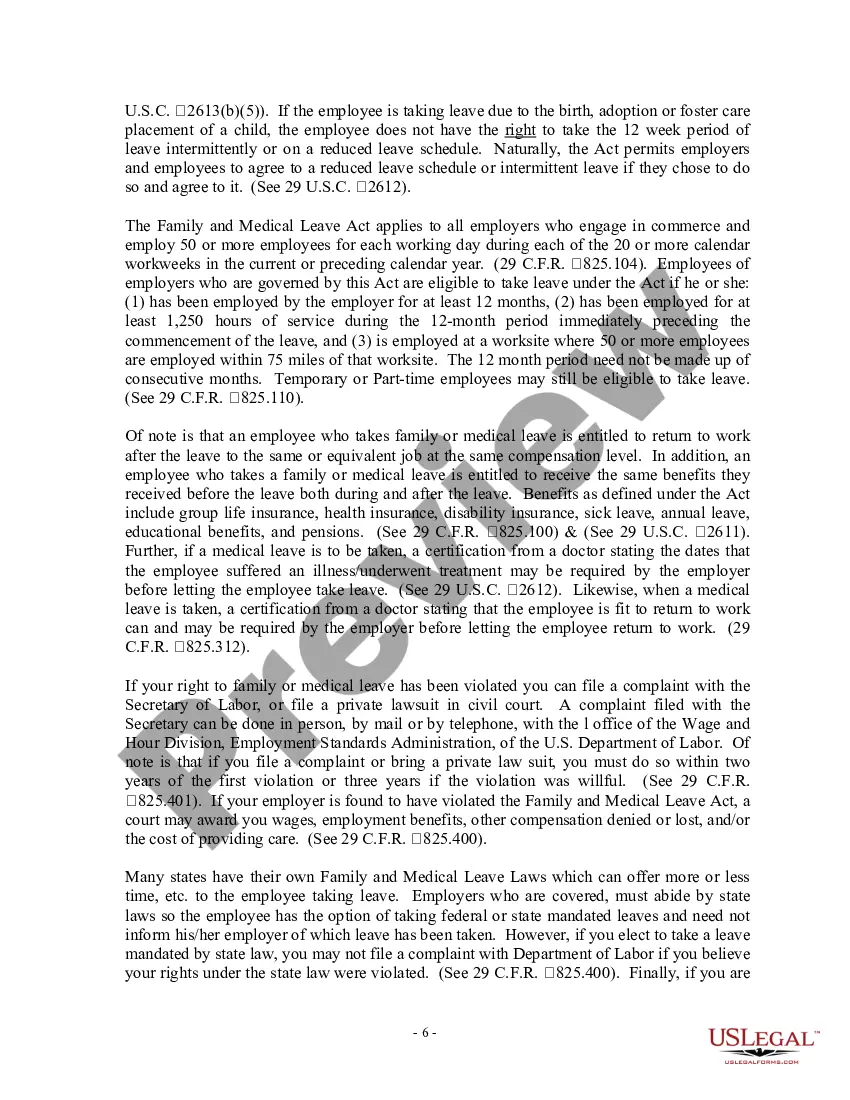
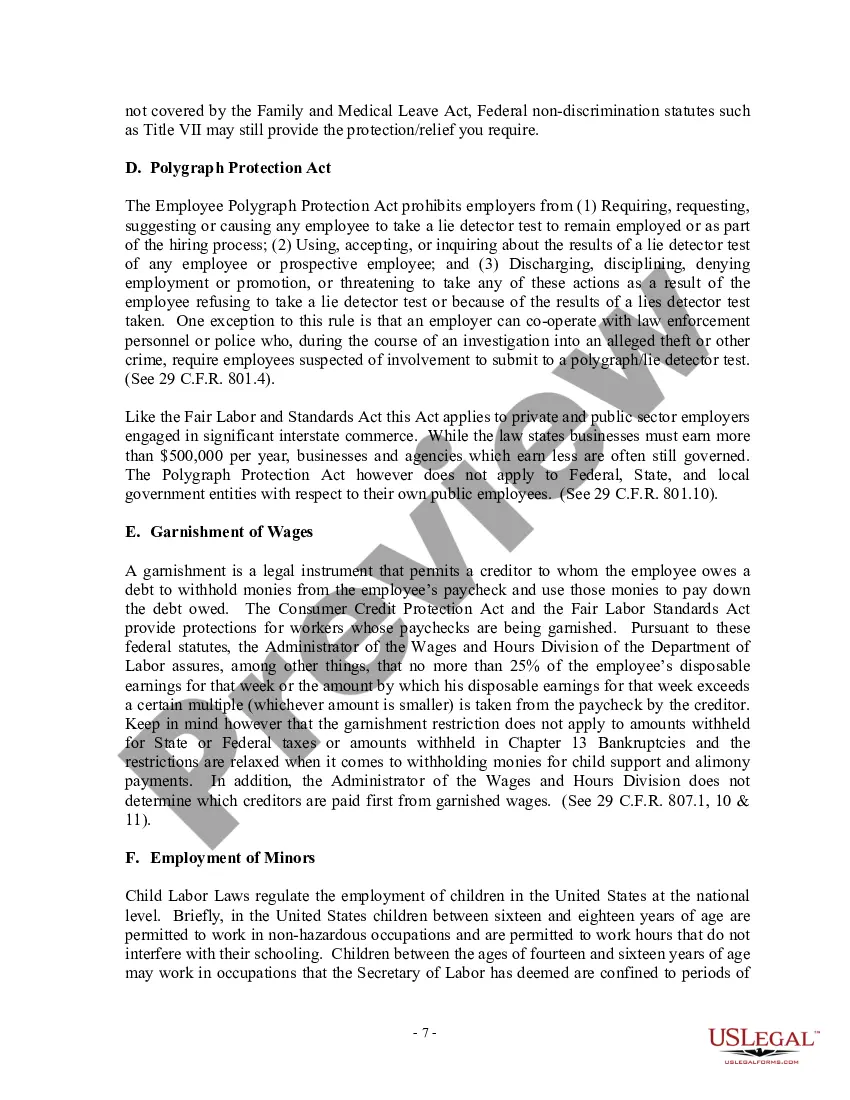
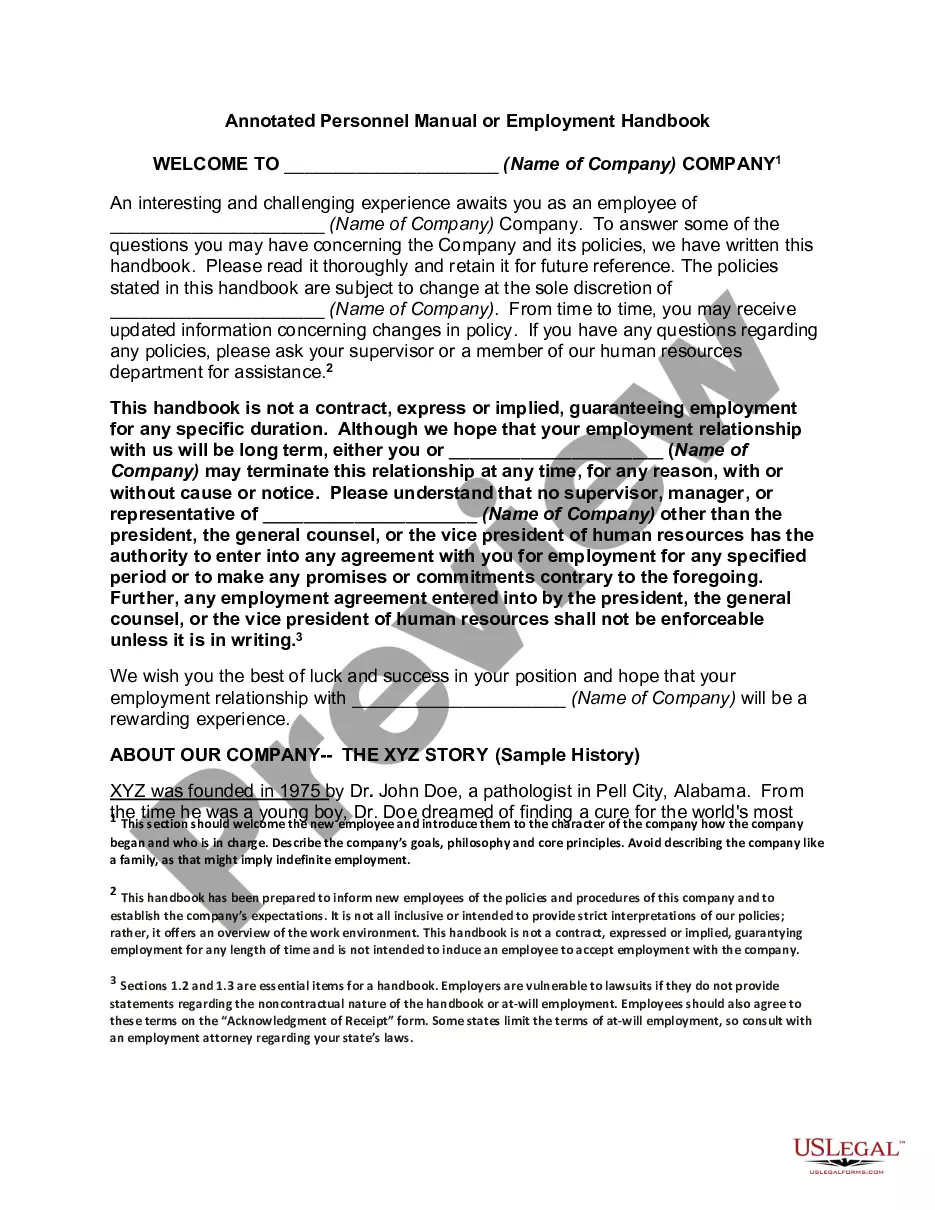
How to fill out USLF Multistate Employment Law Handbook - Guide?
Whether for business purposes or for individual affairs, everyone has to manage legal situations sooner or later in their life. Filling out legal paperwork requires careful attention, beginning from picking the correct form template. For instance, if you choose a wrong version of the Work Law Pay With Tax, it will be declined once you submit it. It is therefore important to have a dependable source of legal papers like US Legal Forms.
If you have to get a Work Law Pay With Tax template, stick to these easy steps:
- Get the template you need by using the search field or catalog navigation.
- Look through the form’s description to ensure it fits your case, state, and county.
- Click on the form’s preview to see it.
- If it is the incorrect form, get back to the search function to find the Work Law Pay With Tax sample you need.
- Download the template when it matches your needs.
- If you already have a US Legal Forms profile, click Log in to gain access to previously saved files in My Forms.
- In the event you do not have an account yet, you may obtain the form by clicking Buy now.
- Choose the appropriate pricing option.
- Complete the profile registration form.
- Select your payment method: you can use a bank card or PayPal account.
- Choose the document format you want and download the Work Law Pay With Tax.
- After it is saved, you are able to complete the form with the help of editing software or print it and finish it manually.
With a large US Legal Forms catalog at hand, you never need to spend time seeking for the right template across the web. Utilize the library’s straightforward navigation to get the appropriate template for any situation.
Form popularity
FAQ
How to fill out Form W-2 Box A: Employee's Social Security number. ... Box B: Employer Identification Number (EIN) ... Box C: Employer's name, address, and ZIP code. ... Box D: ... Boxes E and F: Employee's name, address, and ZIP code. ... Box 1: Wages, tips, other compensation. ... Box 2: Federal income tax withheld. ... Box 3: Social Security wages.
How to calculate and deduct taxes from a paycheck, step-by-step Obtain the employee's W-4 form. ... Calculate the employee's gross pay. ... Deduct pre-tax contributions. ... Calculate FICA taxes. ... Calculate federal income tax. ... Check your state's tax rules. ... Subtract any post-tax deductions. ... Calculate net pay.
How to fill out a 2023 W-4 form Step 1: Enter your personal information. Fill in your name, address, Social Security number and tax-filing status. ... Step 2: Account for multiple jobs. ... Step 3: Claim dependents, including children. ... Step 4: Refine your withholdings. ... Step 5: Sign and date your W-4.
By placing a ?0? on line 5, you are indicating that you want the most amount of tax taken out of your pay each pay period. If you wish to claim 1 for yourself instead, then less tax is taken out of your pay each pay period. 2. You can choose to have no taxes taken out of your tax and claim Exemption (see Example 2).
The federal government requires employers and employees to pay social security and Medicare taxes, based on a percentage of an employee's pay. Only the social security tax has an annual wage base limit. The wage base limit is the maximum wage that is subject to the tax for that year.