Employee Handbook For Daycare In Los Angeles
Description

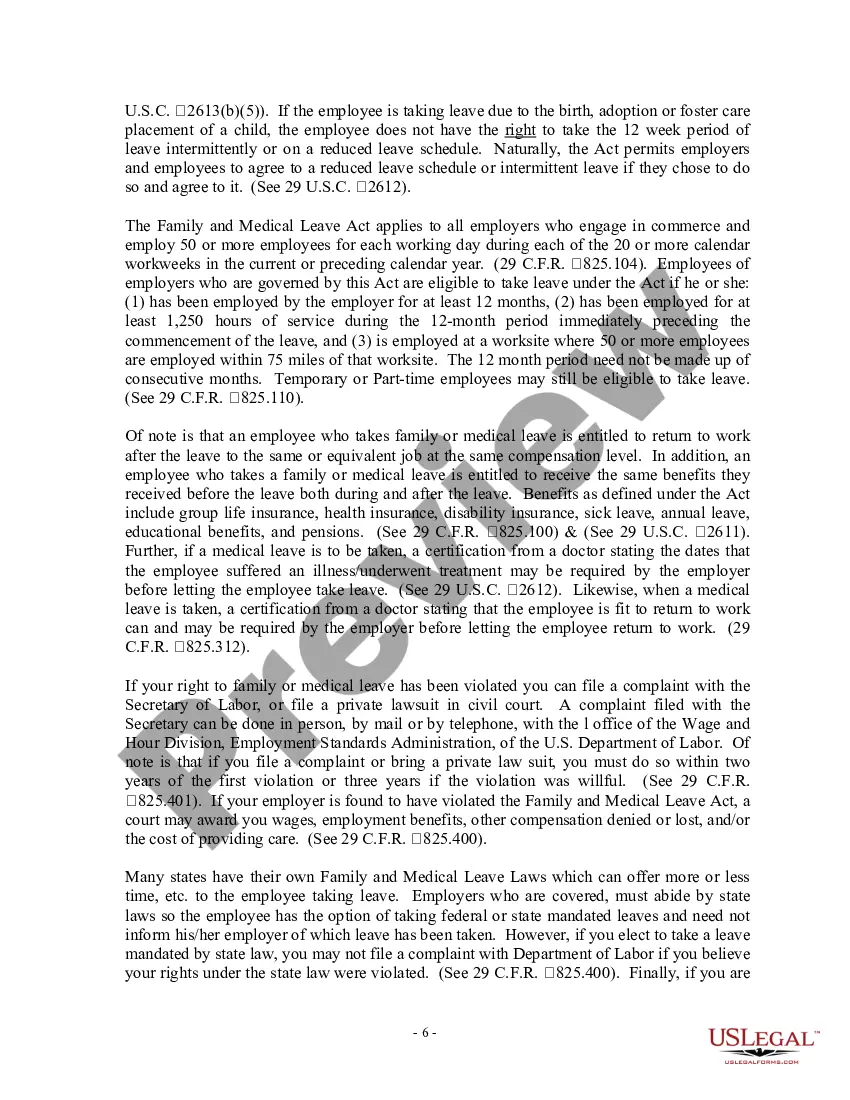
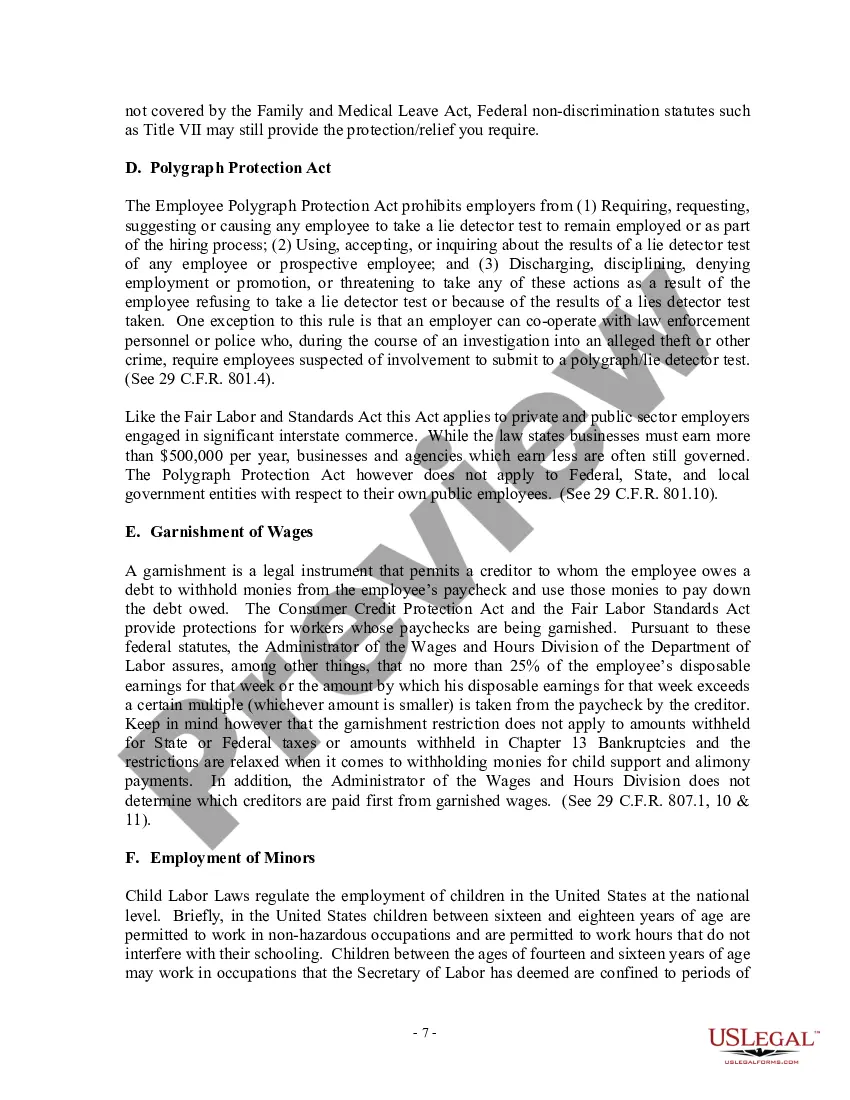



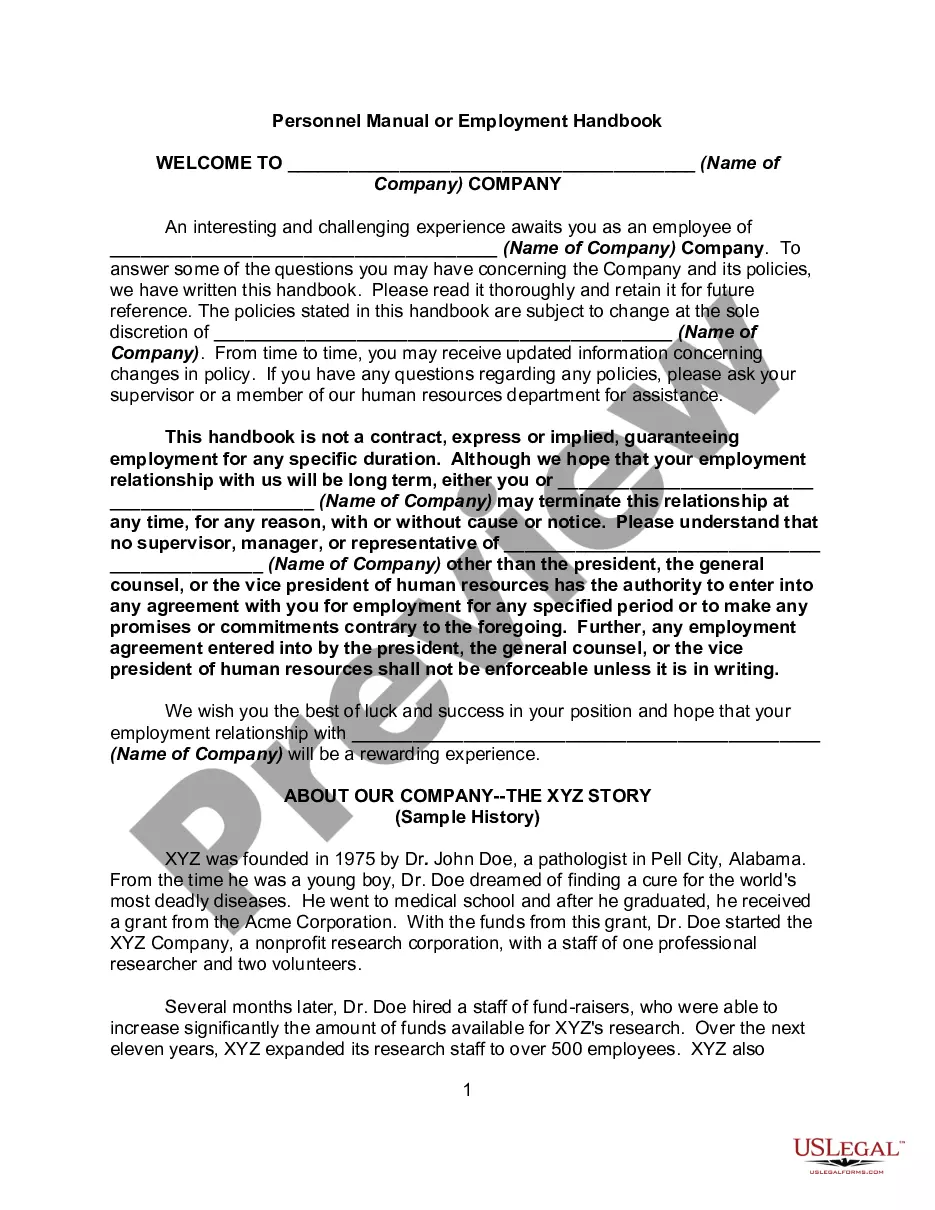
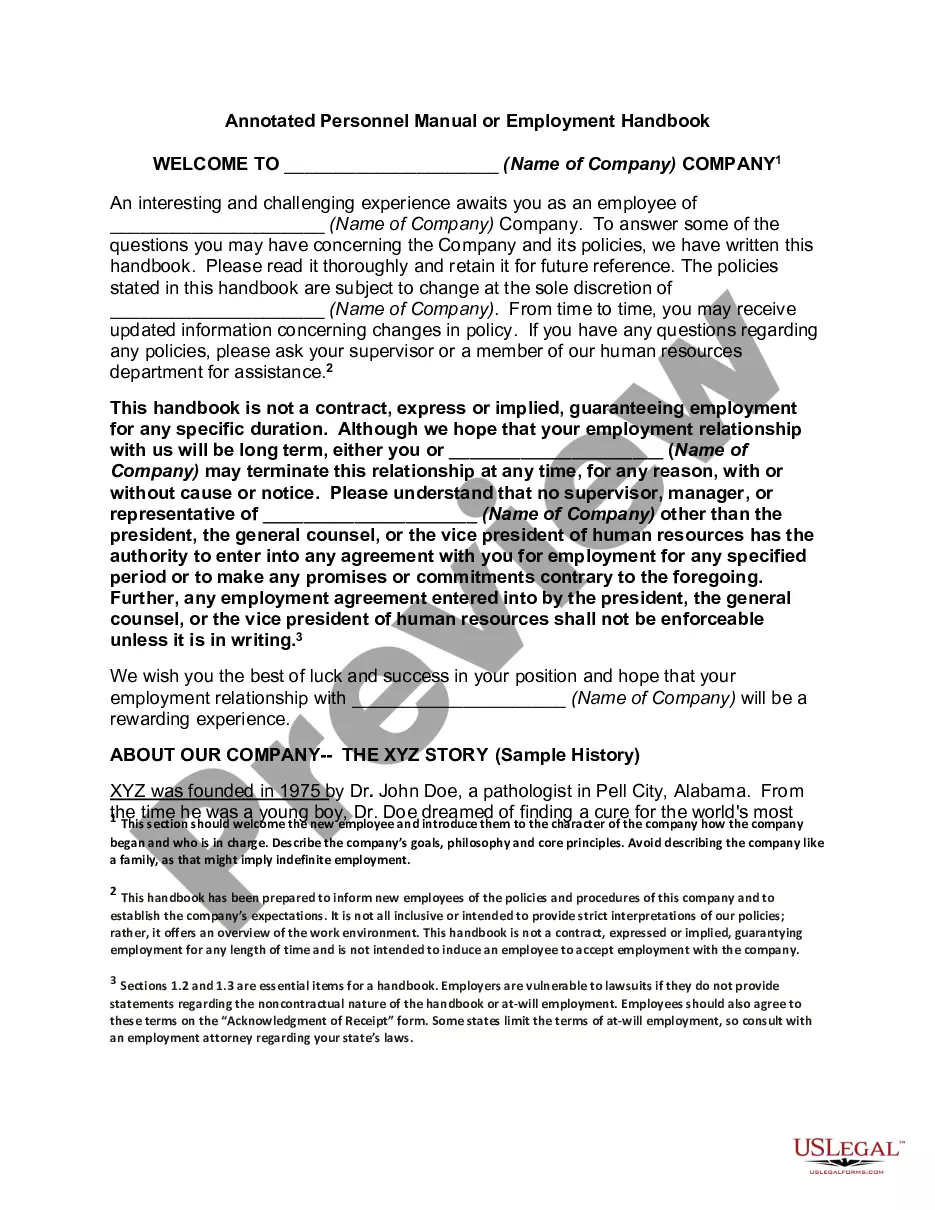
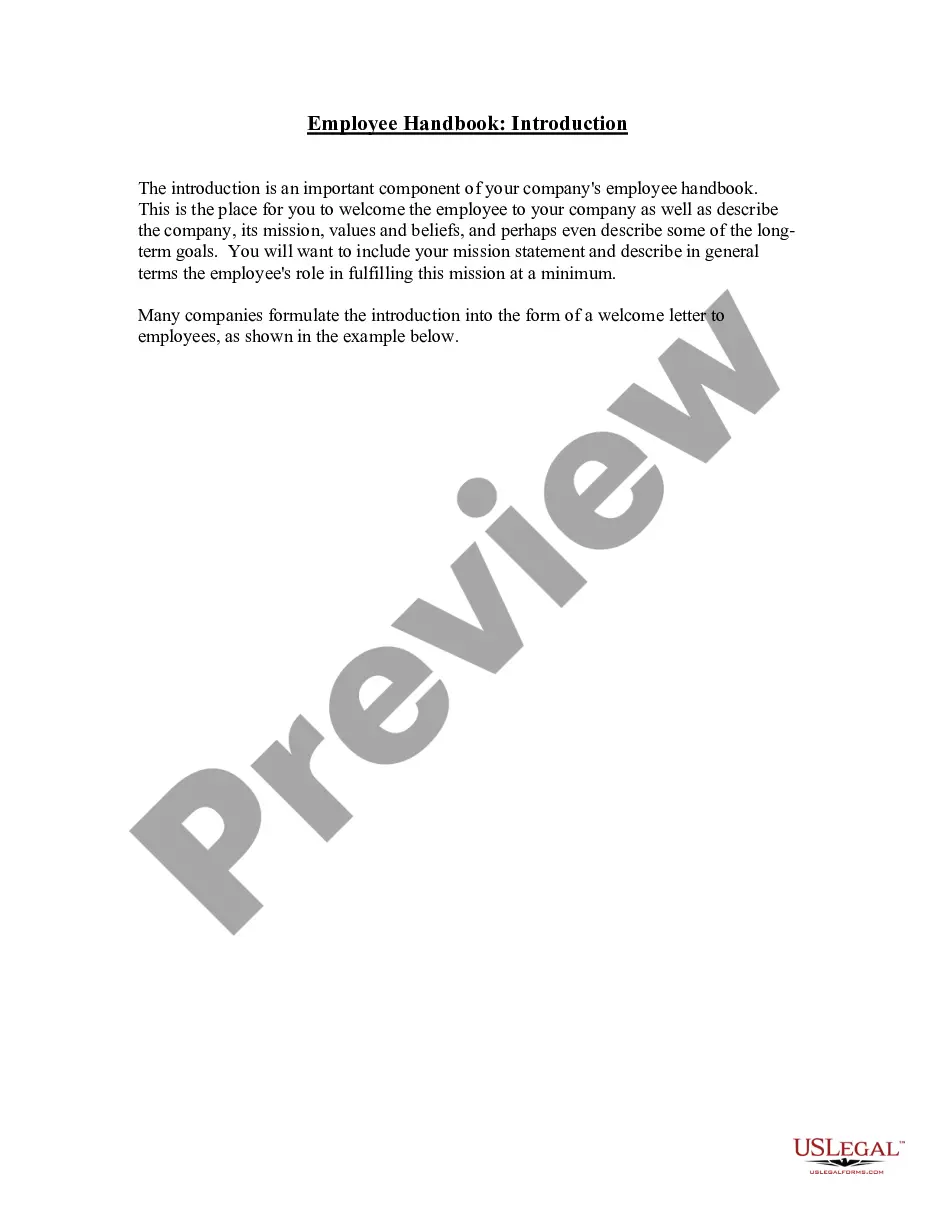
Get your form ready online
Our built-in tools help you complete, sign, share, and store your documents in one place.
Make edits, fill in missing information, and update formatting in US Legal Forms—just like you would in MS Word.
Download a copy, print it, send it by email, or mail it via USPS—whatever works best for your next step.
Sign and collect signatures with our SignNow integration. Send to multiple recipients, set reminders, and more. Go Premium to unlock E-Sign.
If this form requires notarization, complete it online through a secure video call—no need to meet a notary in person or wait for an appointment.
We protect your documents and personal data by following strict security and privacy standards.

Make edits, fill in missing information, and update formatting in US Legal Forms—just like you would in MS Word.

Download a copy, print it, send it by email, or mail it via USPS—whatever works best for your next step.

Sign and collect signatures with our SignNow integration. Send to multiple recipients, set reminders, and more. Go Premium to unlock E-Sign.

If this form requires notarization, complete it online through a secure video call—no need to meet a notary in person or wait for an appointment.

We protect your documents and personal data by following strict security and privacy standards.
Looking for another form?

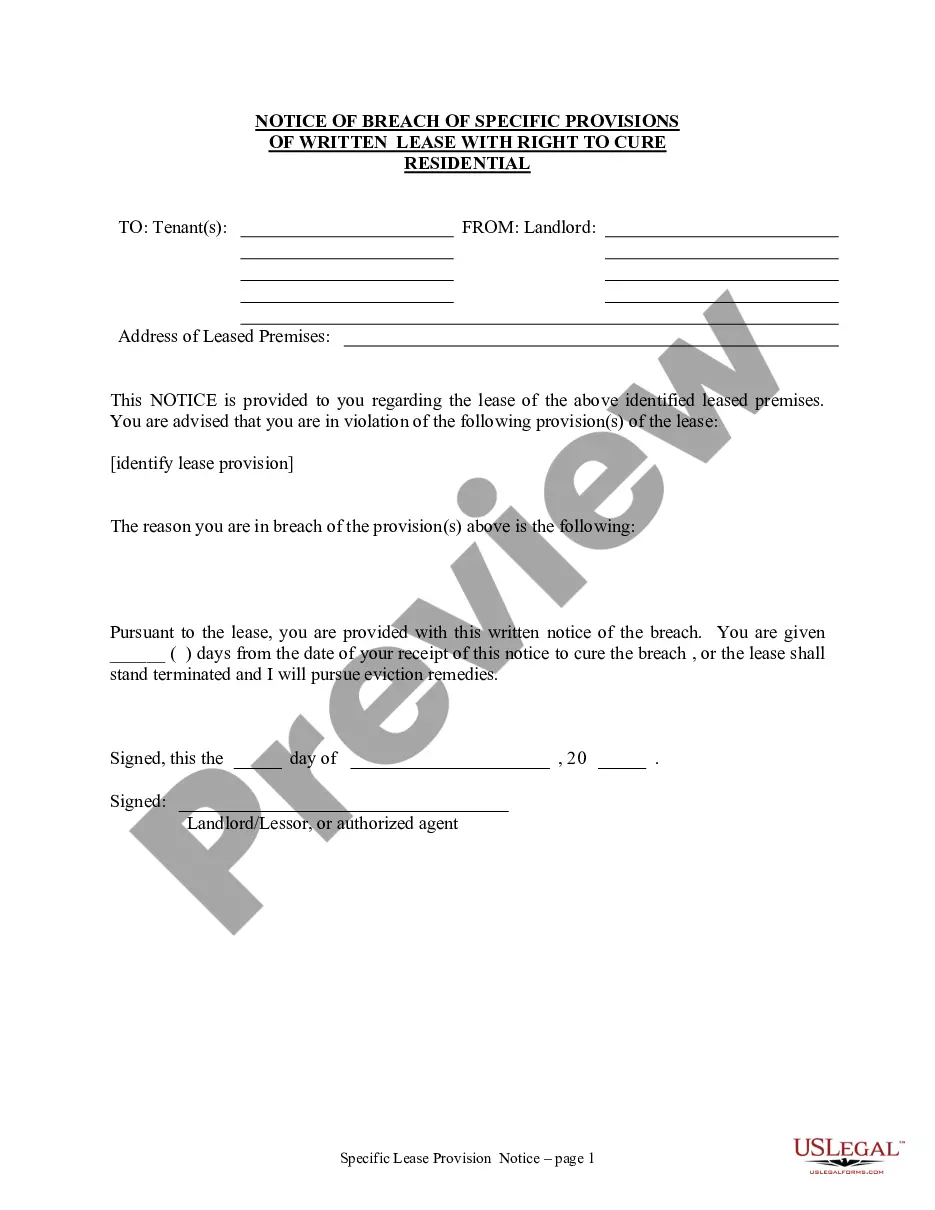
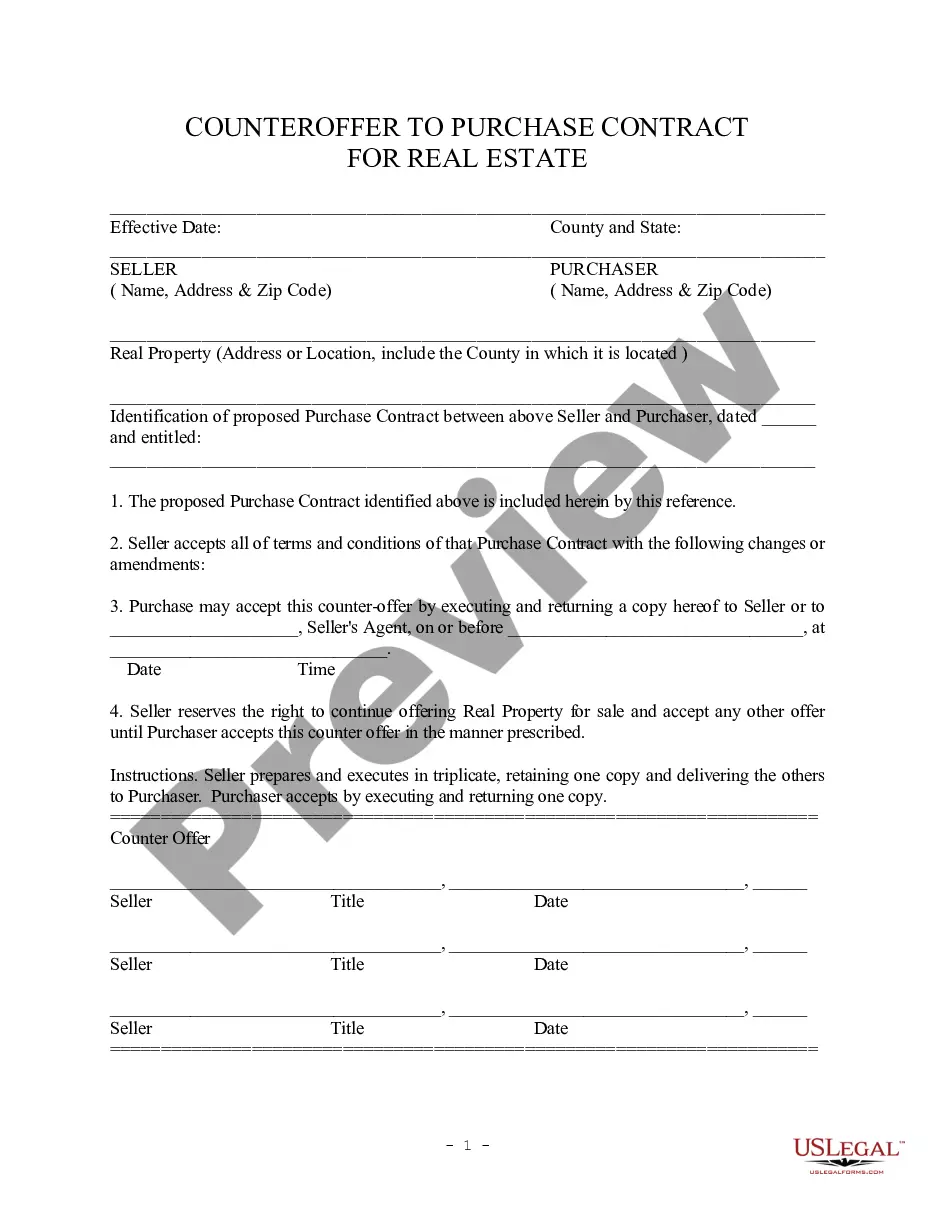
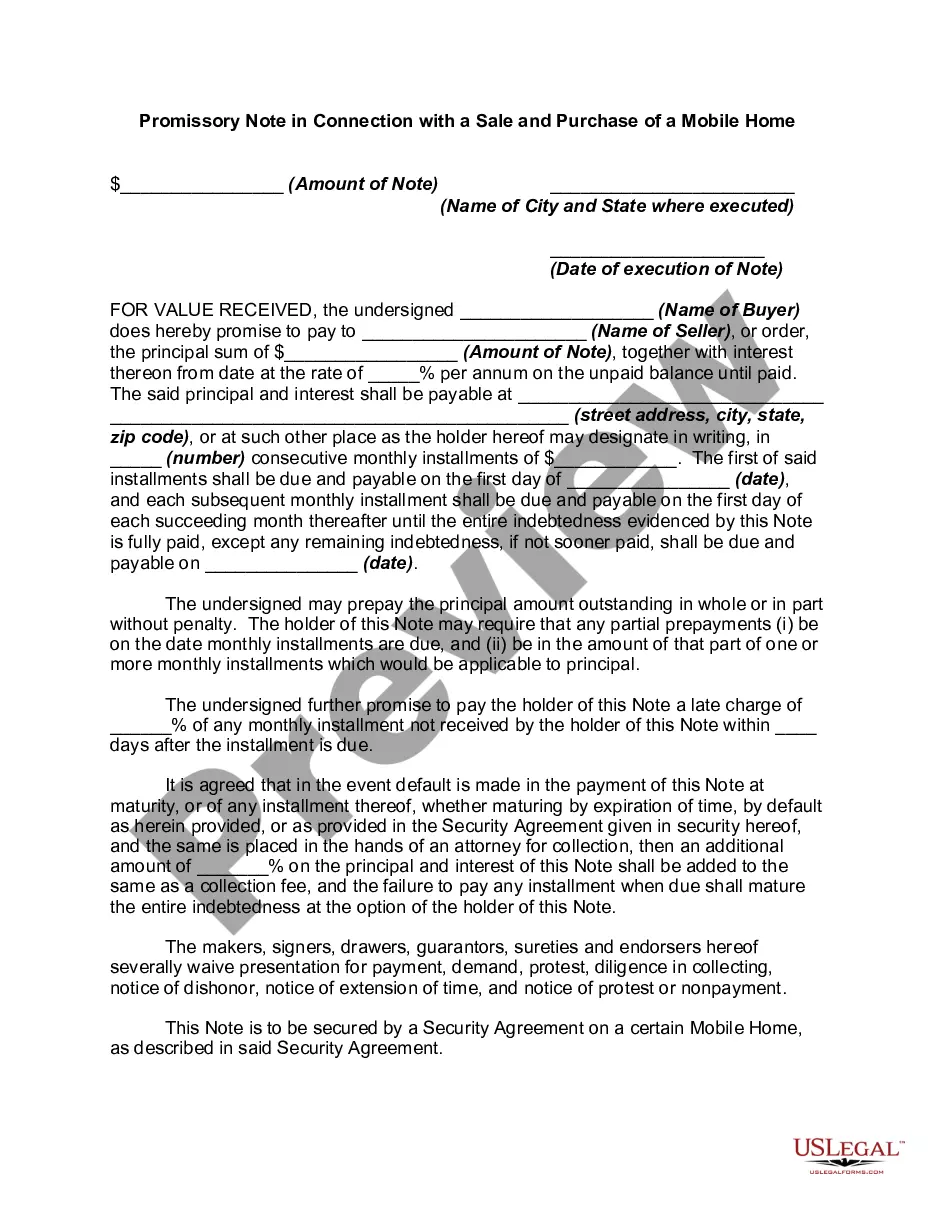




Form popularity
FAQ
While there is no specific law on the federal level that requires employers to create an employee handbook, certain labor regulations may apply if you choose to create one.
And if your company doesn't have a handbook, managers and employees will need to rely on the company's “institutional memory” to ensure that policies are consistently applied. Work policies and expectations also take on more importance and are more likely to be followed when you codify them in an official handbook.
The standard sections of an employee handbook include Preface, Company Profile, Orientation & First Day, Health & Safety, Classifications & Schedules, Compensation & Benefits, Leave, Performance, Appropriate Use, Conduct & Company Policy, Discipline & Termination, Glossary, and Agreement.
If you need to produce physical manuals, FrameMaker or InDesign (if they are shorter, quick start manuals) will do a good job. You can get away with Word, but the page layout features are not as good.
How to write an employee handbook Include your company's mission statement. Write a brief section on company history. State any legal declarations. Explain your dress code. Include details about work hours. Define duties. Include department-specific policies. Describe company benefits.
Once the employer has updated the policies and formalized the common practices, legal counsel should review them, and HR should use these final policies for developing the employee handbook. Employers should also consider the National Labor Relations Board (NLRB) rulings and guidance pertaining to employee handbooks.
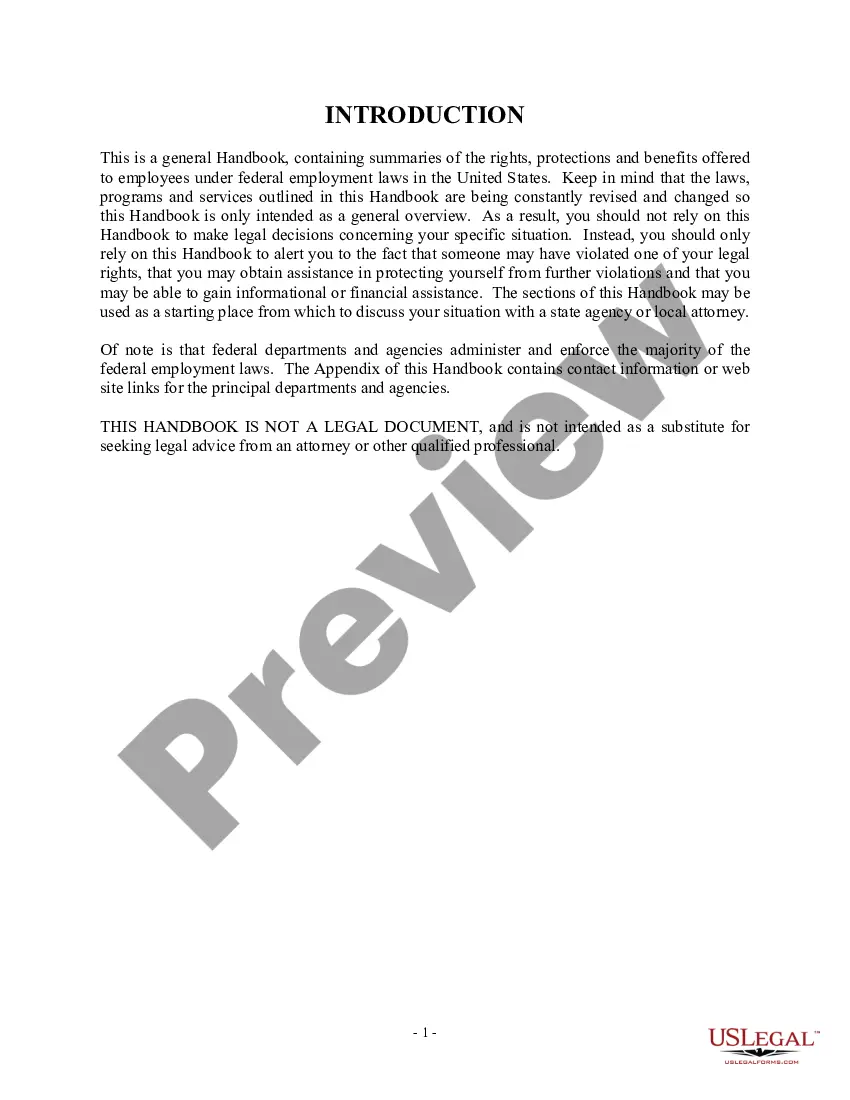
Now we've got a total of 58 pages. And you can also see that all these headings are fully automated.MoreNow we've got a total of 58 pages. And you can also see that all these headings are fully automated. So that the table of contents.
Certain policies are mandatory and must be included in your employee handbook. For example, California employers must have a written harassment, discrimination and retaliation prevention policy. Including these policies clarifies for employees their rights and obligations, and protects you from potential liability.
Keep reading to learn more about the sections to include in your parent handbook. Introduction and Welcome. Child Care and Teaching Philosophies. Operating Information. Enrollment, Waitlist, and Withdrawal Policies. Sign-In and Pick-Up Procedures. Sample Daily Schedule. Supplies and Snacks Rundown.