Offer To Sell Sample For Job In Oakland
Description
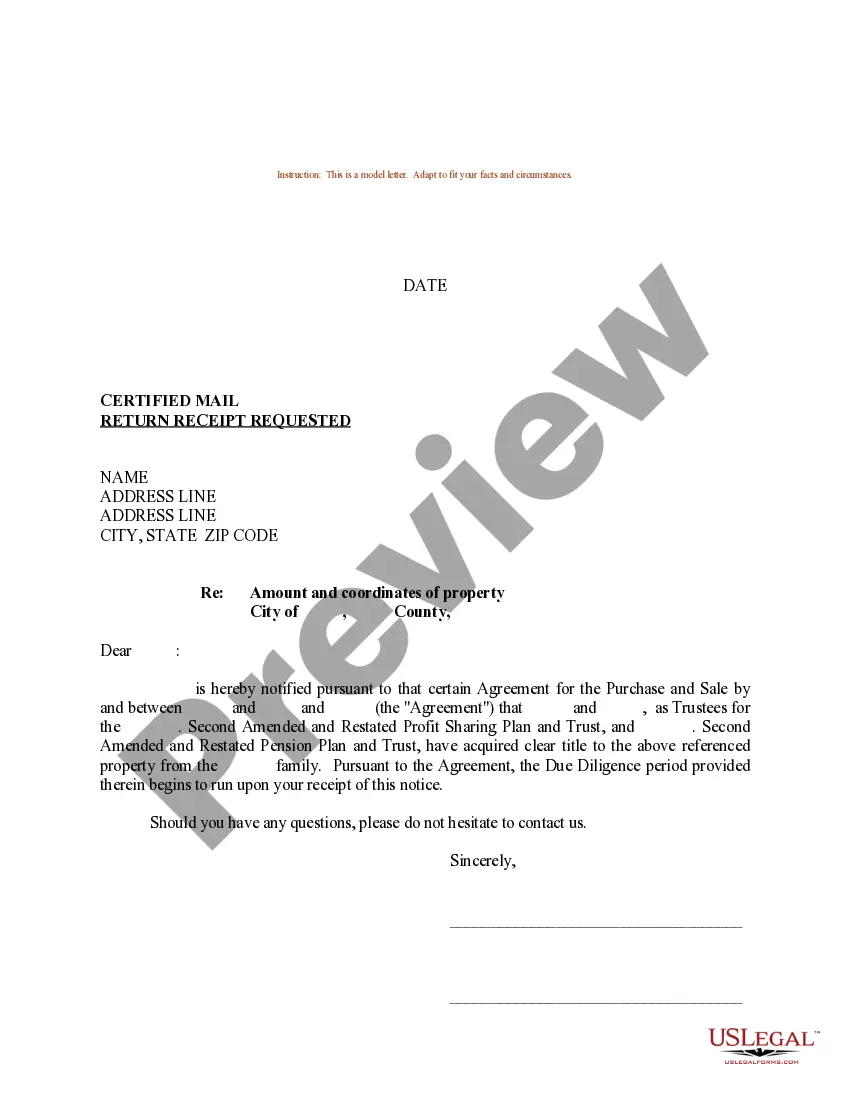
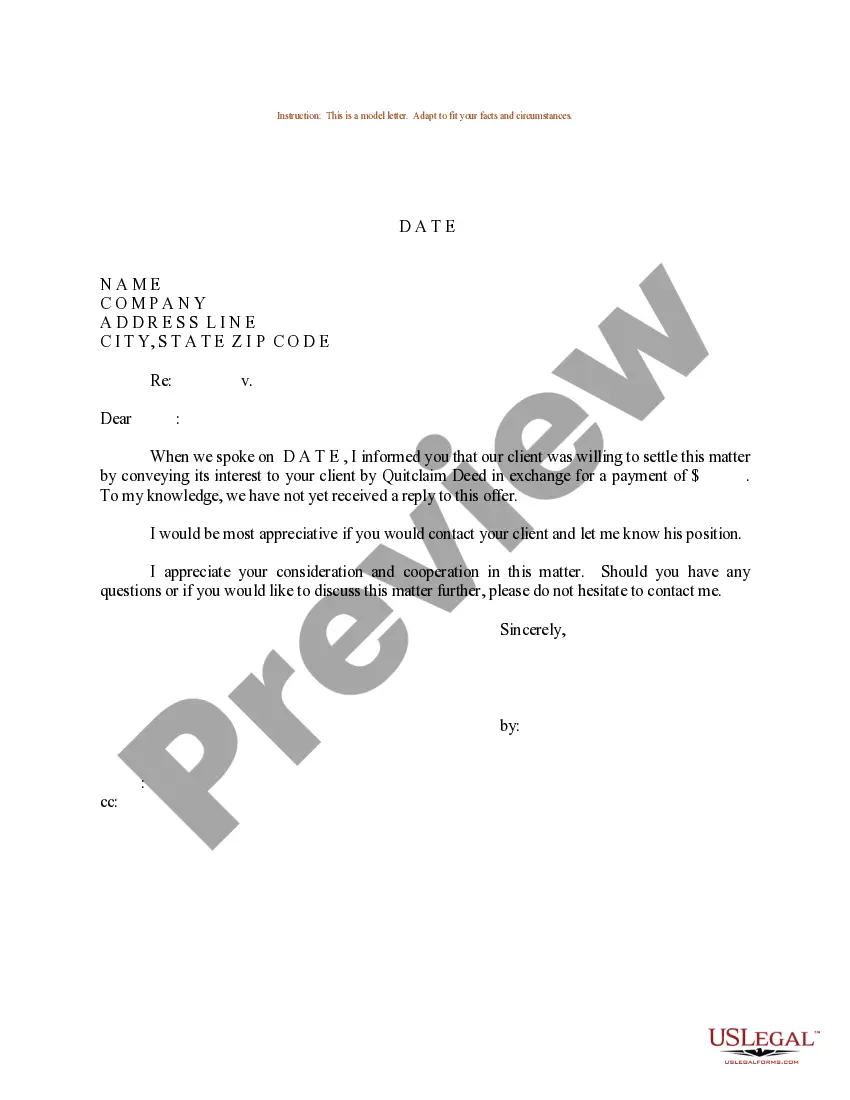
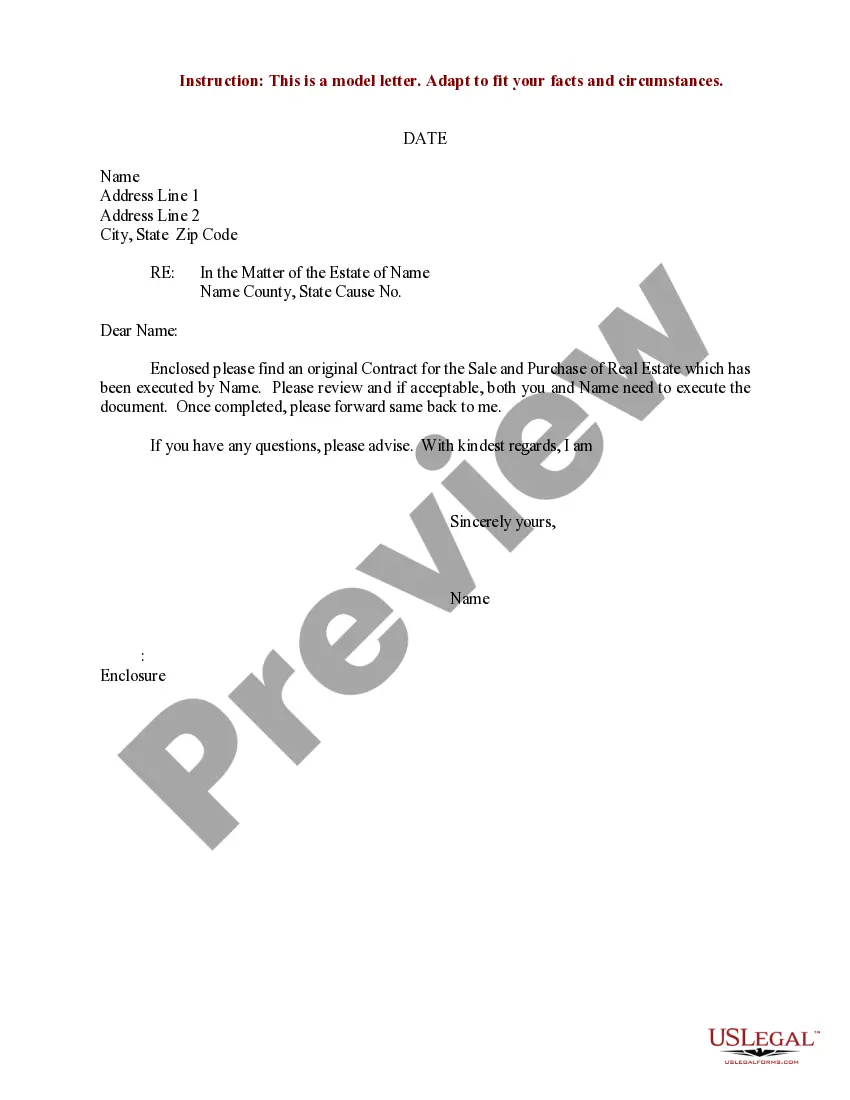

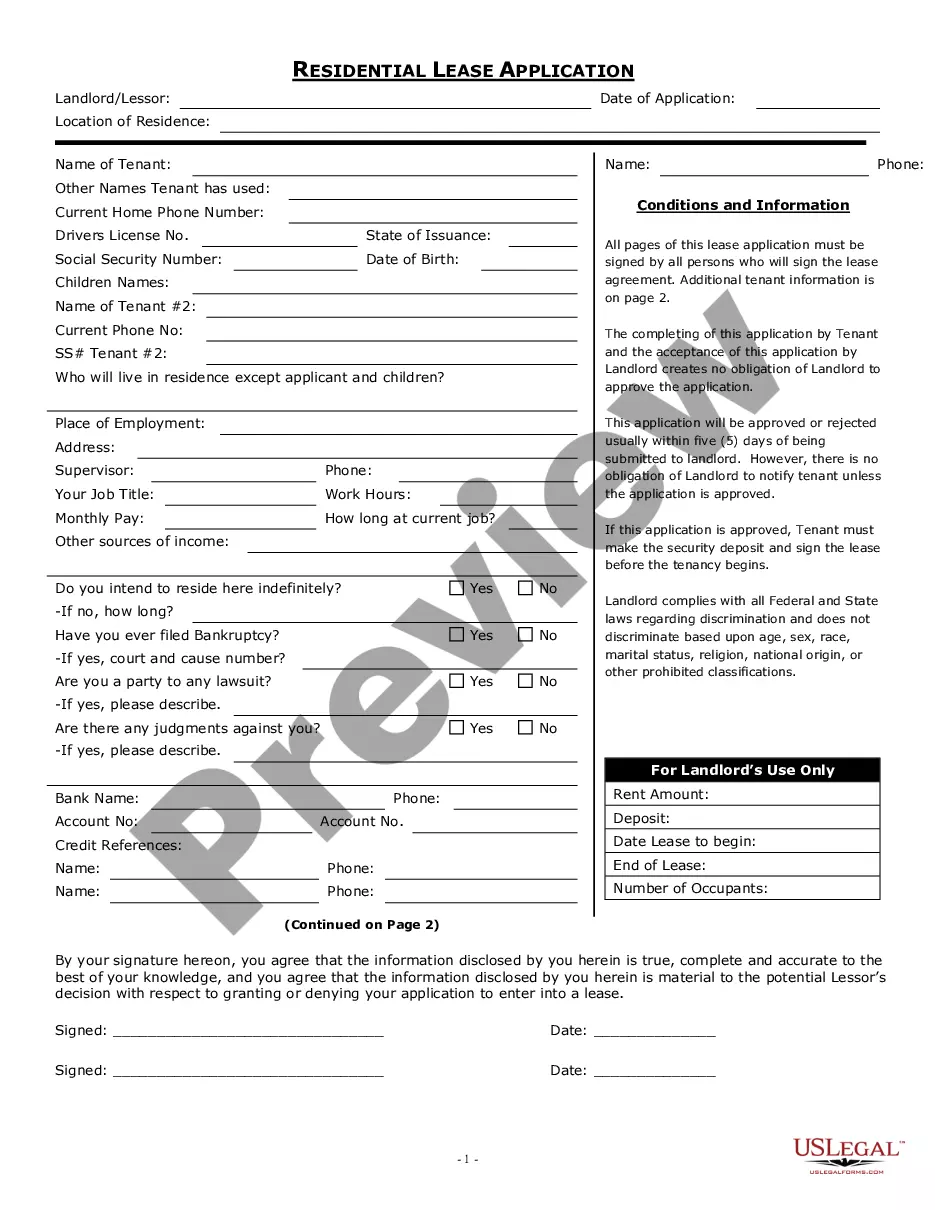
Get your form ready online
Our built-in tools help you complete, sign, share, and store your documents in one place.
Make edits, fill in missing information, and update formatting in US Legal Forms—just like you would in MS Word.
Download a copy, print it, send it by email, or mail it via USPS—whatever works best for your next step.
Sign and collect signatures with our SignNow integration. Send to multiple recipients, set reminders, and more. Go Premium to unlock E-Sign.
If this form requires notarization, complete it online through a secure video call—no need to meet a notary in person or wait for an appointment.
We protect your documents and personal data by following strict security and privacy standards.

Make edits, fill in missing information, and update formatting in US Legal Forms—just like you would in MS Word.

Download a copy, print it, send it by email, or mail it via USPS—whatever works best for your next step.

Sign and collect signatures with our SignNow integration. Send to multiple recipients, set reminders, and more. Go Premium to unlock E-Sign.

If this form requires notarization, complete it online through a secure video call—no need to meet a notary in person or wait for an appointment.

We protect your documents and personal data by following strict security and privacy standards.
Looking for another form?









Form popularity
FAQ
You must provide the following to receive a seller's permit: Your social security number (corporate officers excluded) Your date of birth. Your driver's license number, state ID number, or other ID (e.g., passport, military ID) Names and location of banks where you have an account. Names and addresses of suppliers.
Making sales of merchandise, goods, or other items in California without first getting a seller's permit violates the law and subjects you to fines and penalties. Sometimes people incorrectly refer to a seller's permit as a resale number or resale permit.
Most businesses need a business license to operate in California, but you only need a seller's permit if you sell or provide taxable goods or services.
Renewing a Seller's Permit in California In California, there are certain businesses that must apply for a permit renewal each year. These business types include those involved in the: Use Fuel Tax program. International Fuel Tax Agreement (IFTA) program.
How to Present an Offer to a Seller? 7 Crucial Steps Start with Property Research. Analyze Market Conditions. Understand the Seller's Perspective. Tailor Your Offer. Offer Flexibility. Craft the Irresistible Offer. Use Highnote to Present Irresistible Offer.
1 Identify your client's pain points. Before you present your offer, you need to understand what your client is struggling with and what they want to achieve. 2 Highlight your unique value proposition. 3 Use stories and testimonials. 4 Provide a clear call to action. 5 Here's what else to consider.
Definition of an Offer Presentation An offer presentation is what it sounds like – it's a presentation that showcases a buyer's offer to a seller. In some cases, especially in hot property markets, multiple buyers are making an offer on a single property.
Sending offers in bulk Go to Seller Hub Active. Select Send Offers—Eligible to see your eligible listings. Select the listings you want to send an offer on and select Send Offers. Select a Percent off discount (e.g 10%). This discount will apply to all the listings you selected. Add a message. Select Send offers.
After the offer is drawn up and signed, it will usually be presented to the seller by your real estate agent, by the seller's agent, or often by the two together.
If you value cultural diversity, vibrant arts, and a slightly more affordable option within the Bay Area, Oakland is a fantastic place to call home. However, the higher crime rates and rising costs may give some people pause.

