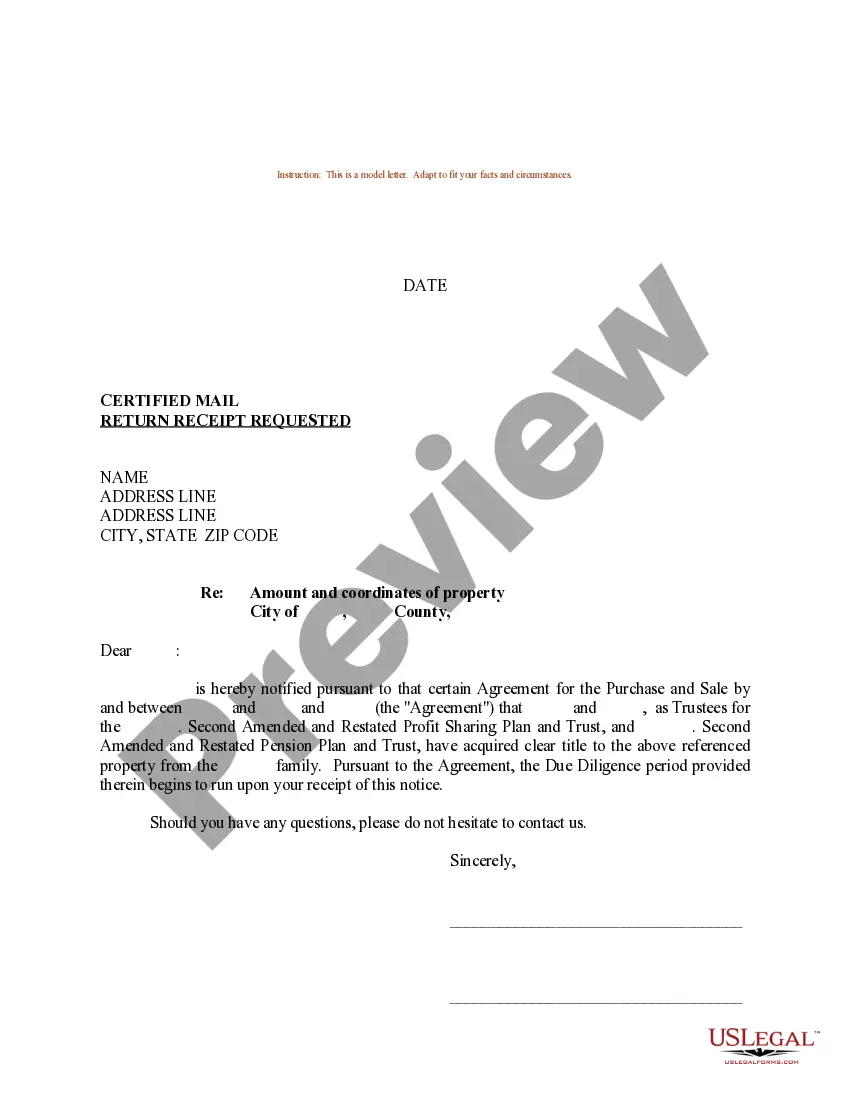
Offer To Sell Sample For Driver In Contra Costa
Description

Get your form ready online
Our built-in tools help you complete, sign, share, and store your documents in one place.
Make edits, fill in missing information, and update formatting in US Legal Forms—just like you would in MS Word.
Download a copy, print it, send it by email, or mail it via USPS—whatever works best for your next step.
Sign and collect signatures with our SignNow integration. Send to multiple recipients, set reminders, and more. Go Premium to unlock E-Sign.
If this form requires notarization, complete it online through a secure video call—no need to meet a notary in person or wait for an appointment.
We protect your documents and personal data by following strict security and privacy standards.

Make edits, fill in missing information, and update formatting in US Legal Forms—just like you would in MS Word.

Download a copy, print it, send it by email, or mail it via USPS—whatever works best for your next step.

Sign and collect signatures with our SignNow integration. Send to multiple recipients, set reminders, and more. Go Premium to unlock E-Sign.

If this form requires notarization, complete it online through a secure video call—no need to meet a notary in person or wait for an appointment.

We protect your documents and personal data by following strict security and privacy standards.
Looking for another form?









Form popularity
FAQ
How to Fill out the Title Using only blue or black ink, fill out the car title transfer form. Give the buyer the transfer form, which they'll need to fill out and sign, too. Notify the DMV that you're releasing ownership of the vehicle by submitting a “Notice of Transfer” or “Release of Liability” form.
How to sell your car in California Collect your documentation. Clean your vehicle. Get an inspection. Fill out official transfer forms. Disclose odometer reading. Get a smog check. Forms needed for special circumstances. Take pictures.
Yes, you can create your own bill of sale using a template or an online form. However, it's essential you include all required information and that both parties sign the document.

