Acknowledgment Sample For Assignment In Pennsylvania
Description


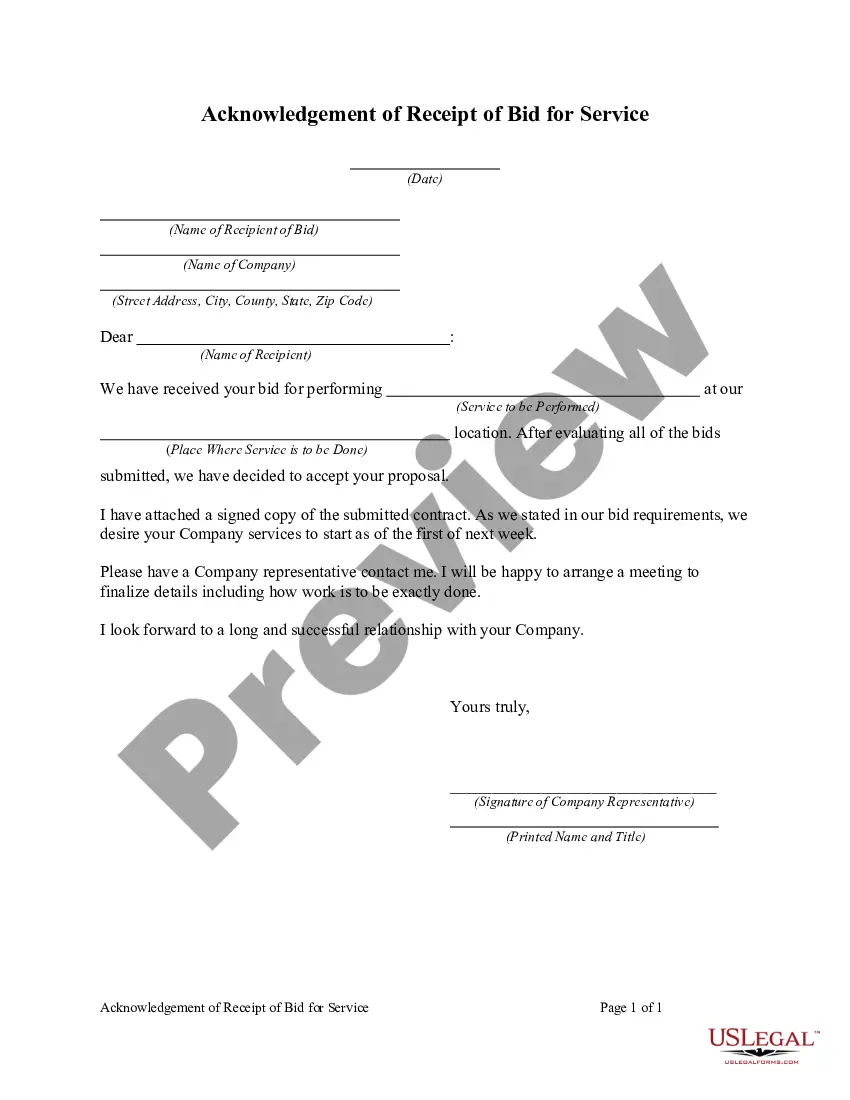

Get your form ready online
Our built-in tools help you complete, sign, share, and store your documents in one place.
Make edits, fill in missing information, and update formatting in US Legal Forms—just like you would in MS Word.
Download a copy, print it, send it by email, or mail it via USPS—whatever works best for your next step.
Sign and collect signatures with our SignNow integration. Send to multiple recipients, set reminders, and more. Go Premium to unlock E-Sign.
If this form requires notarization, complete it online through a secure video call—no need to meet a notary in person or wait for an appointment.
We protect your documents and personal data by following strict security and privacy standards.

Make edits, fill in missing information, and update formatting in US Legal Forms—just like you would in MS Word.

Download a copy, print it, send it by email, or mail it via USPS—whatever works best for your next step.

Sign and collect signatures with our SignNow integration. Send to multiple recipients, set reminders, and more. Go Premium to unlock E-Sign.

If this form requires notarization, complete it online through a secure video call—no need to meet a notary in person or wait for an appointment.

We protect your documents and personal data by following strict security and privacy standards.
Looking for another form?



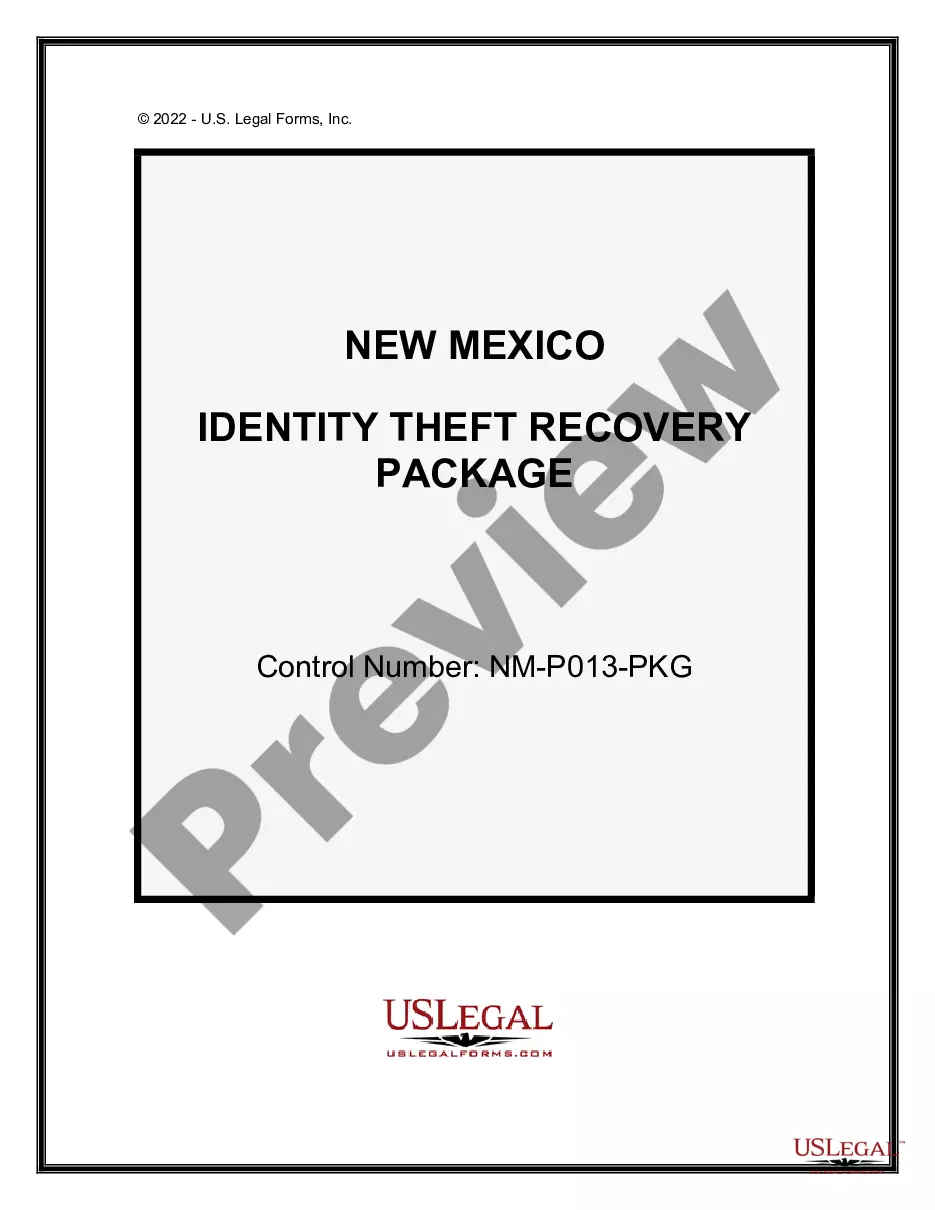

Form popularity
FAQ
Acknowledgement forms help companies to keep track of the employees who have received and understood policies, both when they are first hired and as policies evolve over time. They're useful for policies in any area, but are particularly important where privacy, confidentiality, and information security are concerned.
Is an acknowledgment the same as witnessing a signature? No, they are not the same. Witnessing simply involves observing you sign a document. An acknowledgment, however, goes a step further to ensure that your signature on the document was made willingly and voluntarily.
I signed his name at his request and in his presence on the (type of document) within and he acknowledged to me and to the two witnesses who have signed and printed their names and addresses hereto, that he made his mark on the same for the purposes therein stated.
When performing an acknowledgement, here are five things a notary should always do. Document inspection. Before notarizing a document, make sure no pages are missing and no blank spaces exist. Fact verification. Watch signing. Record information. Seal the notary certificate.
Includes a Pennsylvania Acknowledgment Verification on Oath or Affirmation pad. The purpose of an Acknowledgment is for a signer, whose identity has been verified, to declare to a Notary or notarial officer that he or she willingly signed the document.
A notary public may not notarize a document for a signer who cannot directly acknowledge his signature or swear to the truthfulness of the statements in the notarial ceremony. Without the notarial ceremony, the notarial act is not officially executed.
To make a notarized letter, begin with your contact details, create a clear message explaining the purpose of the letter. Include any legal language if necessary. Conclude with a formal closing and leave space for your signature. And that's how you write a statement that needs to be notarized.
A Pennsylvania notary acknowledgment form is used to authenticate the signing of a document. It indicates that all parties' signatures are, in fact, their own. This form will often be required for estate transfers, vehicle titles, firearm bills of sale, and other documents that must be authenticated by an official.
The following needs to take place: The customer personally appears. The notary identifies the customer. The customer speaks to the notary. The customer signs the electronic document. The notary prints the electronic document, before placing their official stamp and signature on the record.
For an affirmation: “Do you solemnly state, under penalty of perjury, that the evidence that you shall give in this issue (or matter) shall be the truth, the whole truth, and nothing but the truth?” (Code of Civil Procedure 2094a).

