Request For Bid Sample In Oakland
Description


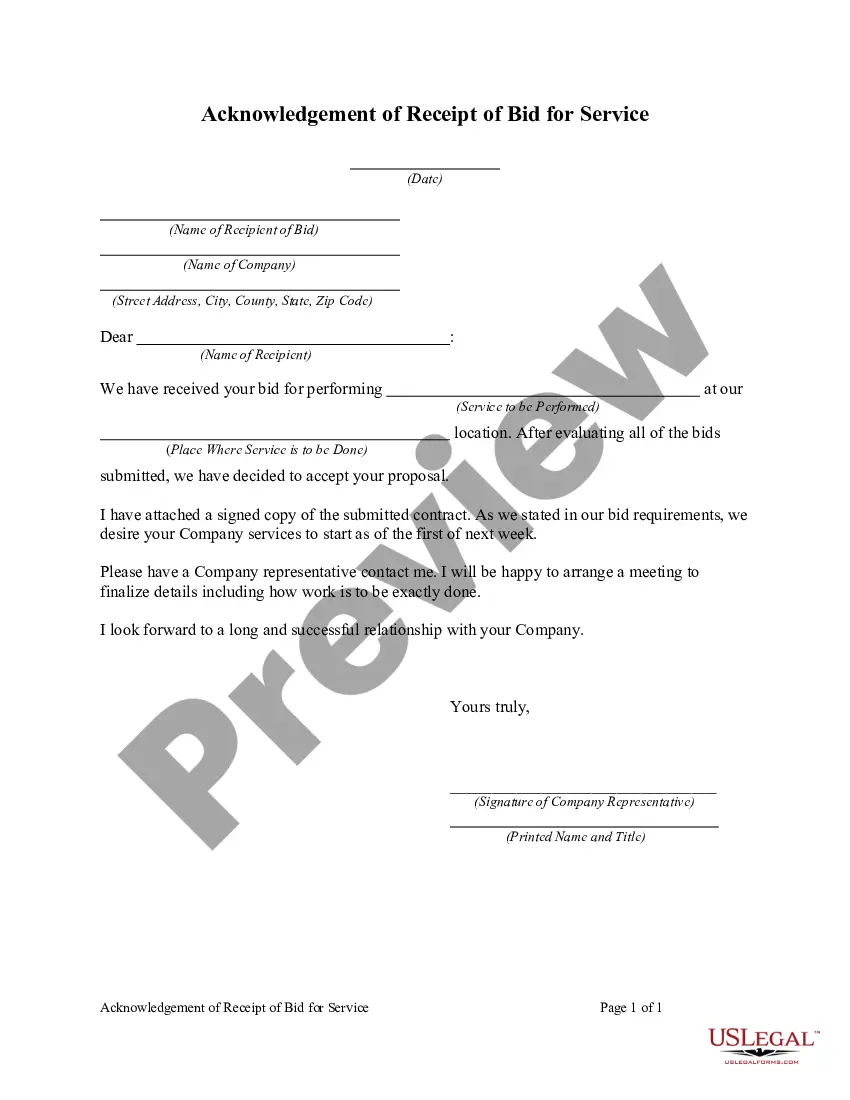
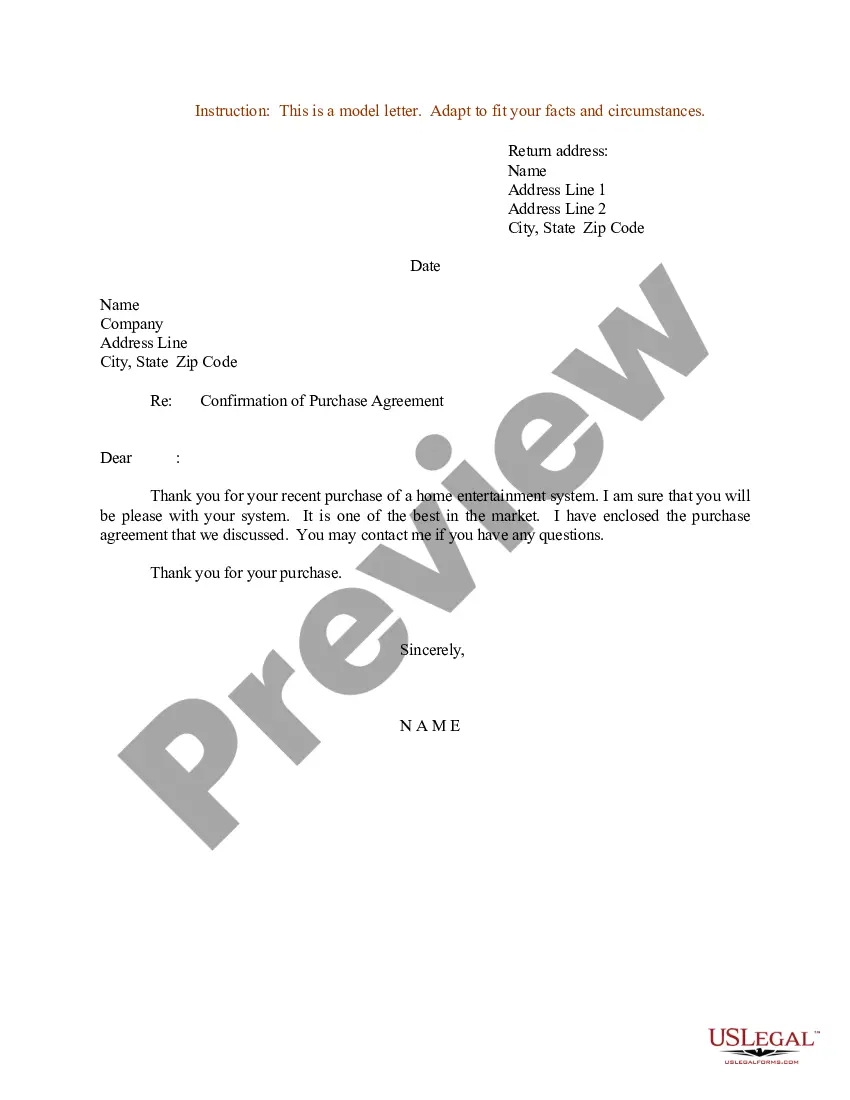

Get your form ready online
Our built-in tools help you complete, sign, share, and store your documents in one place.
Make edits, fill in missing information, and update formatting in US Legal Forms—just like you would in MS Word.
Download a copy, print it, send it by email, or mail it via USPS—whatever works best for your next step.
Sign and collect signatures with our SignNow integration. Send to multiple recipients, set reminders, and more. Go Premium to unlock E-Sign.
If this form requires notarization, complete it online through a secure video call—no need to meet a notary in person or wait for an appointment.
We protect your documents and personal data by following strict security and privacy standards.

Make edits, fill in missing information, and update formatting in US Legal Forms—just like you would in MS Word.

Download a copy, print it, send it by email, or mail it via USPS—whatever works best for your next step.

Sign and collect signatures with our SignNow integration. Send to multiple recipients, set reminders, and more. Go Premium to unlock E-Sign.

If this form requires notarization, complete it online through a secure video call—no need to meet a notary in person or wait for an appointment.

We protect your documents and personal data by following strict security and privacy standards.
Looking for another form?

Form popularity
FAQ
What are the essential steps in the RFP process? Identify stakeholders. Collect RFP requirements. Create RFP. Evaluate RFP responses. Select winning vendor. Create vendor contract.
Steps In an RFP Process 1 Discovery. Before drafting the RFP, it is imperative to do some thorough internal planning with the stakeholders that can guide the RFP writer in understanding the project requirements and constraints. 2 Draft And Issue. 3 Review The Bids. 4 Select a Winner and Send the Contract.
The RFP process allows more flexibility than the sealed bid process in the evaluation process. The evaluation committee first evaluates proposals for compliance to the specifications and requirements in the RFP and creates a list of those firms whose proposals meet mandatory requirements.
Steps In an RFP Process 1 Discovery. Before drafting the RFP, it is imperative to do some thorough internal planning with the stakeholders that can guide the RFP writer in understanding the project requirements and constraints. 2 Draft And Issue. 3 Review The Bids. 4 Select a Winner and Send the Contract.
How to write an RFP that will get a response Define your project and needs. Write an introduction. Explain your company's and project's history. Describe your project's requirements. Explain how vendors should respond. Outline your selection criteria. Note your timelines. Proofread and revise your RFP.
Two ways to find open RFPs The RFP database – Government and corporate RFPs. FindRFP – Government and corporate RFPs. Government Bids – Government only. GovSpend – Government only. Gov RFP Finder – Government only. Bid Search – Government only. Open Minds – Government only. Bid Prime – Government only.
The documents are public at the conclusion of the scoring process whether or not an award is made. A letter to the Commission, dated August 10, 2016, requests confidentiality, arguing that, under the terms of the RFPs, the documents are confidential until after the announcement of the intent to award.
8 tips to write a request for proposal Detail the project and what your organization needs. Write an executive summary. Include vendor qualifications and the project budget. Be transparent about the selection process. Provide timelines. Format for readability. Have the expertise. Detail the job but not how to do it.
Sites such as GovernmentContracts, BidSync, BidNet Direct and The RFP Database collect RFP and bid postings from various sources (just like our newly developed bid-finding tool, Bid Banana!). All of these sites list RFPs for public searching.
If you're looking for the best places to find design and development RFPs, here are the most popular options. Google Search. One of the best ways to search for RFPs online is to use Google Search. FindRFP. RFPdb. Linkedin. BidPrime. OpenMinds. Governmentbids. Deltek.

