Examples Of Contractor Contracts In San Antonio
Description

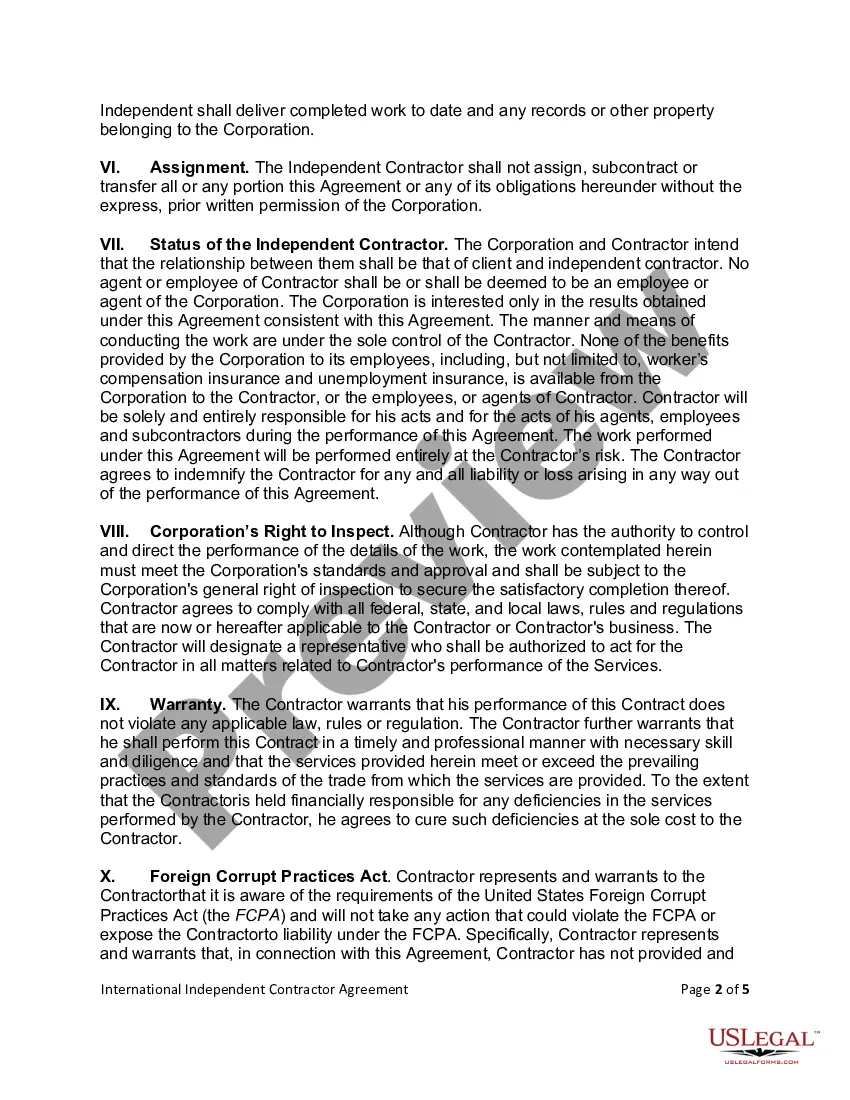
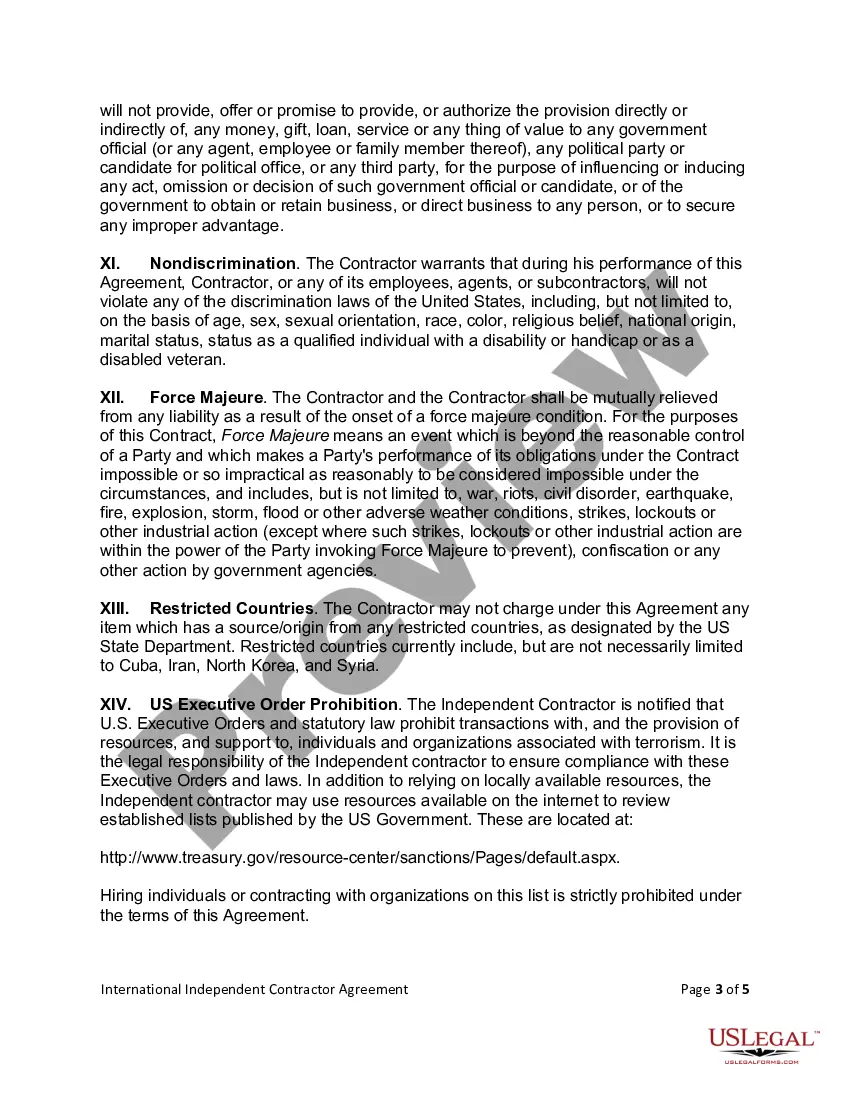
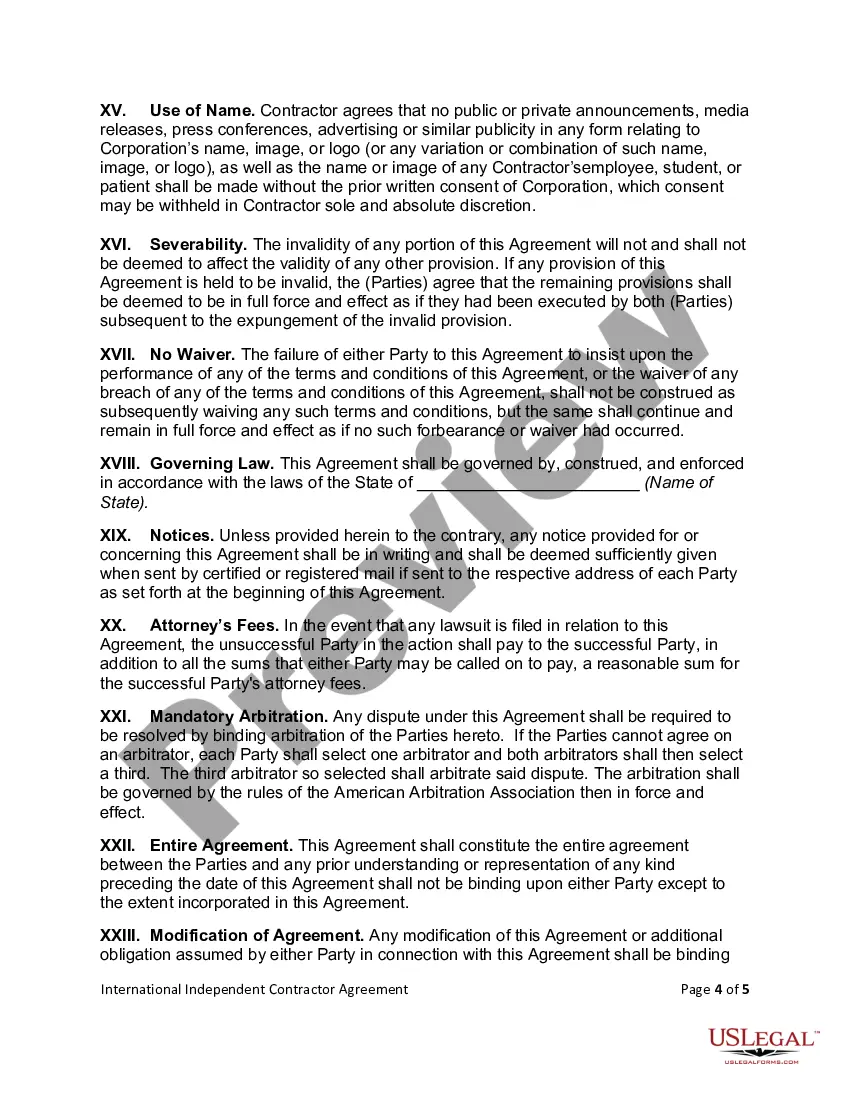
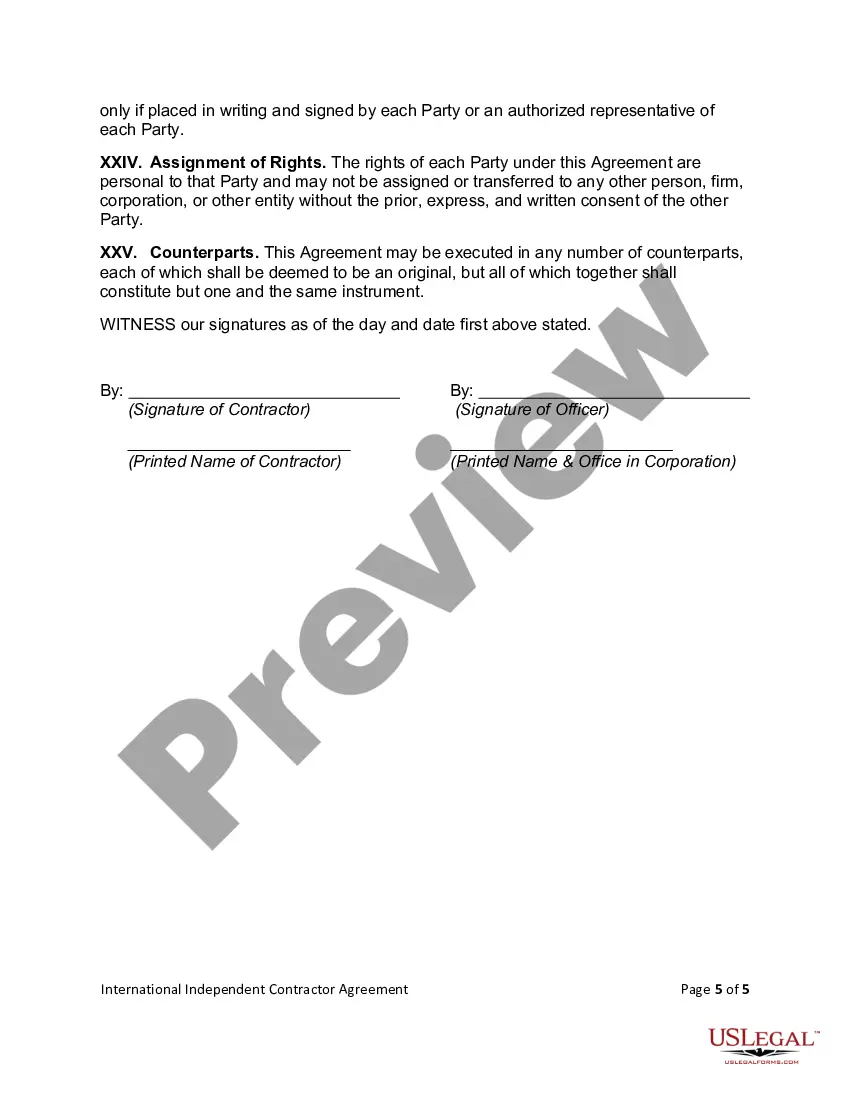
Get your form ready online
Our built-in tools help you complete, sign, share, and store your documents in one place.
Make edits, fill in missing information, and update formatting in US Legal Forms—just like you would in MS Word.
Download a copy, print it, send it by email, or mail it via USPS—whatever works best for your next step.
Sign and collect signatures with our SignNow integration. Send to multiple recipients, set reminders, and more. Go Premium to unlock E-Sign.
If this form requires notarization, complete it online through a secure video call—no need to meet a notary in person or wait for an appointment.
We protect your documents and personal data by following strict security and privacy standards.

Make edits, fill in missing information, and update formatting in US Legal Forms—just like you would in MS Word.

Download a copy, print it, send it by email, or mail it via USPS—whatever works best for your next step.

Sign and collect signatures with our SignNow integration. Send to multiple recipients, set reminders, and more. Go Premium to unlock E-Sign.

If this form requires notarization, complete it online through a secure video call—no need to meet a notary in person or wait for an appointment.

We protect your documents and personal data by following strict security and privacy standards.
Looking for another form?







Form popularity
FAQ
Get started searching contract opportunities Use the search feature on SAM. Follow contract opportunities. Save my searches. Use the interested vendors list.
SAM: This is the official government website for finding contracting opportunities. You can search by keyword, location, or industry. Dynamic Small Business Search (DSBS): This is a database of government contracts specifically for small businesses. You can search by keyword, location, or industry.
You can use Contracts Finder to: search for contract opportunities in different sectors. find out what's coming up in the future. look up details of previous tenders and contracts.
Contract Opportunities: Search, find, bid Government agencies use sam to list contracts over $25,000. Find a contract that fits your business and submit a bid.
If you are searching for contract data (i.e., searching for specific contracts), you must do so at FPDS , which remains the authoritative source for contract data. Contract data provides detailed information on all contract actions that are required to be reported by federal agencies.
USASpending tracks government spending through contracts awarded. This searchable database contains information for each federal contract. You can use this information to help identify procurement trends within the government and potential opportunities.
Every contractor I've worked with has taken 50% up front and 50% when the job is finished. This is normal. One thing I would recommend is you vet your contractor thoroughly--check reviews, make sure they have a legitimate website, testimonials etc...
A contractor agreement should describe the scope of work, contract terms, contract duration, and the confidentiality agreement. It should also include a section for the two parties to sign and make the agreement official. If the contract doesn't meet these requirements, it may be inadmissible in a court of law.
My current company, we do things in halves: half at signing, half upon completion. Getting a percentage up front gives the contractor the ability to order materials and such for the job without as much of a burden on their own accounts.
What to avoid in construction contracts Unclear scope of work and specifications: An ambiguous scope of work can cause misinterpretation. Missing change order procedures: Not having change order procedures is a risk as construction projects rarely go exactly ing to plan.
