Independent Contractor Agreement Template With Notary In Maricopa
Description

Get your form ready online
Our built-in tools help you complete, sign, share, and store your documents in one place.
Make edits, fill in missing information, and update formatting in US Legal Forms—just like you would in MS Word.
Download a copy, print it, send it by email, or mail it via USPS—whatever works best for your next step.
Sign and collect signatures with our SignNow integration. Send to multiple recipients, set reminders, and more. Go Premium to unlock E-Sign.
If this form requires notarization, complete it online through a secure video call—no need to meet a notary in person or wait for an appointment.
We protect your documents and personal data by following strict security and privacy standards.

Make edits, fill in missing information, and update formatting in US Legal Forms—just like you would in MS Word.

Download a copy, print it, send it by email, or mail it via USPS—whatever works best for your next step.

Sign and collect signatures with our SignNow integration. Send to multiple recipients, set reminders, and more. Go Premium to unlock E-Sign.

If this form requires notarization, complete it online through a secure video call—no need to meet a notary in person or wait for an appointment.

We protect your documents and personal data by following strict security and privacy standards.
Looking for another form?









Form popularity
FAQ
Follow these simple steps to get your document notarized: Know what type of notarization you need. Make sure the document is complete. Bring acceptable identification. Ensure the name on your ID matches the name on your document. Have all signers present for the notarization. Be aware and willing to sign.
Write the name of the person swearing to the truthfulness of the contents of the documents. Sign your name exactly as it appears on file with the Secretary of State and affix the official notary seal so that all the required elements of the notary seal appear legibly.
Write the name of the person swearing to the truthfulness of the contents of the documents. Sign your name exactly as it appears on file with the Secretary of State and affix the official notary seal so that all the required elements of the notary seal appear legibly.
Now what do you fill in fill in the venue or county where you are notarizing the date you notarized.MoreNow what do you fill in fill in the venue or county where you are notarizing the date you notarized. Your name and title of office notary. Public next you fill in the name of your signer appearing.
If posed as a question, the appropriate wording for an oath for a jurat, verification or affidavit may be something like this: “Do you solemnly swear that the statements in this document are true to the best of your knowledge and belief, so help you God?”
5 things Notaries should always check before the signer leaves Is the main body of the document complete with no blank spaces? ... Is the Notary certificate complete? ... Have you proofread the Notary certificate to make sure it is correct? ... Are your signature, seal and commission information correctly affixed and legible?
Just like wills, there is generally no requirement that a contract be notarized in order to be legally binding. However, if a party who signed a business agreement decides to dispute that agreement in court, a notarized contract can help a great deal.
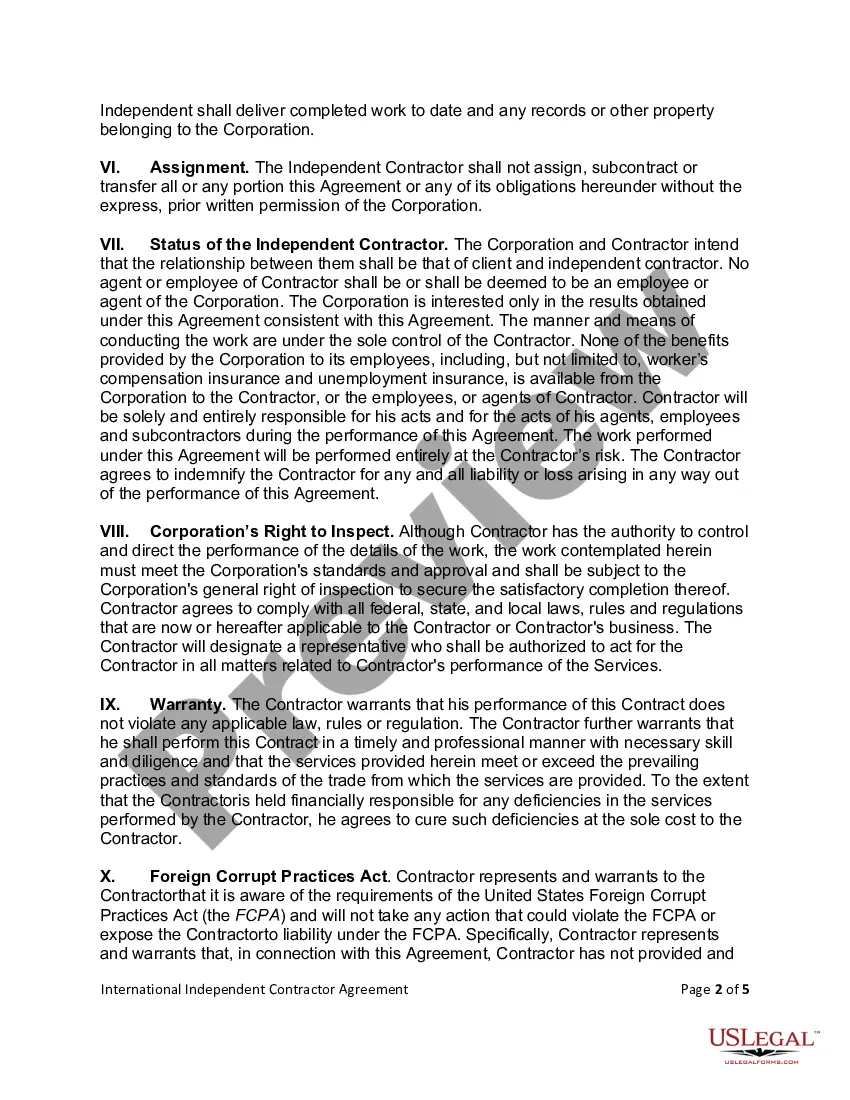
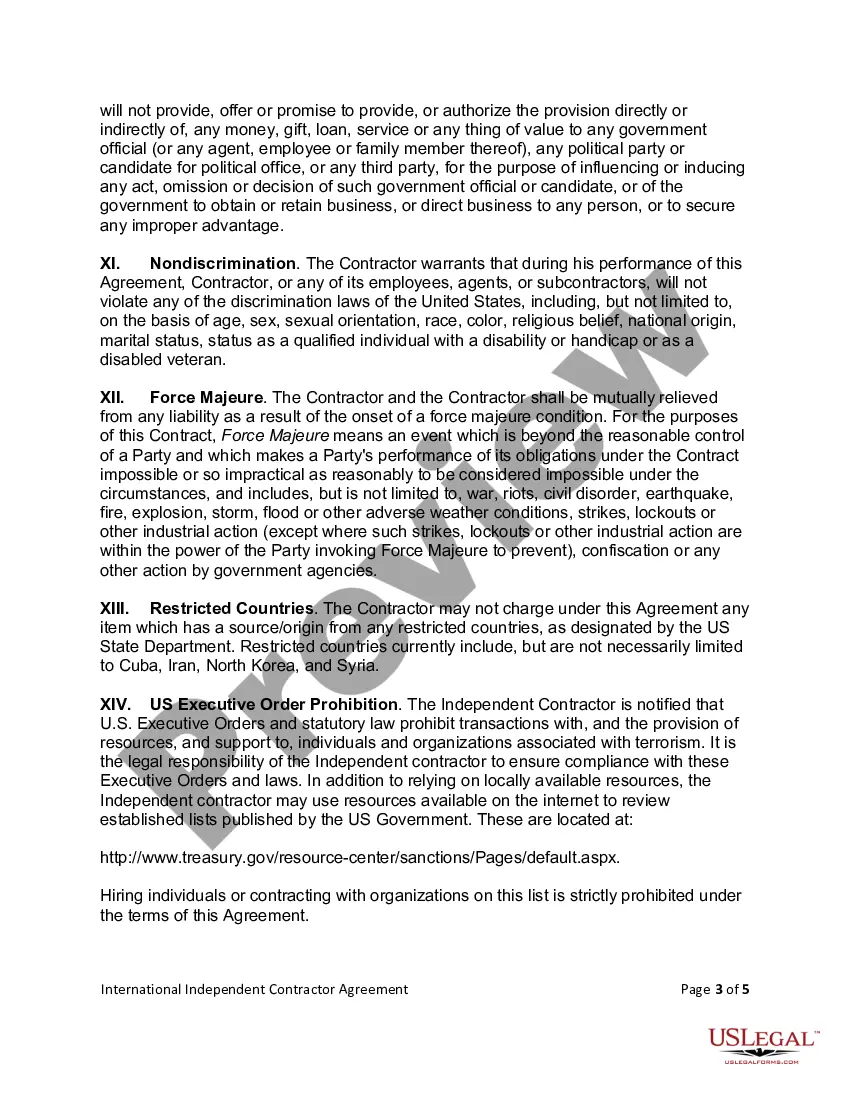
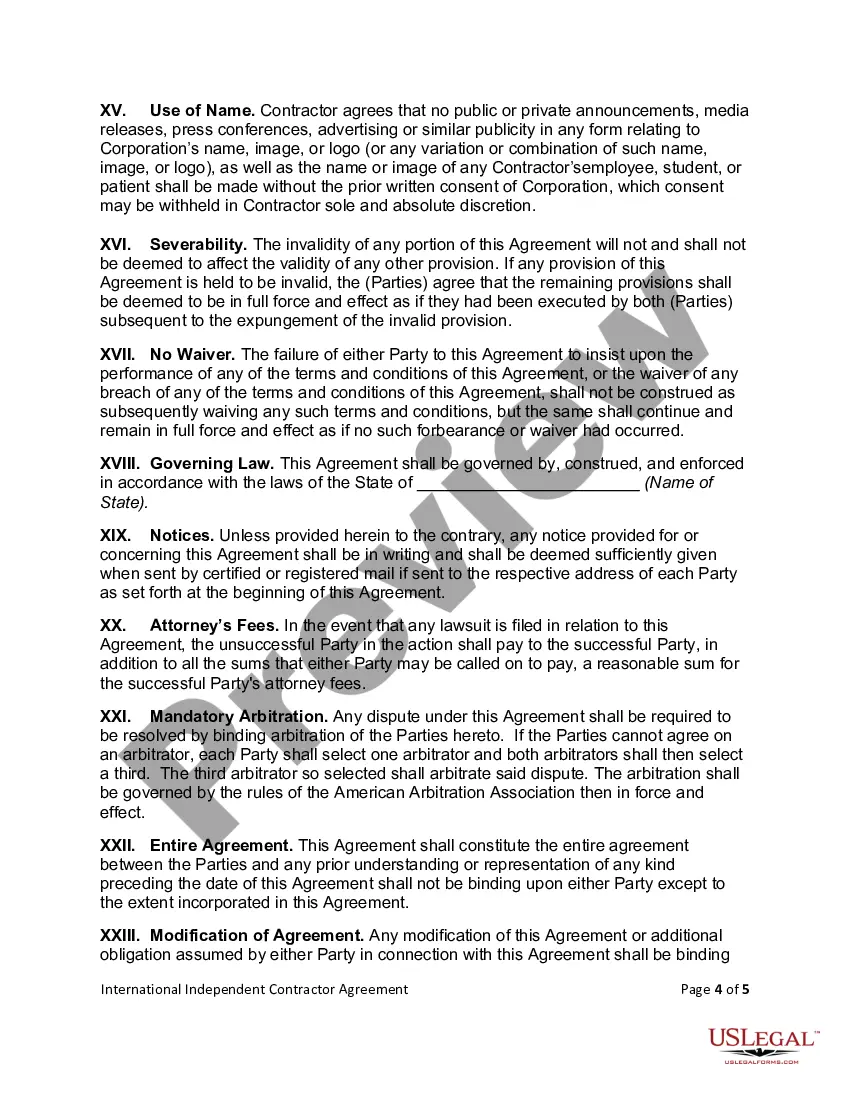
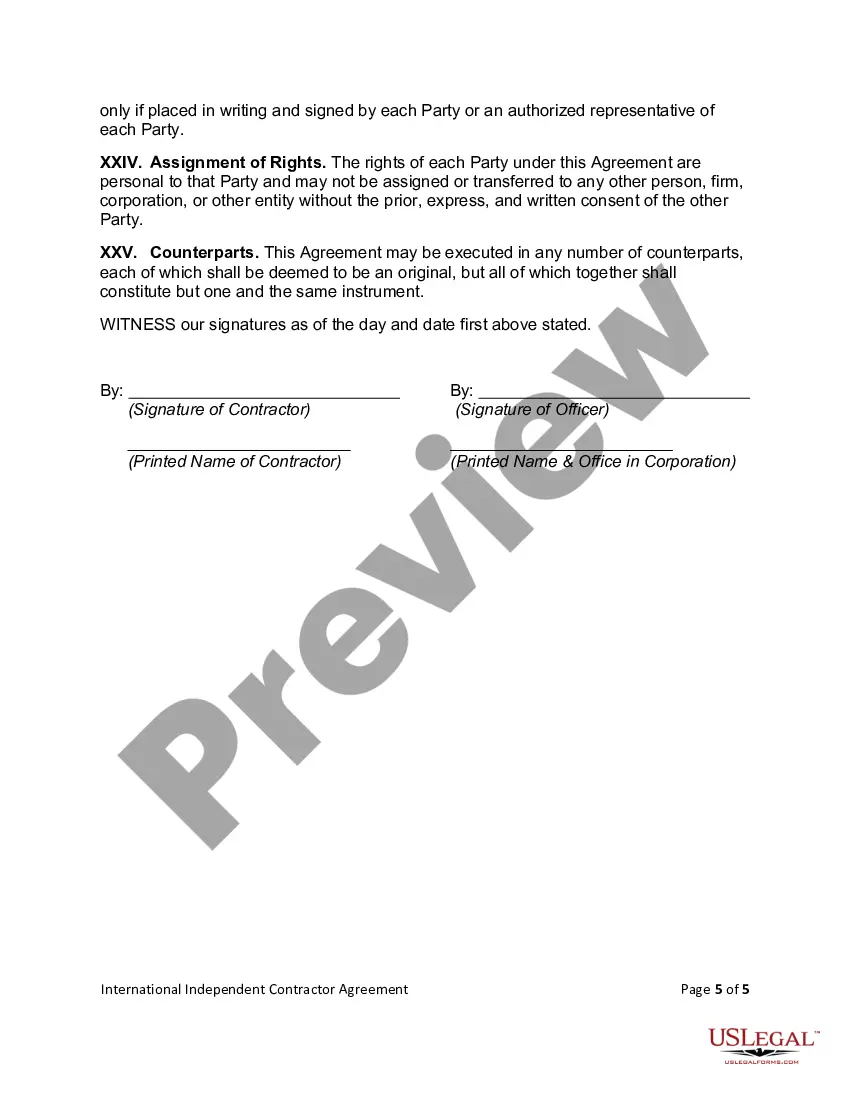
An independent contractor agreement is a legal document signed by your company and 1099 workers to outline terms and conditions of work. The agreement clarifies the nature of the relationship (for example, that the independent contractor is working on a per-project basis or for a fixed time period vs.
Many notaries are confused as to whether or not they can notarize documents that they have drafted. In most cases, a notary cannot draft documents. To do so might be considered unauthorized practice of law.
