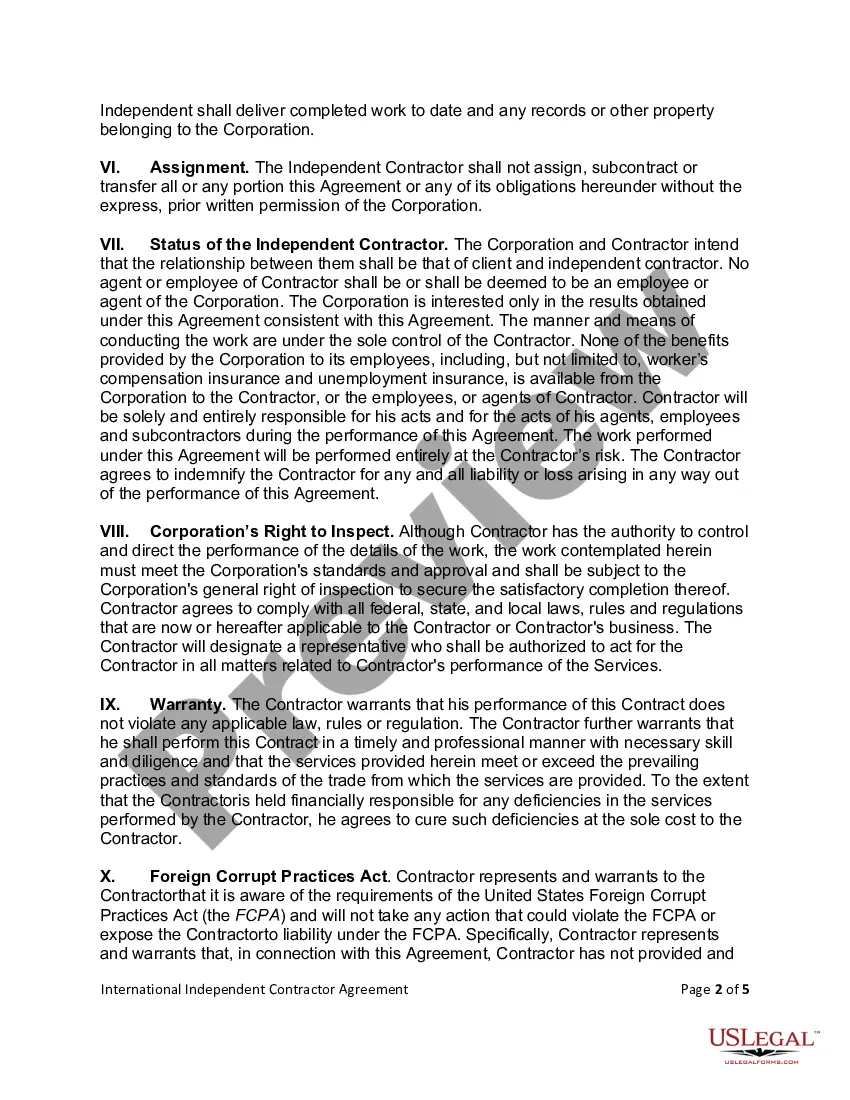
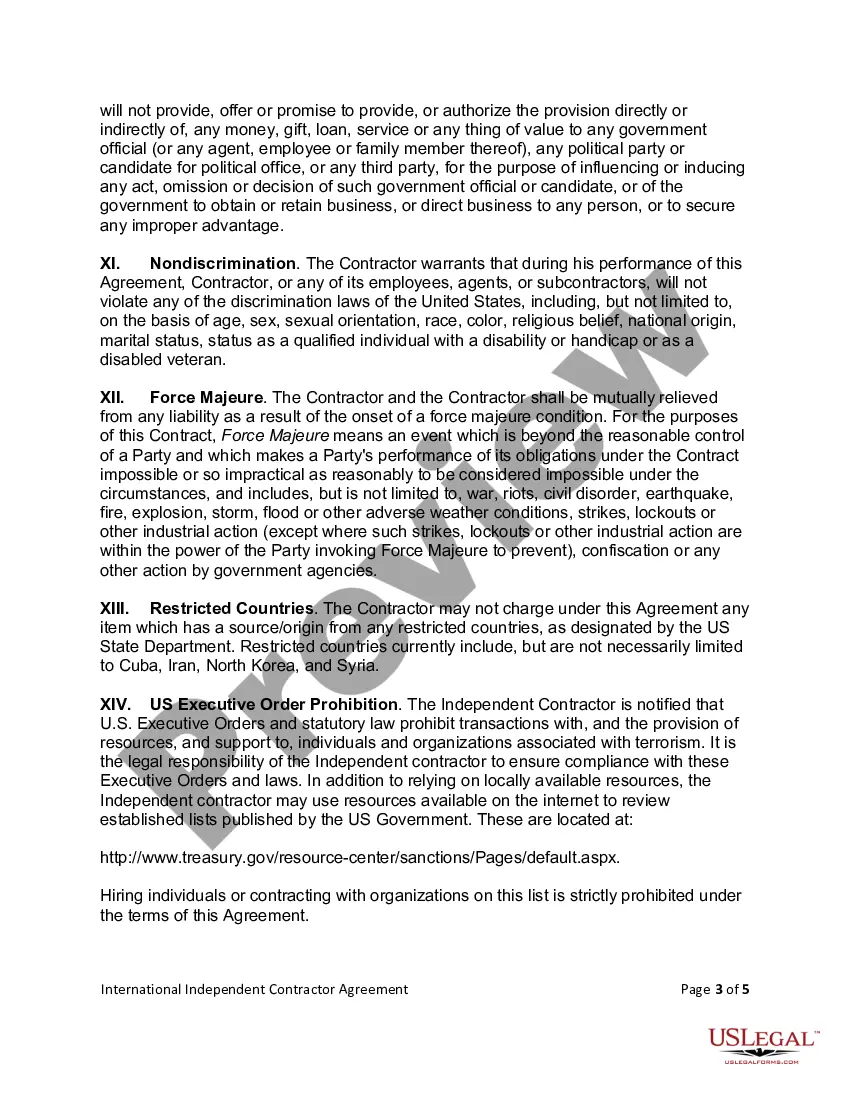
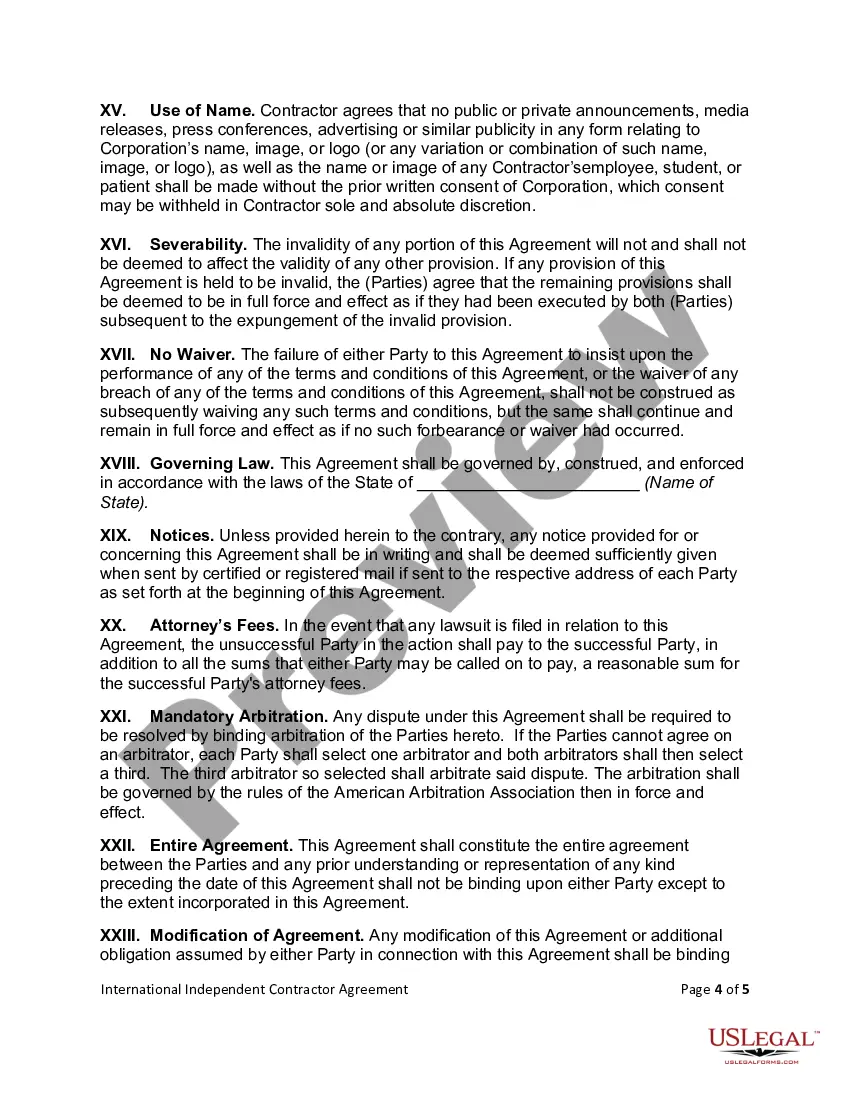
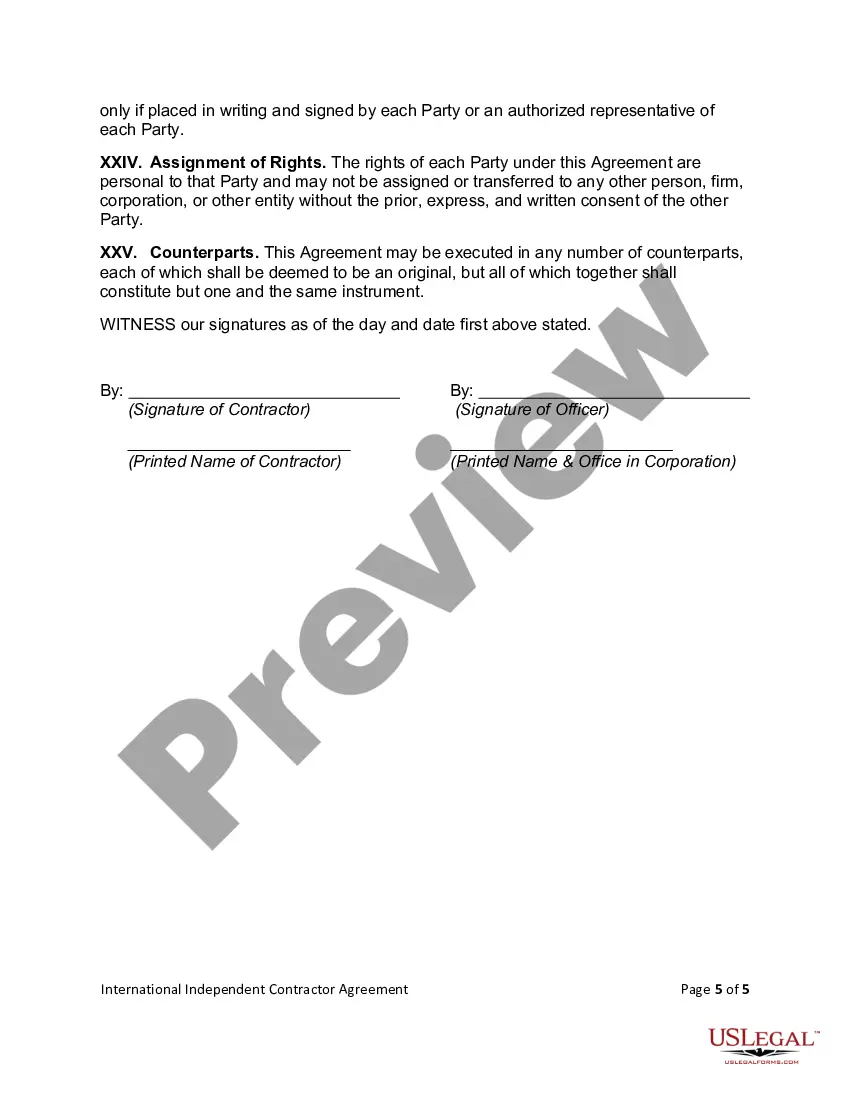
International Contractor Agreement Format In Allegheny
Description

Get your form ready online
Our built-in tools help you complete, sign, share, and store your documents in one place.
Make edits, fill in missing information, and update formatting in US Legal Forms—just like you would in MS Word.
Download a copy, print it, send it by email, or mail it via USPS—whatever works best for your next step.
Sign and collect signatures with our SignNow integration. Send to multiple recipients, set reminders, and more. Go Premium to unlock E-Sign.
If this form requires notarization, complete it online through a secure video call—no need to meet a notary in person or wait for an appointment.
We protect your documents and personal data by following strict security and privacy standards.

Make edits, fill in missing information, and update formatting in US Legal Forms—just like you would in MS Word.

Download a copy, print it, send it by email, or mail it via USPS—whatever works best for your next step.

Sign and collect signatures with our SignNow integration. Send to multiple recipients, set reminders, and more. Go Premium to unlock E-Sign.

If this form requires notarization, complete it online through a secure video call—no need to meet a notary in person or wait for an appointment.

We protect your documents and personal data by following strict security and privacy standards.
Looking for another form?







Form popularity
FAQ
Write the contract in six steps Start with a contract template. Open with the basic information. Describe in detail what you have agreed to. Include a description of how the contract will be ended. Write into the contract which laws apply and how disputes will be resolved. Include space for signatures.
Form W-9. If you've made the determination that the person you're paying is an independent contractor, the first step is to have the contractor complete Form W-9, Request for Taxpayer Identification Number and Certification.
Write the contract in six steps Start with a contract template. Open with the basic information. Describe in detail what you have agreed to. Include a description of how the contract will be ended. Write into the contract which laws apply and how disputes will be resolved. Include space for signatures.
To be clear, international independent contractors aren't 1099 workers. But because “1099” is the IRS code for U.S.-based contract workers, U.S. companies may associate “1099” with all contractors, regardless of where the contractors are based.
Acceptance of an offer: After one party makes an offer, it's up to the other party to accept it. If someone offers you $600 to walk their dogs, for example, you enter into a contractual agreement the moment you accept their offer in exchange for your services.
How to Send Someone a 1099: Step-by-Step Guide Step 1: Gather Information. Step 2: Determine the Correct Form. Step 3: Fill Out the Form. Step 4: File Copy A with the IRS. Step 5: Provide Copy B to the Recipient. Step 6: Retain Copy C for Your Records. Step 7: Consider Electronic Filing.
Complete and send Form 1099 Copy A is the version you'll submit to the IRS, and Copy B is the form you'll send to your contractor. Both copies must be submitted by January 31 regardless of whether you file electronically or by mail. You can also upload 1099s to a secure website or use a third-party service.
Factors that show you are an independent contractor include working with multiple clients instead of just one, not receiving detailed instructions from hiring firms, paying your own business expenses such as office and equipment expenses, setting your own schedule, marketing your services to the public, having all ...
Hiring international independent contractors can be a simple solution for meeting your global staffing needs, but only if you thoroughly understand how to work with contractors in their host country in order to minimize the risk of employee misclassification.
You need an independent contractor agreement when you want to hire a contractor to perform work for your business. Many important services can be obtained by hiring a contractor instead of an employee. Some of these services include: App development.
