Performance Agreement For Administrative Assistant In Texas
Description

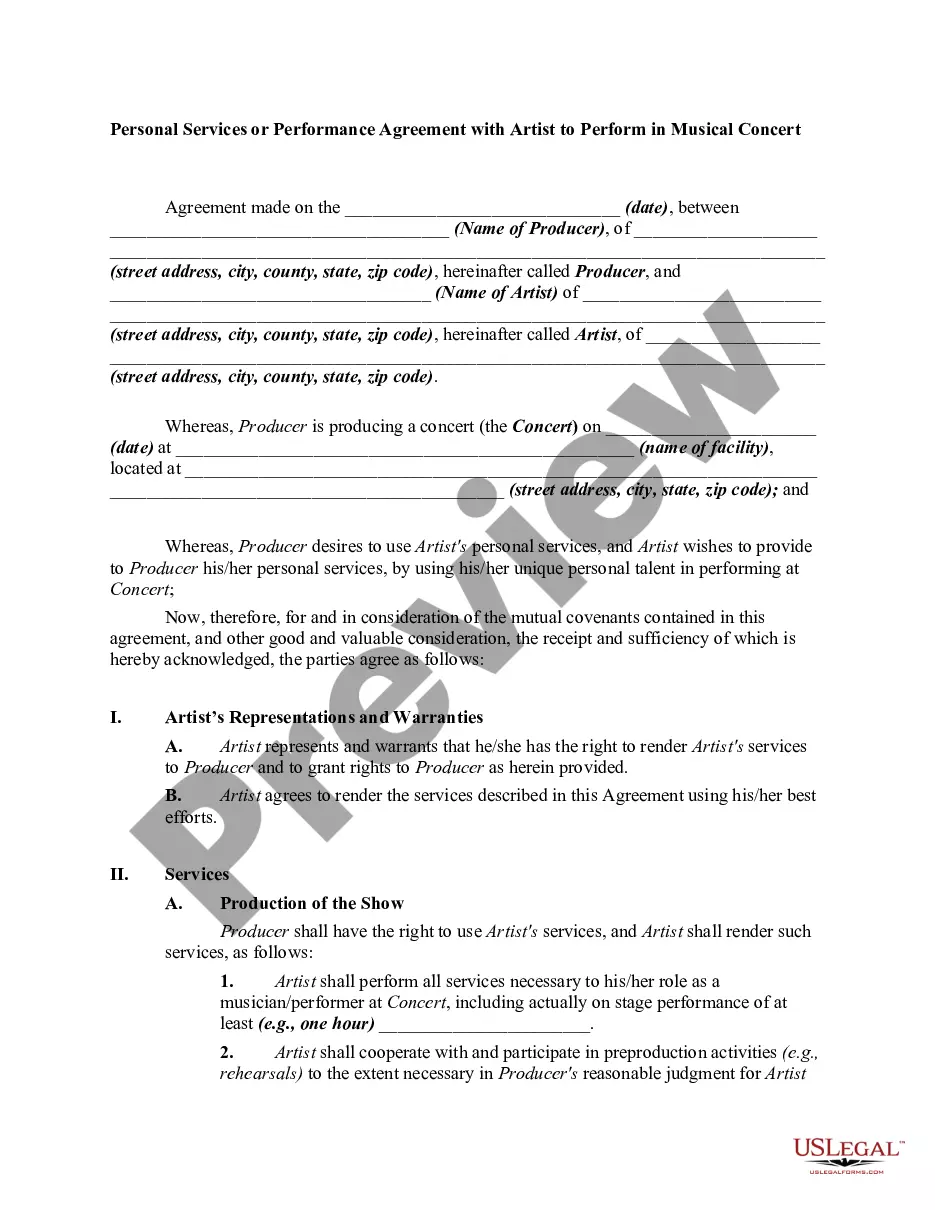
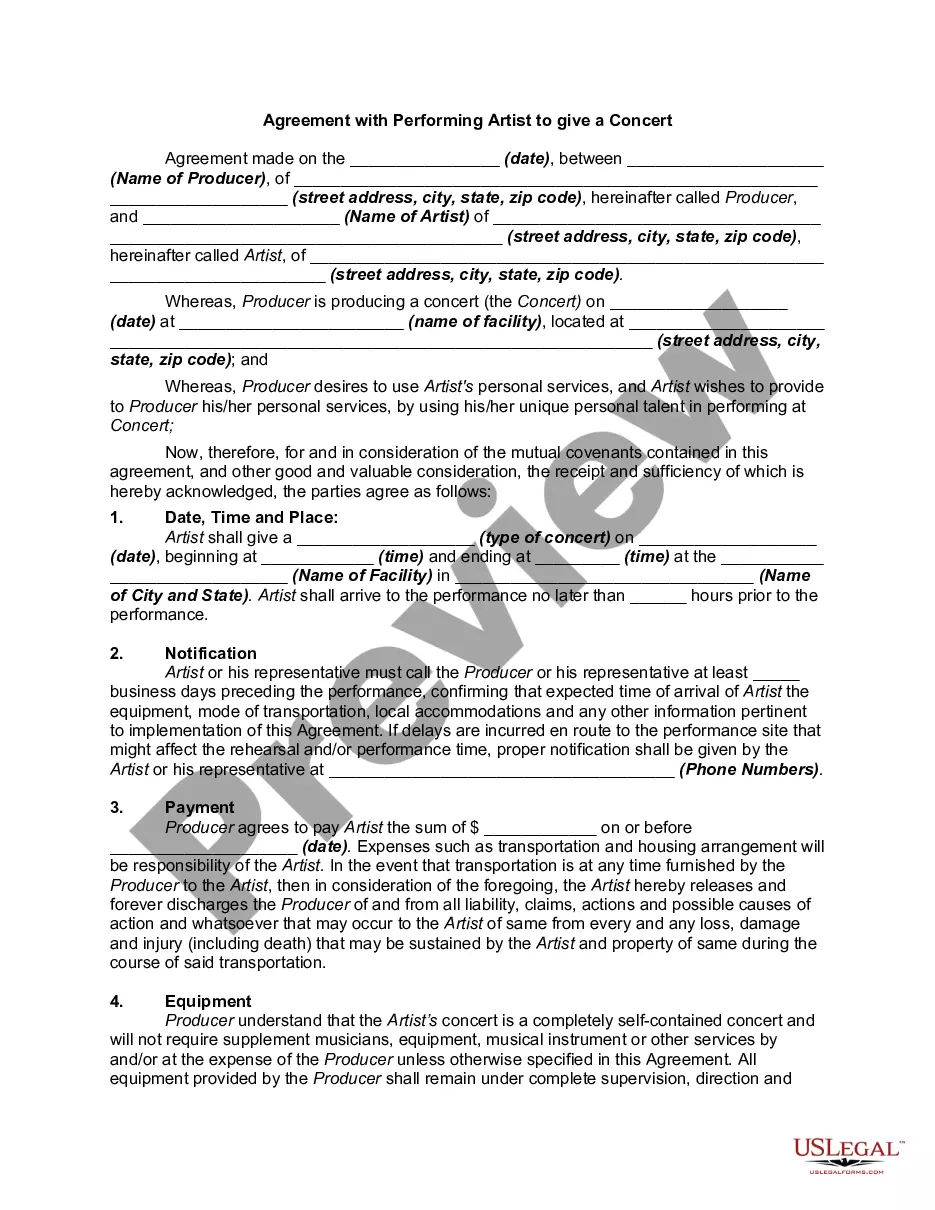
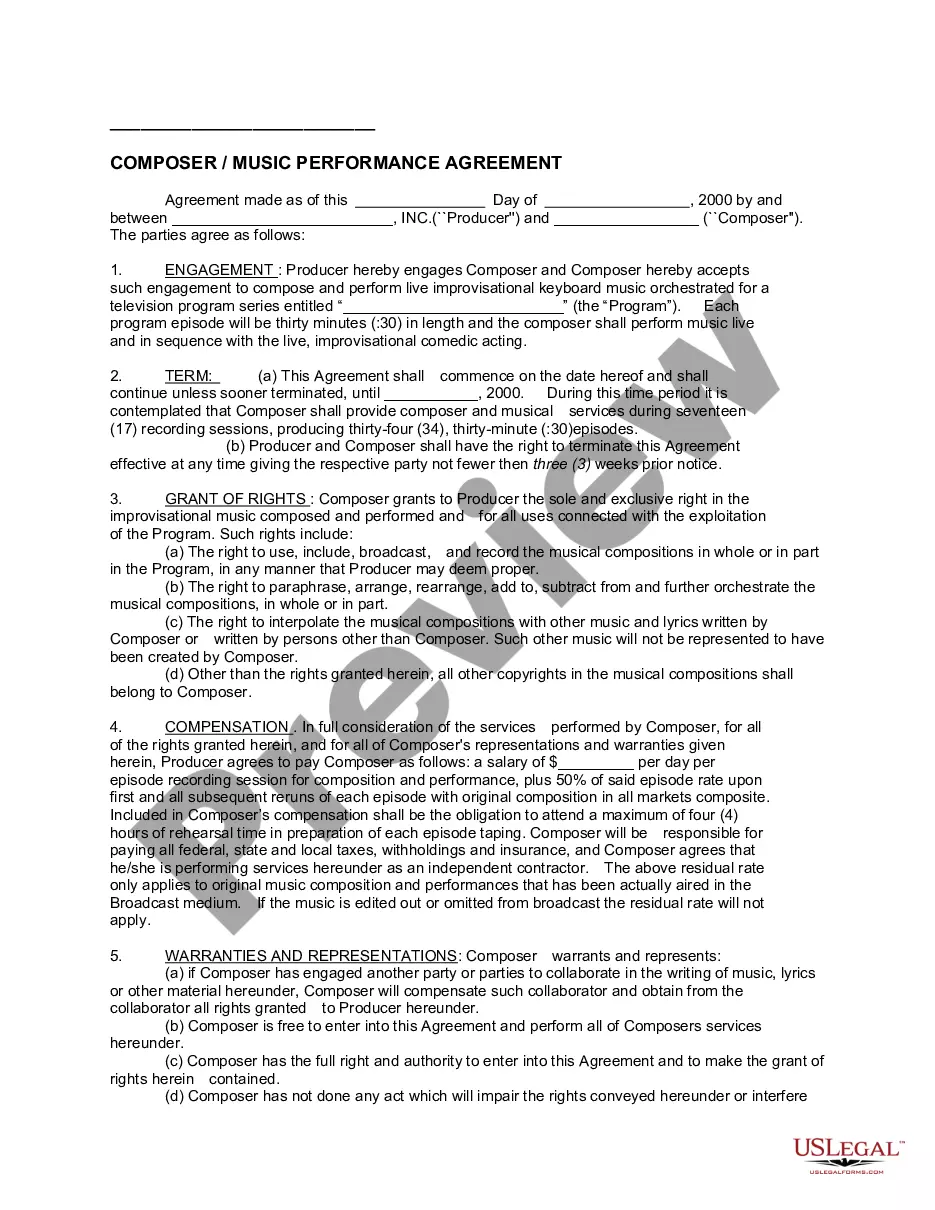
Get your form ready online
Our built-in tools help you complete, sign, share, and store your documents in one place.
Make edits, fill in missing information, and update formatting in US Legal Forms—just like you would in MS Word.
Download a copy, print it, send it by email, or mail it via USPS—whatever works best for your next step.
Sign and collect signatures with our SignNow integration. Send to multiple recipients, set reminders, and more. Go Premium to unlock E-Sign.
If this form requires notarization, complete it online through a secure video call—no need to meet a notary in person or wait for an appointment.
We protect your documents and personal data by following strict security and privacy standards.

Make edits, fill in missing information, and update formatting in US Legal Forms—just like you would in MS Word.

Download a copy, print it, send it by email, or mail it via USPS—whatever works best for your next step.

Sign and collect signatures with our SignNow integration. Send to multiple recipients, set reminders, and more. Go Premium to unlock E-Sign.

If this form requires notarization, complete it online through a secure video call—no need to meet a notary in person or wait for an appointment.

We protect your documents and personal data by following strict security and privacy standards.
Looking for another form?




Form popularity
FAQ
Creating a Self-Contract Stick to just one goal. Write down the steps you need to take to achieve the goal. Set a deadline for the contract to one day, or a week at most. Keep it short and focused, but formal. Focus on the upsides of the contract. Change the contract if you feel that you've accomplished it already.
Commodities and services contracts developed by SPD are available through the Texas SmartBuy portal or are purchased directly from contracted vendors. Search or browse through statewide contracts for non-IT commodities and services.
Yes, you can write your own contract. However, including all necessary elements is crucial to make it legally binding.
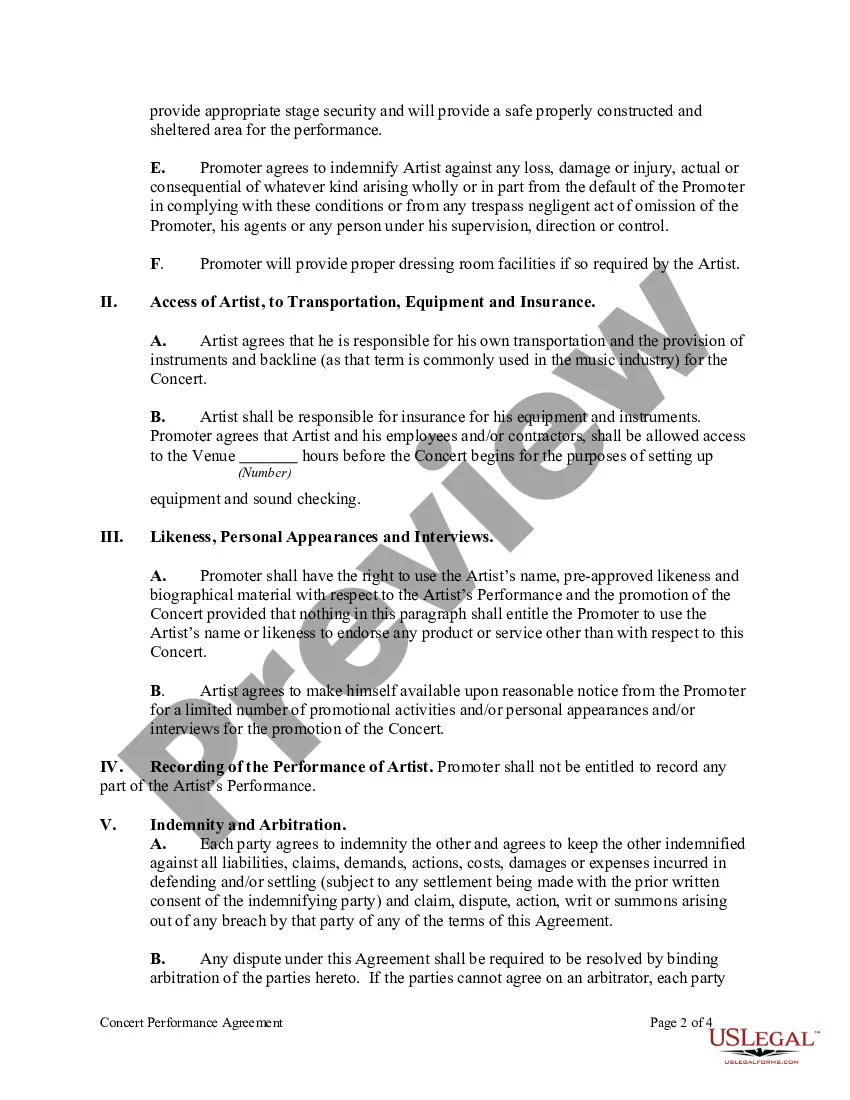
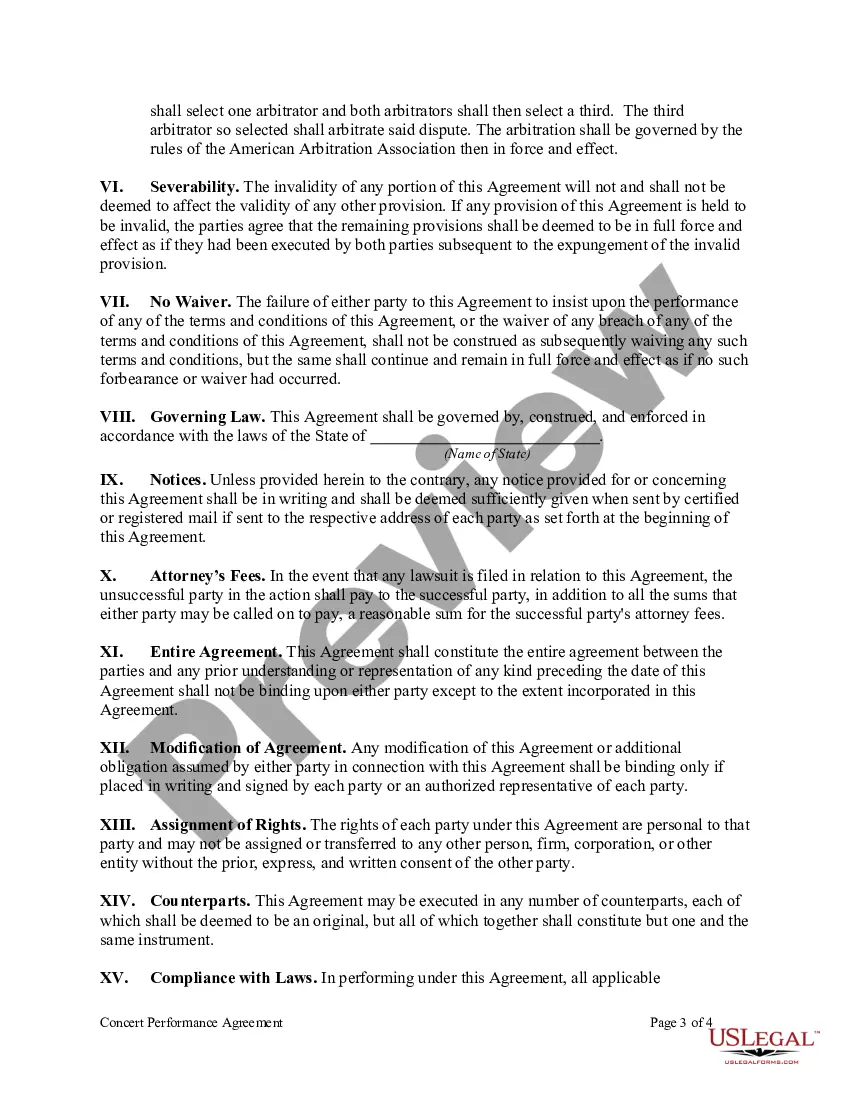
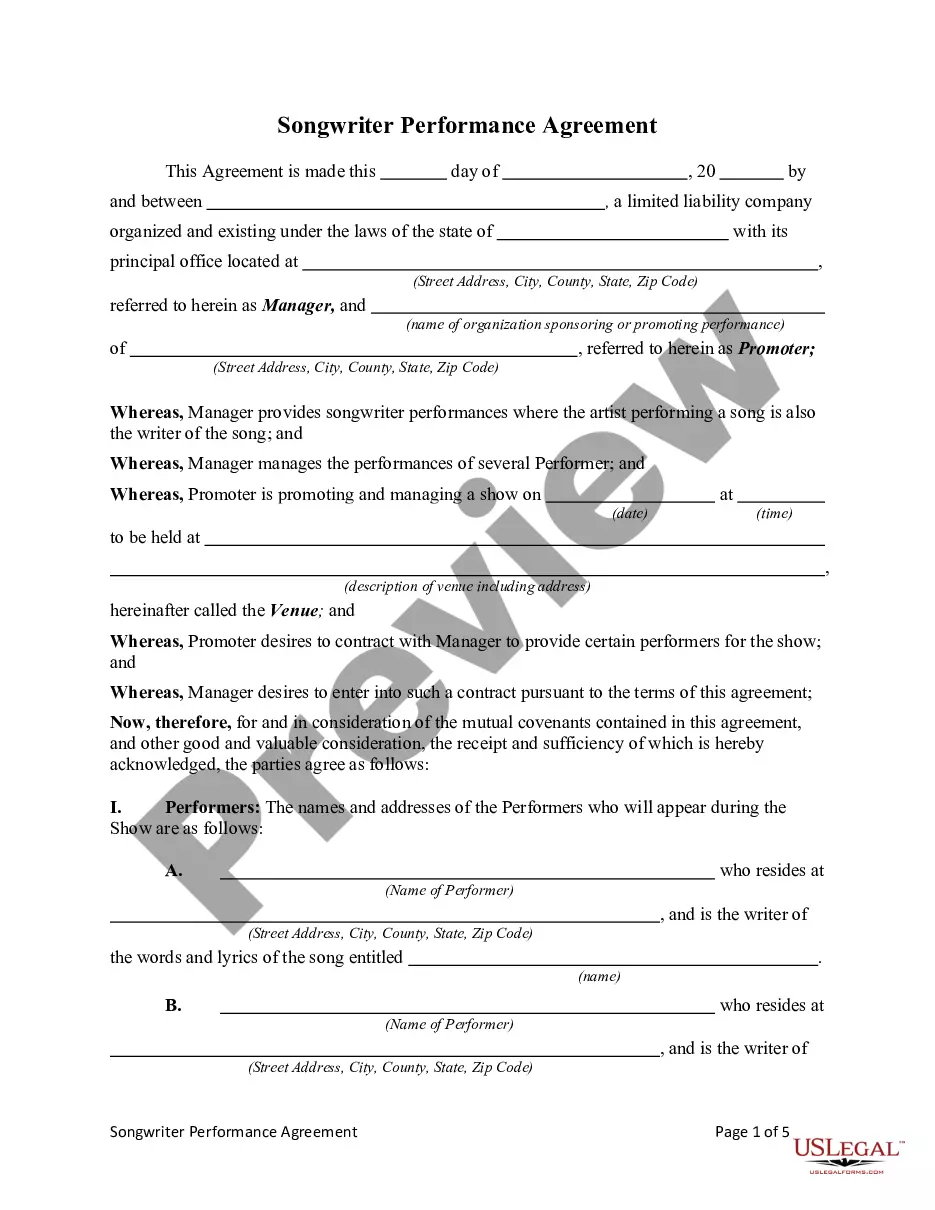
Follow these steps to put an effective performance agreement in place for your staff: Start With Clear Expectations. Build in Milestones. Agree on the Terms. Schedule Accountability Meetings. Establish Outcome Results and Consequences. Sign and Date the Agreement.
How to draft a contract between two parties: A step-by-step checklist Know your parties. Agree on the terms. Set clear boundaries. Spell out the consequences. Specify how you will resolve disputes. Cover confidentiality. Check the legality of the contract. Open it up to negotiation.
Performance Agreement: An arrangement between an employer and an employee, or a business and a contractor, which outlines the terms, expectations, goals, and standards of performance for each party. Scope: The range of activities, duties, and expectations covered by an agreement.
How do you measure and evaluate the performance and productivity of your administrative team? Set clear and SMART goals. Use key performance indicators (KPIs) Conduct regular performance reviews. Implement feedback systems. Encourage collaboration and communication. Reward and recognize your team.
Timely response to all telephone inquiries/office visitors. Planning for seminars occurs too late to secure optimal meeting space and prepare advance communications. Certain associate editors consistently are behind schedule. All manuscripts progress through the review process ing to established schedule.
To identify key performance indicators (KPIs) in your administrative assistant role, focus on metrics such as task completion rate, accuracy of work, timeliness, communication efficiency, and client or colleague satisfaction.
As with all contracts, a performance contract is a mutual agreement, and both parties should willingly agree to the terms and conditions of the contract. The performance objectives, metrics, and timeline must be clearly defined. It should be transparent and encapsulate the shared understanding of the expectations.
