Performance Agreement For Hr Manager In Montgomery
Description

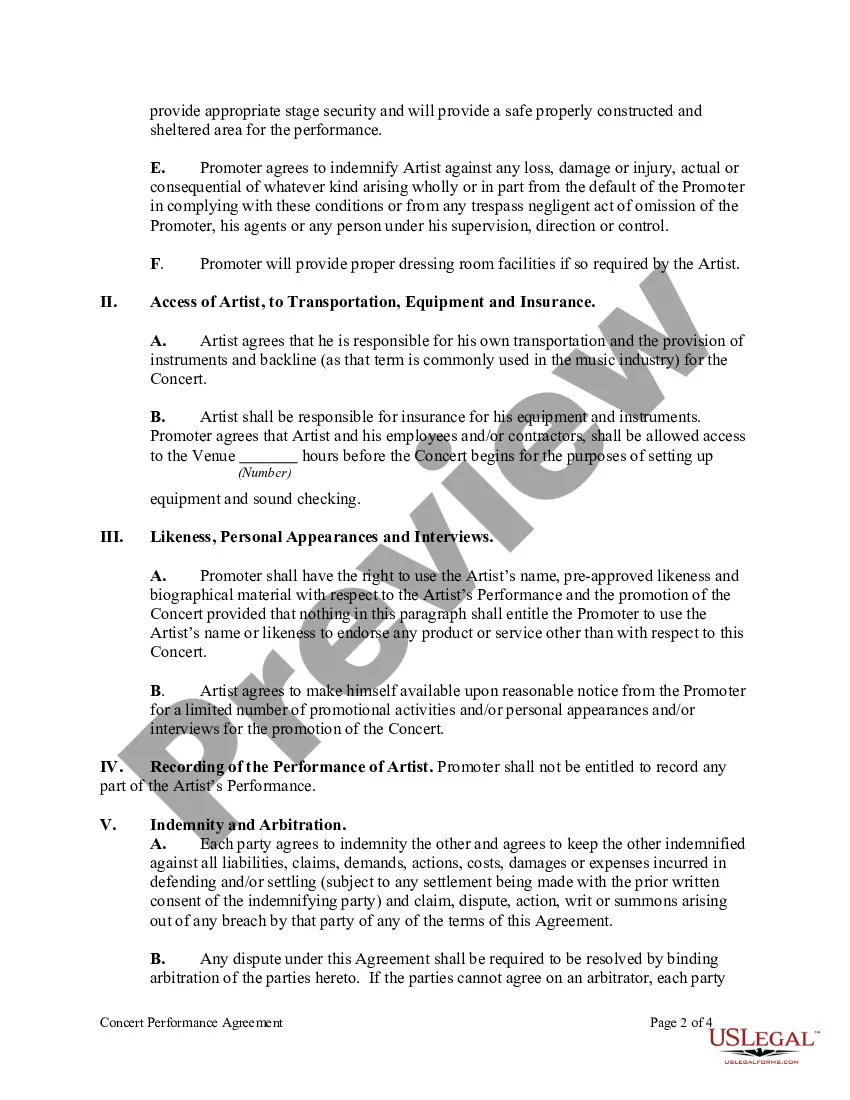
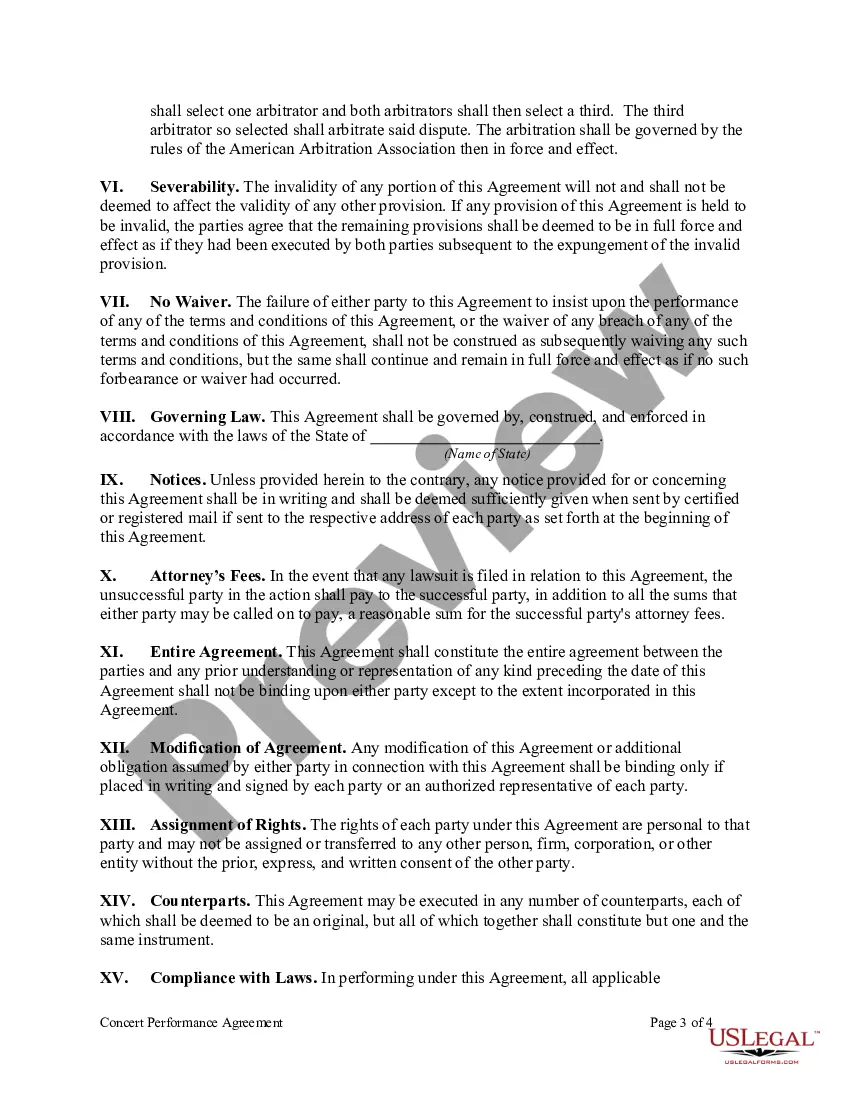
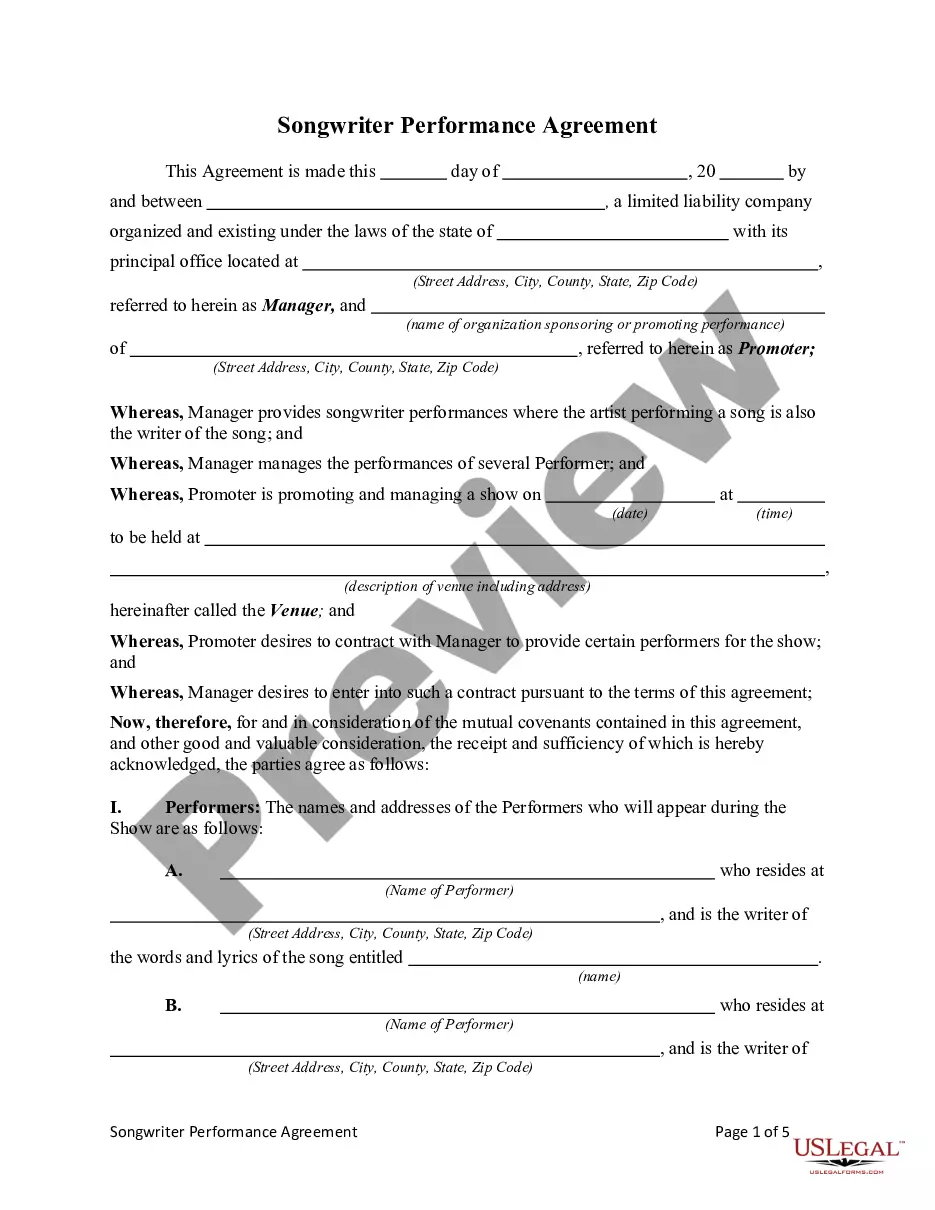
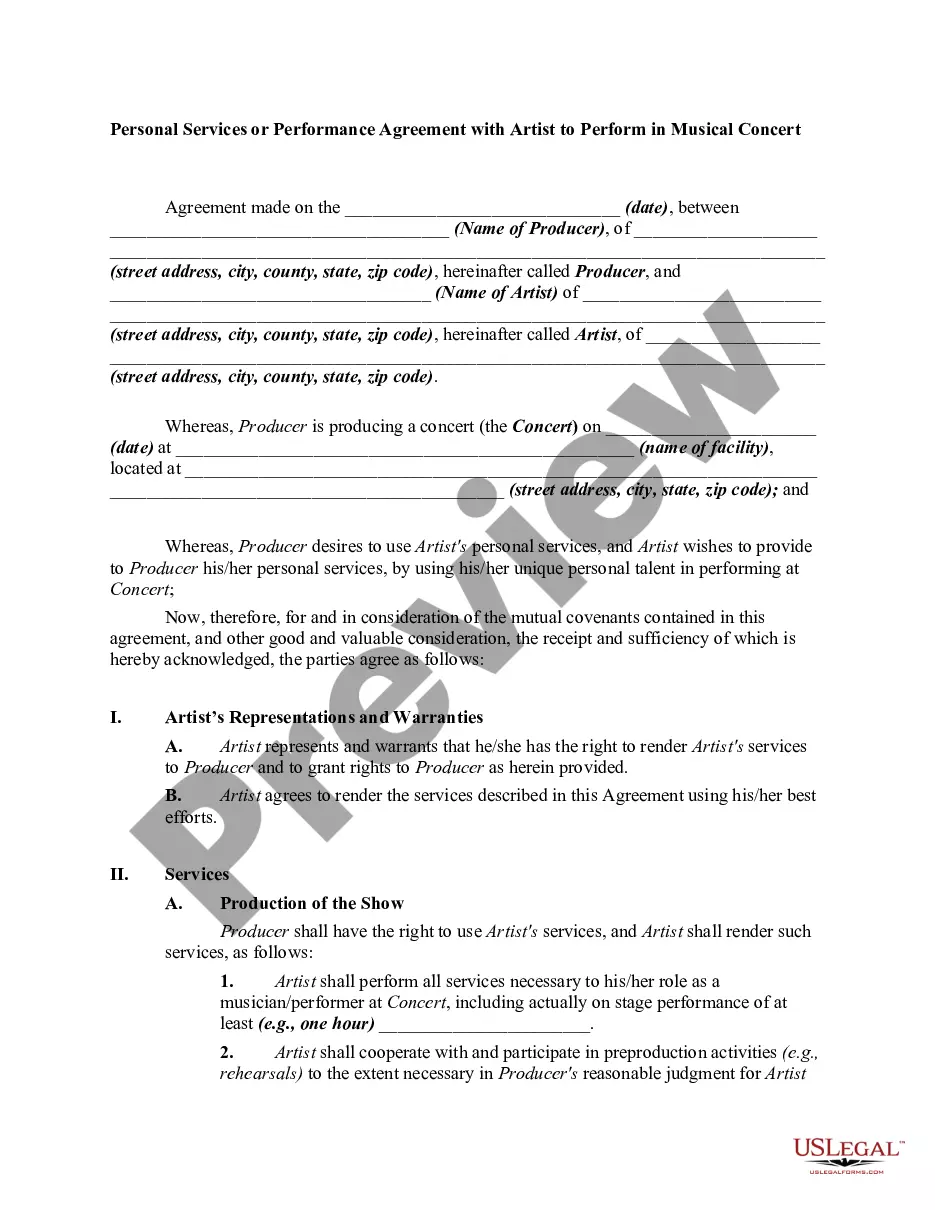
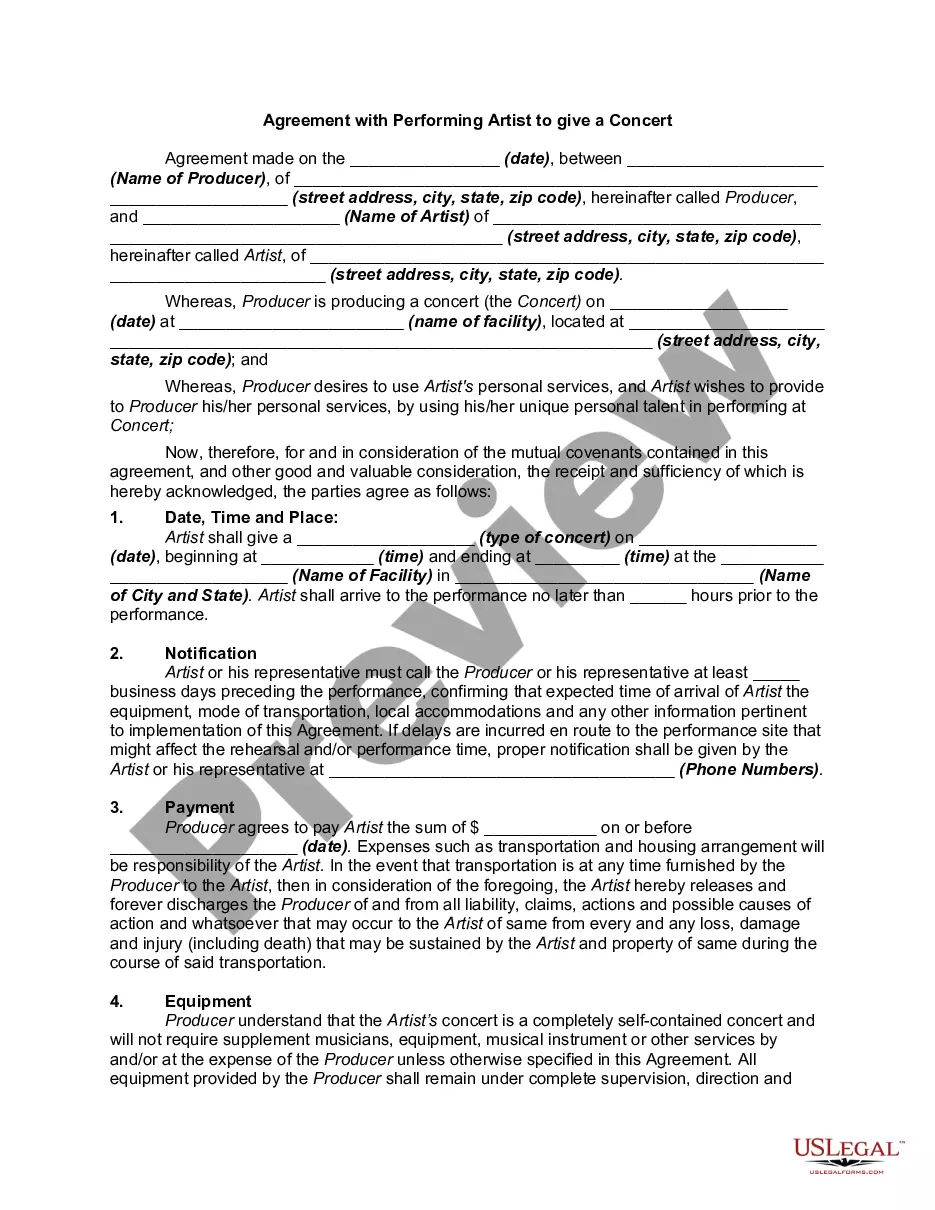
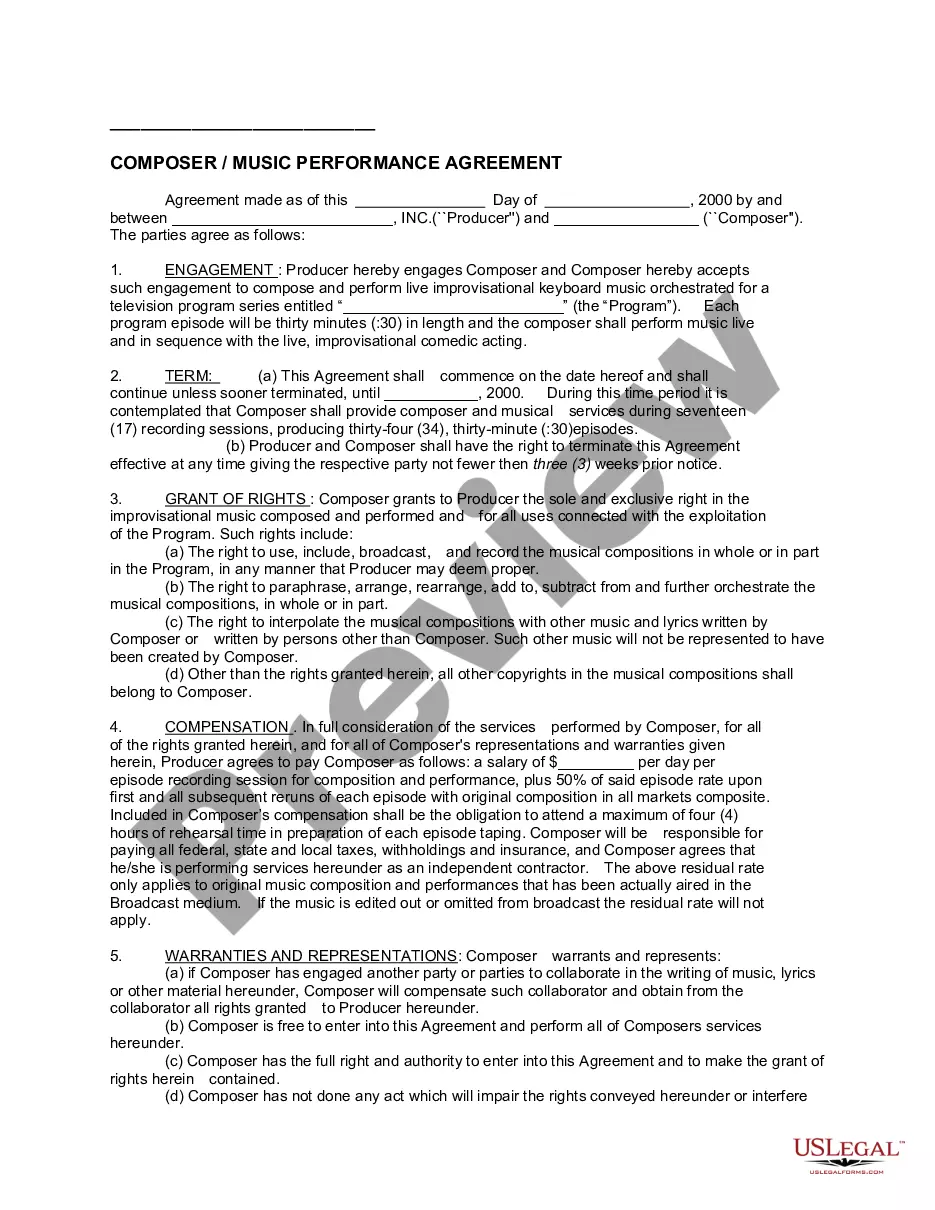
Get your form ready online
Our built-in tools help you complete, sign, share, and store your documents in one place.
Make edits, fill in missing information, and update formatting in US Legal Forms—just like you would in MS Word.
Download a copy, print it, send it by email, or mail it via USPS—whatever works best for your next step.
Sign and collect signatures with our SignNow integration. Send to multiple recipients, set reminders, and more. Go Premium to unlock E-Sign.
If this form requires notarization, complete it online through a secure video call—no need to meet a notary in person or wait for an appointment.
We protect your documents and personal data by following strict security and privacy standards.

Make edits, fill in missing information, and update formatting in US Legal Forms—just like you would in MS Word.

Download a copy, print it, send it by email, or mail it via USPS—whatever works best for your next step.

Sign and collect signatures with our SignNow integration. Send to multiple recipients, set reminders, and more. Go Premium to unlock E-Sign.

If this form requires notarization, complete it online through a secure video call—no need to meet a notary in person or wait for an appointment.

We protect your documents and personal data by following strict security and privacy standards.
Looking for another form?







Form popularity
FAQ
Follow these steps to put an effective performance agreement in place for your staff: Start With Clear Expectations. Build in Milestones. Agree on the Terms. Schedule Accountability Meetings. Establish Outcome Results and Consequences. Sign and Date the Agreement.
Never discuss personality traits—especially negative ones. You can say, “You have a fabulous attitude.” But saying, “Your attitude isn't great” focuses on personality, not performance. Maybe your employee does have a bad attitude.
Here are five tips to help you answer skill-based interview questions about performance management: Understand the Fundamentals. Use the STAR Method. Highlight Your Soft Skills. Discuss Continuous Improvement. Prepare Examples of Challenges and Solutions.
When you fill the form: Be honest and critical. Analyze your failures and mention the reasons for it. Keep the words minimal. Identify weaknesses. Mention your achievements. Link achievements to the job description and the organization's goals. Set the goals for the next review period. Resolve conflicts and grievances.
Let's look at them one by one: Offer feedback: give the employee objective information about their work over the last few months, as well as convey the company's expectations. Decide on promotions: the appraisal process gives us objective data for making decisions about who is ready to take on new responsibilities.
Use a constructive tone, focusing on how you plan to improve. Introduction: Briefly summarize your role and the evaluation period. Achievements: List accomplishments and contributions. Challenges: Discuss difficulties and how you overcame them. Goals for Improvement: Outline areas for growth.
How to answer performance review questions Go to the point. Focus on what you have achieved with numbers and clear metrics. It's ok to admit failure if you have a plan. Communication and awareness questions. Feedback on your execution. Meeting expectations. Problems you can solve for your manager/team/company.
Suggested steps for developing a performance agreement Step 1: Plan. The first step is to plan by looking at your business goals for the year ahead. Step 2: Discuss. The next step is to arrange a time to meet with the employee to discuss and set up the performance agreement. Step 3: Monitor. Step 4: Review.
Performance agreements define executive accountability for specific organizational goals, help executives align daily operations, and clarify how work unit activities contribute to the agency's goals and objectives.
Write the contract in six steps Start with a contract template. Open with the basic information. Describe in detail what you have agreed to. Include a description of how the contract will be ended. Write into the contract which laws apply and how disputes will be resolved. Include space for signatures.
