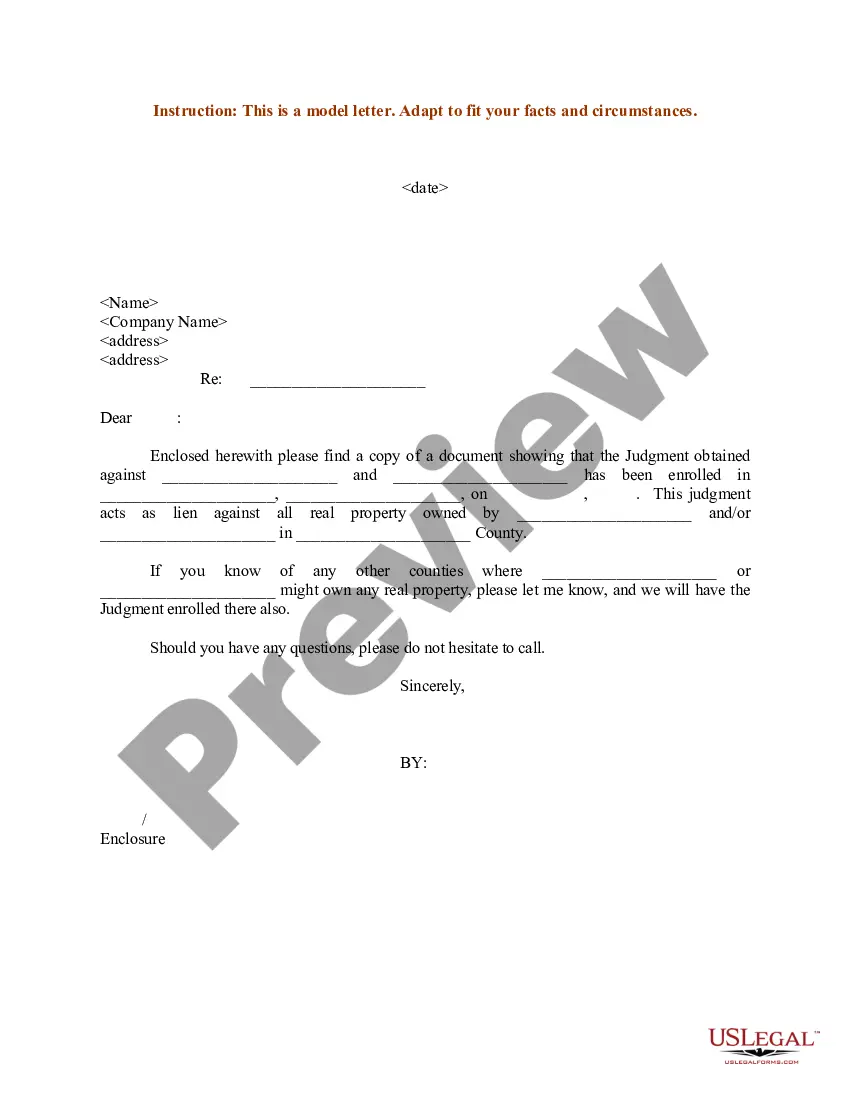
Notice Of Judgment Or Settlement
Description
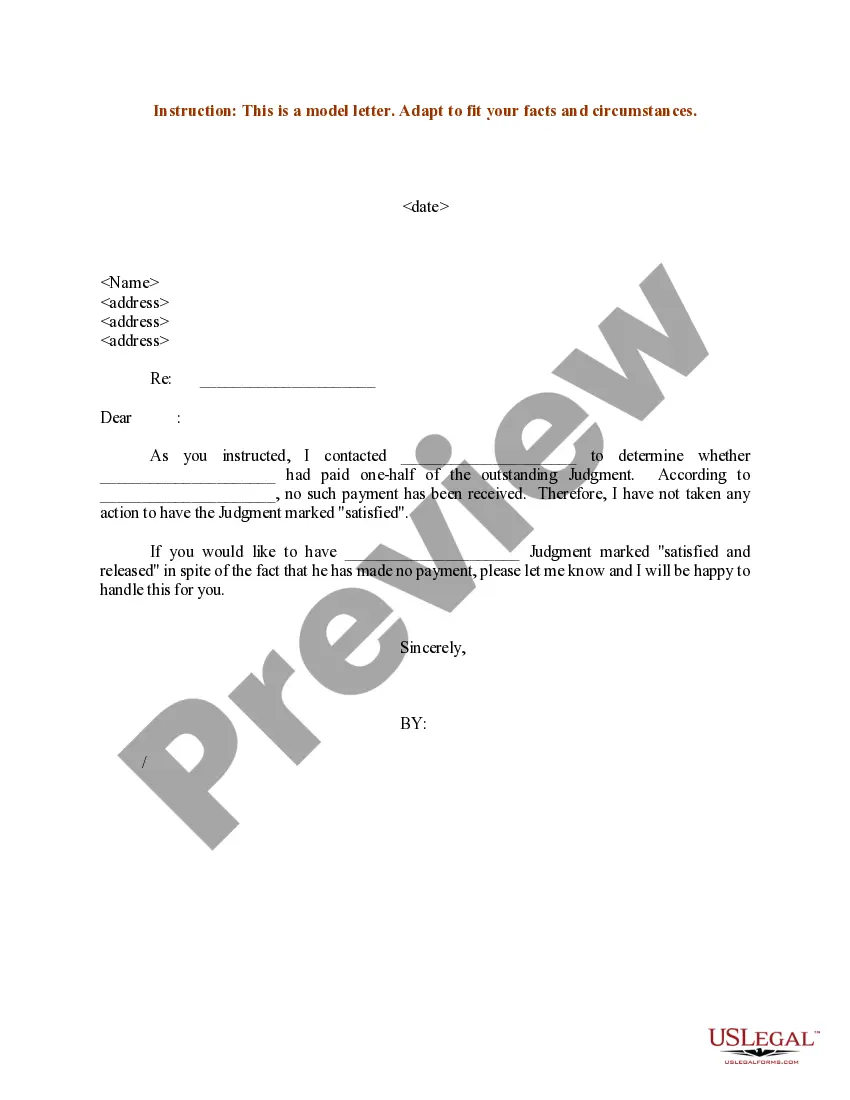
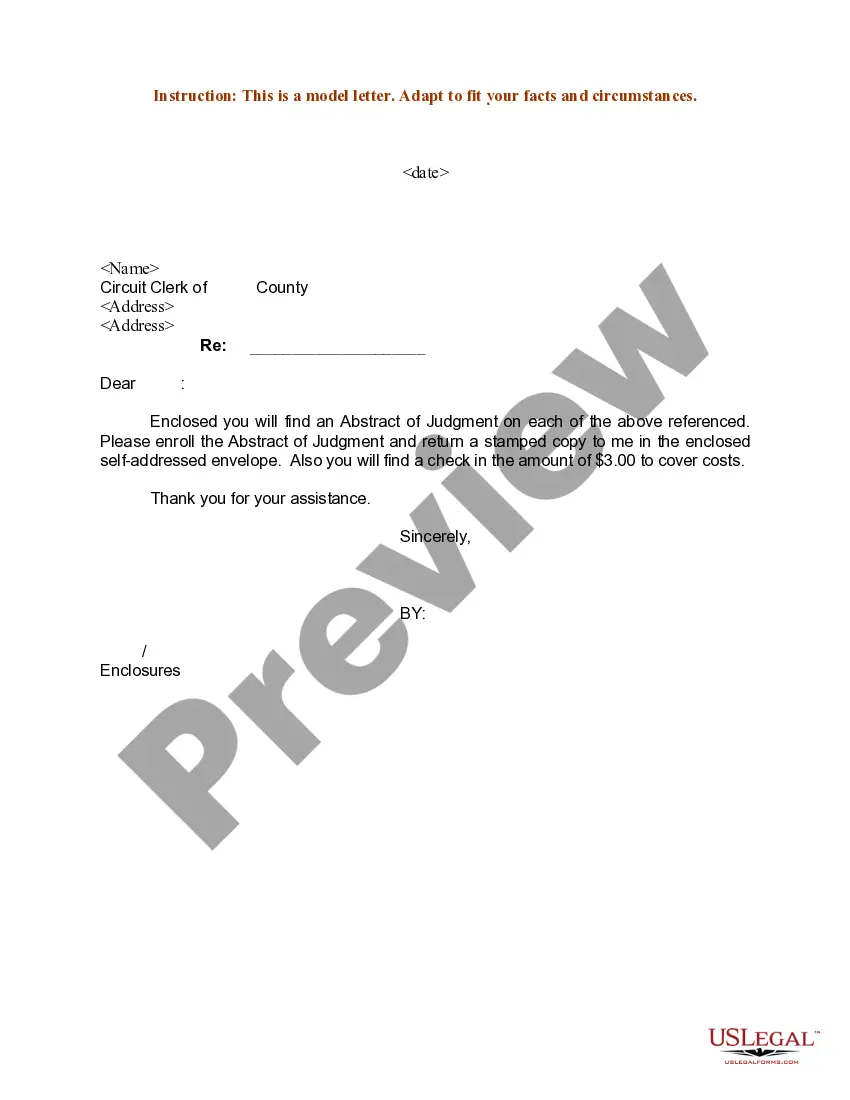
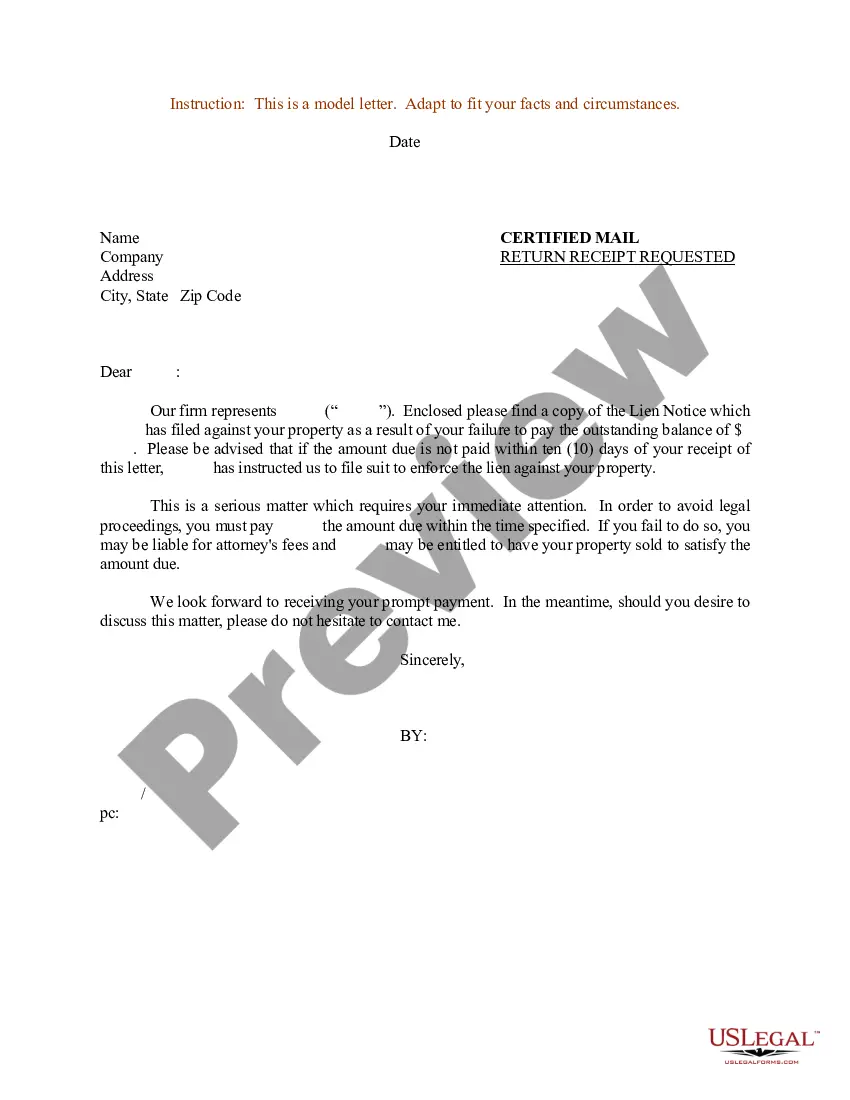
Get your form ready online
Our built-in tools help you complete, sign, share, and store your documents in one place.
Make edits, fill in missing information, and update formatting in US Legal Forms—just like you would in MS Word.
Download a copy, print it, send it by email, or mail it via USPS—whatever works best for your next step.
Sign and collect signatures with our SignNow integration. Send to multiple recipients, set reminders, and more. Go Premium to unlock E-Sign.
If this form requires notarization, complete it online through a secure video call—no need to meet a notary in person or wait for an appointment.
We protect your documents and personal data by following strict security and privacy standards.

Make edits, fill in missing information, and update formatting in US Legal Forms—just like you would in MS Word.

Download a copy, print it, send it by email, or mail it via USPS—whatever works best for your next step.

Sign and collect signatures with our SignNow integration. Send to multiple recipients, set reminders, and more. Go Premium to unlock E-Sign.

If this form requires notarization, complete it online through a secure video call—no need to meet a notary in person or wait for an appointment.

We protect your documents and personal data by following strict security and privacy standards.
Looking for another form?
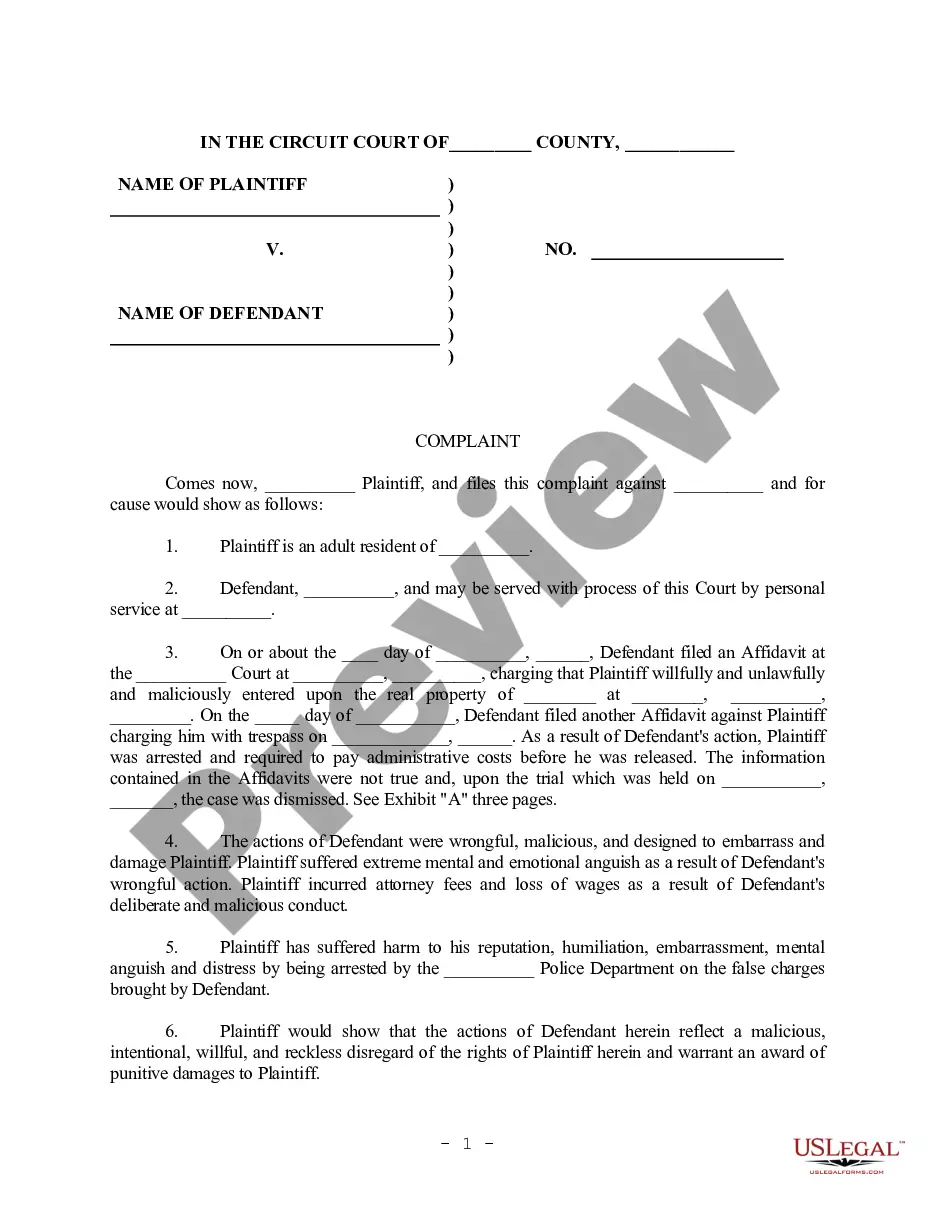

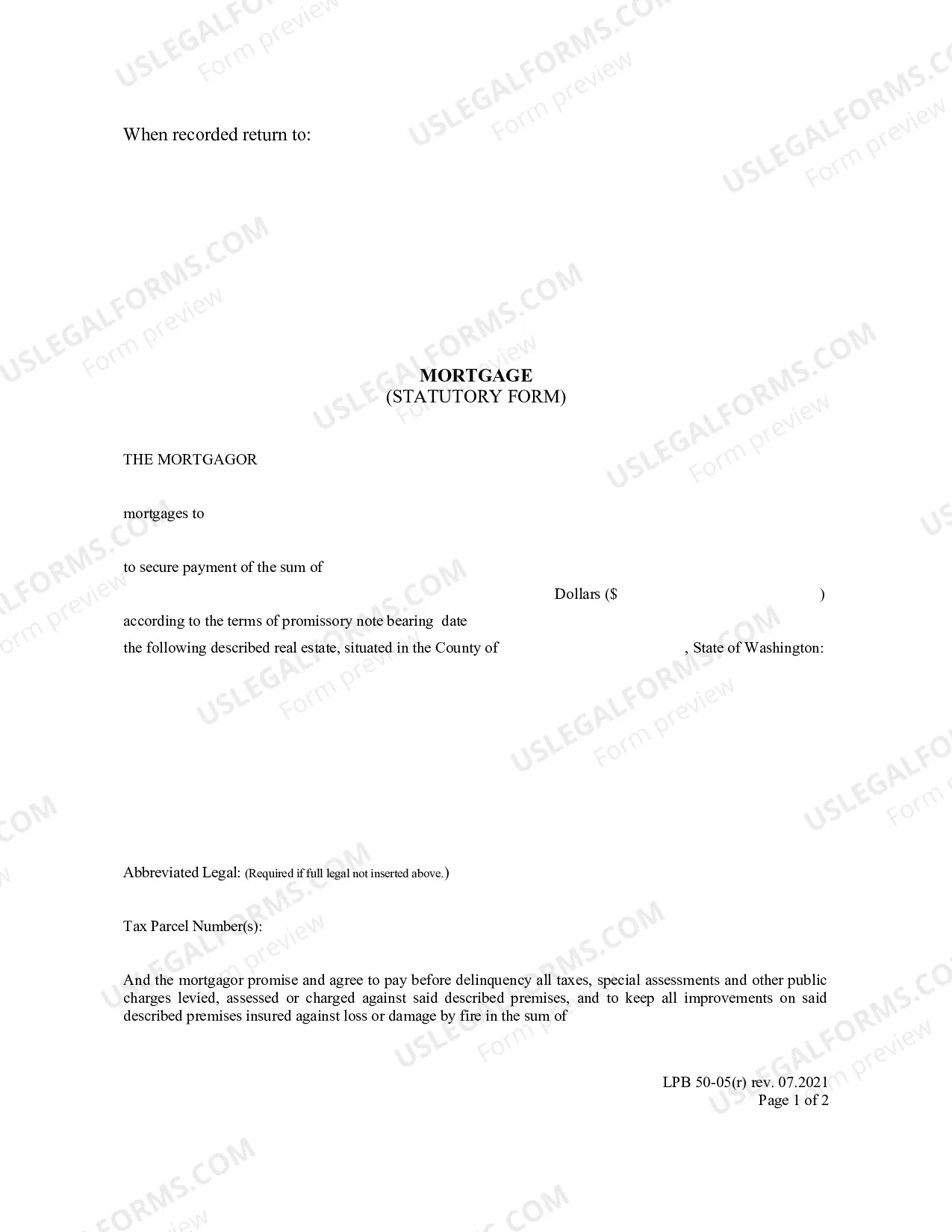
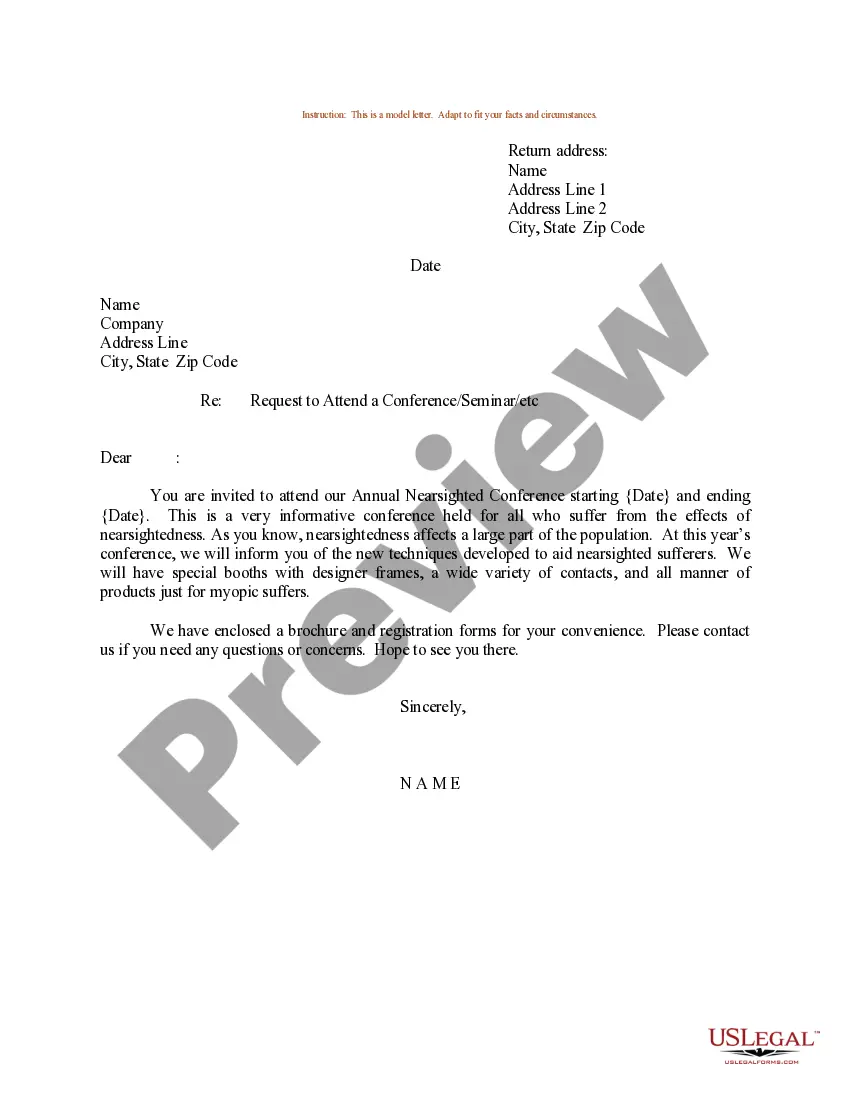
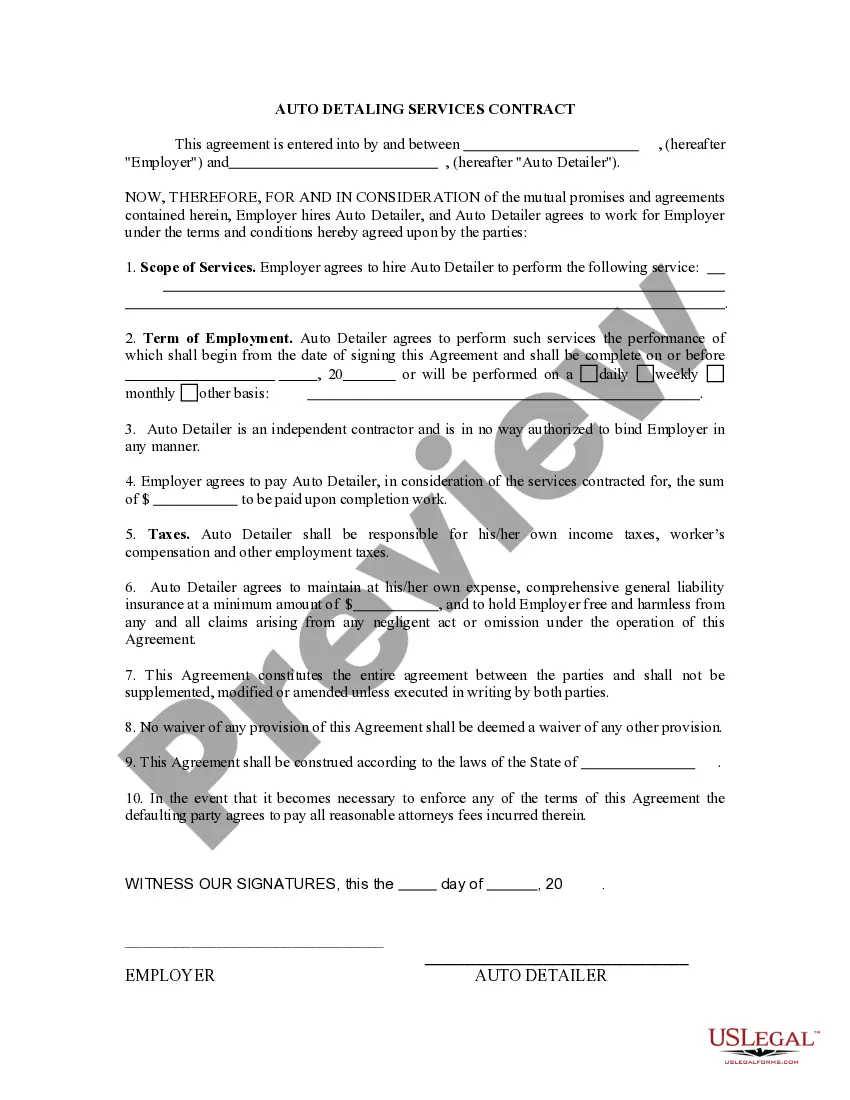
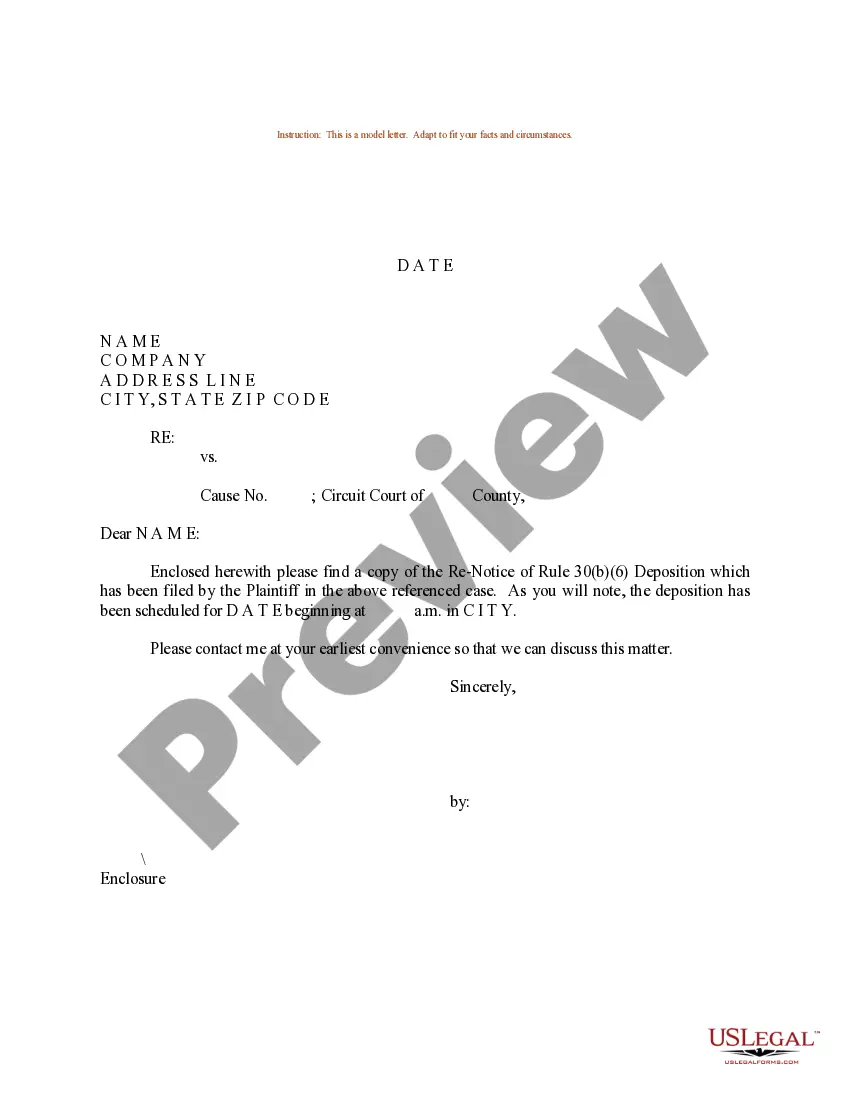
How to fill out Sample Letter For Notice Of Judgment - Lien?
Creating legal documents from the ground up can frequently feel a bit daunting.
Certain cases may require extensive research hours and significant financial investment.
If you’re looking for an easier and more economical method of drafting Notice Of Judgment Or Settlement or any other paperwork without unnecessary hurdles, US Legal Forms is always accessible.
Our online repository of over 85,000 current legal forms encompasses nearly every facet of your financial, legal, and personal matters. With just a few clicks, you can promptly obtain state- and county-compliant templates carefully assembled for you by our legal experts.
Examine the document preview and descriptions to confirm that you’ve located the form you need. Ensure that the selected form complies with your state's and county's requirements. Choose the most appropriate subscription option to acquire the Notice Of Judgment Or Settlement. Download the file. Then fill it out, validate, and print it. US Legal Forms has a strong reputation and over 25 years of expertise. Join us today and simplify the process of form completion!
- Utilize our site whenever you require dependable and trustworthy services to quickly locate and download the Notice Of Judgment Or Settlement.
- If you’re familiar with our site and have already registered an account, simply Log In, find the form, and download it or re-download it anytime in the My documents section.
- Not registered yet? No worries. It takes minimal time to set up and browse the directory.
- However, before directly downloading the Notice Of Judgment Or Settlement, adhere to these suggestions.
Form popularity
FAQ
Whether a settlement is better than a judgment depends on your specific circumstances. Settlements often provide quicker resolutions and lower legal costs, while judgments are legally binding and offer clear results after a trial. If you prefer safety and certainty, a settlement might be more favorable, especially when a notice of judgment or settlement is involved. We encourage you to weigh your options carefully, considering all potential outcomes.
A settlement is an agreement reached between parties before a trial concludes, often involving compensation without admitting fault. In contrast, a judgment is a court's official decision following a trial, determining the outcome and any penalties or awards. Knowing the distinction between a notice of judgment or settlement can help you navigate legal processes more effectively. Thus, understanding these terms is vital for anyone involved in legal matters.
An "Order" is a separate document that a judge signs which sets forth the judge's ruling on a motion. A "Judgment" is a separate document that a judge signs and sets forth the judge's ruling at the end of an adversary proceeding.
If the justice's decision says ?settle order or submit order on notice,? unless otherwise specifically directed by the court, the winning party must prepare the order, attach the order to a notice of settlement and serve it on the other parties to the lawsuit at least five (5) days before its settlement date [ten (10) ...
(b) Notice of entry of judgment Promptly upon entry of the award as a judgment, the clerk must serve notice of entry of judgment on all parties who have appeared in the case and must execute a certificate of service and place it in the court's file in the case. (Subd (b) amended effective January 1, 2016.)
Notice of Entry of Judgment (Uniform Parentage?Custody and Support) (FL-190) Lists the type of judgment that the court made (granted), like divorce, legal separation, or annulment. It also states the date that your legal relationship changed and the date that the court entered the judgment.
Notice of Entry of Judgment or Order (CIV-130) Tells the parties that a judgment has been entered in a case.