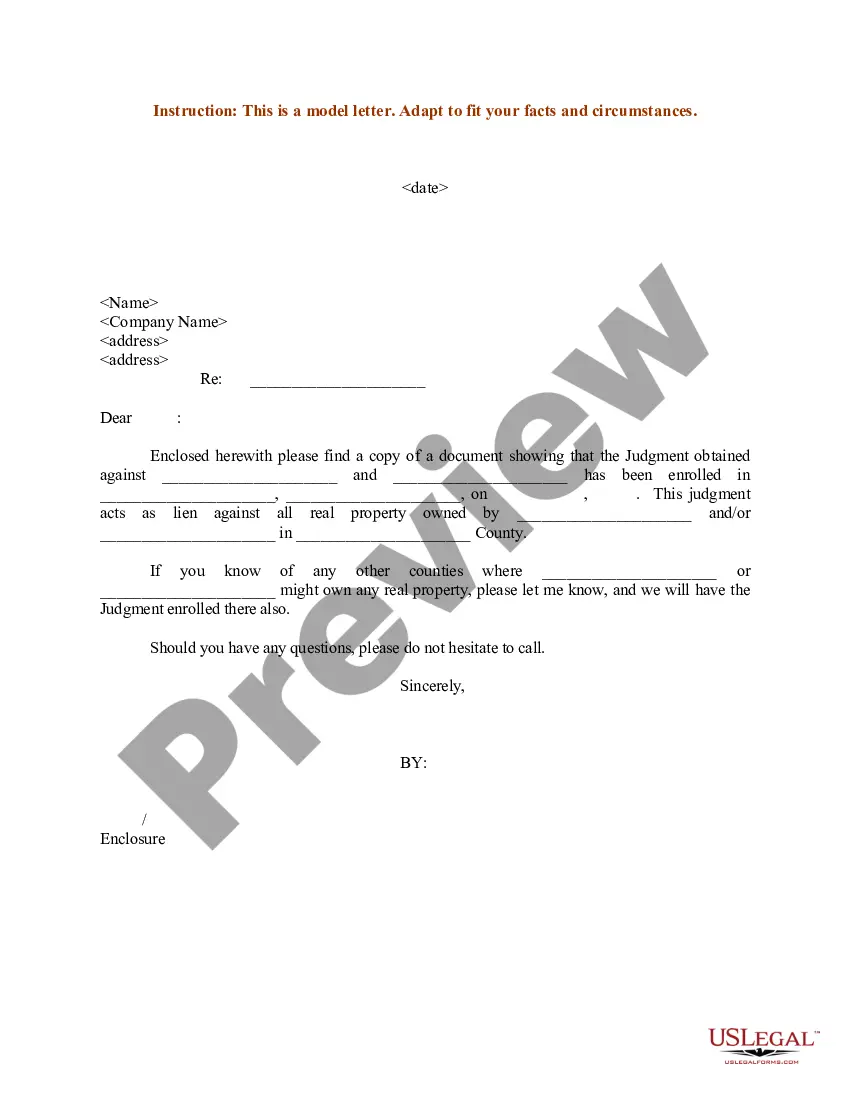
Notice Of Judgment Entered In New York
Description
Get your form ready online
Our built-in tools help you complete, sign, share, and store your documents in one place.
Make edits, fill in missing information, and update formatting in US Legal Forms—just like you would in MS Word.
Download a copy, print it, send it by email, or mail it via USPS—whatever works best for your next step.
Sign and collect signatures with our SignNow integration. Send to multiple recipients, set reminders, and more. Go Premium to unlock E-Sign.
If this form requires notarization, complete it online through a secure video call—no need to meet a notary in person or wait for an appointment.
We protect your documents and personal data by following strict security and privacy standards.

Make edits, fill in missing information, and update formatting in US Legal Forms—just like you would in MS Word.

Download a copy, print it, send it by email, or mail it via USPS—whatever works best for your next step.

Sign and collect signatures with our SignNow integration. Send to multiple recipients, set reminders, and more. Go Premium to unlock E-Sign.

If this form requires notarization, complete it online through a secure video call—no need to meet a notary in person or wait for an appointment.

We protect your documents and personal data by following strict security and privacy standards.
Looking for another form?
Form popularity
FAQ
Once the Judgment is entered, the winner should serve a copy of the Judgment with "notice of entry" on the loser. This service starts the loser's time to appeal running.
Once the Judgment is entered, the winner should serve a copy of the Judgment with "notice of entry" on the loser. This service starts the loser's time to appeal running.
The Notice of Entry of Judgment (SC-130) is a court form that states the judge's decision. This form also tells you about your rights and lists the date the form was mailed to you. This date is very important. You have only 30 days from this date to file a motion to vacate the judgment or appeal the judge's decision.
The Notice of Entry of Judgment (SC-130) is a court form that states the judge's decision. This form also tells you about your rights and lists the date the form was mailed to you. This date is very important. You have only 30 days from this date to file a motion to vacate the judgment or appeal the judge's decision.
You can look at your credit report at .annualcreditreport or you can go to the local clerk for the courts and search the county database. If there are judgments in other jurisdictions you would have to look there as well.
The most common ways you may find out that there are outstanding judgements against you in one of the following ways: letter in the mail or phone call from the collection attorneys; garnishee notice from your payroll department; freeze on your bank account; or.
You can contact your bank, employer, or credit reporting company to find out which Court made the judgment. You can use the Court Locator on this page to find a Court. Then contact the Court and get a copy of the court file, including the Affidavit of Service for the Summons and Complaint.
Historically, among those negative items that used to show upon your report were judgments, which are legal documents indicating the results of a lawsuit. However, ing to the Consumer Financial Protection Bureau, judgments no longer appear on your credit report as of 2017.