Notice Of Judgment Or Settlement In Nassau
Description

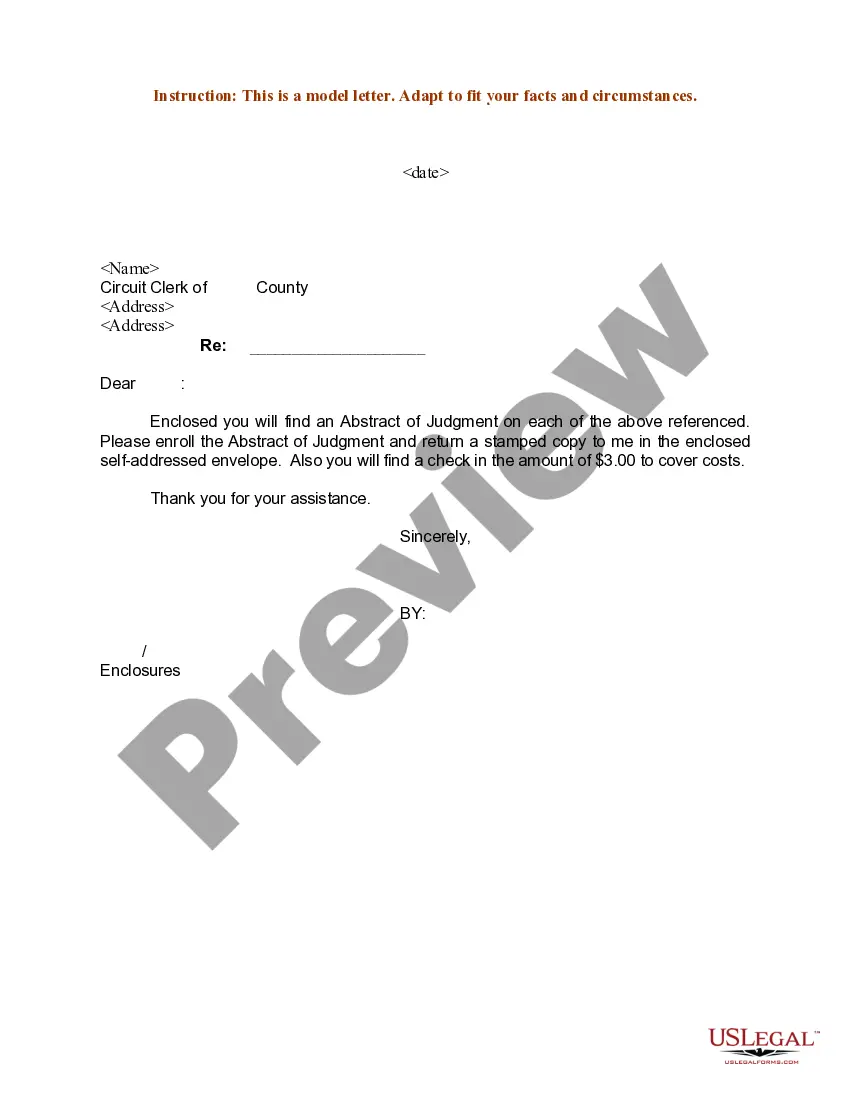

Get your form ready online
Our built-in tools help you complete, sign, share, and store your documents in one place.
Make edits, fill in missing information, and update formatting in US Legal Forms—just like you would in MS Word.
Download a copy, print it, send it by email, or mail it via USPS—whatever works best for your next step.
Sign and collect signatures with our SignNow integration. Send to multiple recipients, set reminders, and more. Go Premium to unlock E-Sign.
If this form requires notarization, complete it online through a secure video call—no need to meet a notary in person or wait for an appointment.
We protect your documents and personal data by following strict security and privacy standards.

Make edits, fill in missing information, and update formatting in US Legal Forms—just like you would in MS Word.

Download a copy, print it, send it by email, or mail it via USPS—whatever works best for your next step.

Sign and collect signatures with our SignNow integration. Send to multiple recipients, set reminders, and more. Go Premium to unlock E-Sign.

If this form requires notarization, complete it online through a secure video call—no need to meet a notary in person or wait for an appointment.

We protect your documents and personal data by following strict security and privacy standards.
Looking for another form?







Form popularity
FAQ
Once the Judgment is entered, the winner should serve a copy of the Judgment with "notice of entry" on the loser. This service starts the loser's time to appeal running.
A notice of entry must be filed to make a civil court order enforceable. So even once the court has ruled, for almost all orders, the parties won't be able to enforce the order until notice of entry is served.
The order, together with the notice of settlement, must be served and presented to the court within sixty (60) days of the justice's decision. The party settling the order must also submit an original affidavit of service showing the proposed order and notice of settlement were served on all other parties to the case.
The Notice of Entry of Judgment (SC-130) is a court form that states the judge's decision. This form also tells you about your rights and lists the date the form was mailed to you. This date is very important. You have only 30 days from this date to file a motion to vacate the judgment or appeal the judge's decision.
Enter a judgment means to make a final recording of the decision and the opinion, if the court made one. When the entry is complete depends on the jurisdiction, but entering a judgment usually either occurs after the decision is inserted into the docket or sent to a specified official.
You can contact your bank, employer, or credit reporting company to find out which Court made the judgment. You can use the Court Locator on this page to find a Court. Then contact the Court and get a copy of the court file, including the Affidavit of Service for the Summons and Complaint.
The most common ways you may find out that there are outstanding judgements against you in one of the following ways: letter in the mail or phone call from the collection attorneys; garnishee notice from your payroll department; freeze on your bank account; or.
You or someone else may start your case by filling out a court form. You may file by mail if you have a small claims case in Western Suffolk County or if you live outside New York City and you want to sue a party within New York City. The form describes your claim to the Court.

