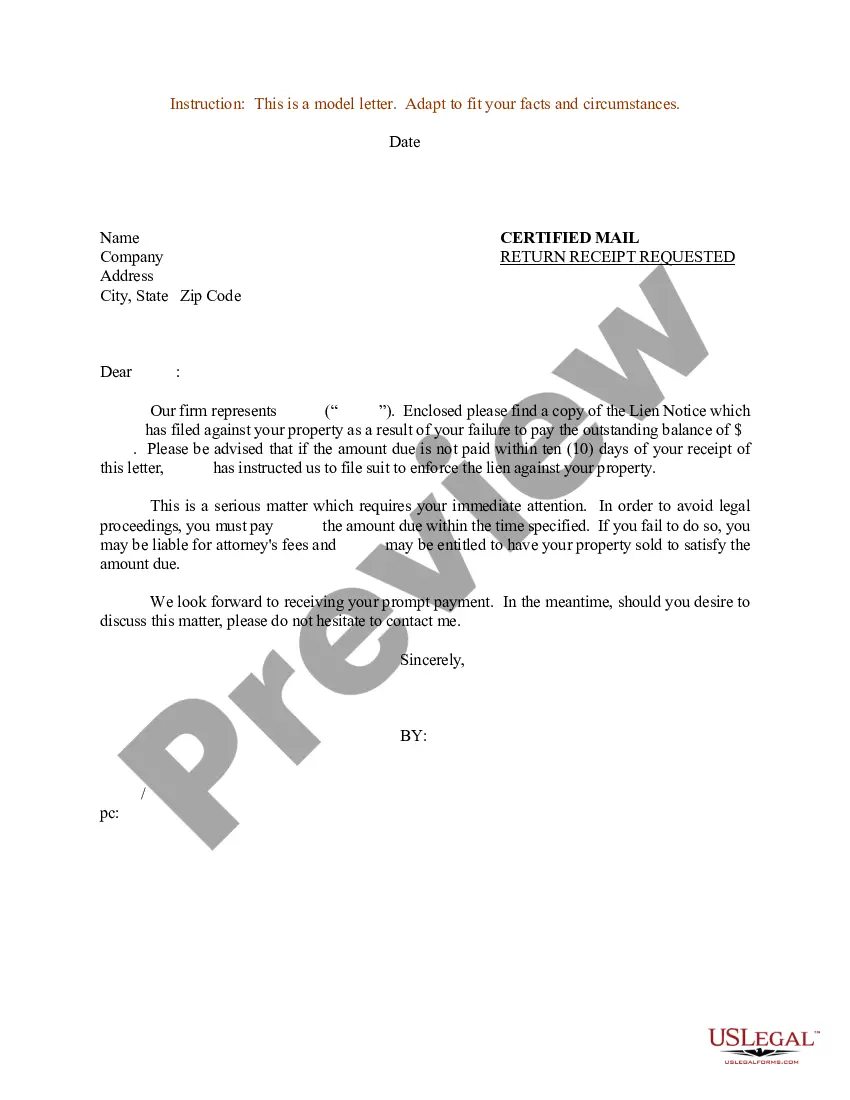
Judgment Note Form With 2 Points In Middlesex
Description



Get your form ready online
Our built-in tools help you complete, sign, share, and store your documents in one place.
Make edits, fill in missing information, and update formatting in US Legal Forms—just like you would in MS Word.
Download a copy, print it, send it by email, or mail it via USPS—whatever works best for your next step.
Sign and collect signatures with our SignNow integration. Send to multiple recipients, set reminders, and more. Go Premium to unlock E-Sign.
If this form requires notarization, complete it online through a secure video call—no need to meet a notary in person or wait for an appointment.
We protect your documents and personal data by following strict security and privacy standards.

Make edits, fill in missing information, and update formatting in US Legal Forms—just like you would in MS Word.

Download a copy, print it, send it by email, or mail it via USPS—whatever works best for your next step.

Sign and collect signatures with our SignNow integration. Send to multiple recipients, set reminders, and more. Go Premium to unlock E-Sign.

If this form requires notarization, complete it online through a secure video call—no need to meet a notary in person or wait for an appointment.

We protect your documents and personal data by following strict security and privacy standards.
Looking for another form?






Form popularity
FAQ
STEP 1: Determine whether or not the defendant (judgment debtor) is a member on. STEP 2: Compile all the documentation and proof you have to support the entry of. STEP 3: Complete and Sign the attached form: Certification of Proof. STEP 4: File the completed form, with all attachments, with the Office of the Special Civil.
Enter a judgment means to make a final recording of the decision and the opinion , if the court made one.
Entry of judgment is a final recording of the decision and opinion, if the court made one. When the entry is complete depends on the jurisdiction, but the entry usually either occurs after the decision is inserted into the docket or sent to a specified official.
Proposed Form of Order - A proposed order is a form that the judge can use to either grant or deny the relief sought in the motion. Every motion must be accompanied by a proposed form of order. Return date - The return date is the date on which the court will consider the motion.
The Notice of Entry of Judgment (SC-130) is a court form that states the judge's decision. This form also tells you about your rights and lists the date the form was mailed to you. This date is very important. You have only 30 days from this date to file a motion to vacate the judgment or appeal the judge's decision.
If you received a summons for a lawsuit, you have 35 days to respond. After this time, you could lose the case by default judgment. To respond to a lawsuit summons, you need to complete the packet “How to File an Answer to a Complaint in Civil Court.” It includes the instructions and answer form.
Enter a judgment means to make a final recording of the decision and the opinion , if the court made one. When the entry is complete depends on the jurisdiction, but entering a judgment usually either occurs after the decision is inserted into the docket or sent to a specified official.
As of July 1, 2022, the jurisdictional limit of Small Claims court was increased from $3,000 to $5,000. The jurisdictional limit for the Special Civil Part was increased from $15,000.00 to $20,000.00. Any claims of $20,000.01 or more will be filed in the Law Division.
STEP 1: Determine whether or not the defendant (judgment debtor) is a member on. STEP 2: Compile all the documentation and proof you have to support the entry of. STEP 3: Complete and Sign the attached form: Certification of Proof. STEP 4: File the completed form, with all attachments, with the Office of the Special Civil.
3 (motion practice in Special Civil Part) or unless the court otherwise orders, a motion for summary judgment shall be served and filed not later than 28 days before the time specified for the return date; opposing affidavits, certifications, briefs, and crossmotions for summary judgment, if any, shall be served ...

