Accident Report File Form (form 10) In Massachusetts
Description

Get your form ready online
Our built-in tools help you complete, sign, share, and store your documents in one place.
Make edits, fill in missing information, and update formatting in US Legal Forms—just like you would in MS Word.
Download a copy, print it, send it by email, or mail it via USPS—whatever works best for your next step.
Sign and collect signatures with our SignNow integration. Send to multiple recipients, set reminders, and more. Go Premium to unlock E-Sign.
If this form requires notarization, complete it online through a secure video call—no need to meet a notary in person or wait for an appointment.
We protect your documents and personal data by following strict security and privacy standards.

Make edits, fill in missing information, and update formatting in US Legal Forms—just like you would in MS Word.

Download a copy, print it, send it by email, or mail it via USPS—whatever works best for your next step.

Sign and collect signatures with our SignNow integration. Send to multiple recipients, set reminders, and more. Go Premium to unlock E-Sign.

If this form requires notarization, complete it online through a secure video call—no need to meet a notary in person or wait for an appointment.

We protect your documents and personal data by following strict security and privacy standards.
Looking for another form?
Form popularity
FAQ
There are five key details of accidents legally required: Full name, address and occupation of the injured person (a) Date and time of the accident (b) Location of the accident (c) Cause and nature of the injury (d) Name, address and occupation of the person giving the notice, if other than the injured person (e).
Official Form 101. Voluntary Petition for Individuals Filing for Bankruptcy. 12/22. The bankruptcy forms use you and Debtor 1 to refer to a debtor filing alone. A married couple may file a bankruptcy case together—called a joint case—and in joint cases, these forms use you to ask for information from both debtors.
File an Employer's First Report of Injury, Illness or Death (Form 101) online. The Department of Industrial Accidents (DIA) only accepts online filing of Form 101. Learn how to complete the form online.
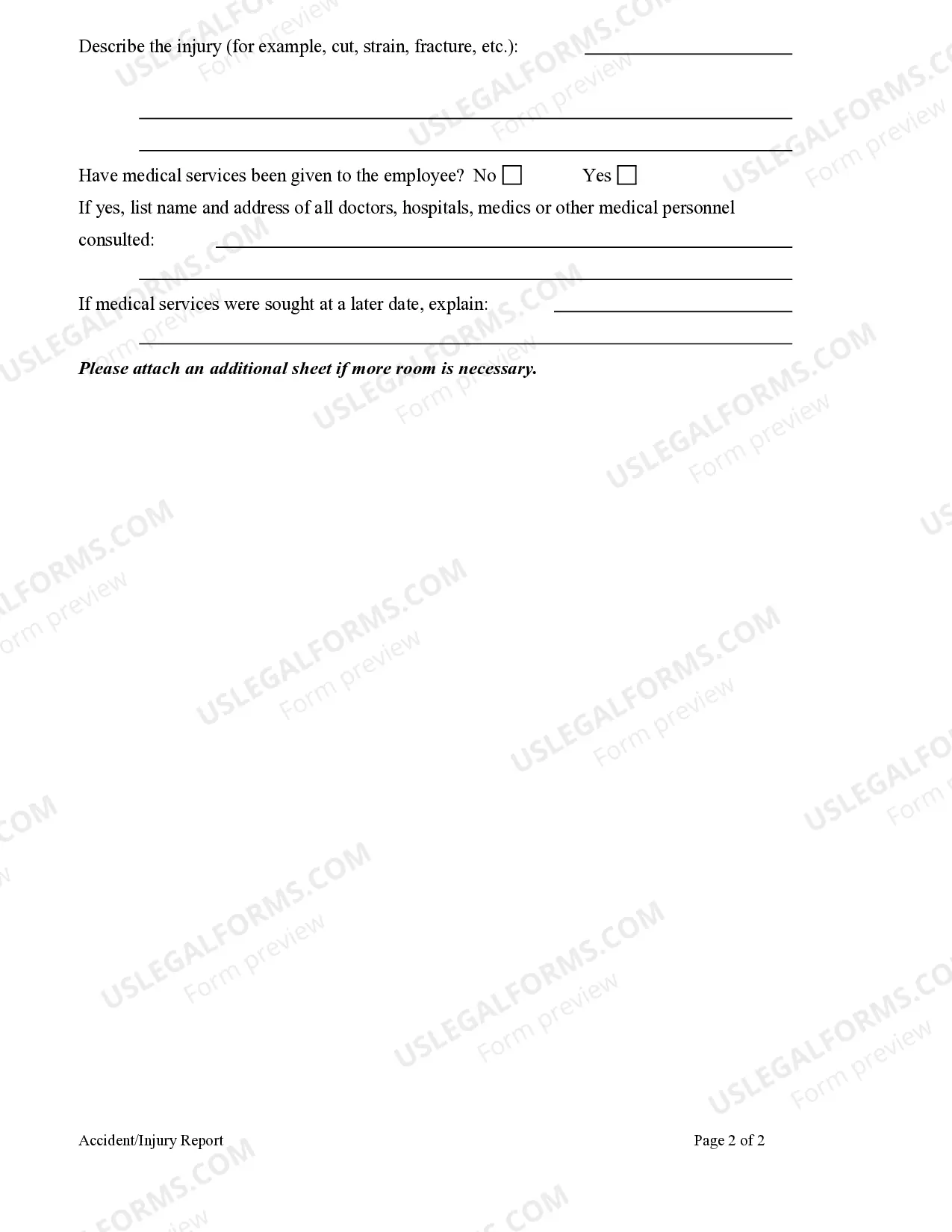
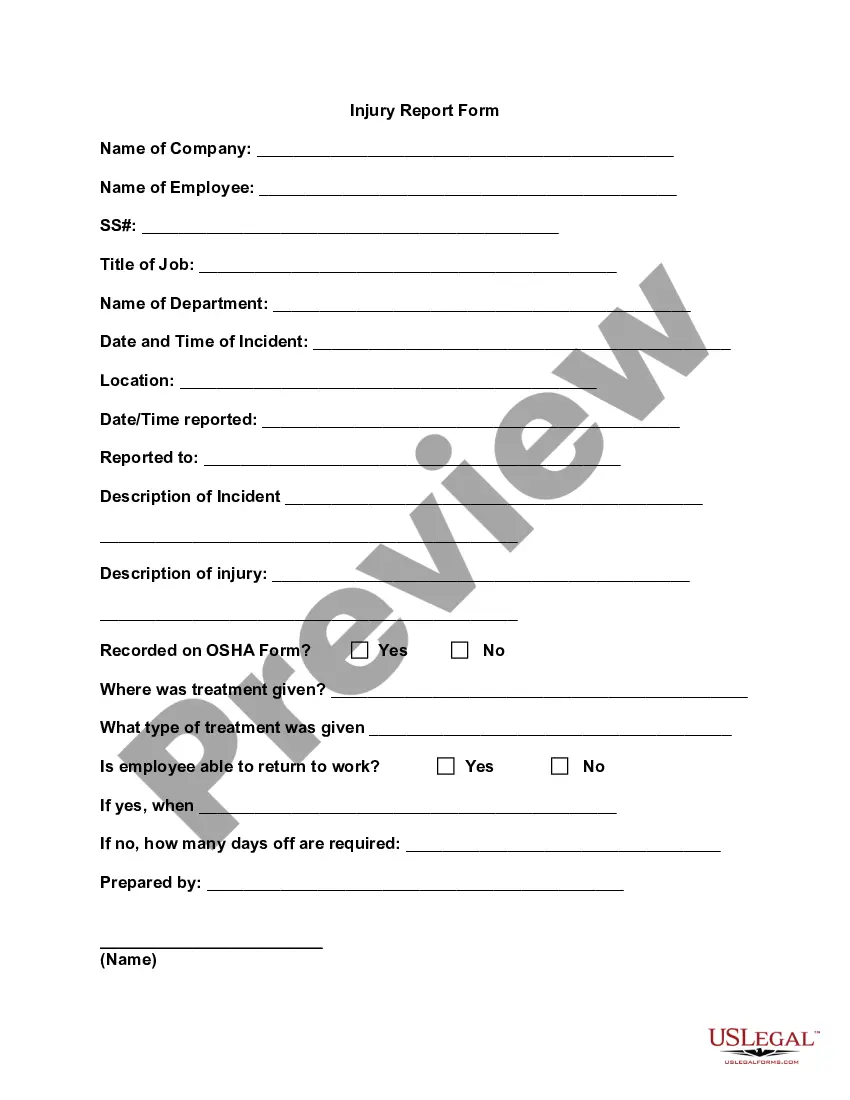
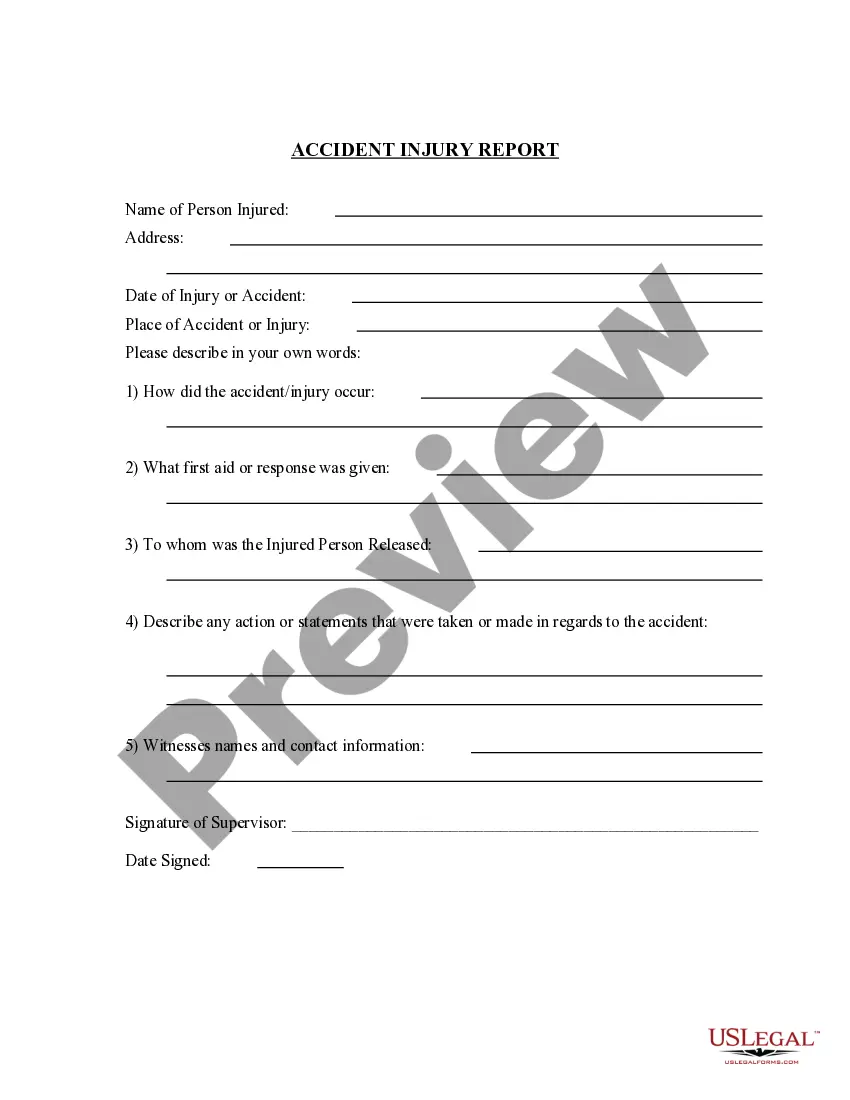
Accident report forms should include fields for names and contact information of the individuals and witnesses involved, the type of accident, the date and time the accident occurred, the location of the accident, a detailed description of the accident, and room for any additional comments.
Ing to Massachusetts General Law Ch. 90, § 26, motorists must report any accident involving the following: Personal injury or death. More than $1,000 in property damage.
The only exceptions to this rule include: a) individuals having work done to their home, b) non-profit entities with no paid employees, and c) corporate officers who own 25% or more of the business who have no other employees and have completed and filed an affidavit to be excluded from coverage.
In Massachusetts, injured workers are entitled to receive 60% of their average weekly wage, up to a maximum of $1,534 per week. These benefits are available for up to three years, or until the worker is able to return to work.
How Do You Create an Effective Victim Impact Statement in a Car Accident? Use your own words to convey your experiences. Focus on how the incident has affected your life, rather than detailing the accident itself. Clearly outline the physical, mental, emotional, and financial impacts, addressing each separately.
How to create an incident report Have all basic facts prepared. In order for an incident report to be useful, it is helpful for all facts listed in the report to be specific and accurate. Explain the sequence of events step-by-step. Analyze the incident. Describe any injuries. Proofread your work. Submit your report.
How to Fill Out a Massachusetts Motor Vehicle Crash Operator... Section A – Crash Location. Section B – Vehicle You Were Driving. Section C – You and Your Passengers. Section D – Other Vehicle Involved in the Crash. Section E – Non-Motorist(s) Involved. Section F- Crash Conditions. Section G – Crash Diagram.
