Accident Report File Form Template In Cook
Description

Get your form ready online
Our built-in tools help you complete, sign, share, and store your documents in one place.
Make edits, fill in missing information, and update formatting in US Legal Forms—just like you would in MS Word.
Download a copy, print it, send it by email, or mail it via USPS—whatever works best for your next step.
Sign and collect signatures with our SignNow integration. Send to multiple recipients, set reminders, and more. Go Premium to unlock E-Sign.
If this form requires notarization, complete it online through a secure video call—no need to meet a notary in person or wait for an appointment.
We protect your documents and personal data by following strict security and privacy standards.

Make edits, fill in missing information, and update formatting in US Legal Forms—just like you would in MS Word.

Download a copy, print it, send it by email, or mail it via USPS—whatever works best for your next step.

Sign and collect signatures with our SignNow integration. Send to multiple recipients, set reminders, and more. Go Premium to unlock E-Sign.

If this form requires notarization, complete it online through a secure video call—no need to meet a notary in person or wait for an appointment.

We protect your documents and personal data by following strict security and privacy standards.
Looking for another form?









Form popularity
FAQ
How to Write an Incident Report: A Step-by-Step Guide (with Examples) Step 1: Provide Fundamental Information. Step 2: Take Note of Any Damages and Injuries. Step 3: Identify Affected Individual(s) ... Step 4: Identify Witnesses and Take Their Statements. Step 5: Take Action. Step 6: Close Your Report.
Obtain Online: One of the easiest ways to get an MV-104 form is by downloading it directly from the New York State Department of Motor Vehicles. Go to the NYSDMV website and download a PDF of the form here: . After the form is completed, simply print and mail it in.
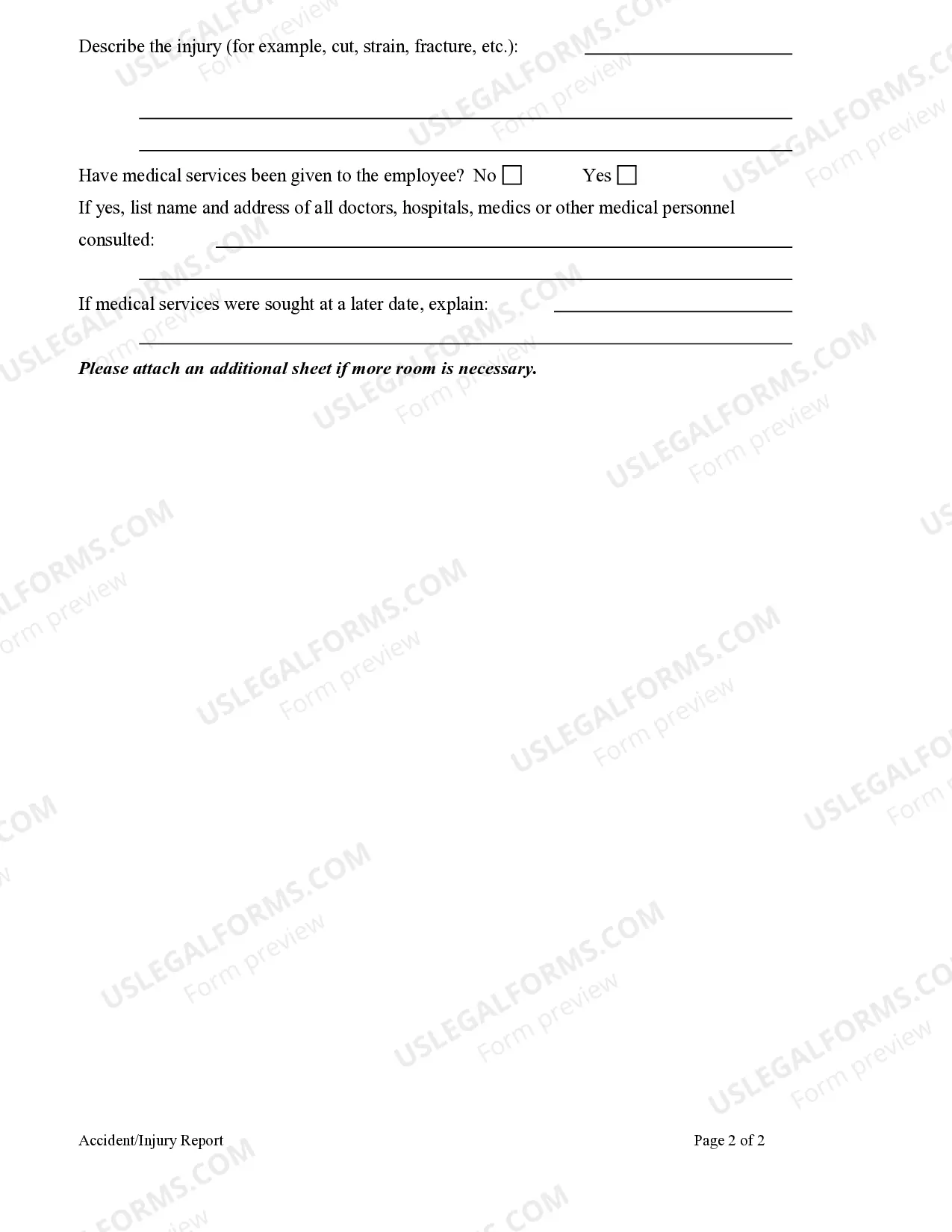
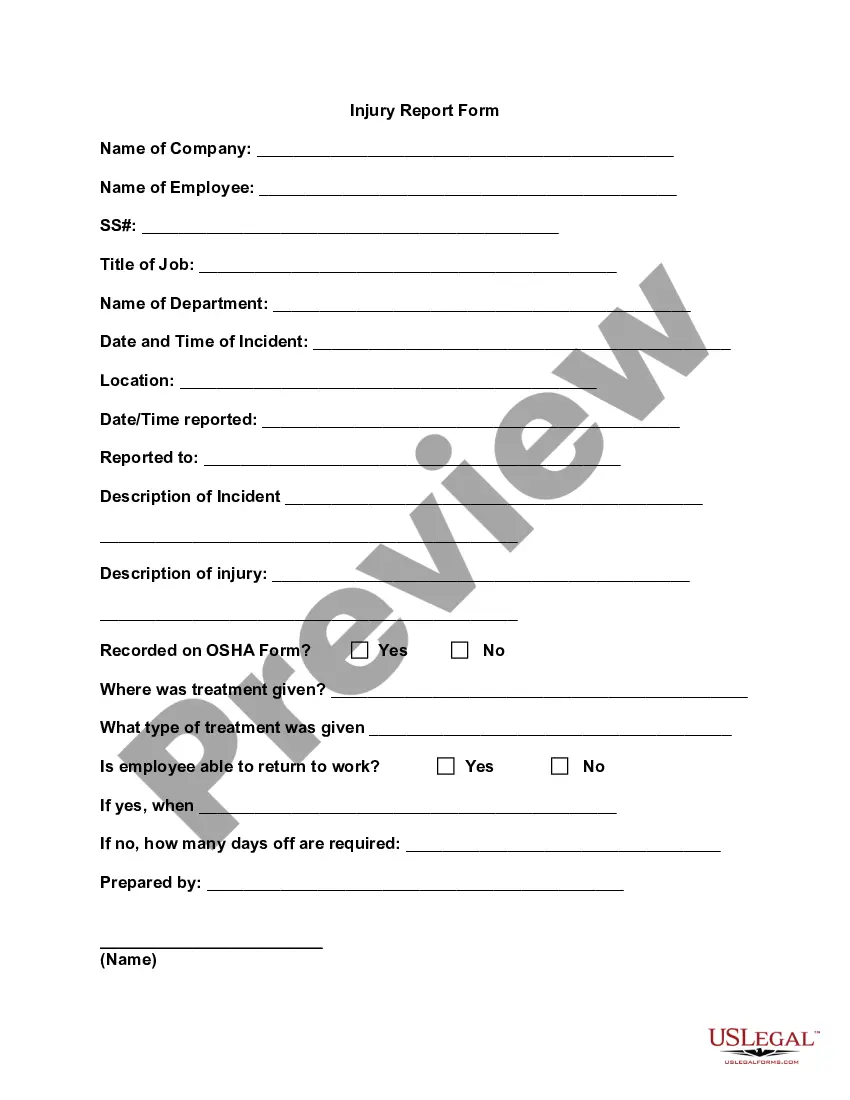
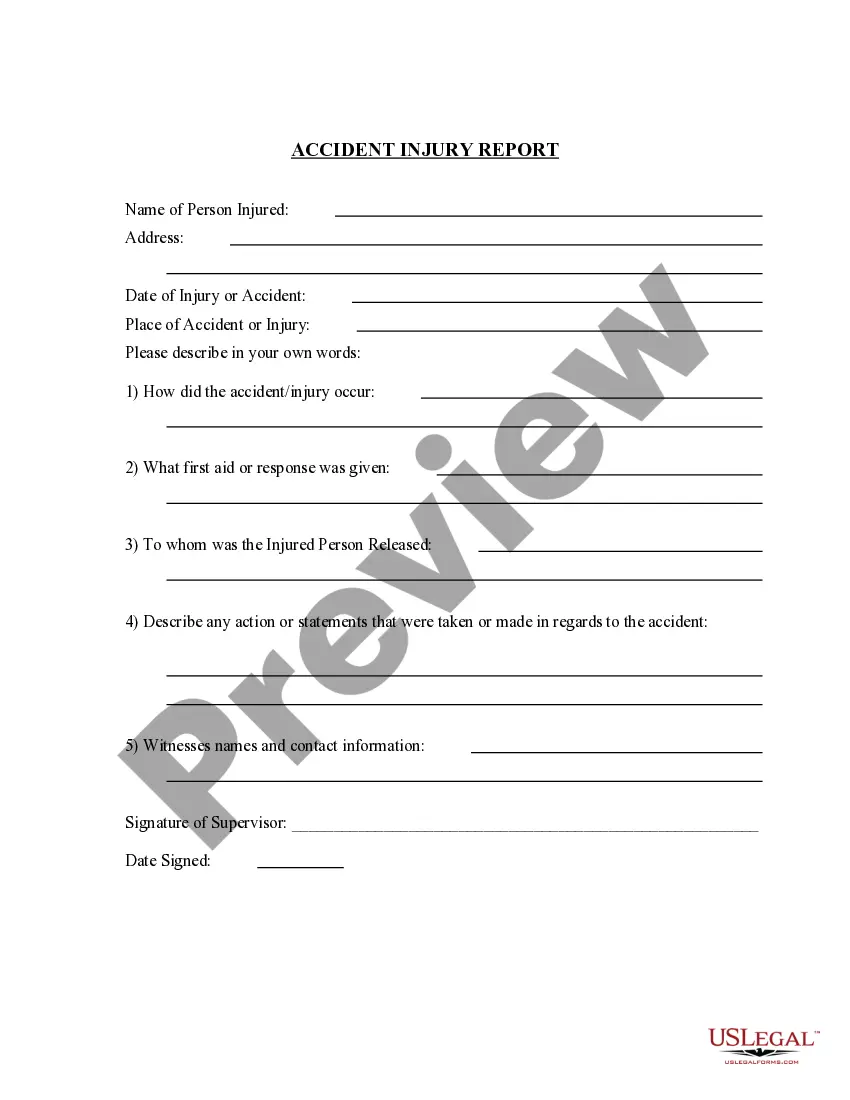
Accident report forms should include fields for names and contact information of the individuals and witnesses involved, the type of accident, the date and time the accident occurred, the location of the accident, a detailed description of the accident, and room for any additional comments.
You are required by the New York State Vehicle and Traffic Law to file an crash (accident) report if you are involved in any crash where there is damage to the property of one individual (including yourself) that is more than $1,000. The report must be filed within 10 days.
What to include in a work incident report The date and time of the incident. The name of the witness or author of the report. A detailed description of the events. The names of the affected parties. Other witness statements or important information. The result of the incident.
How to create an incident report Have all basic facts prepared. In order for an incident report to be useful, it is helpful for all facts listed in the report to be specific and accurate. Explain the sequence of events step-by-step. Analyze the incident. Describe any injuries. Proofread your work. Submit your report.
What to include in a work incident report The date and time of the incident. The name of the witness or author of the report. A detailed description of the events. The names of the affected parties. Other witness statements or important information. The result of the incident.
There are five key details of accidents legally required: Full name, address and occupation of the injured person (a) Date and time of the accident (b) Location of the accident (c) Cause and nature of the injury (d) Name, address and occupation of the person giving the notice, if other than the injured person (e).
Stick to the Facts Focus on the facts without adding opinions or assumptions. Describe what happened during the accident clearly and avoid discussing fault or other details. Never guess or estimate. If you don't know the answer to a question, admit that you don't know and move on.
