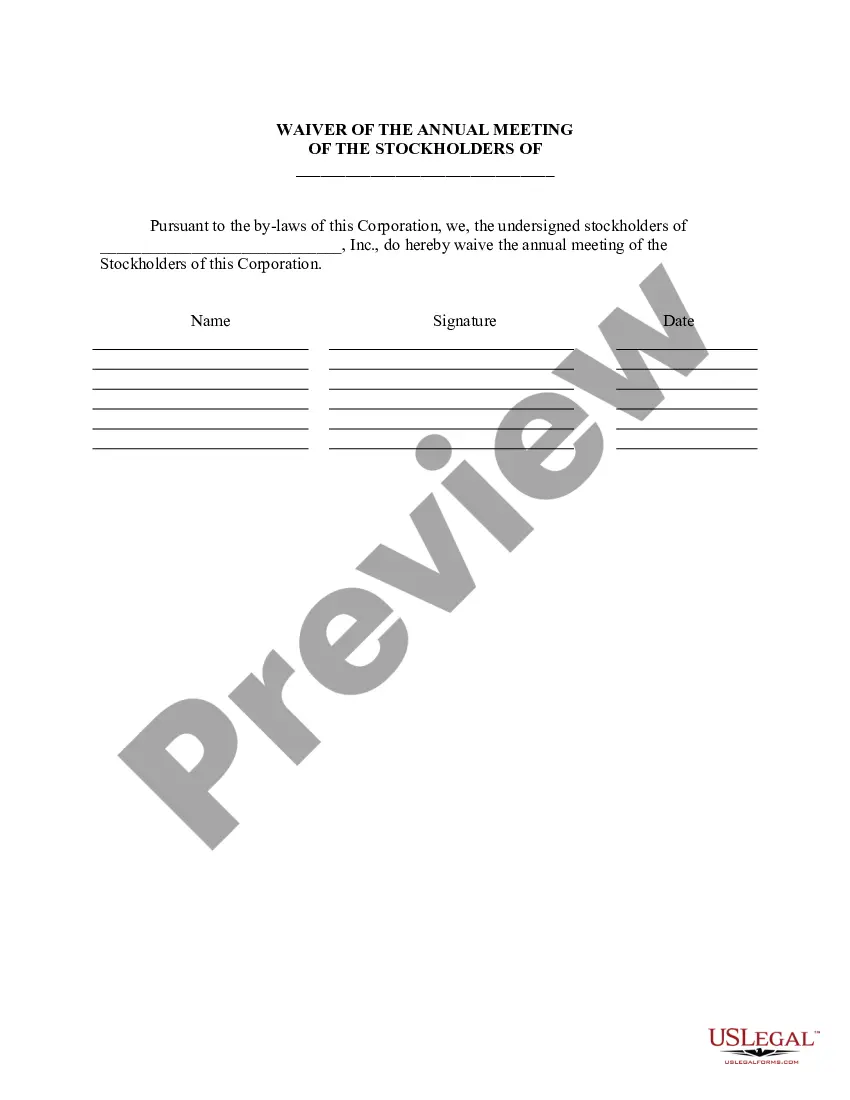
Annual Meeting Corporate Withholding In Virginia
Description
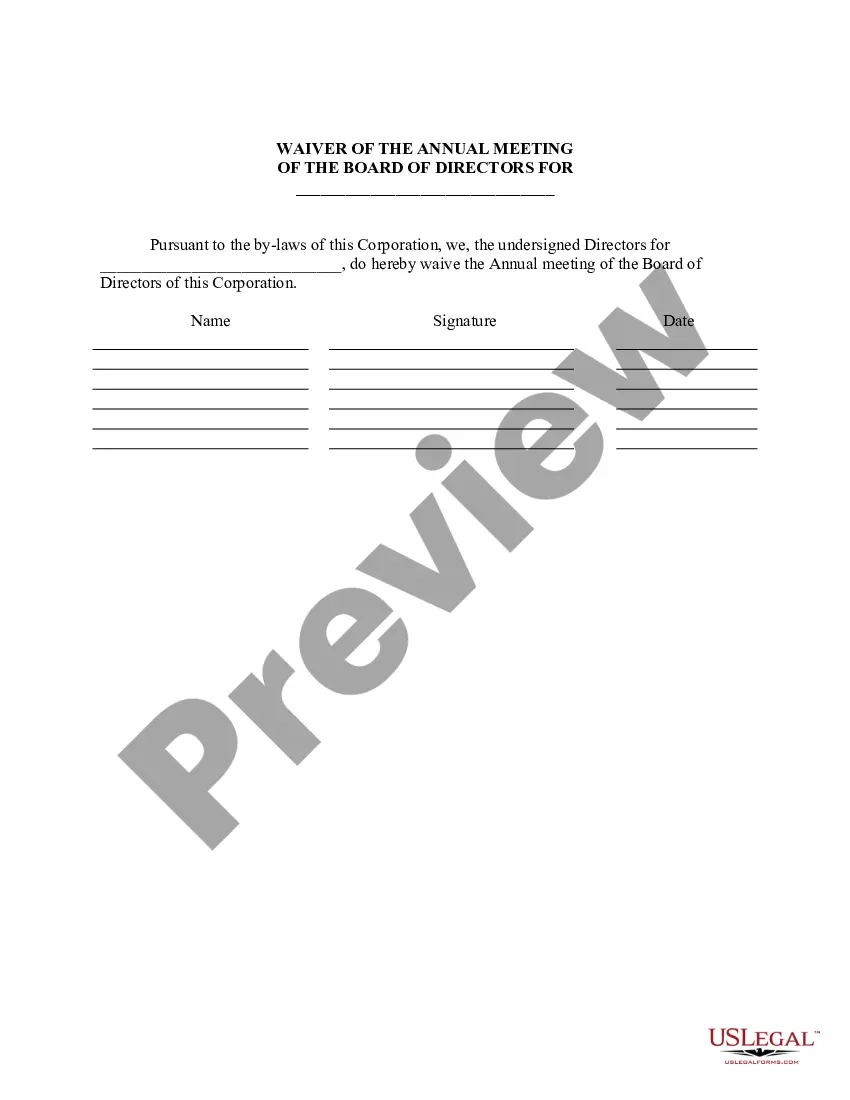
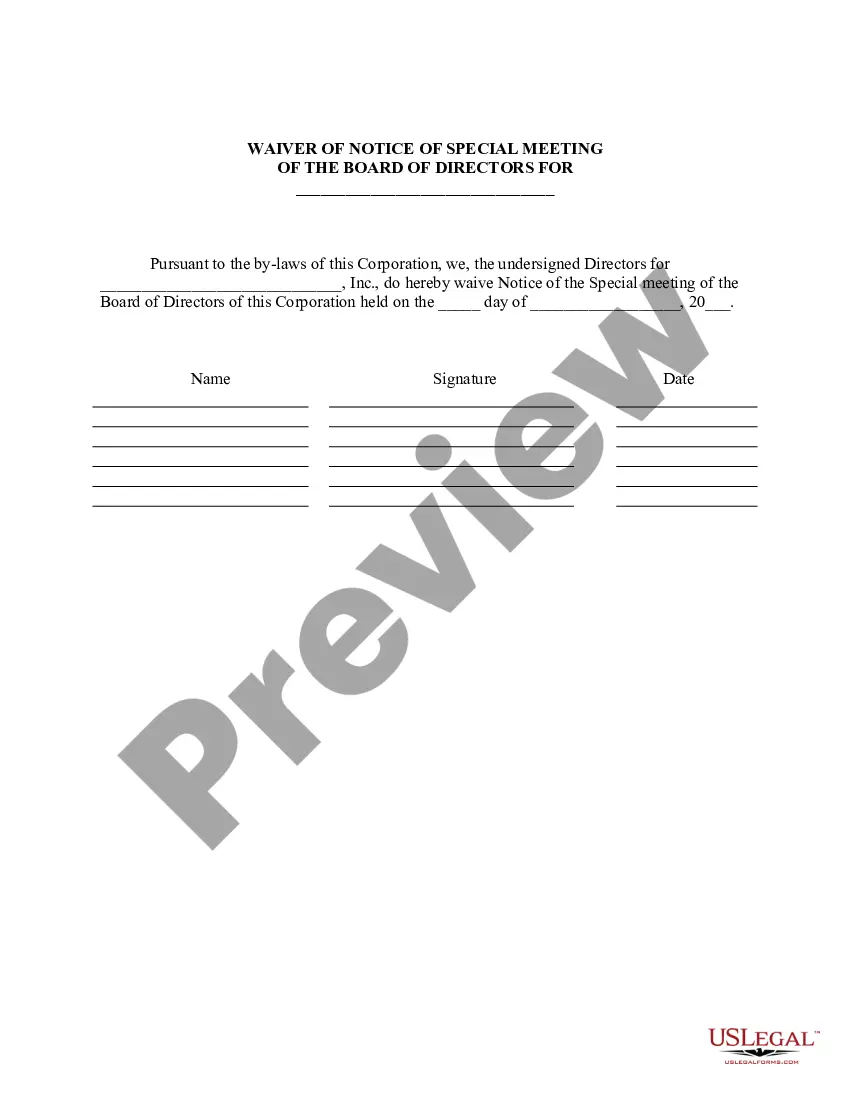


Get your form ready online
Our built-in tools help you complete, sign, share, and store your documents in one place.
Make edits, fill in missing information, and update formatting in US Legal Forms—just like you would in MS Word.
Download a copy, print it, send it by email, or mail it via USPS—whatever works best for your next step.
Sign and collect signatures with our SignNow integration. Send to multiple recipients, set reminders, and more. Go Premium to unlock E-Sign.
If this form requires notarization, complete it online through a secure video call—no need to meet a notary in person or wait for an appointment.
We protect your documents and personal data by following strict security and privacy standards.

Make edits, fill in missing information, and update formatting in US Legal Forms—just like you would in MS Word.

Download a copy, print it, send it by email, or mail it via USPS—whatever works best for your next step.

Sign and collect signatures with our SignNow integration. Send to multiple recipients, set reminders, and more. Go Premium to unlock E-Sign.

If this form requires notarization, complete it online through a secure video call—no need to meet a notary in person or wait for an appointment.

We protect your documents and personal data by following strict security and privacy standards.
Looking for another form?






Form popularity
FAQ
Here's how to complete the form: Step 1: Provide Your Personal Information. Step 2: Specify Multiple Jobs or a Working Spouse. Multiple Jobs Worksheet. Step 3: Claim Dependents. Step 4: Make Additional Adjustments. Step 5: Sign and Date Your W-4.
You can claim anywhere between 0 and 3 allowances on the W4 IRS form, depending on what you're eligible for. Generally, the more allowances you claim, the less tax will be withheld from each paycheck. The fewer allowances claimed, the larger withholding amount, which may result in a refund.
Calculating Your Withholding Tax Marginal Tax Rates for 2024 Tax Rate Income Range Single, Married Filing Separately Income Range Married Filing Jointly 10% $11,600 or less $23,200 or less 12% $11,601 to $47,150 $23,201 to $94,300 22% $47,151 to $100,525 $94,301 to $201,0504 more rows
As a new employee, you will be asked to fill out a number of forms, including a Form W-4 and possibly a DE 4. These forms will determine how much income tax is withheld from your paycheck. You will receive a paycheck statement along with your check that shows the tax withheld and any other deductions.
Here's a five-step guide on how to fill out your W-4. Step 1: Enter your personal information. Fill in your name, address, Social Security number and tax filing status. Step 2: Account for multiple jobs. Step 3: Claim dependents, including children. Step 4: Refine your withholdings. Step 5: Sign and date your W-4.
The PTE is required to withhold 5% of the share of taxable income from Virginia sources that is allocable to each nonresident owner. The amount of withholding tax may be reduced by any tax credits that were earned by the PTE and allowable by the Code of Virginia that pass through to nonresident owners.
The key advantages include: Double taxation. Pass-through entities avoid double taxation, meaning owners are taxed just once. The corporate income is reported on the owner's individual income tax return and taxed at the individual income tax rate.
Virginia grants an automatic filing extension for corporation income tax returns. C-corporations have an automatic 7-month filing extension. Calendar year filers have an extended due date of Nov. 15.
Pass-Through Entity Annual Withholding Return A Pass-Through Entity (PTE) is generally an entity that passes its income or losses through to its owners instead of paying the related tax at the entity level. A PTE can be any of the following: Estates. Trusts. S corporations.
The PTE is required to withhold 5% of the share of taxable income from Virginia sources that is allocable to each nonresident owner. The amount of withholding tax may be reduced by any tax credits that were earned by the PTE and allowable by the Code of Virginia that pass through to nonresident owners.