Meeting Resolution Example In Broward
Description



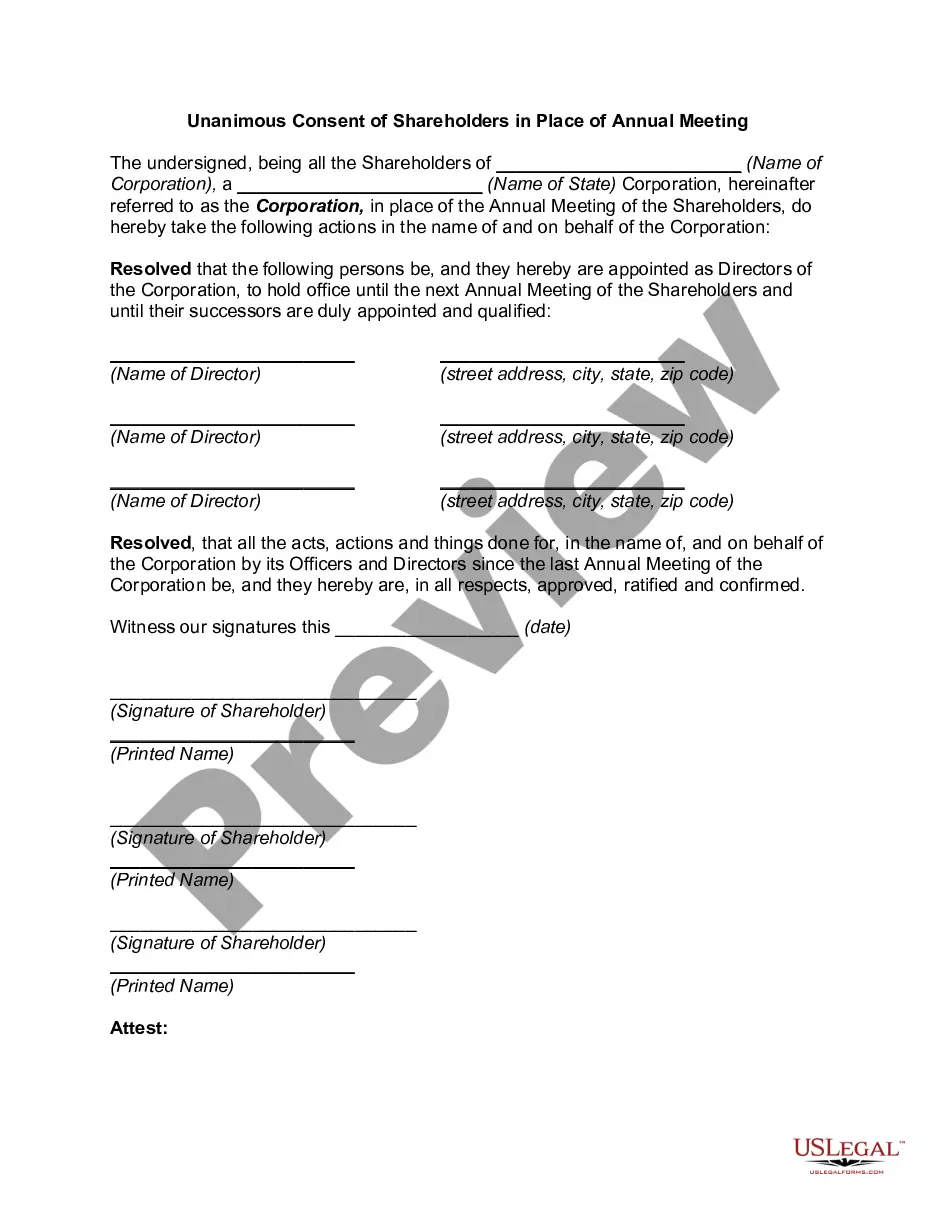
Get your form ready online
Our built-in tools help you complete, sign, share, and store your documents in one place.
Make edits, fill in missing information, and update formatting in US Legal Forms—just like you would in MS Word.
Download a copy, print it, send it by email, or mail it via USPS—whatever works best for your next step.
Sign and collect signatures with our SignNow integration. Send to multiple recipients, set reminders, and more. Go Premium to unlock E-Sign.
If this form requires notarization, complete it online through a secure video call—no need to meet a notary in person or wait for an appointment.
We protect your documents and personal data by following strict security and privacy standards.

Make edits, fill in missing information, and update formatting in US Legal Forms—just like you would in MS Word.

Download a copy, print it, send it by email, or mail it via USPS—whatever works best for your next step.

Sign and collect signatures with our SignNow integration. Send to multiple recipients, set reminders, and more. Go Premium to unlock E-Sign.

If this form requires notarization, complete it online through a secure video call—no need to meet a notary in person or wait for an appointment.

We protect your documents and personal data by following strict security and privacy standards.
Looking for another form?
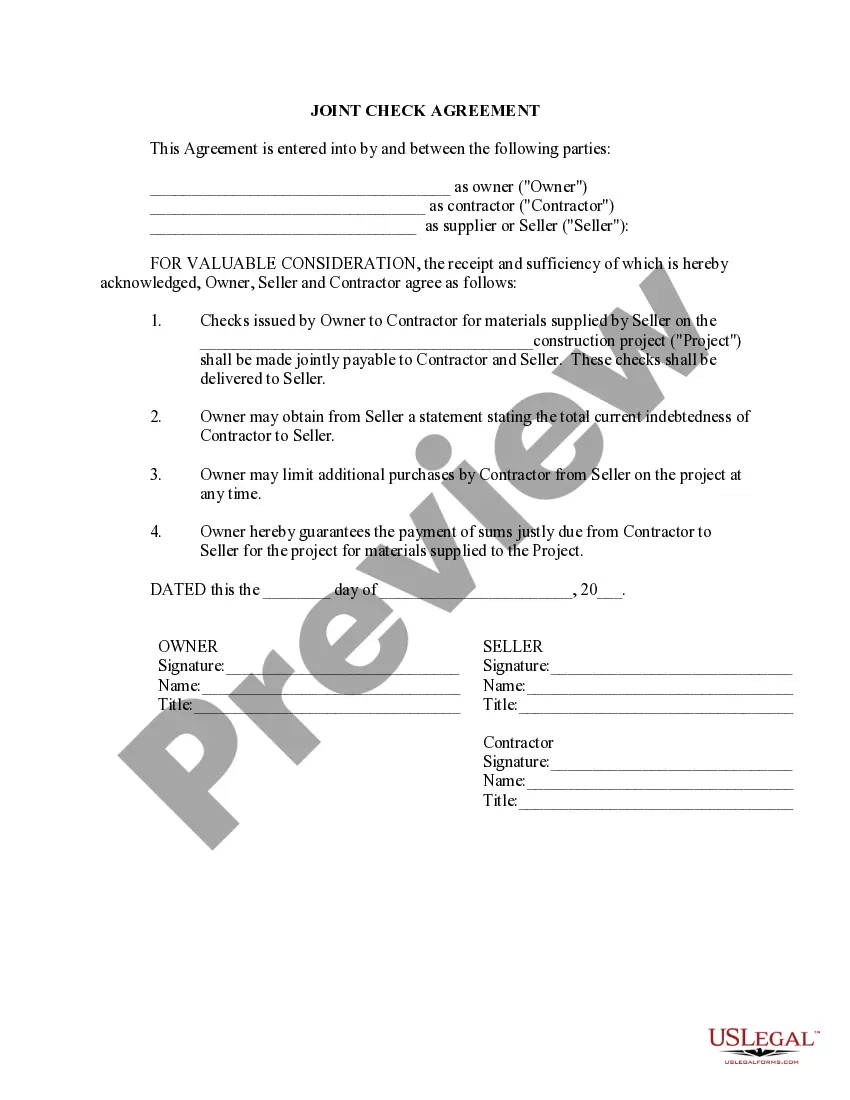
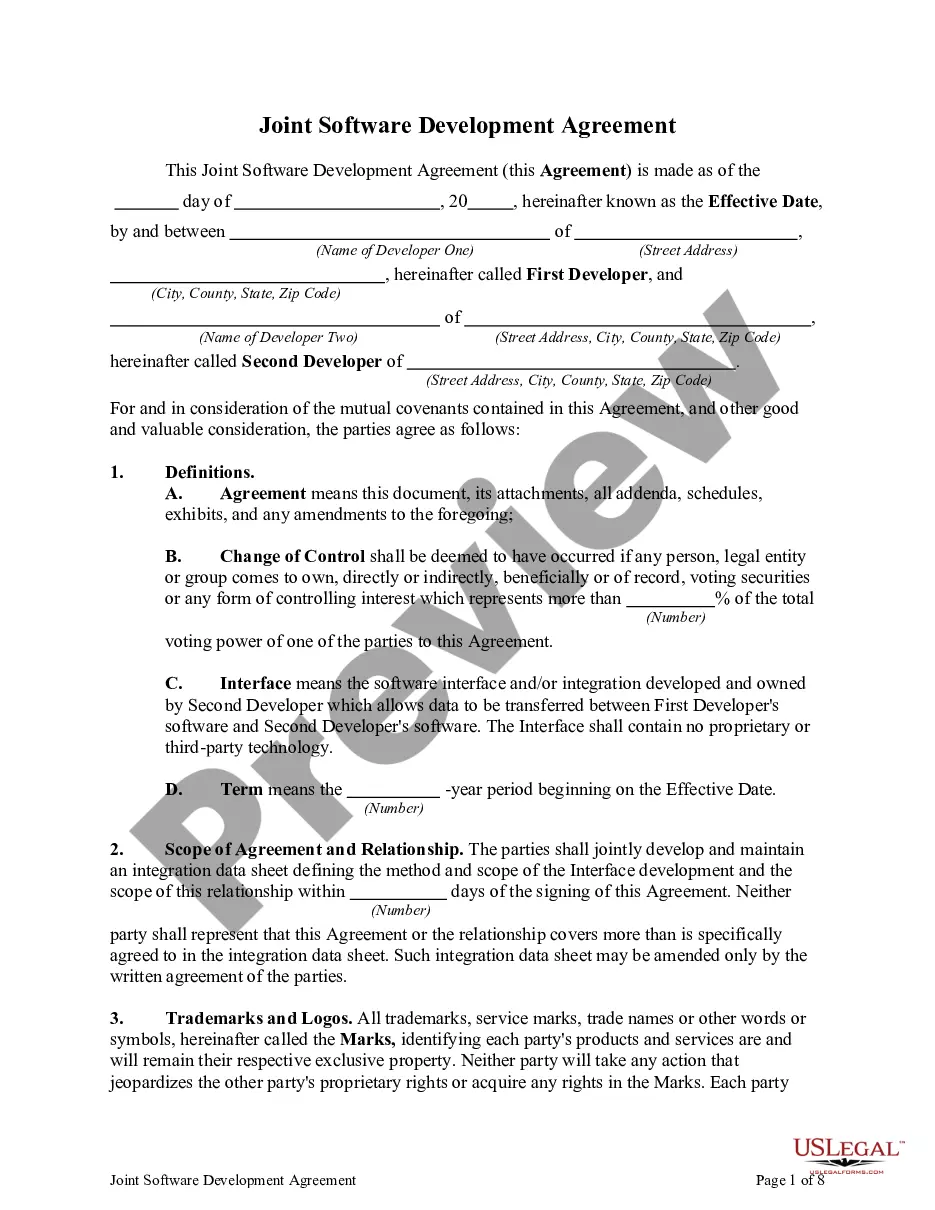
Form popularity
FAQ
A person can file a quitclaim deed by (1) entering the relevant information on a quitclaim deed form, (2) signing the deed with two witnesses and a notary, and (3) recording the deed at the county comptroller's office. In Florida, quitclaim deeds must have the name and address of both the grantor and the grantee.
Divisions - Department of State Division of Administrative Services. 850.245.6550. 850.245.6598 (fax) ... Division of Arts and Culture. 850.245.6470. Division of Elections. 850.245.6200. Division of Historical Resources. 850.245.6300. Division of Library and Information Services. 850.245.6600. Secretary of State. R.A. Gray Building.
For technical assistance with the Florida Courts E-Filing Portal, please email support@myflcourtaccess or call 850-577-4609.
The Florida Courts E-Filing Portal is a statewide website mandated by the Florida Legislature and the E-Filing Authority that provides E-Filing capability to users with a single login.
For ePortal technical support, attorneys may contact the Florida Courts eFiling Portal via email support@myflcourtaccess, or call the Florida Courts eFiling Portal Support Desk at 850-577-4609.
EFiling across the state Electronic court filing has been mandatory in Florida since 2013 through their ePortal system. The state's system, and its certified eFiling providers, cover all 67 counties in Florida. eFilings are deemed complete on the date and time the electronic filing is received by the court's system.
How do I submit documents to be issued in Broward County? Summons, writs, subpoenas and other documents that are issued by the clerk should be E-Filed. Choose the appropriate Document Group type from the dropdown list and then choose the appropriate Document Type for that group.
Make two copies of your written Answer: One copy is for your records, the other copy is to be mailed to the person listed on the Certificate of Service. Take the original Answer to the Clerk of Court for the County listed at the top of the Summons.
How do I submit documents to be issued in Broward County? Summons, writs, subpoenas and other documents that are issued by the clerk should be eFiled. Choose the appropriate document type from the dropdown list. All document types to be issued will be preceded by an “e”, such as “eSummons” or “eWrit”.

