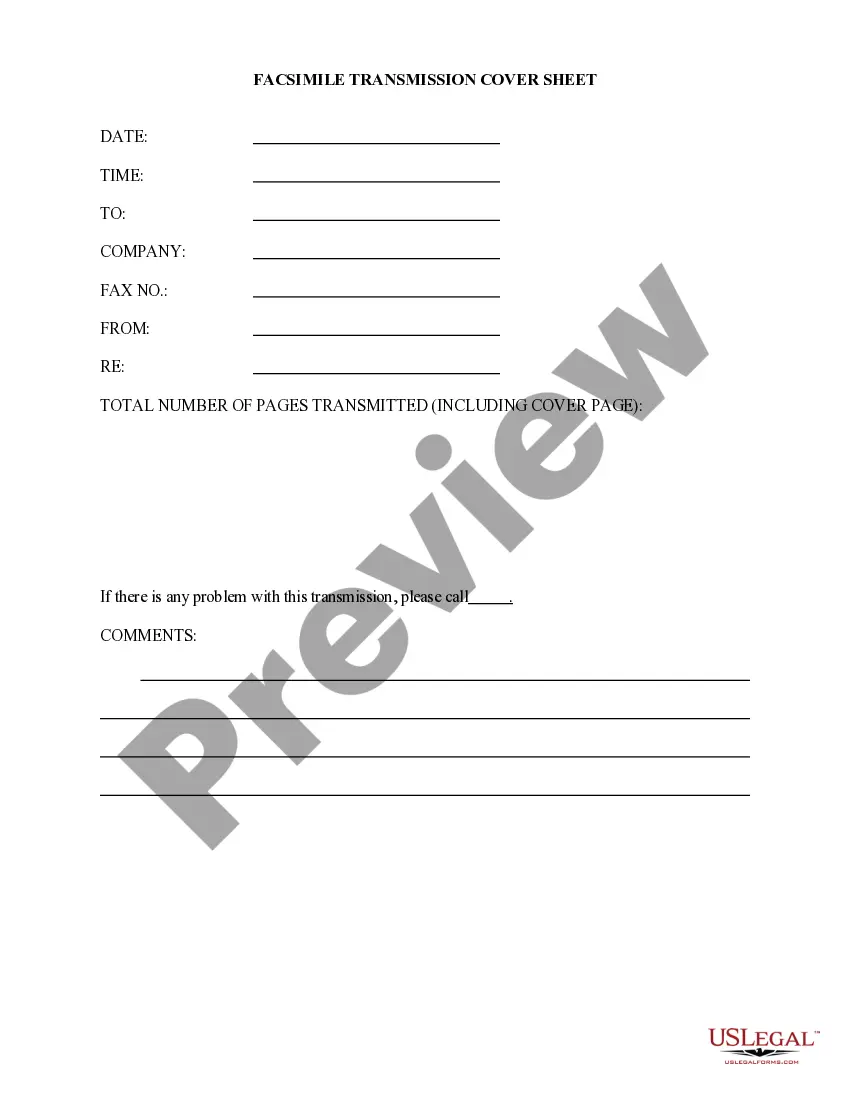
Printable Fax Cover Sheet With Confidentiality Statement In Suffolk
Description
Get your form ready online
Our built-in tools help you complete, sign, share, and store your documents in one place.
Make edits, fill in missing information, and update formatting in US Legal Forms—just like you would in MS Word.
Download a copy, print it, send it by email, or mail it via USPS—whatever works best for your next step.
Sign and collect signatures with our SignNow integration. Send to multiple recipients, set reminders, and more. Go Premium to unlock E-Sign.
If this form requires notarization, complete it online through a secure video call—no need to meet a notary in person or wait for an appointment.
We protect your documents and personal data by following strict security and privacy standards.

Make edits, fill in missing information, and update formatting in US Legal Forms—just like you would in MS Word.

Download a copy, print it, send it by email, or mail it via USPS—whatever works best for your next step.

Sign and collect signatures with our SignNow integration. Send to multiple recipients, set reminders, and more. Go Premium to unlock E-Sign.

If this form requires notarization, complete it online through a secure video call—no need to meet a notary in person or wait for an appointment.

We protect your documents and personal data by following strict security and privacy standards.
Looking for another form?










Form popularity
FAQ
The information is intended only for the use of the individual(s) or entity named above. If you are not the intended recipient, you are hereby notified that any disclosure, copying, distribution, or taking of any action in reliance on the contents of this facsimile information is strictly prohibited.
You can create print, fax, and cover sheet templates for your facility's needs. A template might be a plain text file, or it might contain advanced features such as merge fields, headers, footers, page numbering, and tables.
A HIPAA compliant fax cover sheet should include sender and recipient details, date and time, a confidentiality statement, privacy notice, subject, page count, and optional disclaimers.
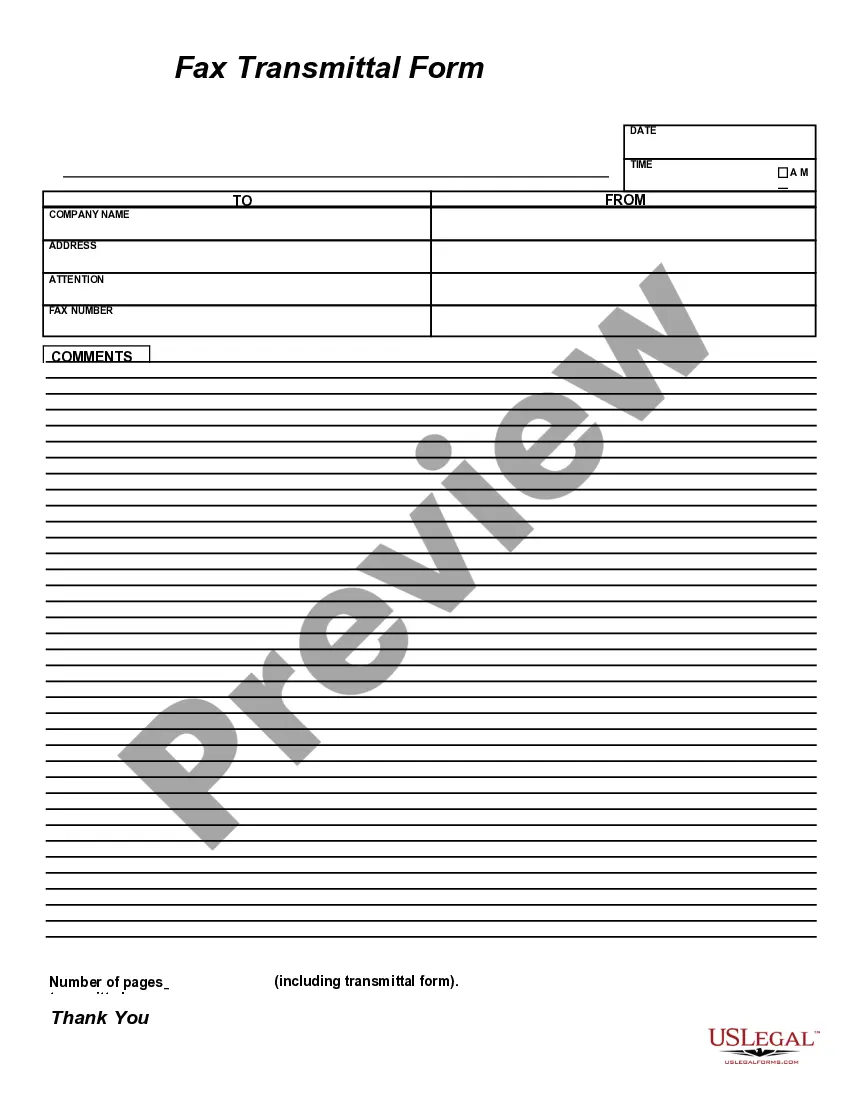
What should be included on a fax cover sheet? A fax cover sheet typically has basic contact information: who the fax is going to, who the fax is from, the subject matter, how many pages are included, company name (address is optional), a telephone number, and a check box to mark whether it's urgent or needs a reply.
It typically includes a brief message, the intended recipient, the sender's name and contact information, and a list of the documents being sent. Fax cover sheets can be created in Google Docs by selecting the "Fax Cover" option from the "Templates" drop-down menu.
What is included in a fax cover letter? Contact info. You can include any relevant contact information such as your name, company, address, phone number and email. Recipient's name. Date and number of pages. Confidentiality statement. Fax contents. Fax purpose. Relevant notes. Write professionally and clearly.
You should be able to create a fax cover page with a template. Click on File -> New -> Faxes (choose and download fax cover sheet), Insert a picture into the template by double clicking anywhere on the page to insert a paragraph mark.
Create a Fax Cover Sheet for Confidential Documents in 7 Steps Add a Header With a Clear Subject and Mark It as Confidential. Add the Intended Recipient's Information To Ensure It Reaches the Right Person. Include the Date and Time of the Fax Transmission. Include a Brief Message With the Highlights of the Message.
Electronic Faxing (eFax) You still use your recipient's fax number, but with efax, you can send from any internet-enabled device: desktops, laptops, tablets, or smartphones. If securely configured with encrypted transmission, electronic faxing can be HIPAA compliant.