Application Employment Letter With Probation Period In Queens
Description




Get your form ready online
Our built-in tools help you complete, sign, share, and store your documents in one place.
Make edits, fill in missing information, and update formatting in US Legal Forms—just like you would in MS Word.
Download a copy, print it, send it by email, or mail it via USPS—whatever works best for your next step.
Sign and collect signatures with our SignNow integration. Send to multiple recipients, set reminders, and more. Go Premium to unlock E-Sign.
If this form requires notarization, complete it online through a secure video call—no need to meet a notary in person or wait for an appointment.
We protect your documents and personal data by following strict security and privacy standards.

Make edits, fill in missing information, and update formatting in US Legal Forms—just like you would in MS Word.

Download a copy, print it, send it by email, or mail it via USPS—whatever works best for your next step.

Sign and collect signatures with our SignNow integration. Send to multiple recipients, set reminders, and more. Go Premium to unlock E-Sign.

If this form requires notarization, complete it online through a secure video call—no need to meet a notary in person or wait for an appointment.

We protect your documents and personal data by following strict security and privacy standards.
Looking for another form?


Form popularity
FAQ
If the employer's process includes pre-employment verifications from The Work Number, they will first request your permission for the verification to be performed. If you provide that permission, the employer will then request employment data, and on rare occasions, income data, from The Work Number.
Visit: , login and click on the Letter Center. Income and Employment Letter: This self-service letter can be used to provide proof of income and employment to a third-party outside of an income and employment verification requests from a credentialed verifier.
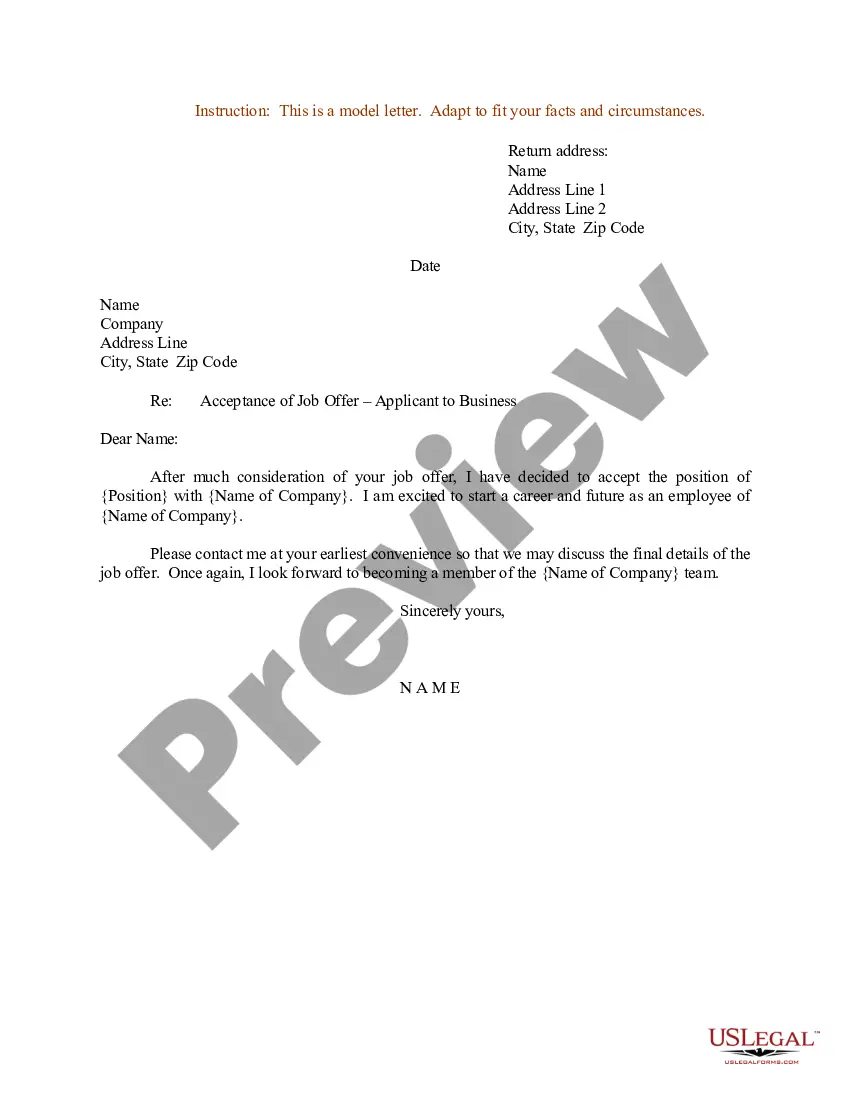
This type of letter is typically written by an employer or an employer's HR department at the request of an employee or third party, such as a landlord or financial institution.
How to Request the Letter Ask your supervisor or manager. This is often the easiest way to request the letter. Contact Human Resources. Get a template from the company or organization requesting the letter. Use an employment verification service.
If the letter has the sole purpose of proving employment, you could ask your accountant to write it for you (certifying you are working for the company you own) or write it yourself on company letterhead.
There are different ways to request an employment verification letter from a current or former employer: Ask your supervisor or manager. Contact Human Resources. Get a template from the company or organization requesting the letter. Use an employment verification service.
Employees can access their Employment Letter or Employment and Income Letter through the employee portal on employees.theworknumber. Once logged in, they can select the “Letters Center” tile on the homepage or in the main menu at the top of the page.
The first step in obtaining an employment verification letter is to contact your employer's human resources department. This can be done by email, phone, or in-person. You will need to provide your employer with your full name, job title, and the name of the person or organization requesting the letter.
Click the Personal Information icon. Click Verification of Employment (External Links menu). Follow the instructions to submit your request (you may select a verification with or without your salary). Go to your Workday Inbox to download your letter.
Thank you for giving me the opportunity to serve on probation. I'm truly grateful and honored that you have entrusted me with this chance to prove myself. Your trust means a lot to me, and I'll work diligently to ensure it's well-placed. Showing gratitude has a positive impact on one's character and professionalism.

