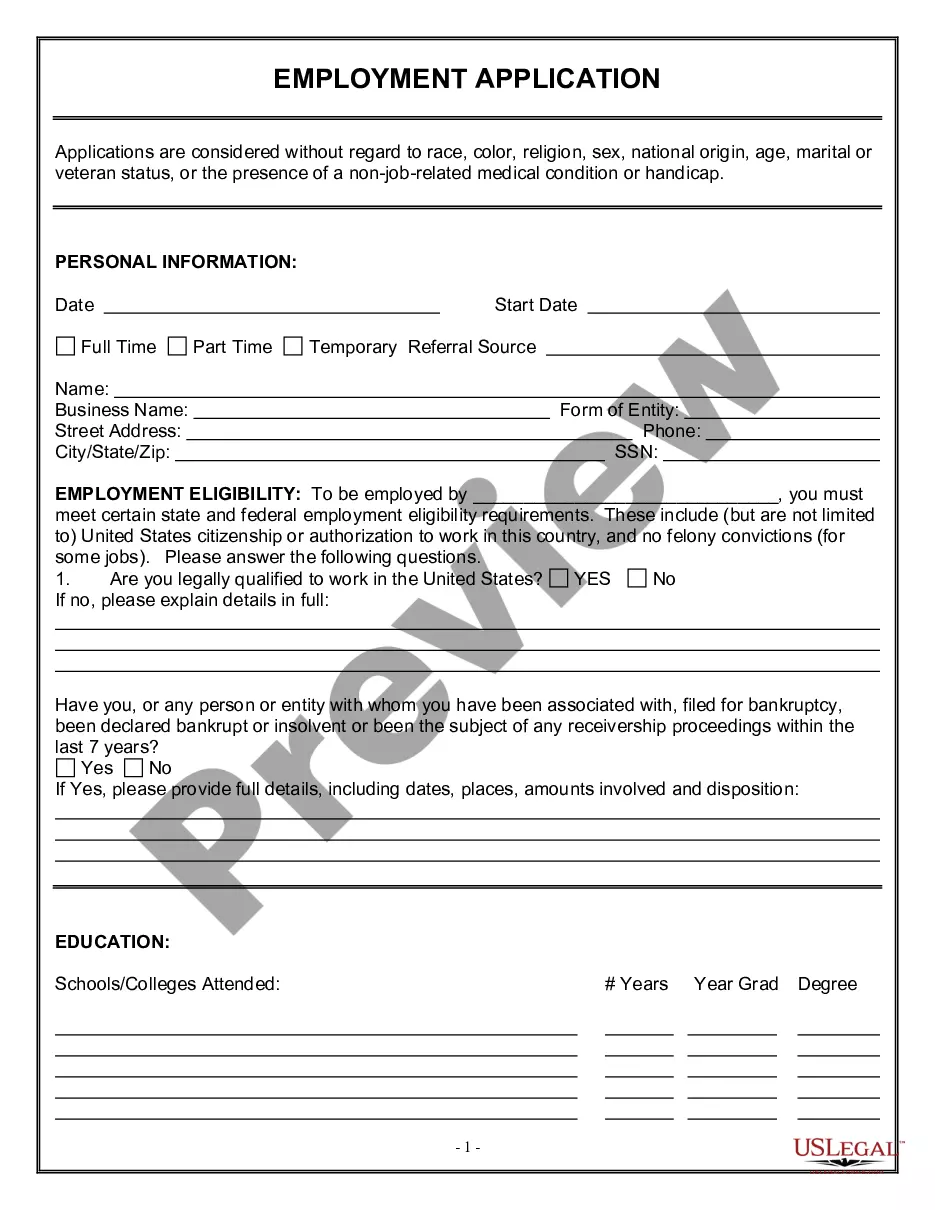
Job Application For Employment In Massachusetts
Description




Get your form ready online
Our built-in tools help you complete, sign, share, and store your documents in one place.
Make edits, fill in missing information, and update formatting in US Legal Forms—just like you would in MS Word.
Download a copy, print it, send it by email, or mail it via USPS—whatever works best for your next step.
Sign and collect signatures with our SignNow integration. Send to multiple recipients, set reminders, and more. Go Premium to unlock E-Sign.
If this form requires notarization, complete it online through a secure video call—no need to meet a notary in person or wait for an appointment.
We protect your documents and personal data by following strict security and privacy standards.

Make edits, fill in missing information, and update formatting in US Legal Forms—just like you would in MS Word.

Download a copy, print it, send it by email, or mail it via USPS—whatever works best for your next step.

Sign and collect signatures with our SignNow integration. Send to multiple recipients, set reminders, and more. Go Premium to unlock E-Sign.

If this form requires notarization, complete it online through a secure video call—no need to meet a notary in person or wait for an appointment.

We protect your documents and personal data by following strict security and privacy standards.
Looking for another form?

Form popularity
FAQ
Follow these steps to fill out your next job application properly: Read the application before filling it out. Take your time. Answer completely and truthfully. Include your resume. Fill out job information chronologically. Put in the extra effort. Research your salary.
Do not put a photo. Do not put your marital status Do not put your age Do not put your gender or sexual orientation Do not put your hobbies and interests unless they are directly relevant to the position
Clearly state your relevant qualifications and experience. Demonstrate your enthusiasm and interest in the role. Discuss your key accomplishments and achievements that are most pertinent to the job requirements. Address any gaps or concerns the employer may have about your
Do not put a photo. Do not put your marital status Do not put your age Do not put your gender or sexual orientation Do not put your hobbies and interests unless they are directly relevant to the position
Because 80.6% of Recruiters disqualify candidates when a resume contains errors, I not only assessed her resume for mistakes, I also evaluated the document based on the 3 C's: confidence, career story and competency.
10 Do's and Don'ts of Applying for Jobs Online Research the company before applying. Read the job description carefully. Apply as soon as you can. Follow all instructions in the posting. Write a cover letter. Include your LinkedIn profile. Review your social media accounts. Don't get too personal.
Forms and notices for newly-hired employees Form I-9 Employment eligibility verification form, US Dept. of Homeland Security. Form M-4: Massachusetts employee's withholding exemption certificate, Mass. Dept. Form NHR: New hire and independent contractor reporting form, Mass. Dept. Form W2 Federal tax withholding, IRS.
Read the application before filling it out. Take your time. Answer completely and truthfully. Include your resume.
How to fill out online job applications Create an account (if required). Many companies use online application platforms that require you to create an account before you can apply. Fill out the application form. Upload your resume and cover letter. Proofread carefully. Submit your application.
What to include in an application email Subject line. Business salutation. Job position in question. Name of the source you used. Description of why you are an ideal candidate. Closing statement. Email signature. Contact details.
