Contract Management With Docusign In Pennsylvania
Description

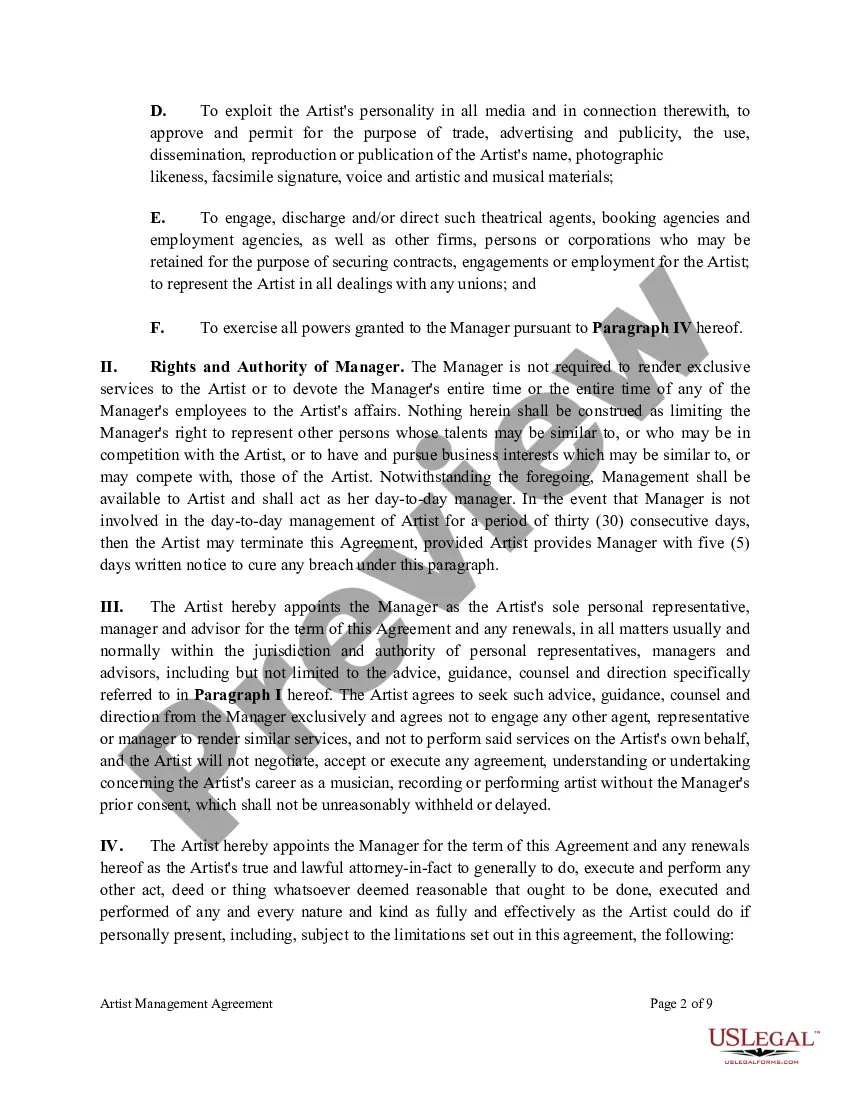
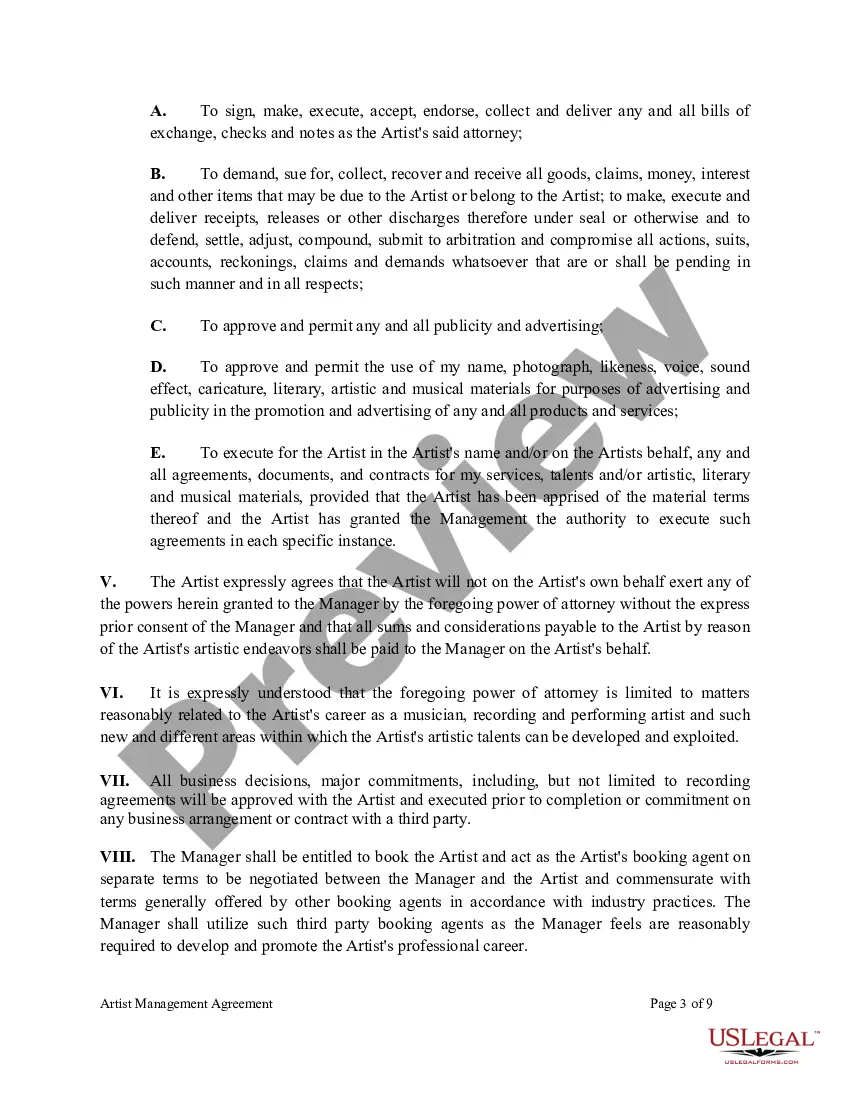
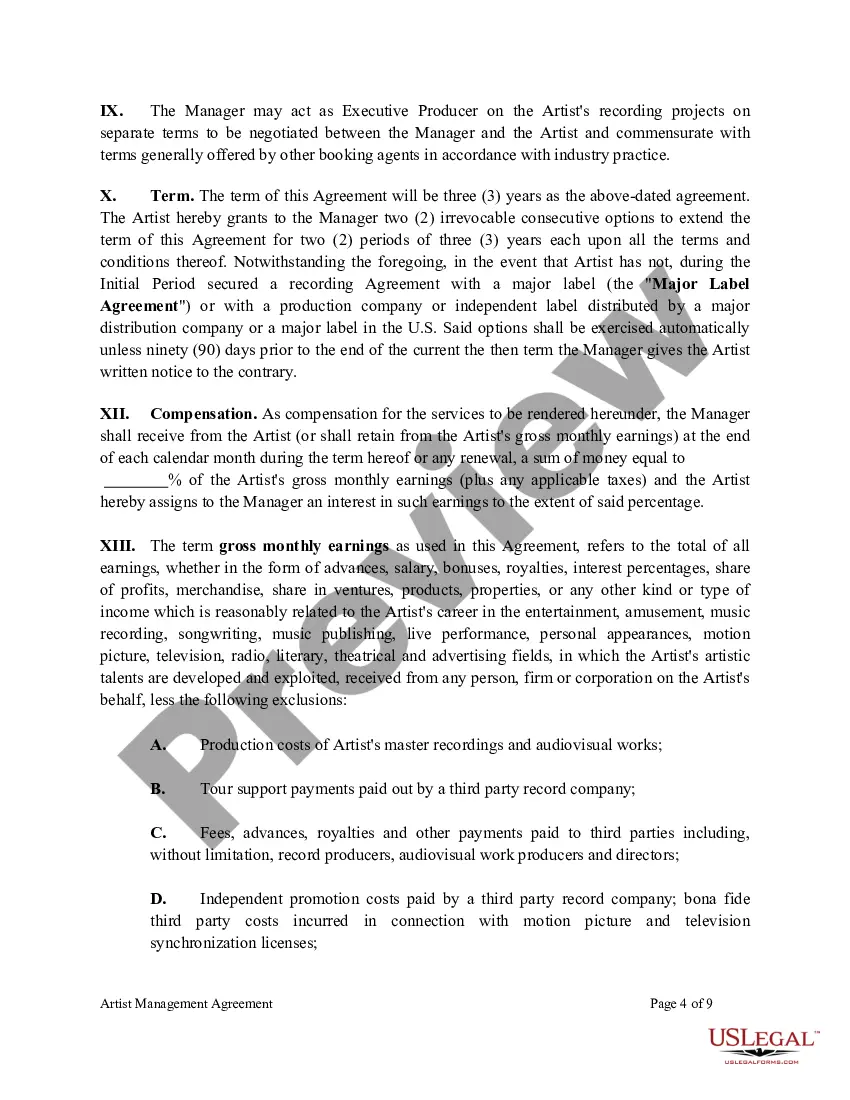
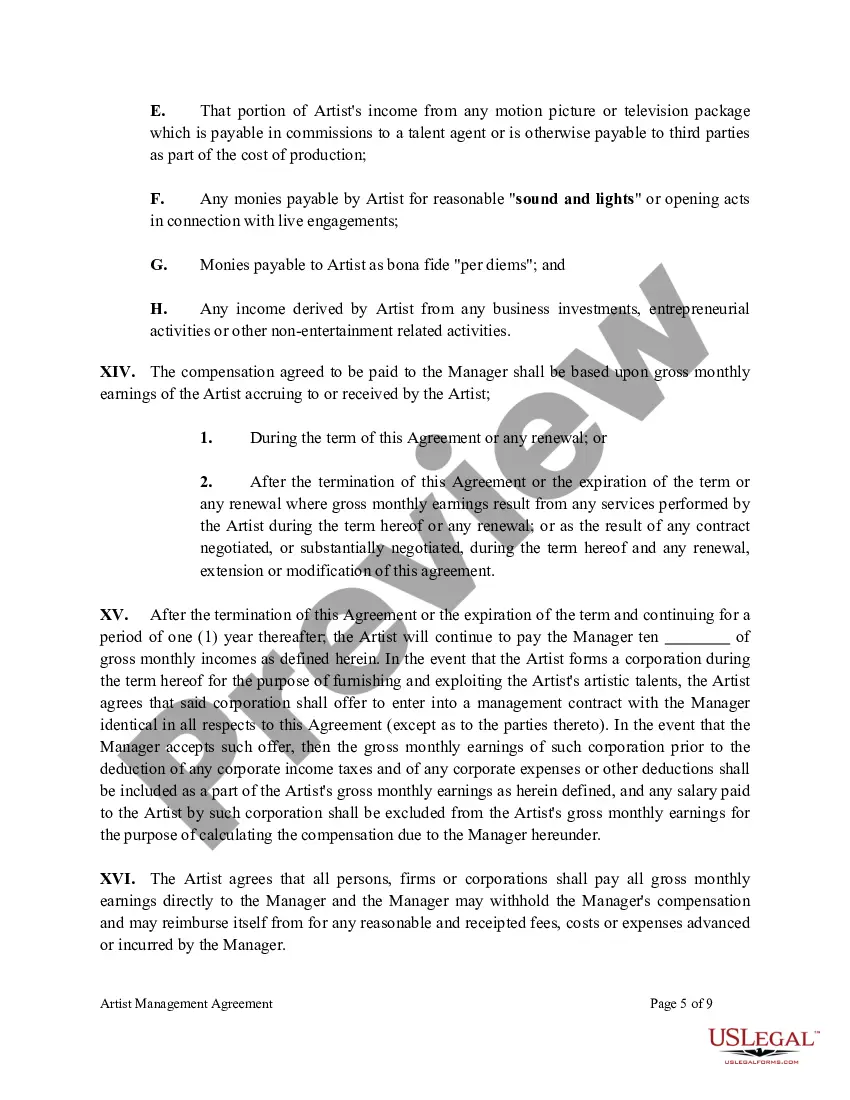
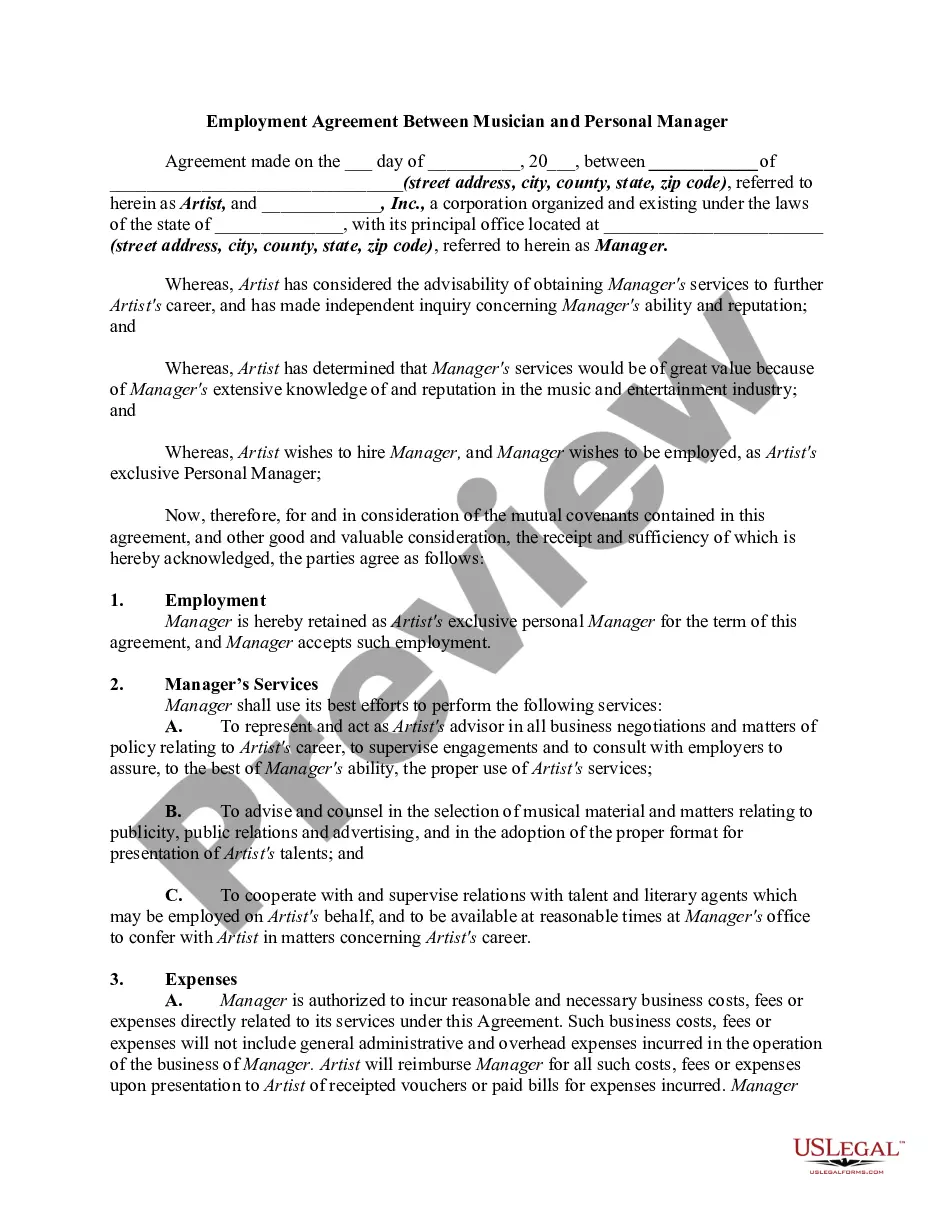

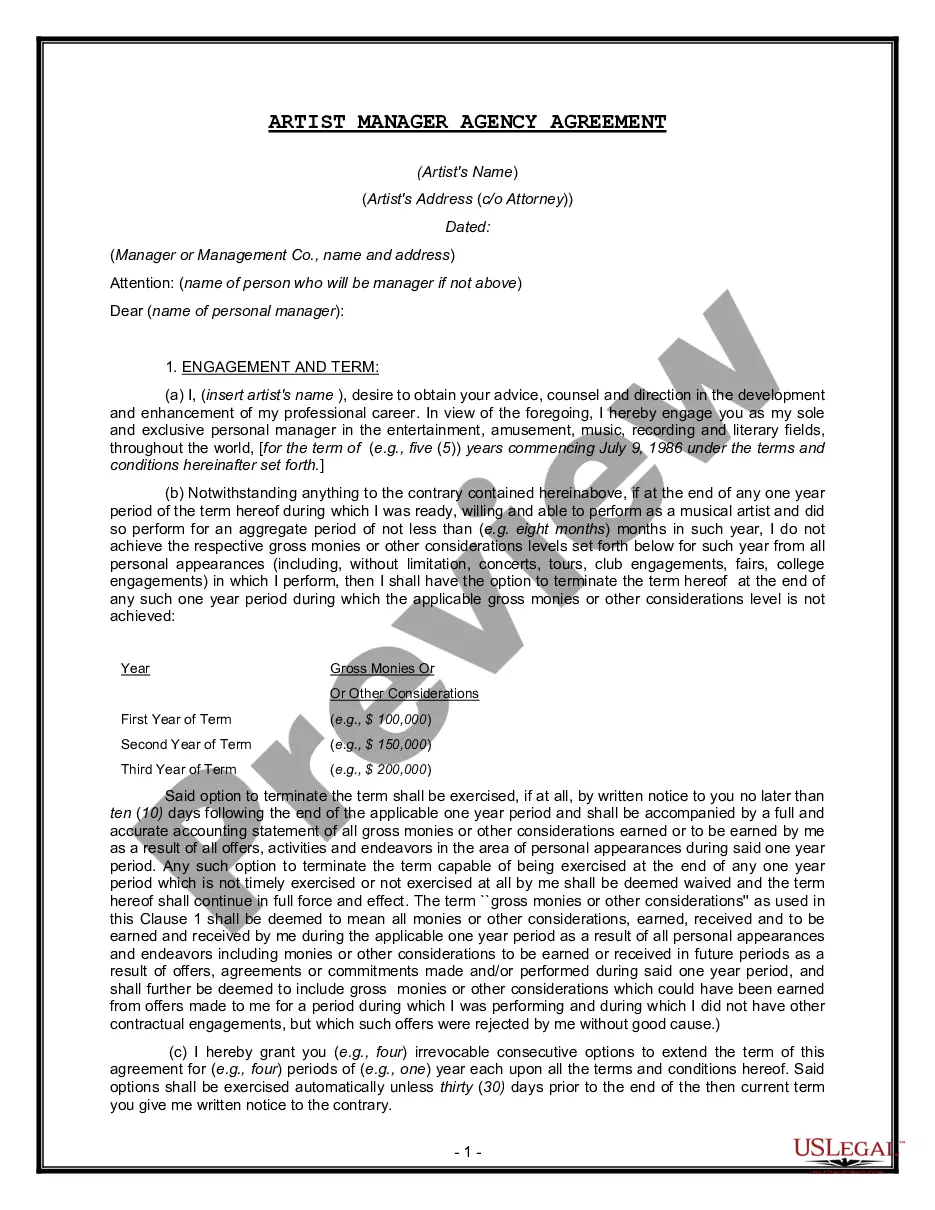
Get your form ready online
Our built-in tools help you complete, sign, share, and store your documents in one place.
Make edits, fill in missing information, and update formatting in US Legal Forms—just like you would in MS Word.
Download a copy, print it, send it by email, or mail it via USPS—whatever works best for your next step.
Sign and collect signatures with our SignNow integration. Send to multiple recipients, set reminders, and more. Go Premium to unlock E-Sign.
If this form requires notarization, complete it online through a secure video call—no need to meet a notary in person or wait for an appointment.
We protect your documents and personal data by following strict security and privacy standards.

Make edits, fill in missing information, and update formatting in US Legal Forms—just like you would in MS Word.

Download a copy, print it, send it by email, or mail it via USPS—whatever works best for your next step.

Sign and collect signatures with our SignNow integration. Send to multiple recipients, set reminders, and more. Go Premium to unlock E-Sign.

If this form requires notarization, complete it online through a secure video call—no need to meet a notary in person or wait for an appointment.

We protect your documents and personal data by following strict security and privacy standards.
Looking for another form?
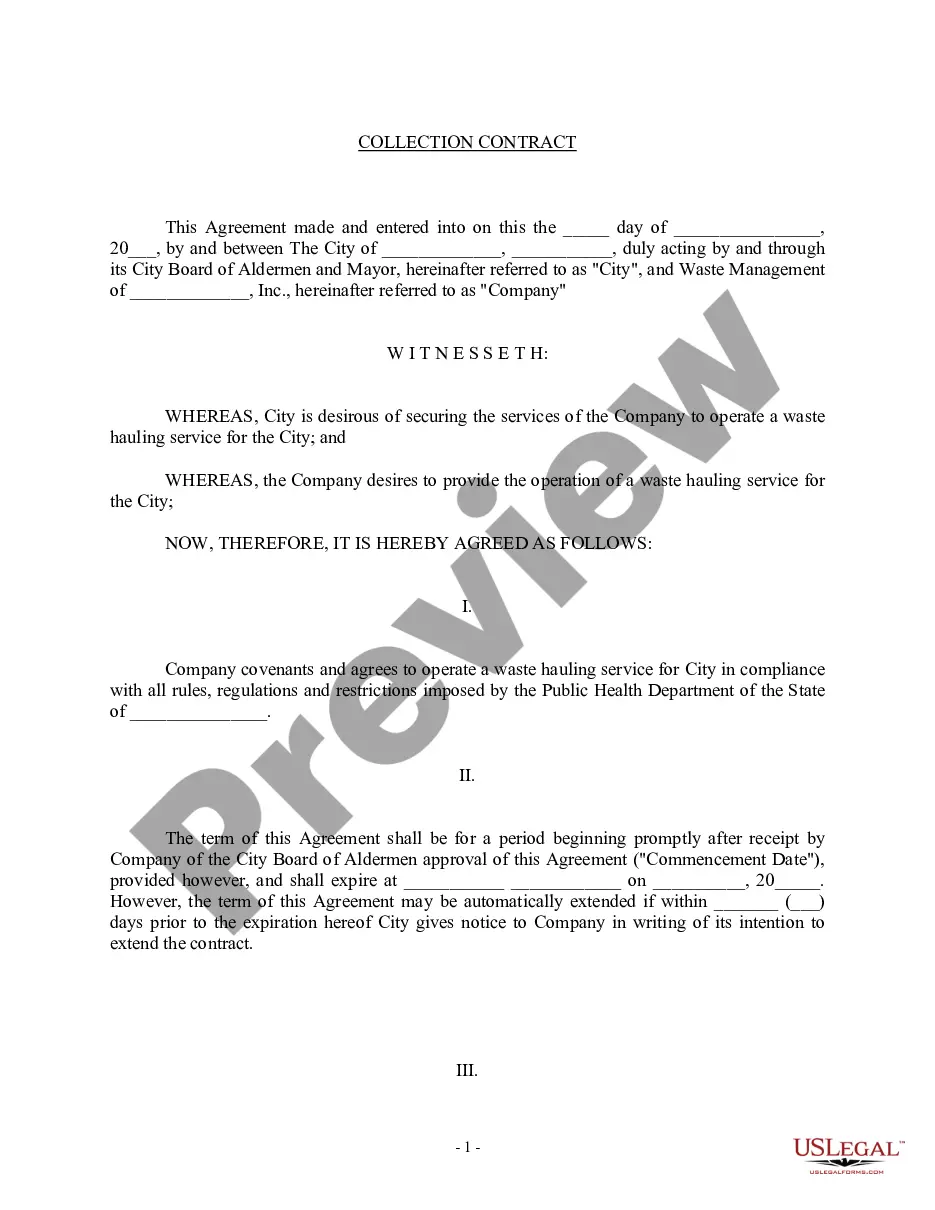








Form popularity
FAQ
Contracts in eSignature are stored indefinitely, unless the account has document retention set up, which will purge the envelope documents after a specified period of time.
Both electronic and remote notarization are permitted in Pennsylvania. The electronic notarization program was established on January 30, 2006. Remote notarization came in phases, beginning temporarily for limited transactions on March 25, 2020 and culminating with Act 97 of 2020, effective October 29, 2020.
Is it secure? eSignature ensures the highest levels of enforceability. Electronic signatures are legally binding in the United States and in most countries around the world. The ESIGN Act of 2000 defined the legality and enforceability of electronic signatures across all 50 states.
Are 's electronic signatures legally binding? eSignatures are valid and legally binding across the globe and in use in 188 countries around the world.
Offers contract and form templates along with the ability to create new templates for agreement forms and contracts.
How to Create a Contract Step 1: Set Up a Account. Step 2: Prepare Your Contract Document. Step 3: Add Recipients and Define Signing Order. Step 4: Add Fields for Recipients to Fill Out. Step 5: Customize the Email Message. Step 6: Send the Contract.
Allows you to sign, send, and manage agreements within a centralized space for all your documentation. It offers a secure, legally binding way to handle paperwork that needs signatures, saving you time on manual tasks. Because it's cloud-based, you can access from anywhere, on any device.
Document Management in CLM. Read about document management in CLM. Users with access to a document can perform actions to manage the document. After a document gets uploaded to CLM, users with access to the document can manage the document.
