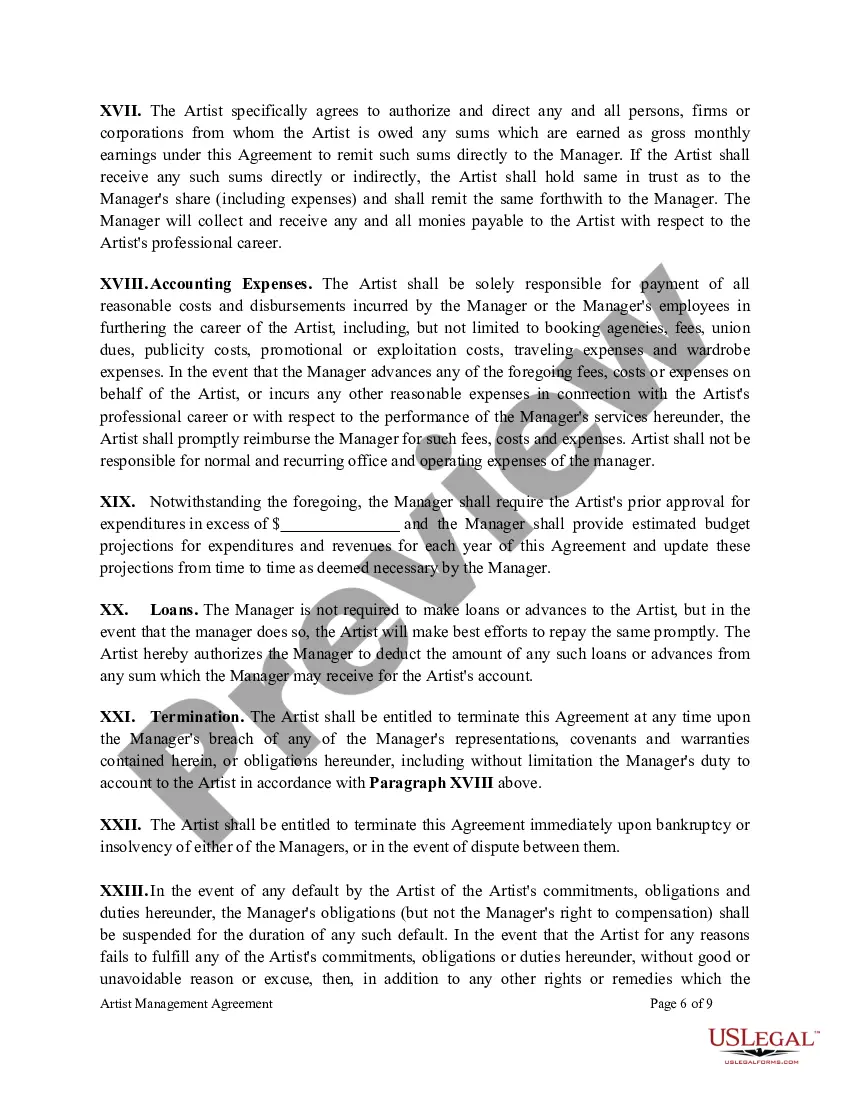
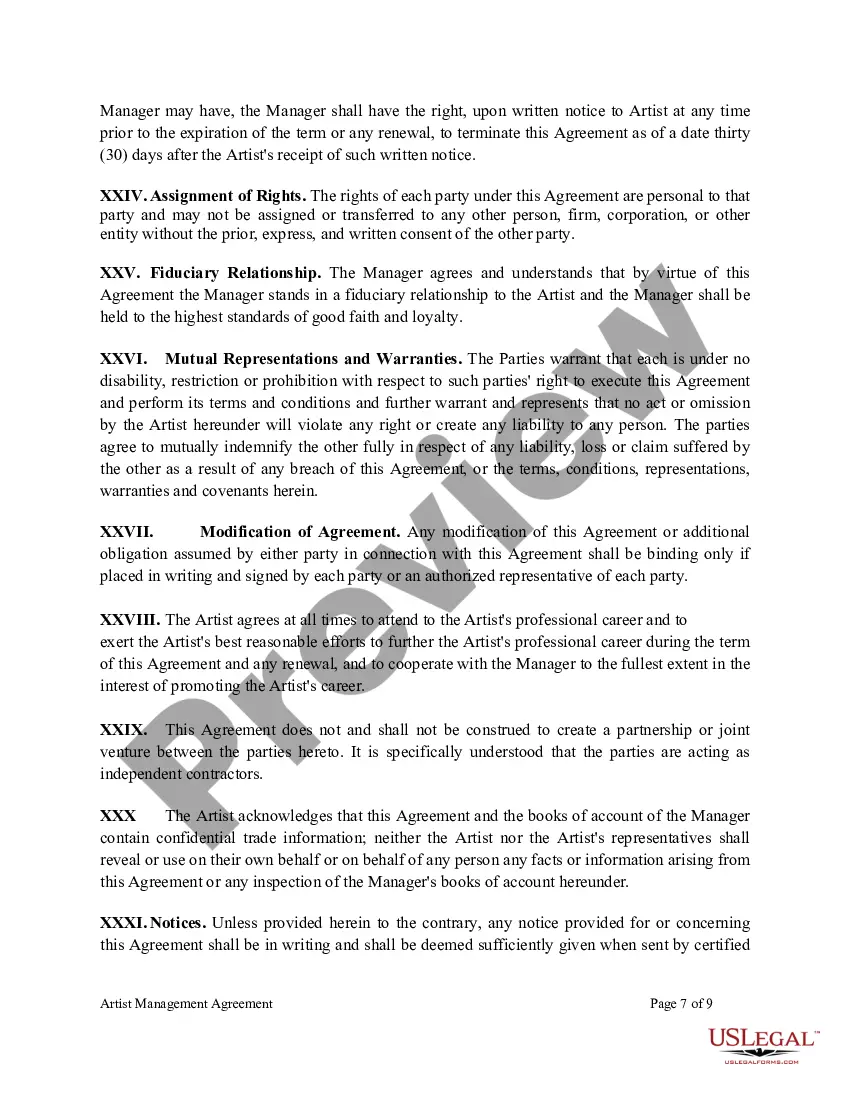
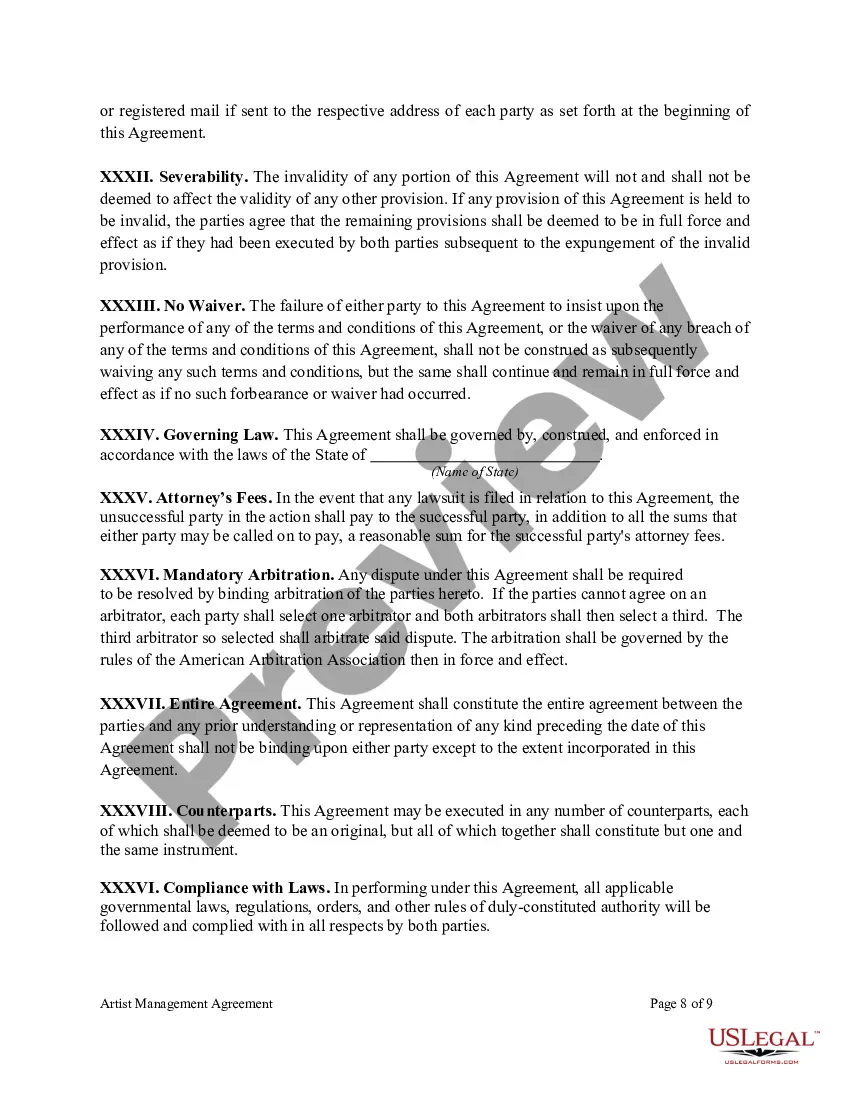
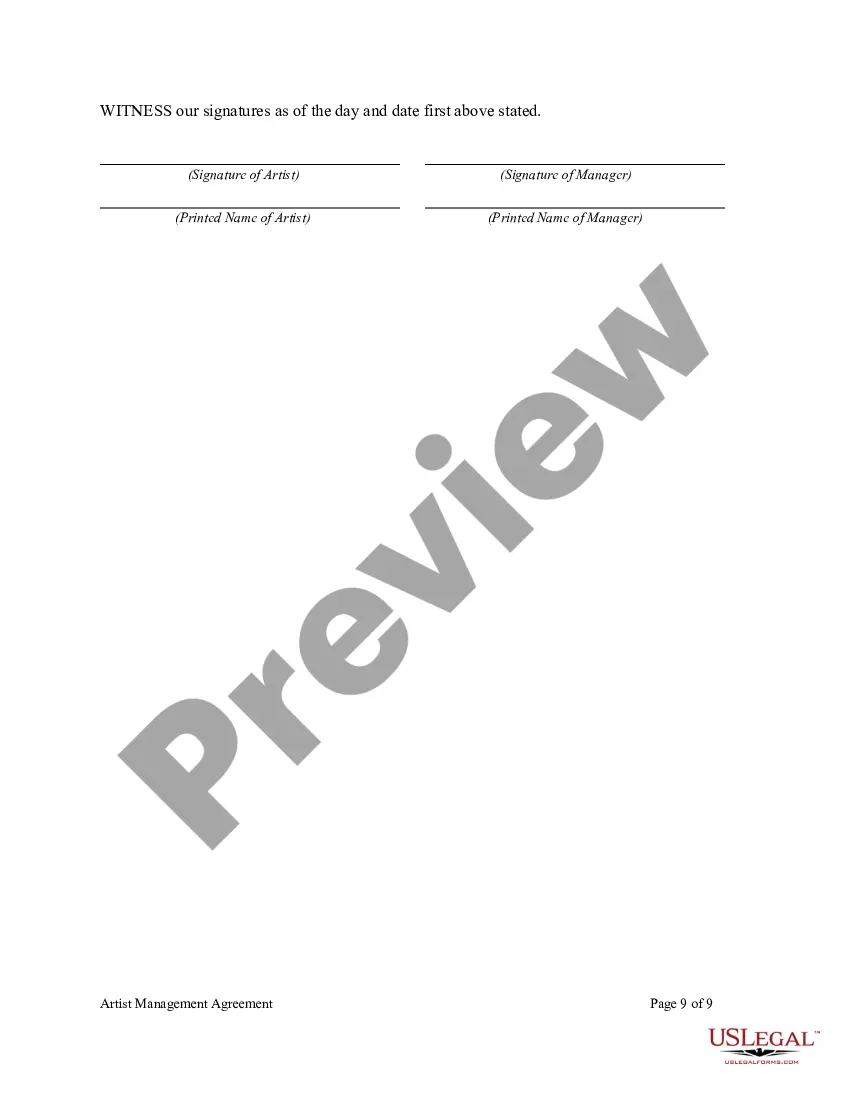
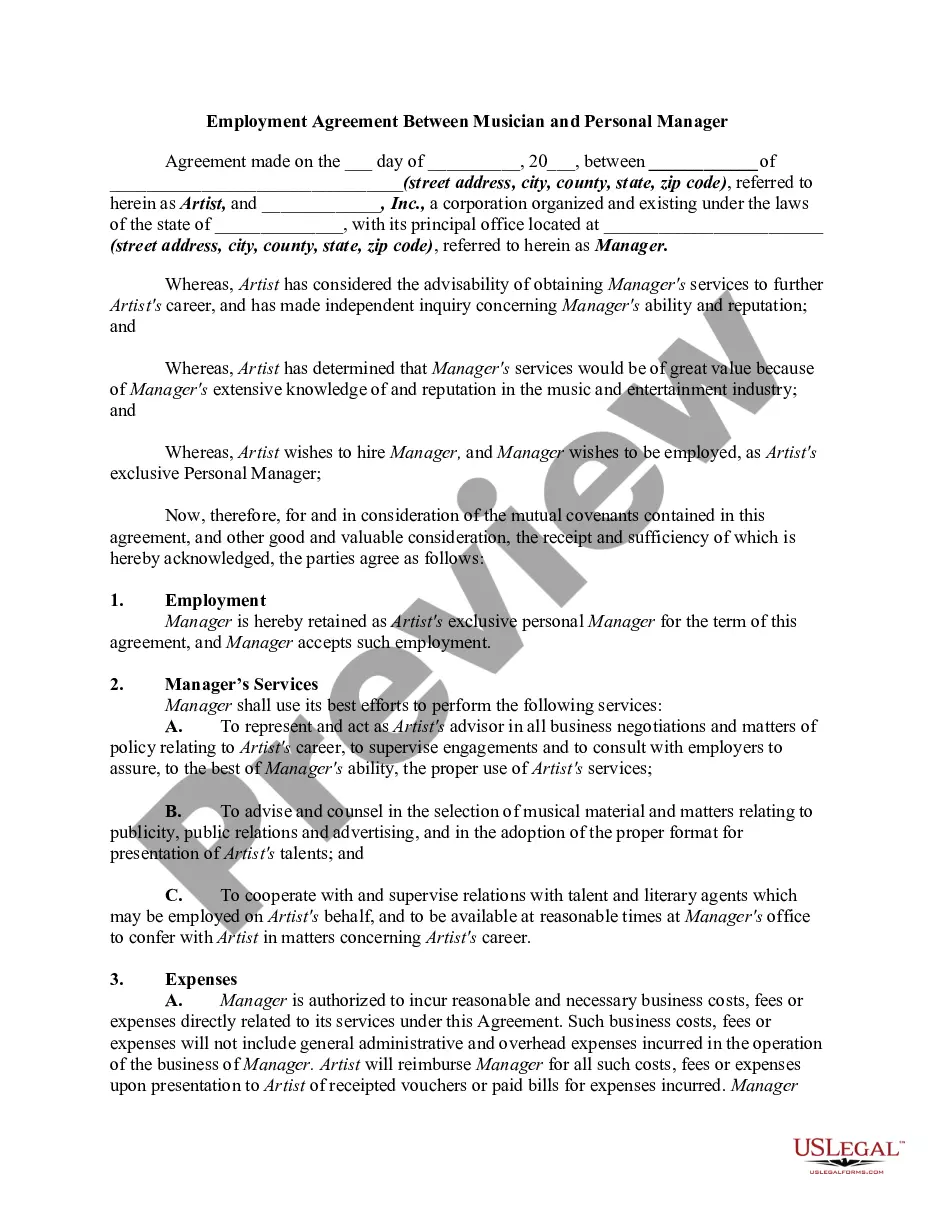
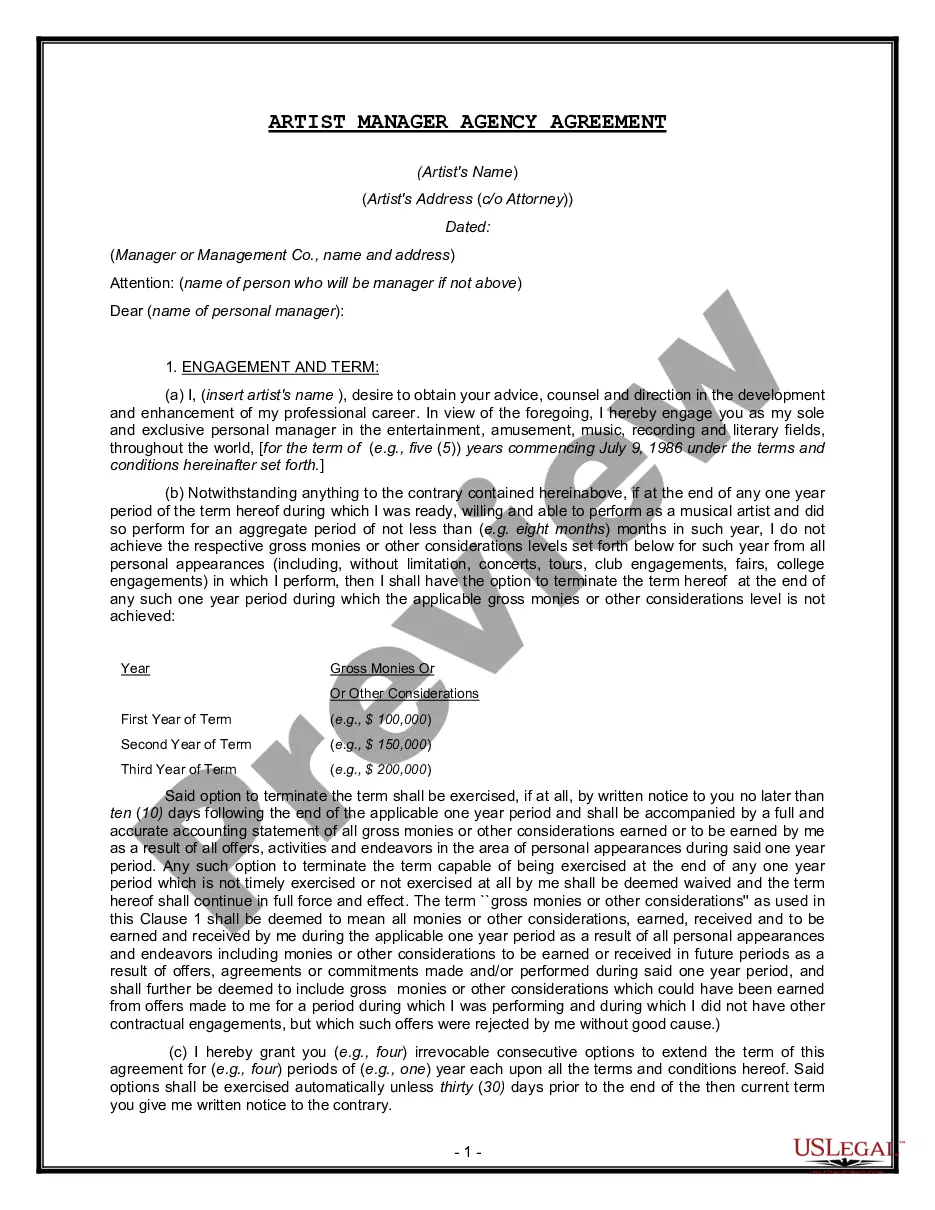
Artist Agreement Form Document With Signature In Los Angeles
Description

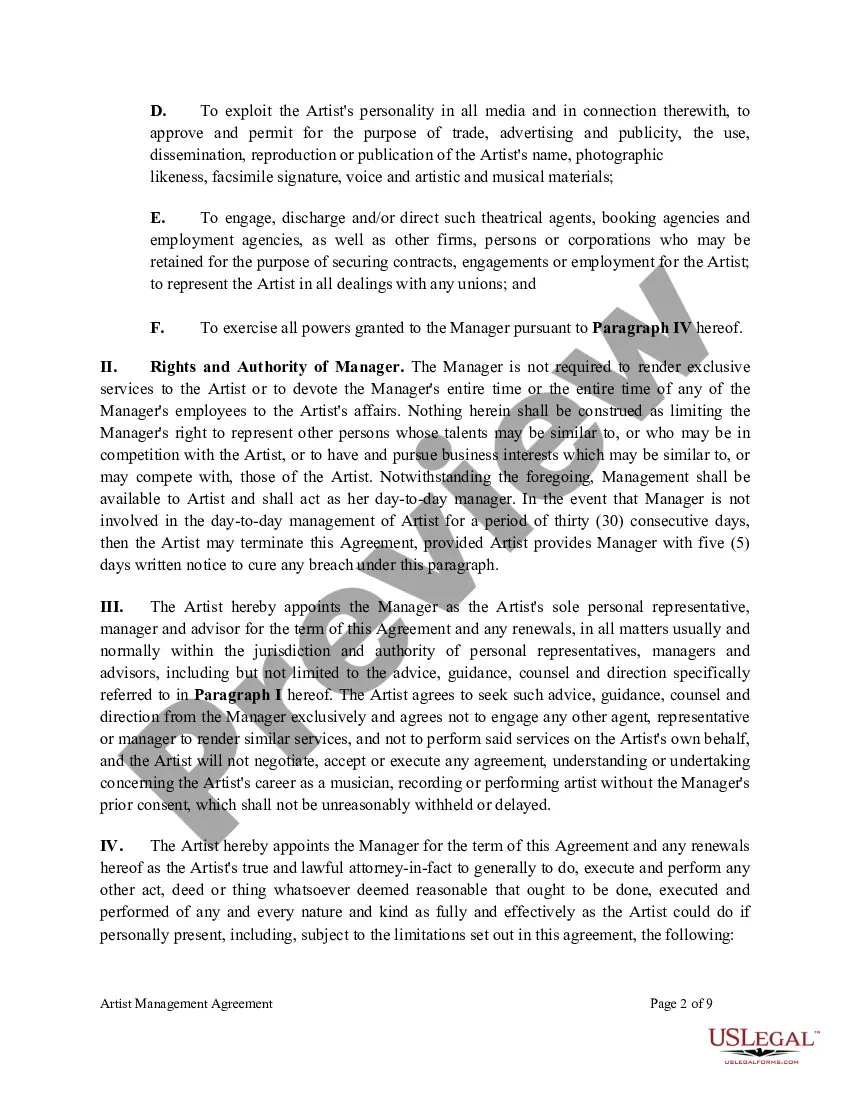
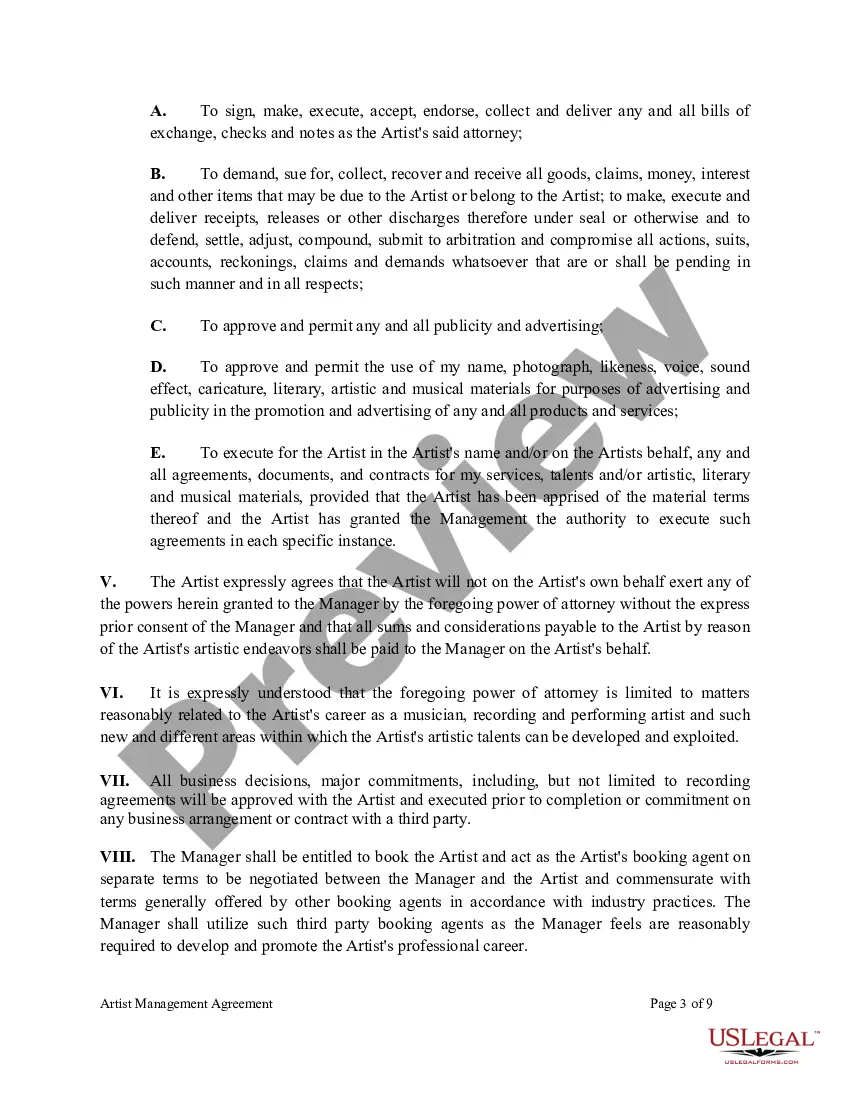
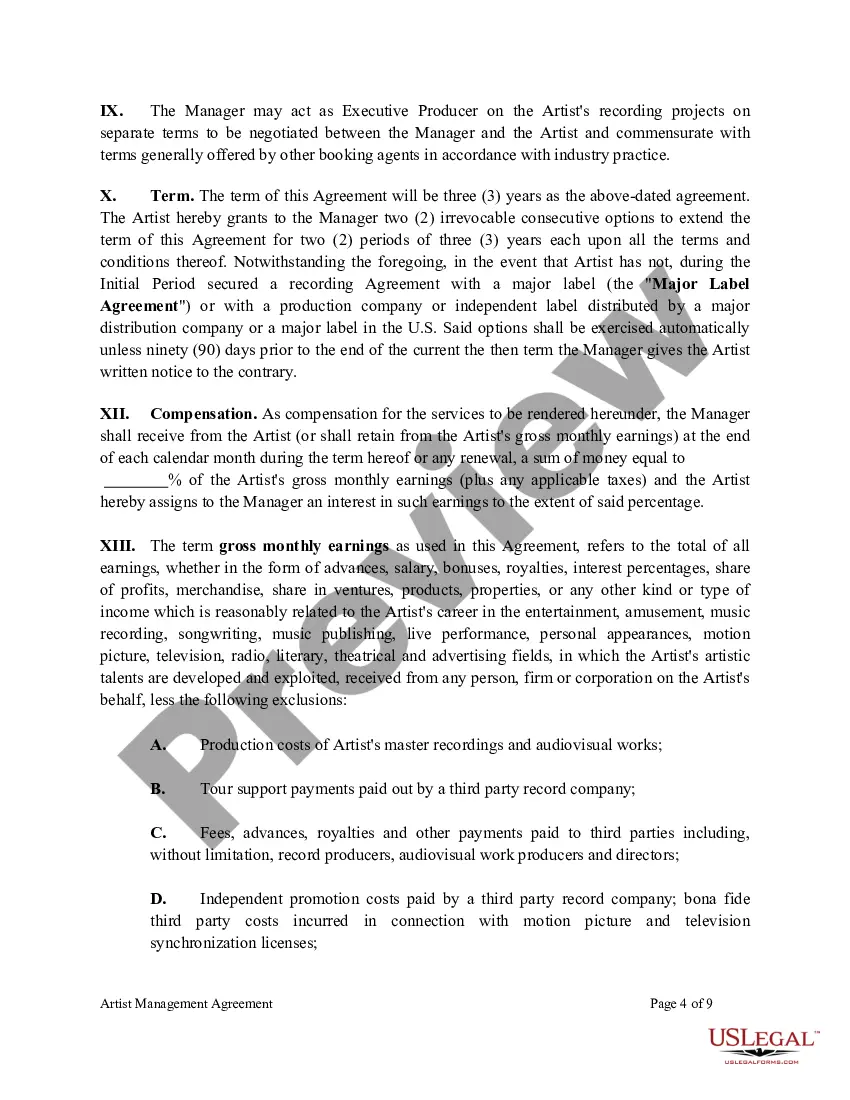
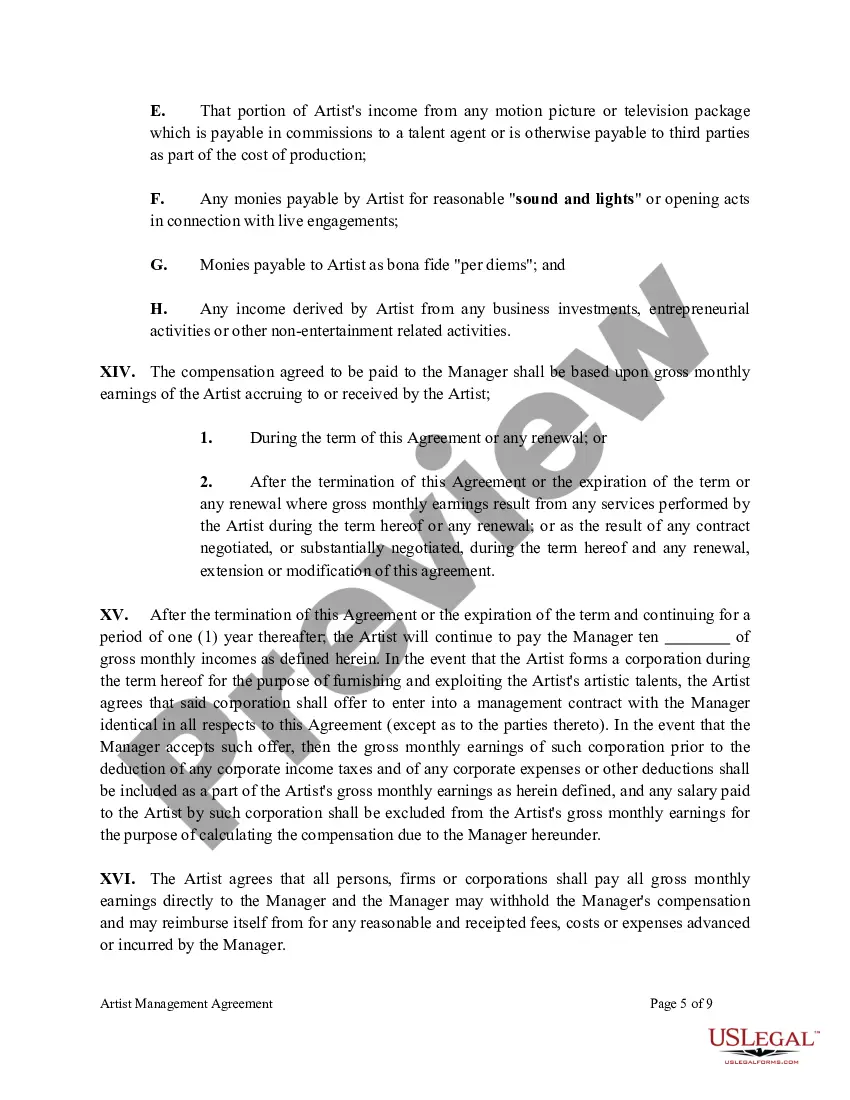

Get your form ready online
Our built-in tools help you complete, sign, share, and store your documents in one place.
Make edits, fill in missing information, and update formatting in US Legal Forms—just like you would in MS Word.
Download a copy, print it, send it by email, or mail it via USPS—whatever works best for your next step.
Sign and collect signatures with our SignNow integration. Send to multiple recipients, set reminders, and more. Go Premium to unlock E-Sign.
If this form requires notarization, complete it online through a secure video call—no need to meet a notary in person or wait for an appointment.
We protect your documents and personal data by following strict security and privacy standards.

Make edits, fill in missing information, and update formatting in US Legal Forms—just like you would in MS Word.

Download a copy, print it, send it by email, or mail it via USPS—whatever works best for your next step.

Sign and collect signatures with our SignNow integration. Send to multiple recipients, set reminders, and more. Go Premium to unlock E-Sign.

If this form requires notarization, complete it online through a secure video call—no need to meet a notary in person or wait for an appointment.

We protect your documents and personal data by following strict security and privacy standards.
Looking for another form?









Form popularity
FAQ
Generally, to be legally valid, most contracts must contain two elements: All parties must agree about an offer made by one party and accepted by the other. Something of value must be exchanged for something else of value.
Write the contract in six steps Start with a contract template. Open with the basic information. Describe in detail what you have agreed to. Include a description of how the contract will be ended. Write into the contract which laws apply and how disputes will be resolved. Include space for signatures.
It is a legal agreement that binds the Artist and the Company to fulfill all the terms and conditions contained in it. All Individual Artist Agreements must be in compliance with the respective Collective Bargaining Agreement.
Contracts like an artist agreement help avoid miscommunications and confusion over the rights and responsibilities of both parties involved. Artist agreements typically include availability expectations, performance markers, and licensing or ownership rights of the works created during the partnership.
Insert a signature line Click where you want the line. Select Insert > Signature Line. Select Microsoft Office Signature Line. In the Signature Setup box, you can type a name in the Suggested signer box. You can also add a title in the Suggested signer's title box. Select OK. The signature line appears in your document.
How to write a contract agreement in 7 steps. Determine the type of contract required. Confirm the necessary parties. Choose someone to draft the contract. Write the contract with the proper formatting. Review the written contract with a lawyer. Send the contract agreement for review or revisions.
The role of the digital signature in contracts Digital signatures empower people to sign contracts anytime, anywhere. Since digital signatures are legally valid worldwide and offer much better security than wet signatures, they have become an indispensable part of the contract lifecycle.
Open your document and click the File tab. Click Info and then click Protect Document. From the Protect Document drop-down menu, click Add a Digital Signature. Select a Commitment Type, such as created and approved this document, and then click Sign.
Signing contracts electronically – with EASY eSignature in EASY Contract Step 1: Select the contract. Step 2: Set the second contract signer and signature fields. Step 3: Invite countersigning parties to digitally sign the contract. Step 4: Obtain digitally signed contracts via EASY Contract.
Signing with different pens It doesn't matter if everything else is perfect, different colours, or a fountain pen with ballpoint means the document is invalid. Both you and your witnesses must use the same pen throughout the entirety of the document – including when you are dating it.
