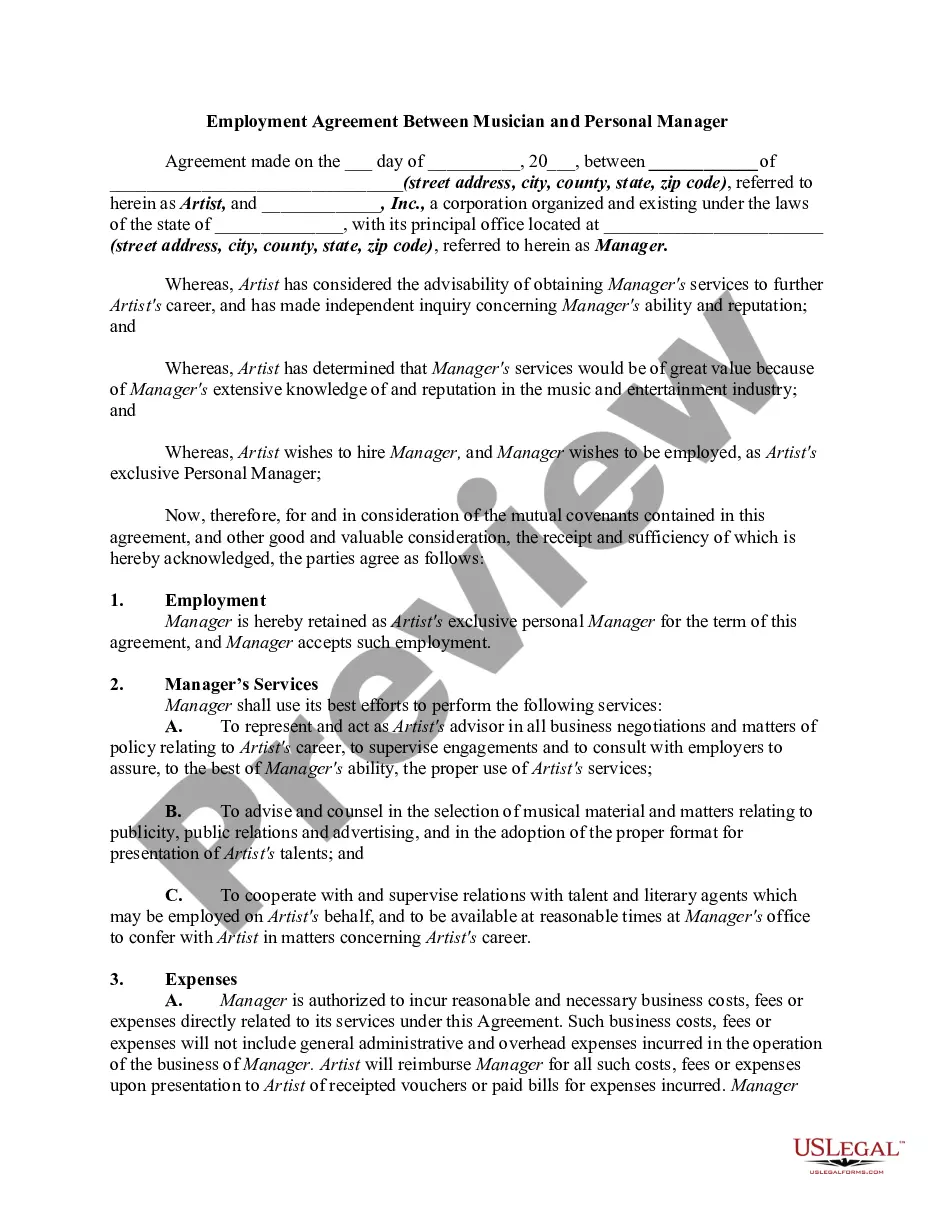
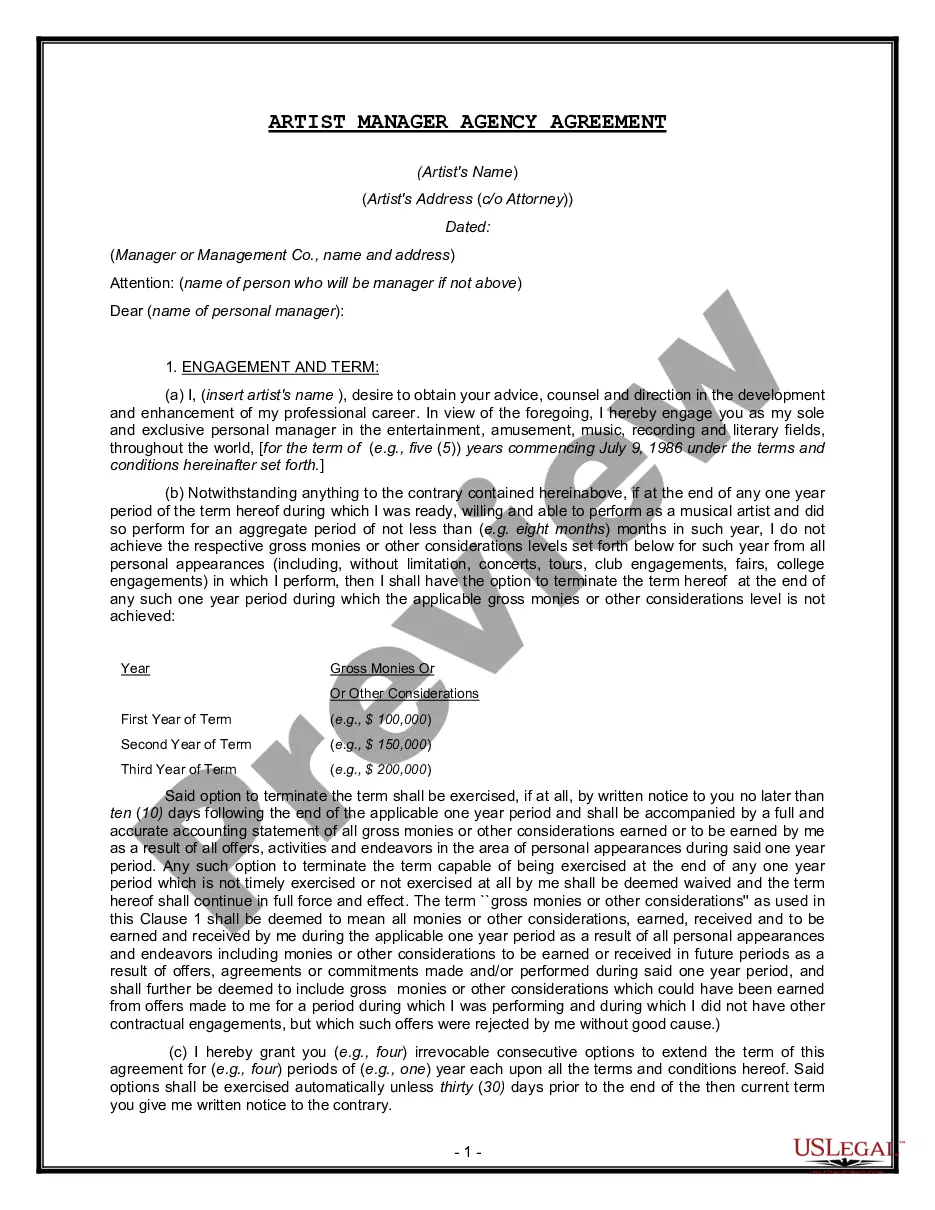
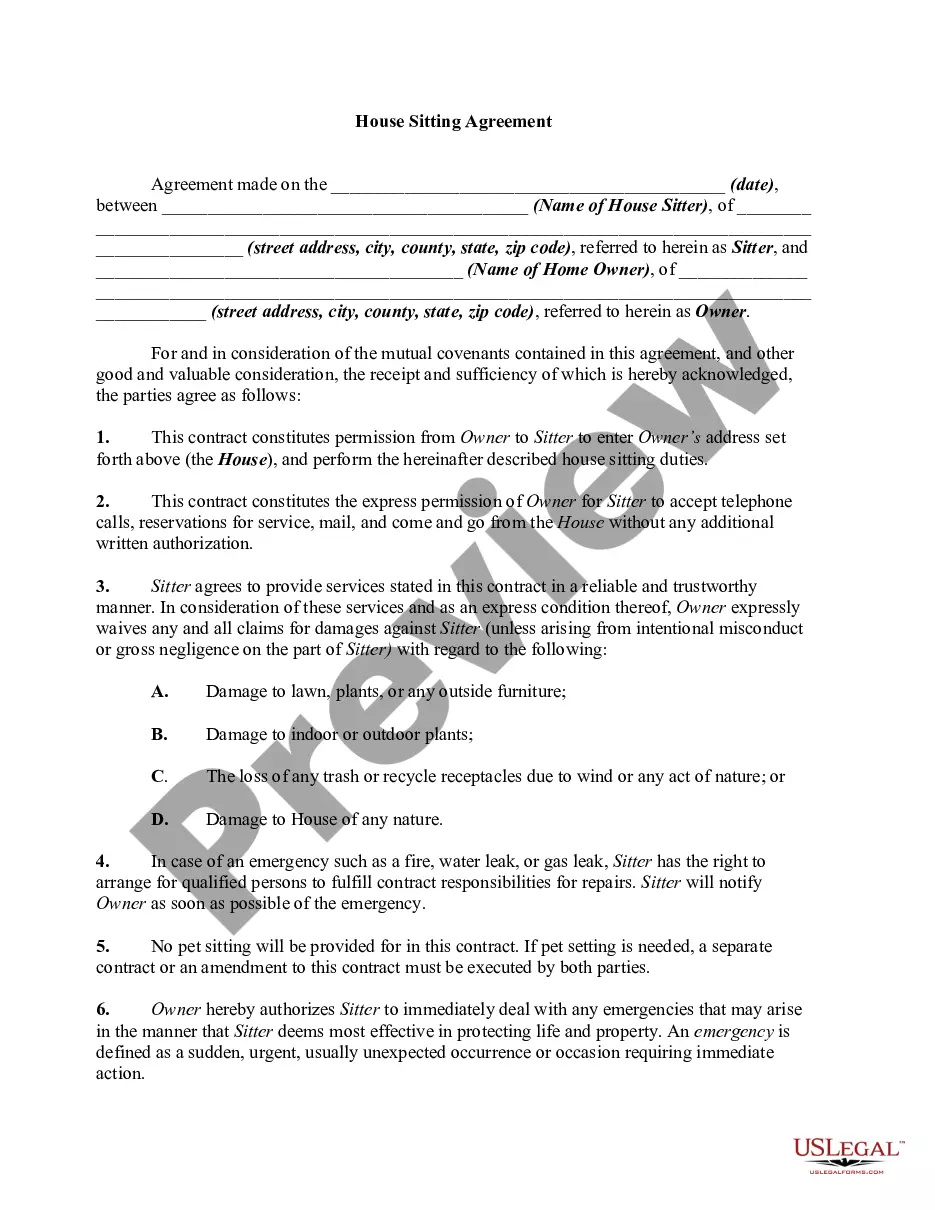
Artist Agreement Form Template With Logo In Florida
Description

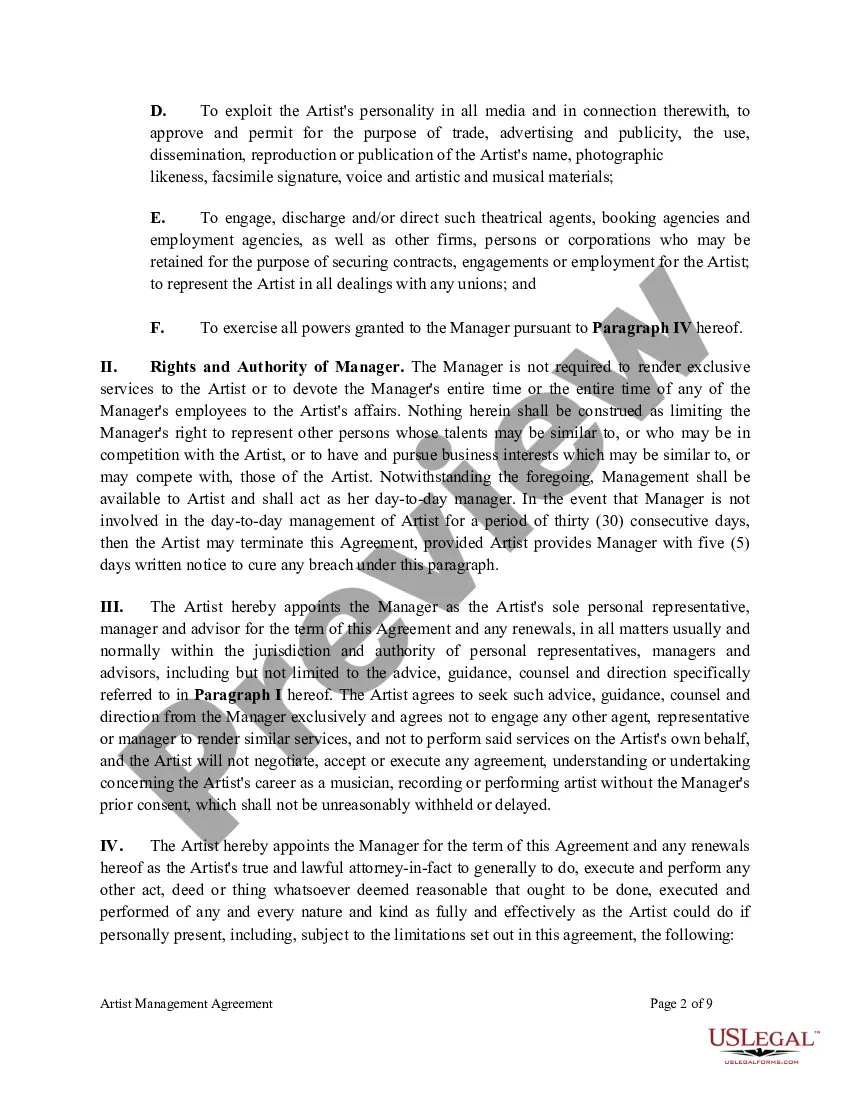
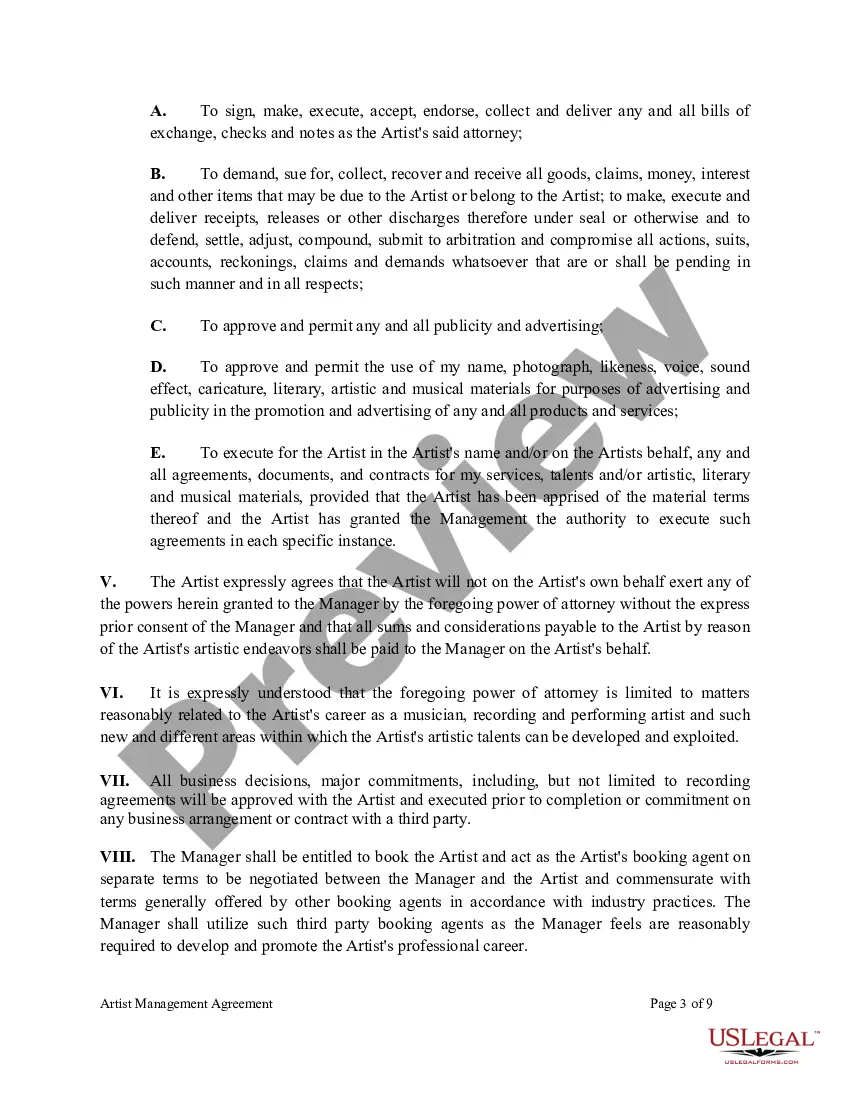
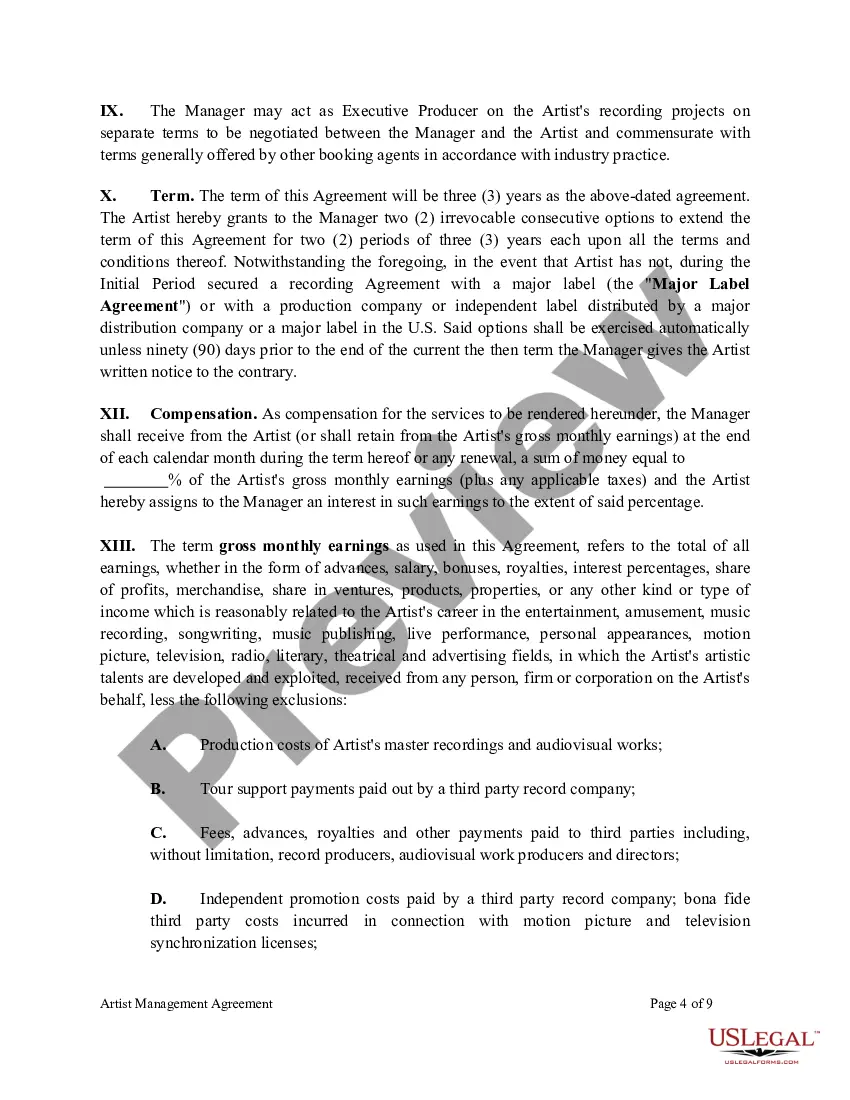
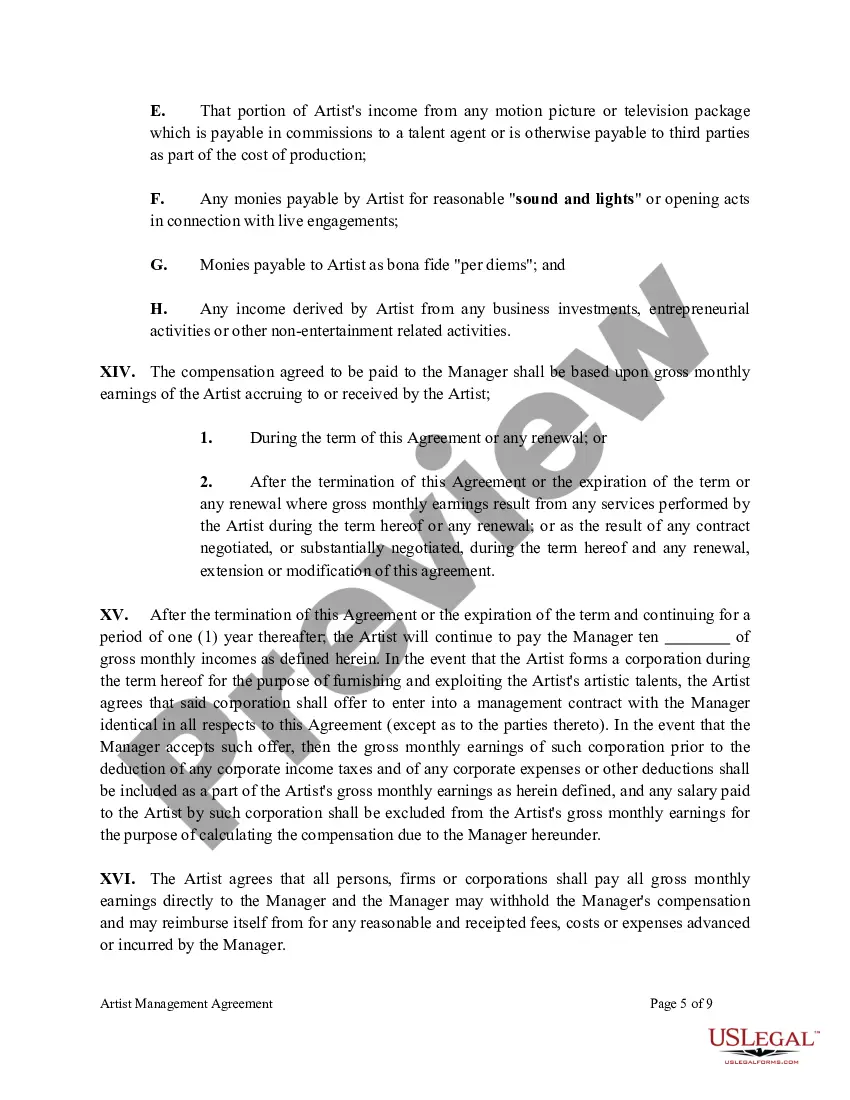
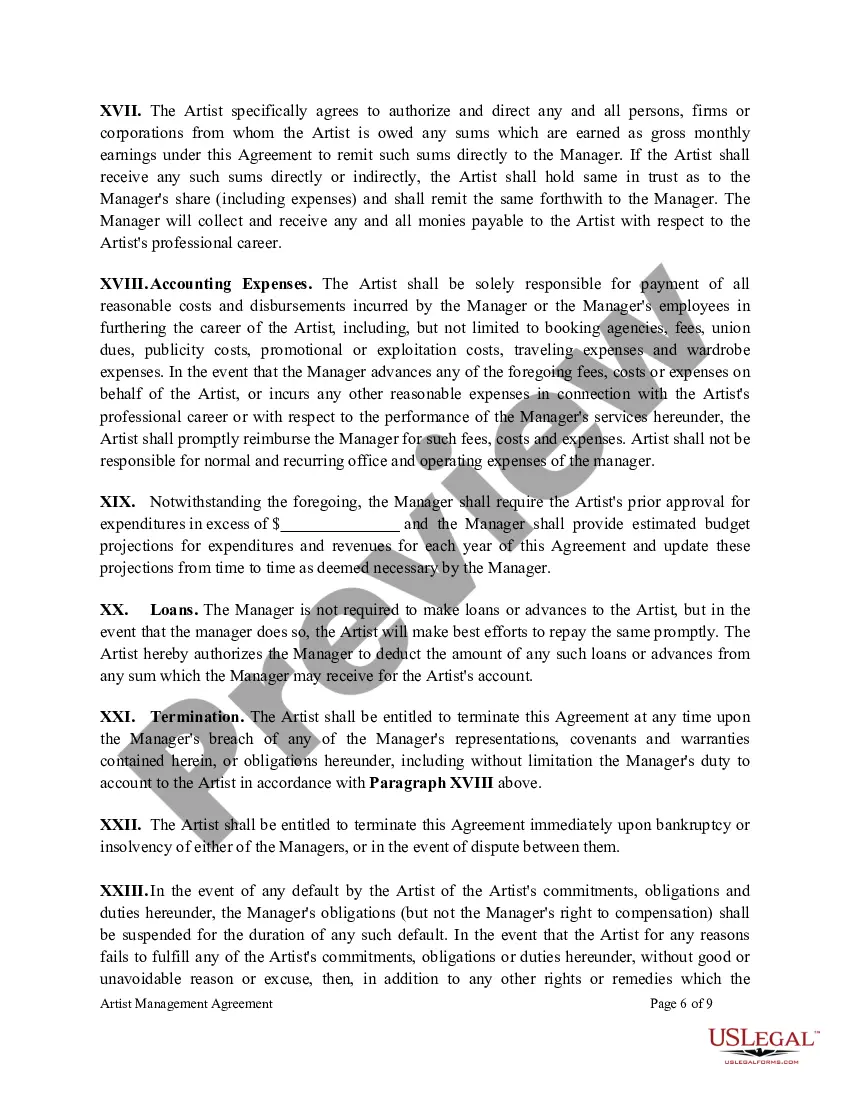
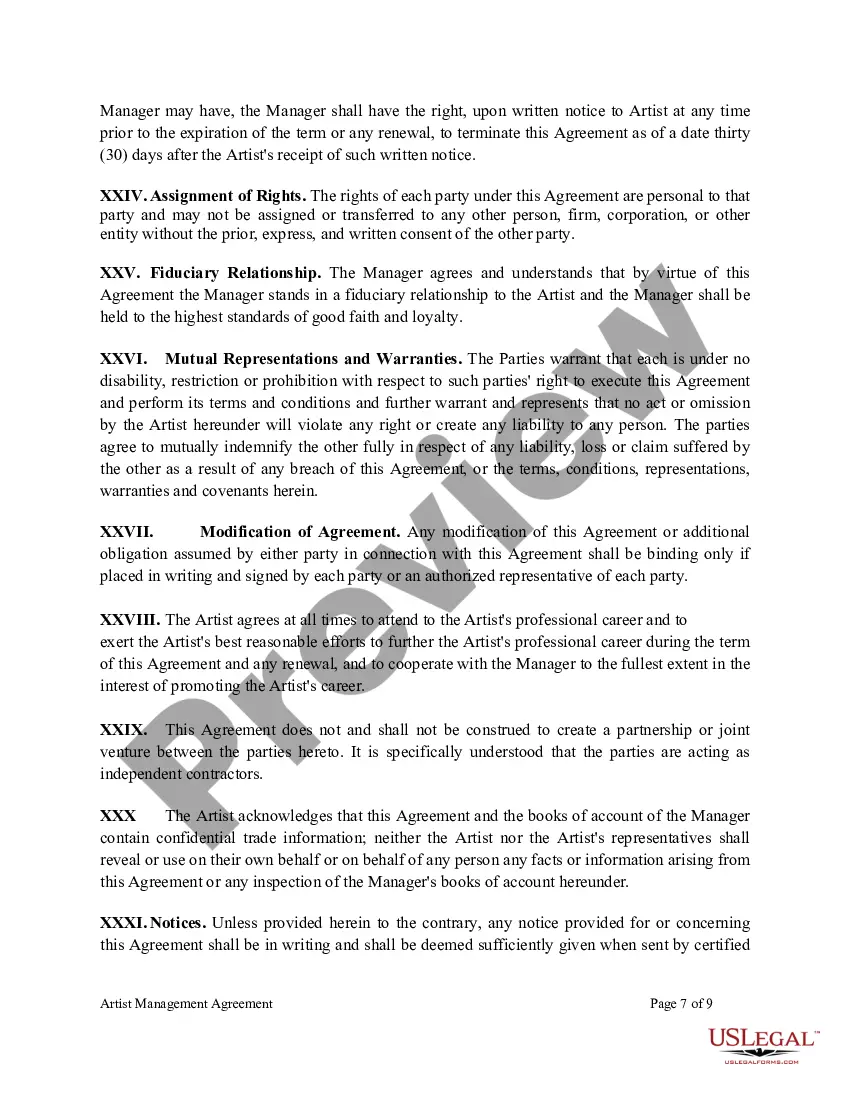
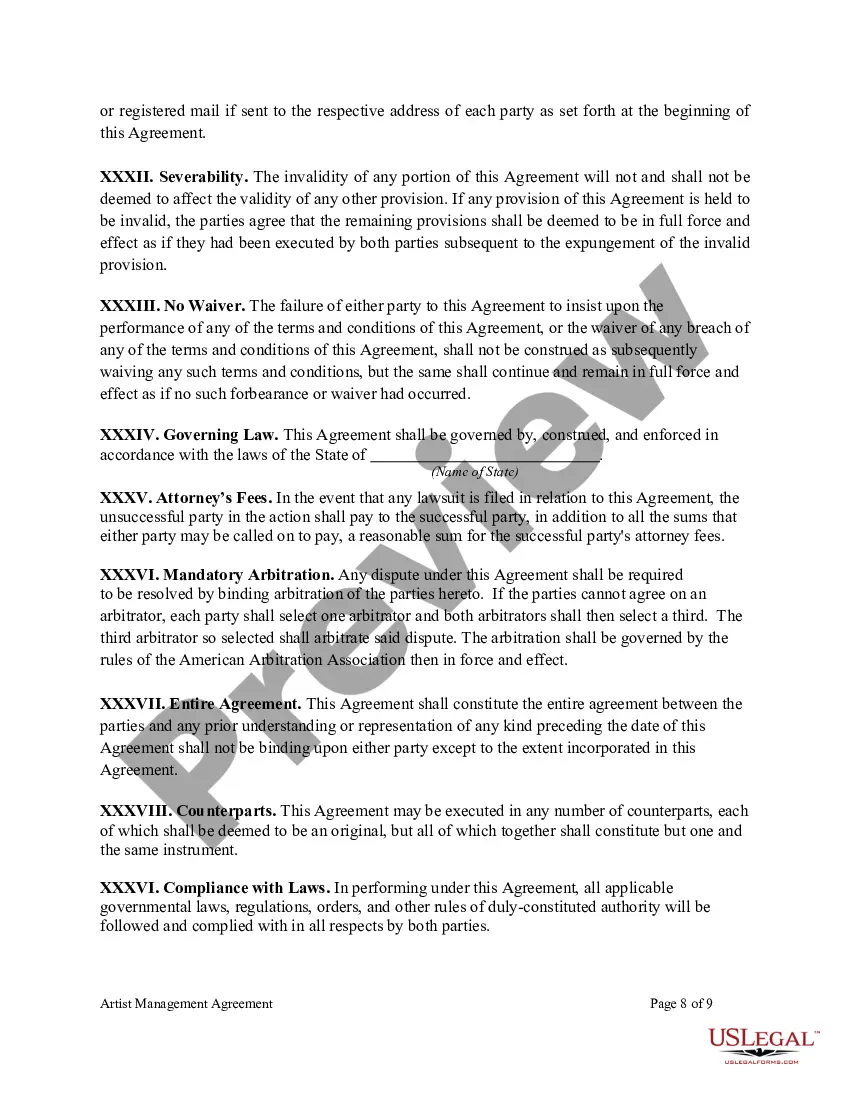
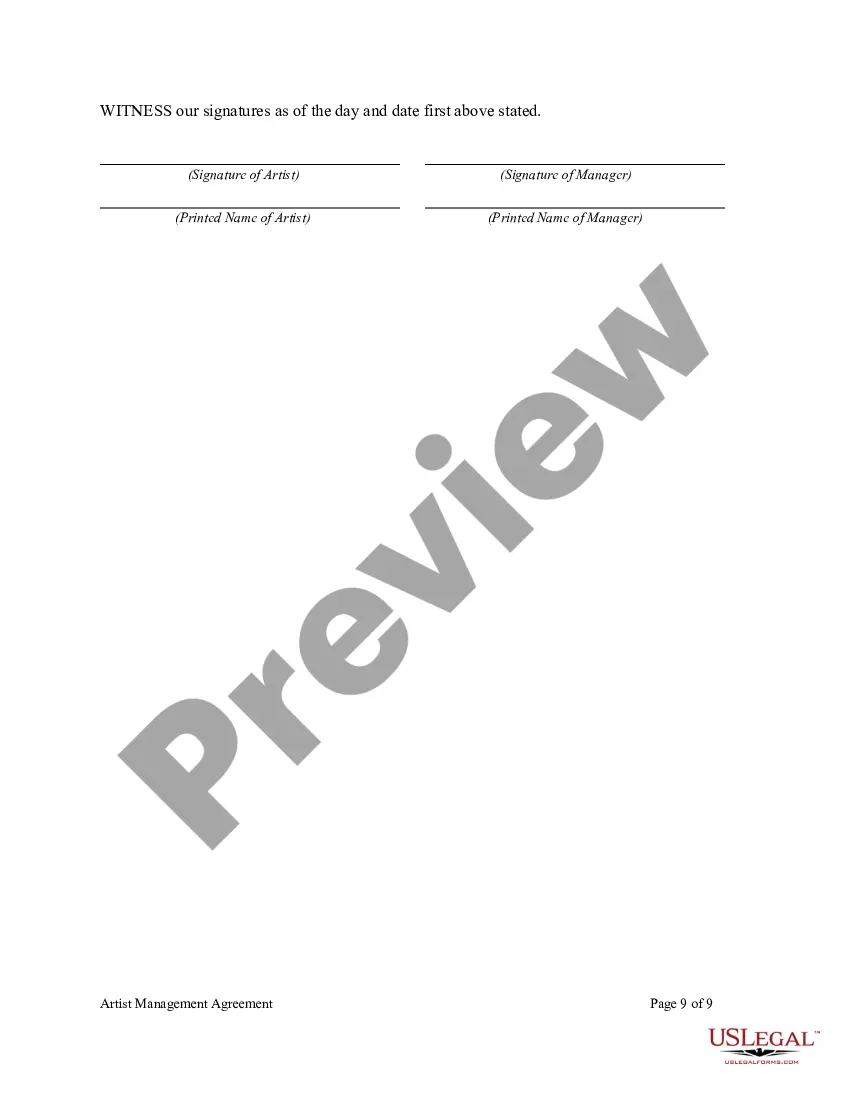

Get your form ready online
Our built-in tools help you complete, sign, share, and store your documents in one place.
Make edits, fill in missing information, and update formatting in US Legal Forms—just like you would in MS Word.
Download a copy, print it, send it by email, or mail it via USPS—whatever works best for your next step.
Sign and collect signatures with our SignNow integration. Send to multiple recipients, set reminders, and more. Go Premium to unlock E-Sign.
If this form requires notarization, complete it online through a secure video call—no need to meet a notary in person or wait for an appointment.
We protect your documents and personal data by following strict security and privacy standards.

Make edits, fill in missing information, and update formatting in US Legal Forms—just like you would in MS Word.

Download a copy, print it, send it by email, or mail it via USPS—whatever works best for your next step.

Sign and collect signatures with our SignNow integration. Send to multiple recipients, set reminders, and more. Go Premium to unlock E-Sign.

If this form requires notarization, complete it online through a secure video call—no need to meet a notary in person or wait for an appointment.

We protect your documents and personal data by following strict security and privacy standards.
Looking for another form?








Form popularity
FAQ
Here are the steps to write a letter of agreement: Title the document. Add the title at the top of the document. List your personal information. Include the date. Add the recipient's personal information. Address the recipient. Write an introduction paragraph. Write your body. Conclude the letter.
Centralizing your contracts with templates means you don't have to draft contracts from scratch each time. Instead, you can use a standard contract template to enter into business agreements with various parties.
Yes, you can write your own contract. However, including all necessary elements is crucial to make it legally binding.
You can write the contract yourself; there are sites with templates for just about any kind of contract you could ever want, from employment to, well, cabinet making. Some are massive documents; some are short and easy. Most have been set up by the legal profession, and hence are very accurate.
Adding Logo to the First Page of a Contract Open the Word format template. Add a logo to the header or footer. Click Page Layout > Page Setup. On the Layout tab, select the Different first page check box. Click OK.
Often, businesses work with qualified and experienced commercial solicitors to help them prepare suitable and robust business contracts. Although it is possible for you to write your own contract without the help of a lawyer, this may give rise to various risks.
Write the contract in six steps Start with a contract template. Open with the basic information. Describe in detail what you have agreed to. Include a description of how the contract will be ended. Write into the contract which laws apply and how disputes will be resolved. Include space for signatures.
Contract Opportunities: Search, find, bid Government agencies use sam to list contracts over $25,000. Find a contract that fits your business and submit a bid.
Search Smart Contract source codes on Etherscan and filter by contract & deployer addresses, creation date, block number and more.
