Default Prove Up Hearing With California In San Bernardino
Description

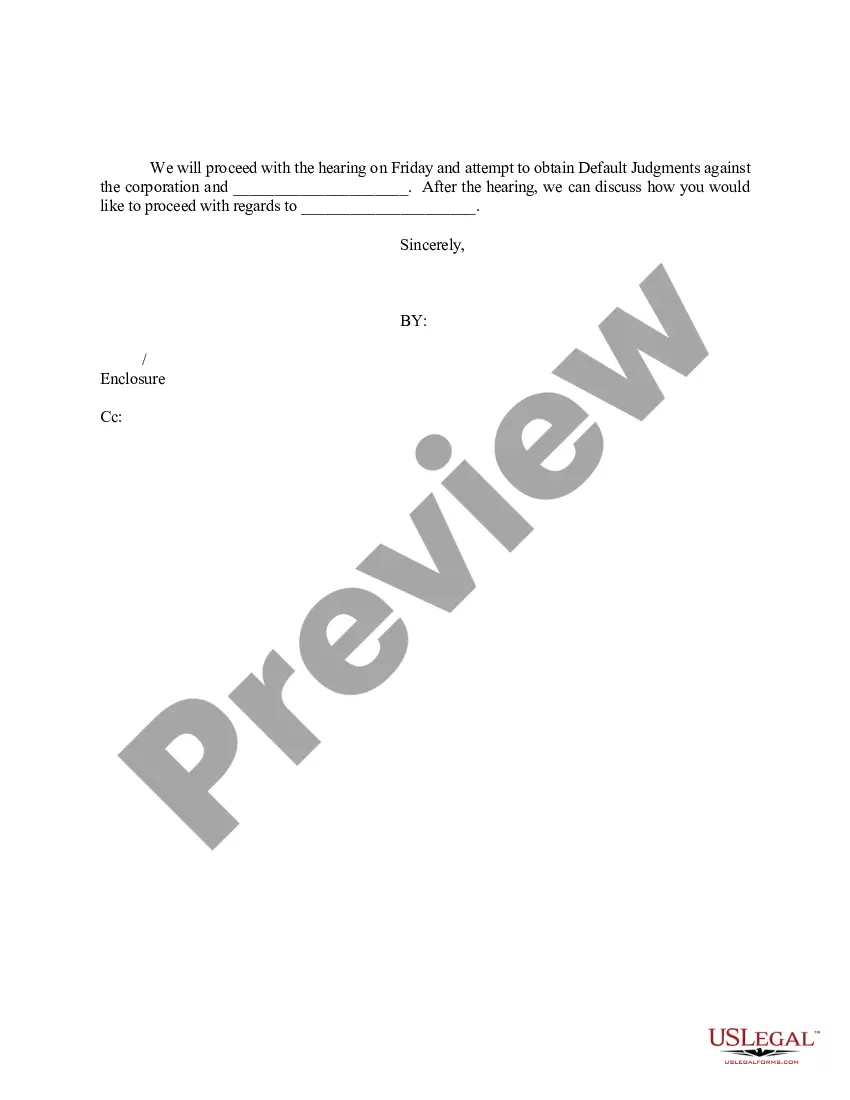
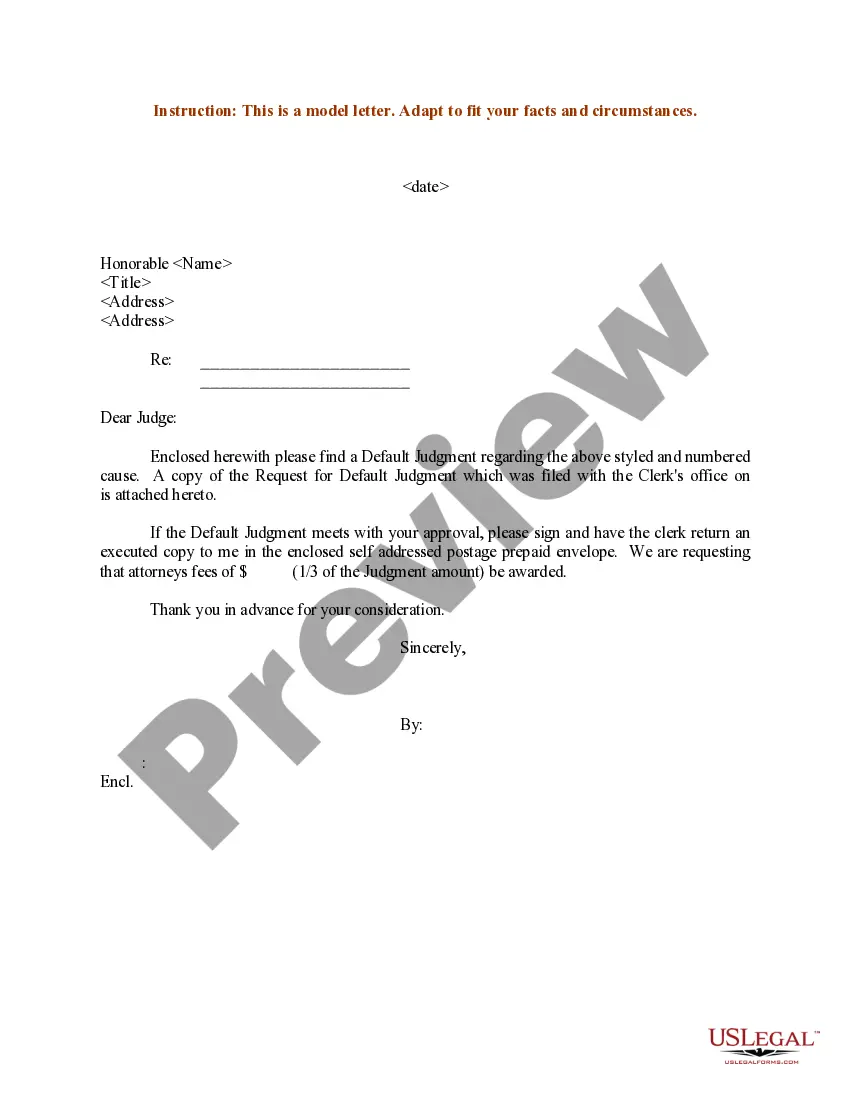
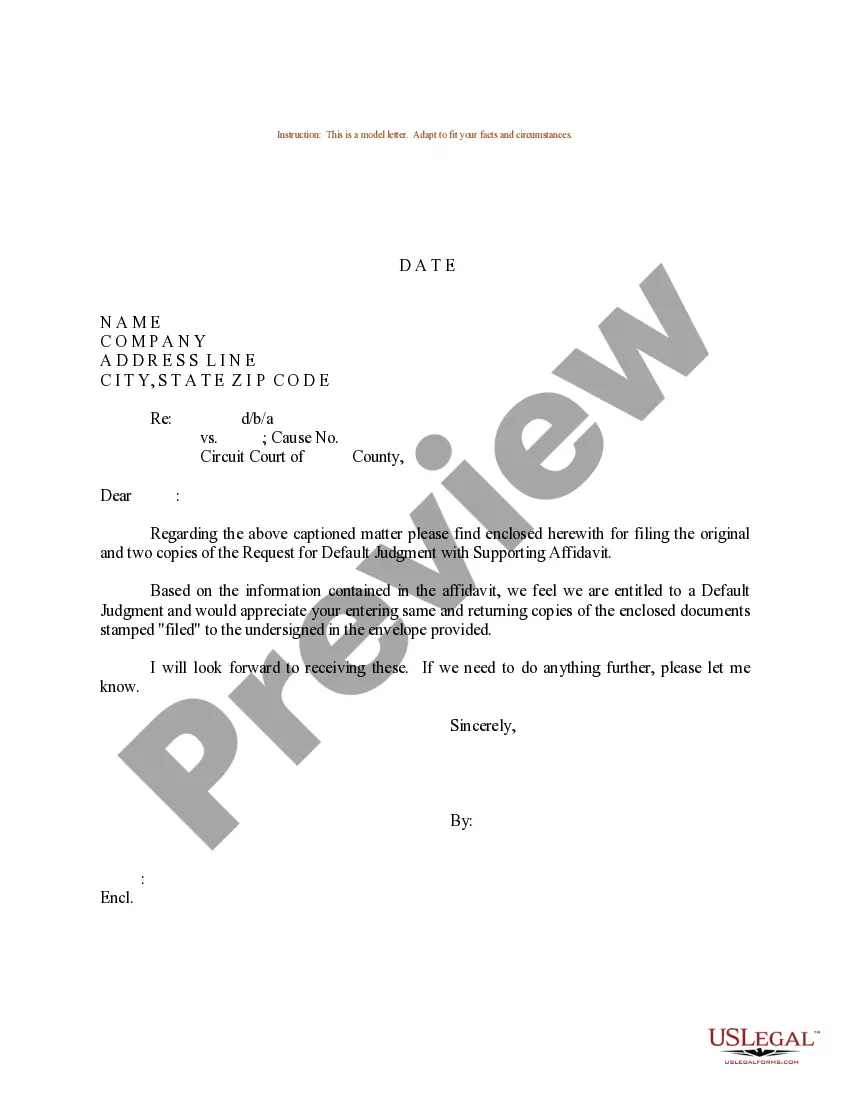
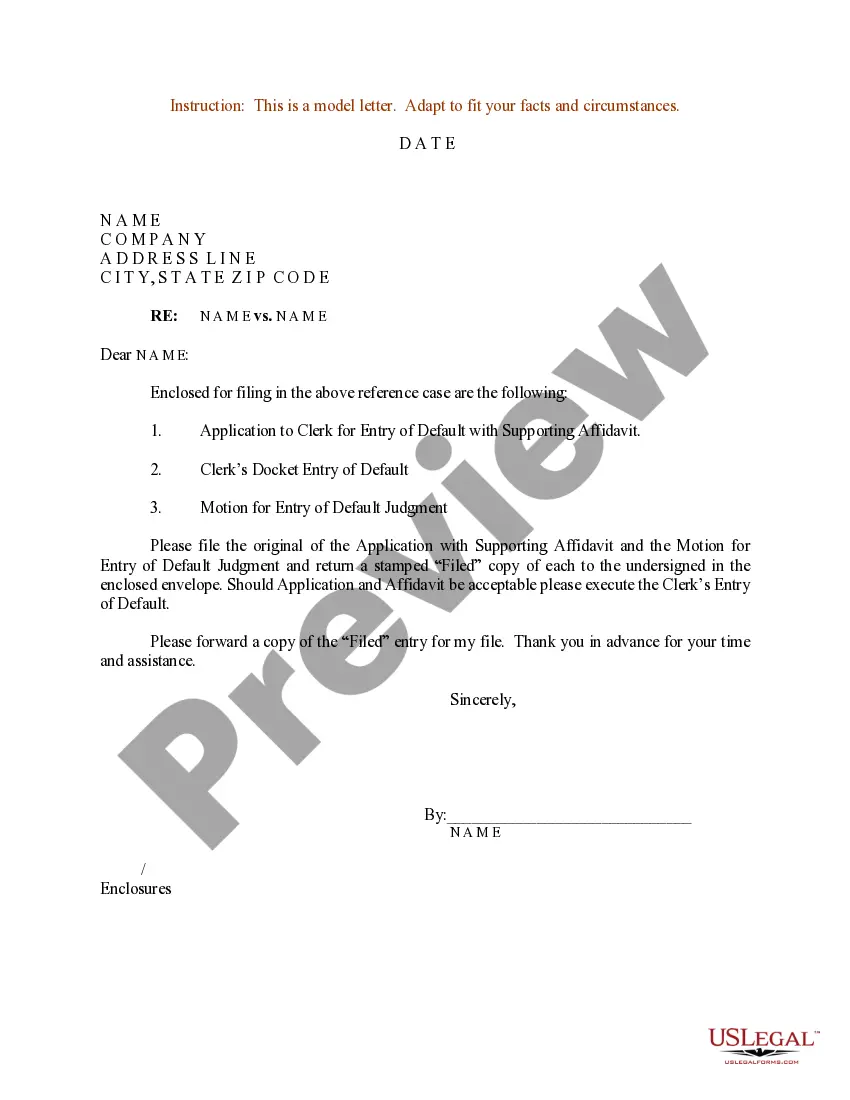
Get your form ready online
Our built-in tools help you complete, sign, share, and store your documents in one place.
Make edits, fill in missing information, and update formatting in US Legal Forms—just like you would in MS Word.
Download a copy, print it, send it by email, or mail it via USPS—whatever works best for your next step.
Sign and collect signatures with our SignNow integration. Send to multiple recipients, set reminders, and more. Go Premium to unlock E-Sign.
If this form requires notarization, complete it online through a secure video call—no need to meet a notary in person or wait for an appointment.
We protect your documents and personal data by following strict security and privacy standards.

Make edits, fill in missing information, and update formatting in US Legal Forms—just like you would in MS Word.

Download a copy, print it, send it by email, or mail it via USPS—whatever works best for your next step.

Sign and collect signatures with our SignNow integration. Send to multiple recipients, set reminders, and more. Go Premium to unlock E-Sign.

If this form requires notarization, complete it online through a secure video call—no need to meet a notary in person or wait for an appointment.

We protect your documents and personal data by following strict security and privacy standards.
Looking for another form?
Form popularity
FAQ
A default prove up hearing occurs when the defendant has failed to respond to the plaintiff's complaint within the specified time frame. As a result, the defendant is considered to be in default, and the hearing is held to determine the appropriate judgment in favor of the plaintiff.
Request for Entry of Default (Application to Enter Default) (CIV-100) Asks the court to enter a "default" against the defendant or cross-defendant because they failed to file an Answer or other responsive document in the case. Can be used to ask for a default alone, or also a default judgment.
How to ask for a default Fill out request for default. Request for Entry of Default (form CIV-100) ... If ready, also fill out forms to ask for a judgement. Judgment (form JUD-100) ... Mail copies to the defendant. Make at least 2 copies of everything. File forms. Bring the Request for Default to the court clerk.
File the original and both copies with the Clerk. Complete the rest of this guide when you are ready to request the judgment. Your deadline is within 45 days after entry of default, unless you ask the court for an extension.
Depending on whether your pleading was verified, or not, this can be as quick as a few days in cases where the clerk can enter default, or as long as a few weeks in the event a hearing is necessary in order to secure a default judgment.
This involves: Filing a Motion: Submit a formal motion to the court requesting that the default be overturned. Providing a Reason: Explain why you failed to respond and provide evidence supporting your claim. Demonstrating a Defense: Show that you have a valid defense to the plaintiff's claims.
Obtain the form: Download the CIV-100 form from the California Courts website. Fill in case information: Enter the case number, court name, and the names of the parties involved. Provide the plaintiff's details and address (Clio Draft can help autofill case info).
up hearing typically happens when a divorce is uncontested, and the judge needs to verify that the settlement terms are fair and in alignment with California's divorce laws. Start by reviewing all case documents, especially your marital settlement agreement (MSA) and any supporting financial records submitted.
How to ask for a default Fill out request for default. Request for Entry of Default (form CIV-100) ... If ready, also fill out forms to ask for a judgement. Judgment (form JUD-100) ... Mail copies to the defendant. Make at least 2 copies of everything. File forms. Bring the Request for Default to the court clerk.