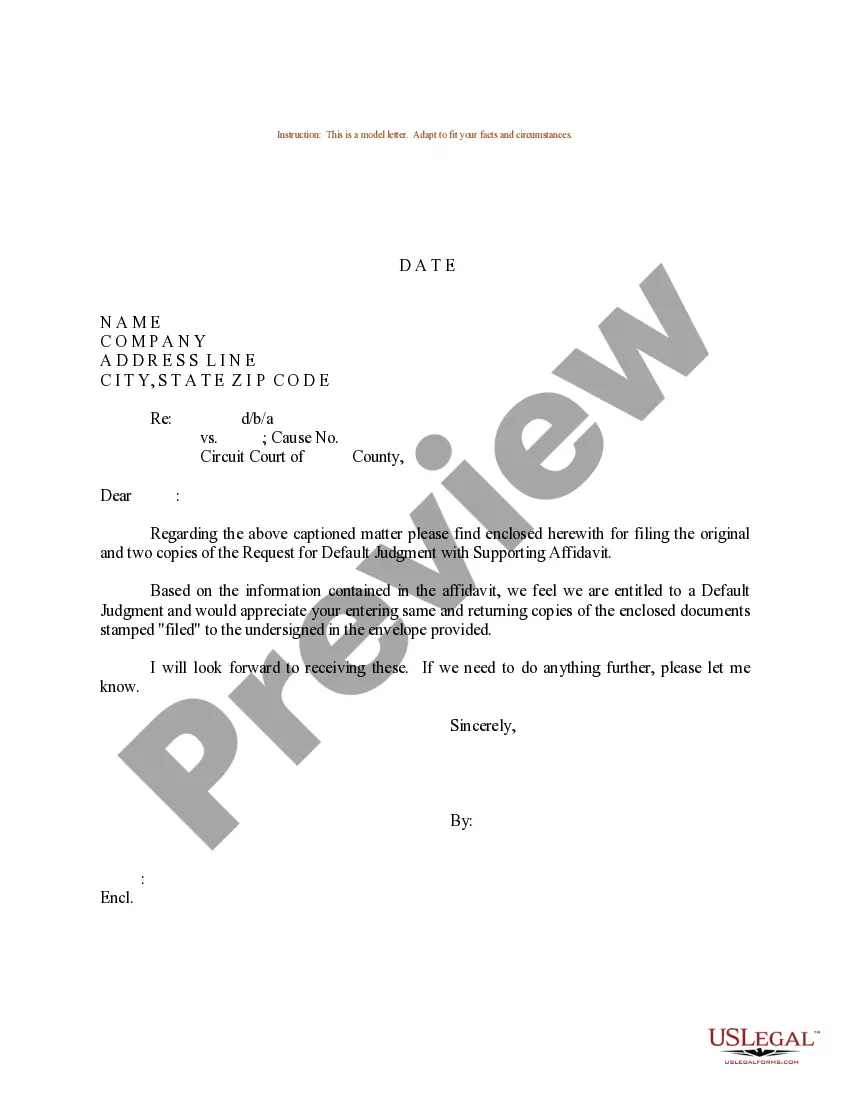
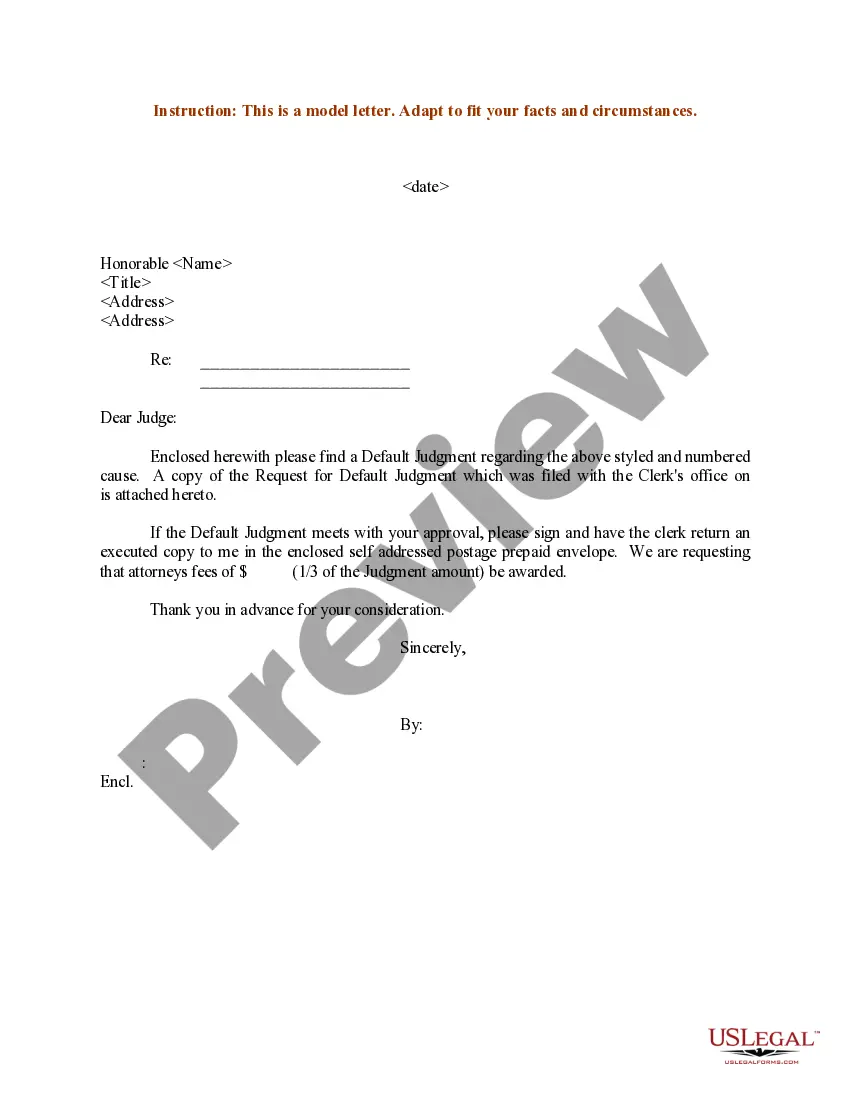
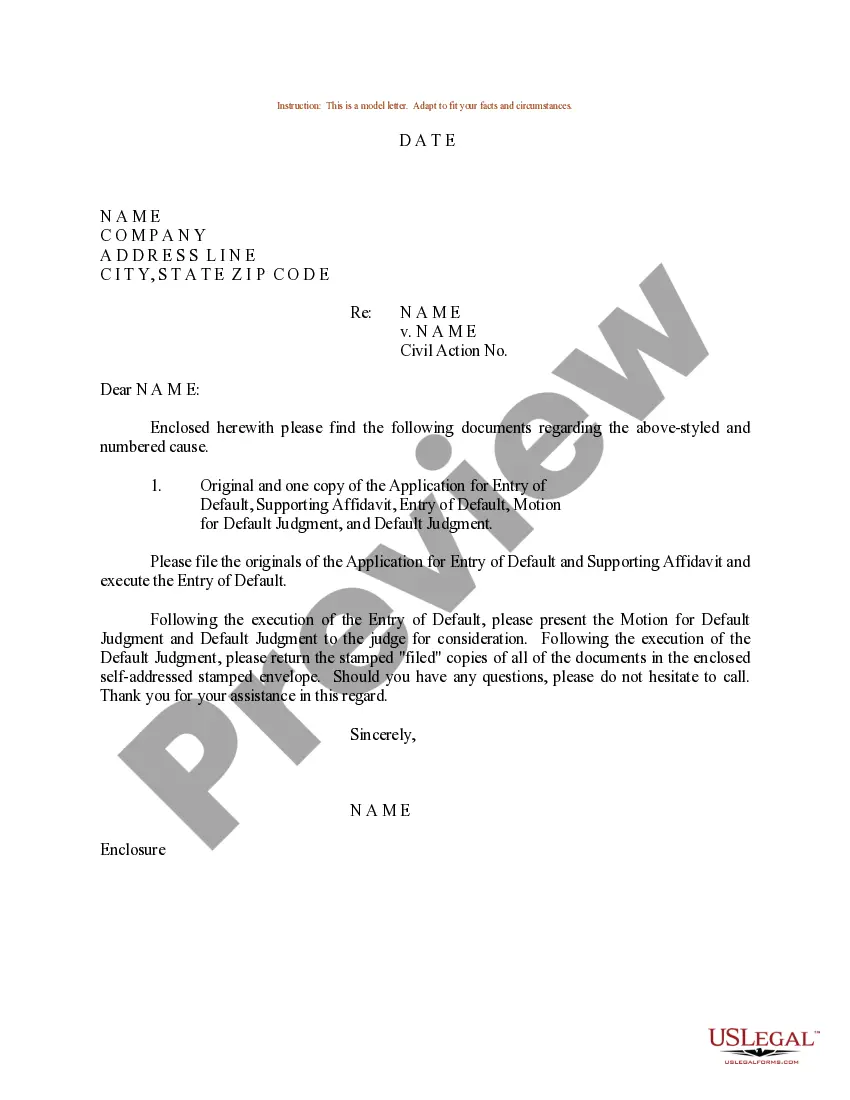
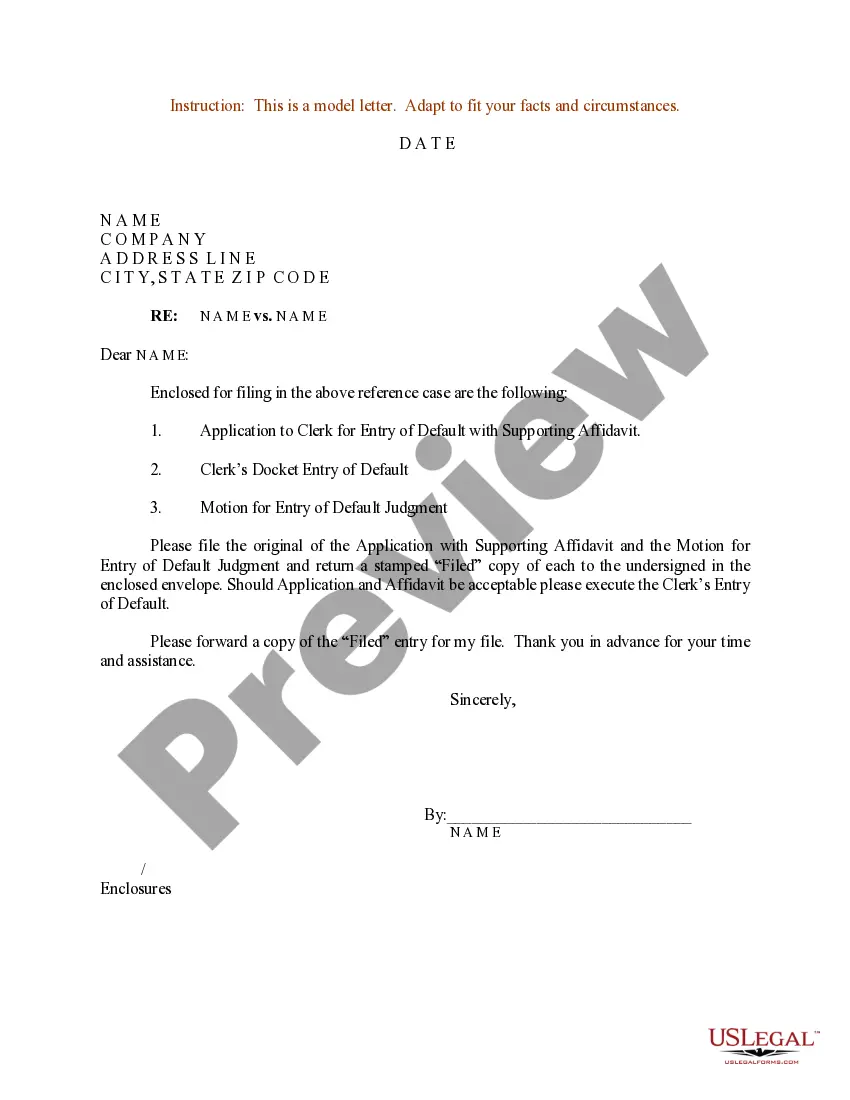
Clerk Filing File Format
Description

Get your form ready online
Our built-in tools help you complete, sign, share, and store your documents in one place.
Make edits, fill in missing information, and update formatting in US Legal Forms—just like you would in MS Word.
Download a copy, print it, send it by email, or mail it via USPS—whatever works best for your next step.
Sign and collect signatures with our SignNow integration. Send to multiple recipients, set reminders, and more. Go Premium to unlock E-Sign.
If this form requires notarization, complete it online through a secure video call—no need to meet a notary in person or wait for an appointment.
We protect your documents and personal data by following strict security and privacy standards.

Make edits, fill in missing information, and update formatting in US Legal Forms—just like you would in MS Word.

Download a copy, print it, send it by email, or mail it via USPS—whatever works best for your next step.

Sign and collect signatures with our SignNow integration. Send to multiple recipients, set reminders, and more. Go Premium to unlock E-Sign.

If this form requires notarization, complete it online through a secure video call—no need to meet a notary in person or wait for an appointment.

We protect your documents and personal data by following strict security and privacy standards.
Looking for another form?

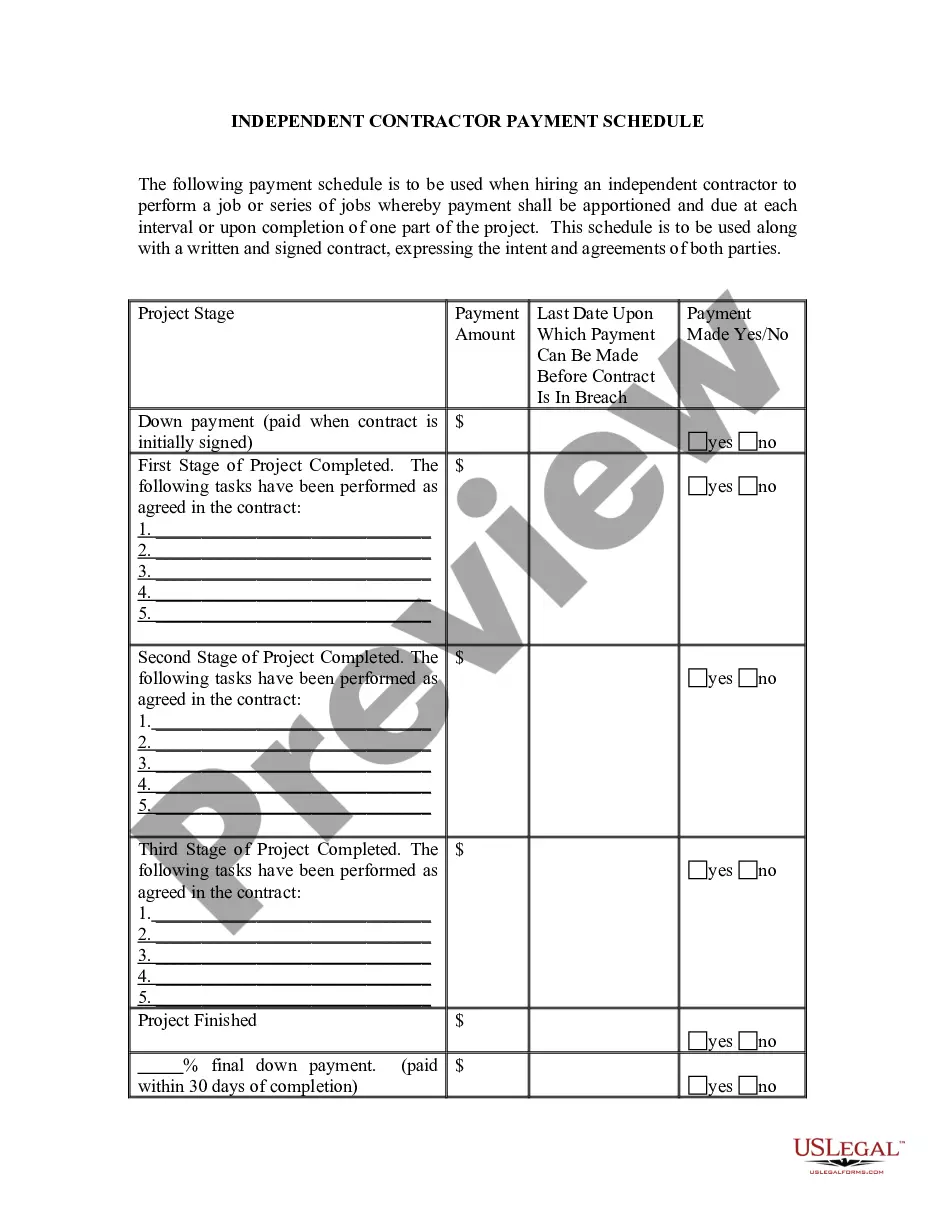
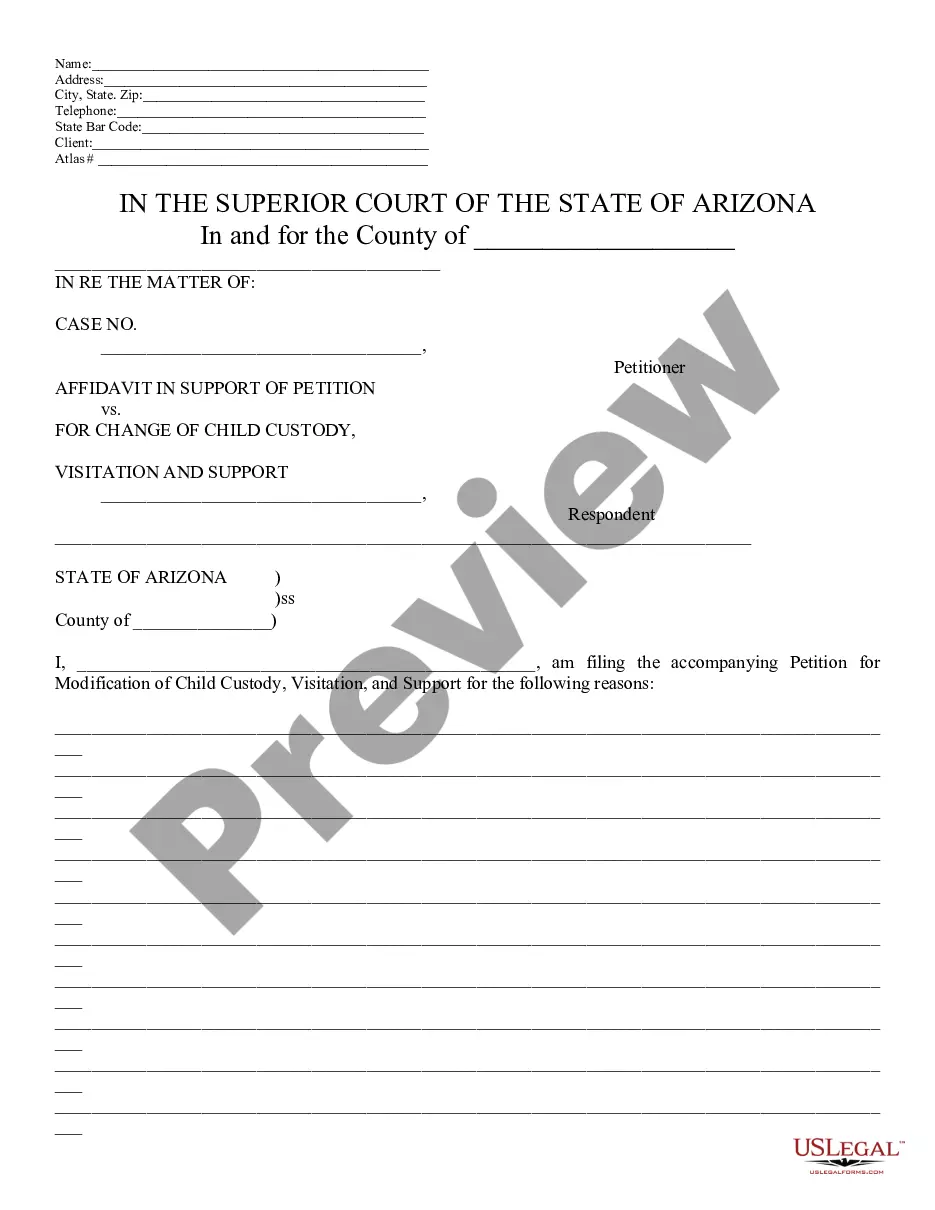
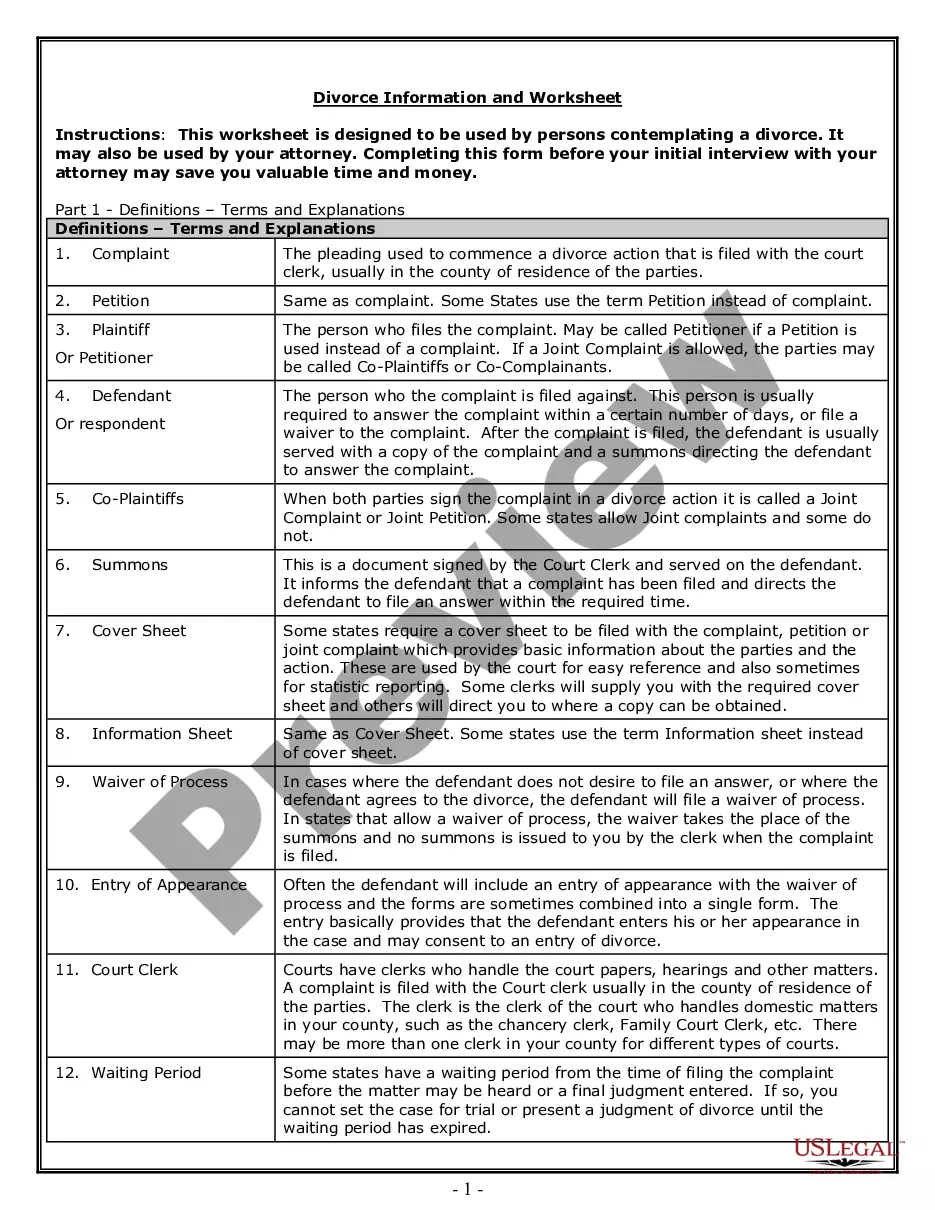
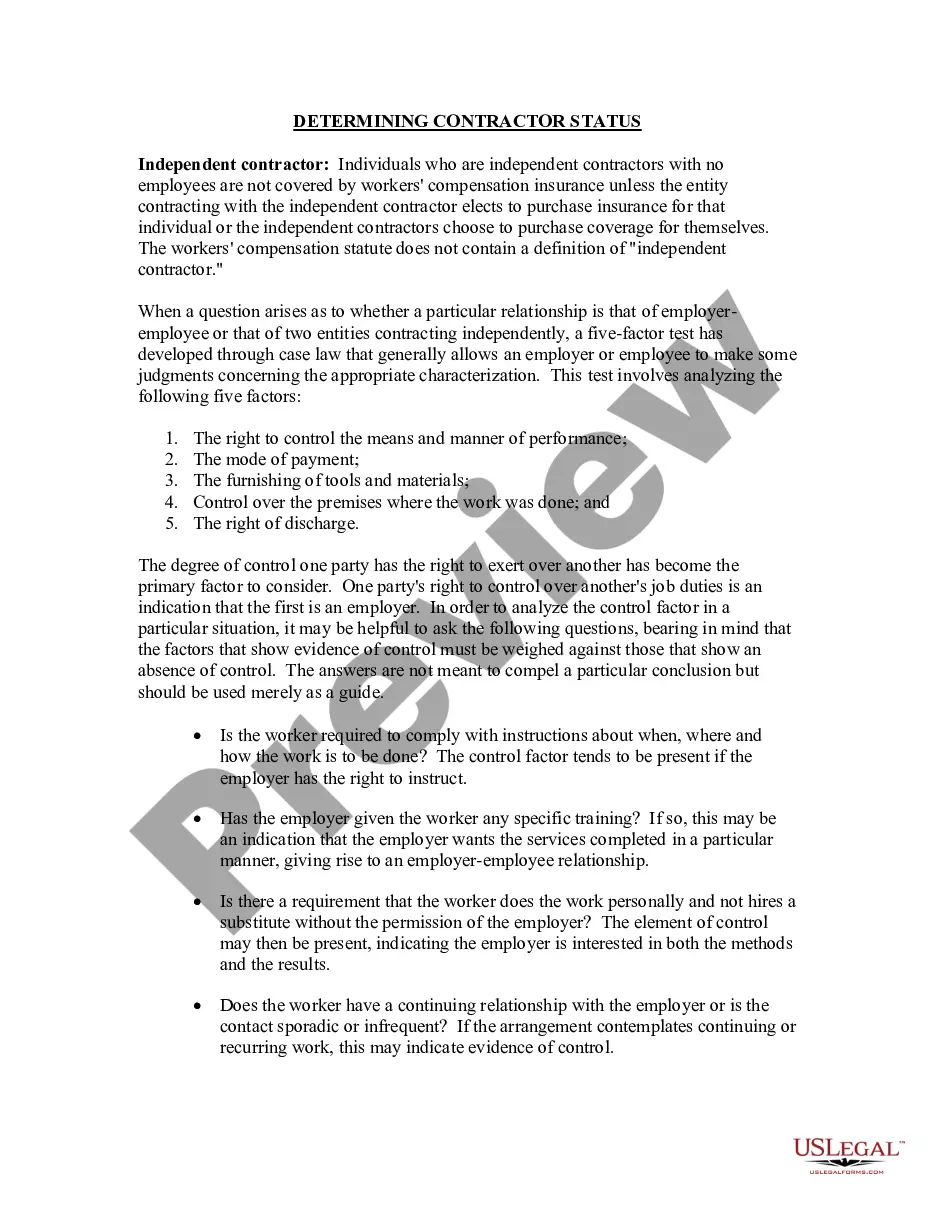
How to fill out Sample Letter To Clerk For Filing Request For Default Judgment With Supporting Affidavit?
Legal document managing may be overpowering, even for the most knowledgeable specialists. When you are searching for a Clerk Filing File Format and don’t get the a chance to spend looking for the appropriate and updated version, the processes might be stress filled. A robust web form library might be a gamechanger for anyone who wants to take care of these situations efficiently. US Legal Forms is a industry leader in online legal forms, with more than 85,000 state-specific legal forms accessible to you whenever you want.
With US Legal Forms, you can:
- Access state- or county-specific legal and organization forms. US Legal Forms handles any requirements you might have, from personal to business paperwork, in one place.
- Utilize innovative resources to accomplish and manage your Clerk Filing File Format
- Access a useful resource base of articles, guides and handbooks and materials highly relevant to your situation and needs
Save effort and time looking for the paperwork you will need, and utilize US Legal Forms’ advanced search and Review feature to find Clerk Filing File Format and download it. If you have a membership, log in for your US Legal Forms account, look for the form, and download it. Take a look at My Forms tab to find out the paperwork you previously saved and to manage your folders as you see fit.
If it is the first time with US Legal Forms, register an account and acquire limitless access to all benefits of the platform. Here are the steps for taking after getting the form you want:
- Confirm it is the proper form by previewing it and reading its information.
- Be sure that the sample is approved in your state or county.
- Choose Buy Now when you are all set.
- Select a monthly subscription plan.
- Find the file format you want, and Download, complete, eSign, print out and send out your papers.
Benefit from the US Legal Forms web library, backed with 25 years of expertise and reliability. Change your day-to-day papers administration in to a smooth and intuitive process today.
Form popularity
FAQ
All notice documents (such as a Notice for Court Date, Notice of Motion) are Lead Documents. You can file more than one Lead Document at a time. o For example, you could have Lead Document 1: Notice of Motion; Lead Document 2: Motion for a Continuance; and Lead Document 3: Application for Waiver of Court Fees.
Complete the legal document to determine where to attach the exhibit. Include a typed notation within the body of the legal document where the exhibit should be referenced. Thereafter, assign the exhibit with an identifying number or letter.
Court documents are those materials filed in relation to a legal case before the courts. Examples of court documents would be dockets, pleadings, motions, memoranda, briefs, orders, and expert testimony. Not every case will include all of these examples.
Courts often specify whether certain documents should be single or double-sided so that they can be processed efficiently. The general rule is to use a single-sided format, so it's easier to scan into the document retrieval system and avoid mistakes (e.g., forgetting to scan the back of a page).
Go to the ?References? tab in Word and select ?Insert Caption.? Select ?Exhibit? from the options under ?Label.? If Exhibit isn't an option, you can create a new label with the ?New Label? button. Click ?Numbering? to designate what type of numbering you want (i.e., A, B, C or 1, 2, 3).