Letter Requesting Motion To Vacate Order Of Default Form In Middlesex
Description

Get your form ready online
Our built-in tools help you complete, sign, share, and store your documents in one place.
Make edits, fill in missing information, and update formatting in US Legal Forms—just like you would in MS Word.
Download a copy, print it, send it by email, or mail it via USPS—whatever works best for your next step.
Sign and collect signatures with our SignNow integration. Send to multiple recipients, set reminders, and more. Go Premium to unlock E-Sign.
If this form requires notarization, complete it online through a secure video call—no need to meet a notary in person or wait for an appointment.
We protect your documents and personal data by following strict security and privacy standards.

Make edits, fill in missing information, and update formatting in US Legal Forms—just like you would in MS Word.

Download a copy, print it, send it by email, or mail it via USPS—whatever works best for your next step.

Sign and collect signatures with our SignNow integration. Send to multiple recipients, set reminders, and more. Go Premium to unlock E-Sign.

If this form requires notarization, complete it online through a secure video call—no need to meet a notary in person or wait for an appointment.

We protect your documents and personal data by following strict security and privacy standards.
Looking for another form?

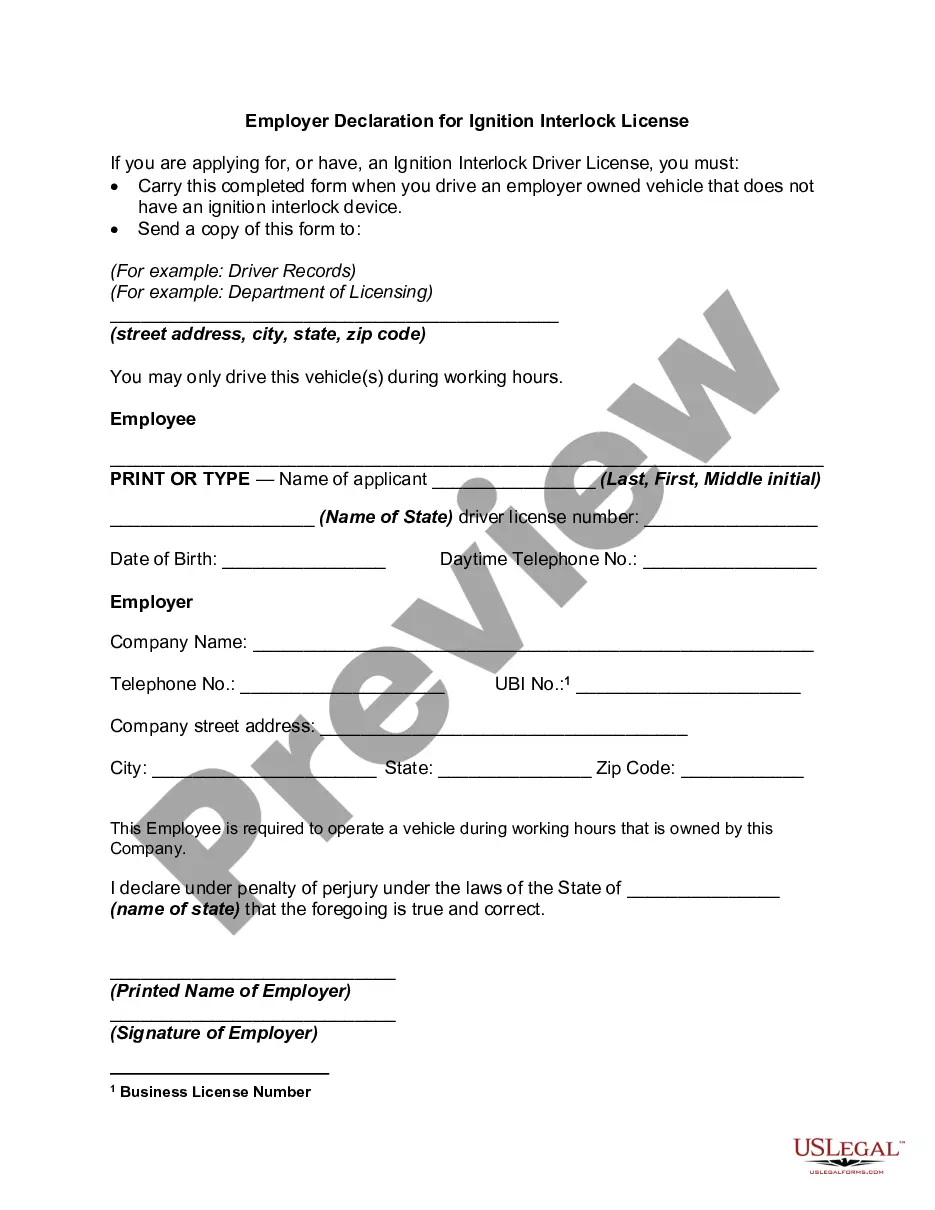

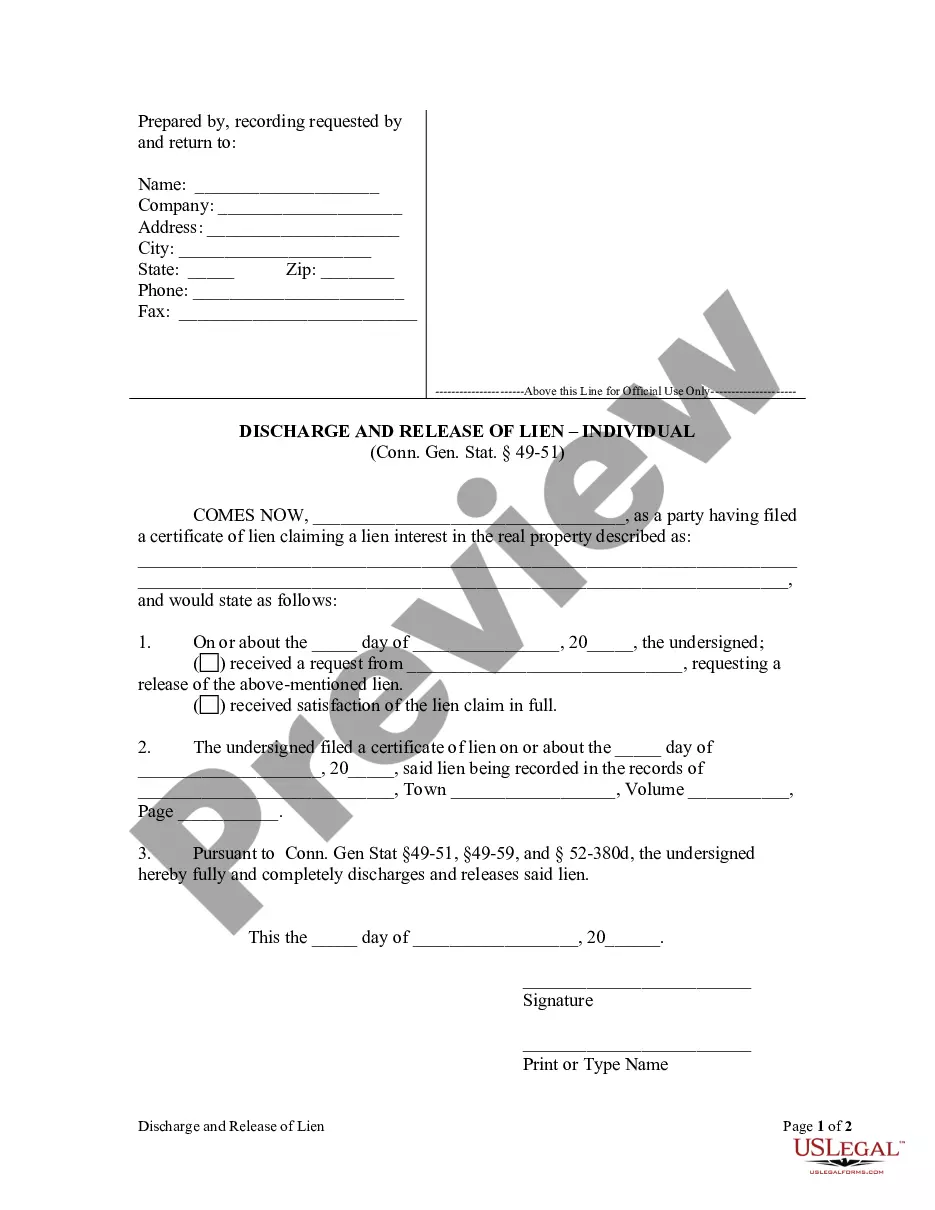

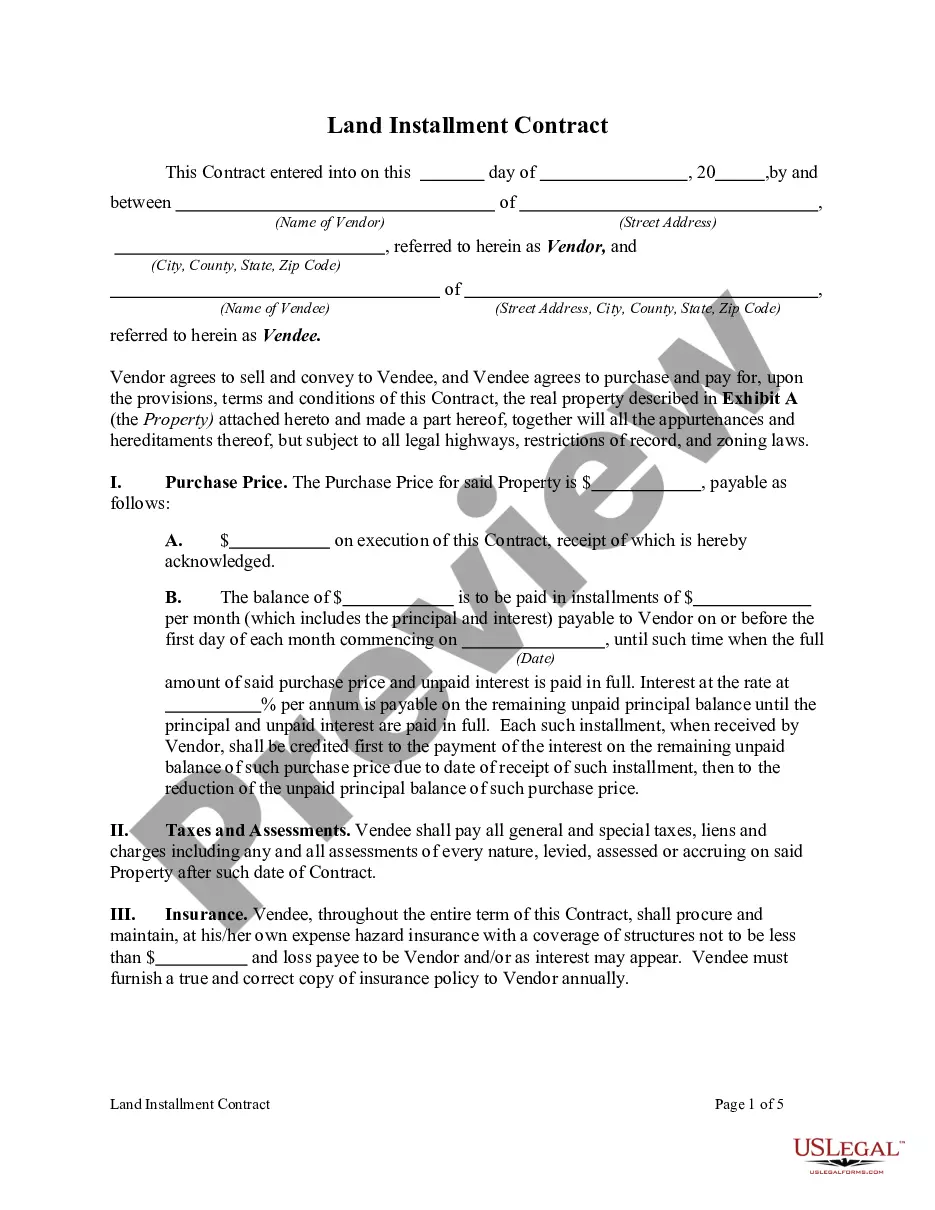
Form popularity
FAQ
12 Steps for Filing a Motion: Fill out the Notice of Motion (Form A) ... Get a court date for your motion – Court Calendar. Fill out the Confidential Litigant Information Sheet. Fill out the Certification in Support of Motion (Form B) ... Fill out the Proposed Order (Form C)
Every motion shall state the time and place when it is to be presented to the court, the grounds upon which it is made and the nature of the relief sought, and, as to motions filed in the Law Division-Civil Part only, the discovery end date or a statement that no such date has been assigned.
A motion for reconsideration must generally be filed within twenty days of receiving a final Court Order. However, when seeking reconsideration of a non-final Court Order (i.e., “interlocutory” or “pendente lite”), no time limit applies and the burden is much lower.
An entry of default against a defendant simply means that the Court notes on its records that the defendant failed to defend against the claim by filing an answer with the Court. An entry of default is not a final foreclosure judgment, nor does it give the Plaintiff the right to take and sell the defendant's home.
A summary judgment motion requires that the response be filed at least ten days before the return date. DO NOT use this packet for motions that were submitted to the Office of Foreclosure. With limited exceptions, any paper filed with the court can be looked at by the public.
Unless you have received a motion for summary judgment, you MUST respond to the moving papers at least 8 days before the return date listed on the Notice of Motion. A summary judgment motion requires that the response be filed at least 10 days before the return date.
Follow these steps to respond to a motion: Fill out the forms. You have to fill out at least 2 forms, maybe more, to file your opposition. File the forms. Turn in your completed forms by mail or efiling. Serve the other party. Get ready for the hearing. Prepare an order.
To set aside a default judgment, the defendant must demonstrate that its failure to answer or otherwise appear and defend was due to excusable neglect under the circumstances and that it has a meritorious defense either to the cause of action itself or the quantum of damages assessed.
Once the Order of Default is issued, the defendant has 30 days to respond and explain why they did not answer the initial Complaint and/or why the Order of Default should not proceed. If the Defendant does not respond to the Order of Default, the case will be scheduled for an uncontested hearing.