Elder Form Withdrawn In Texas
Description

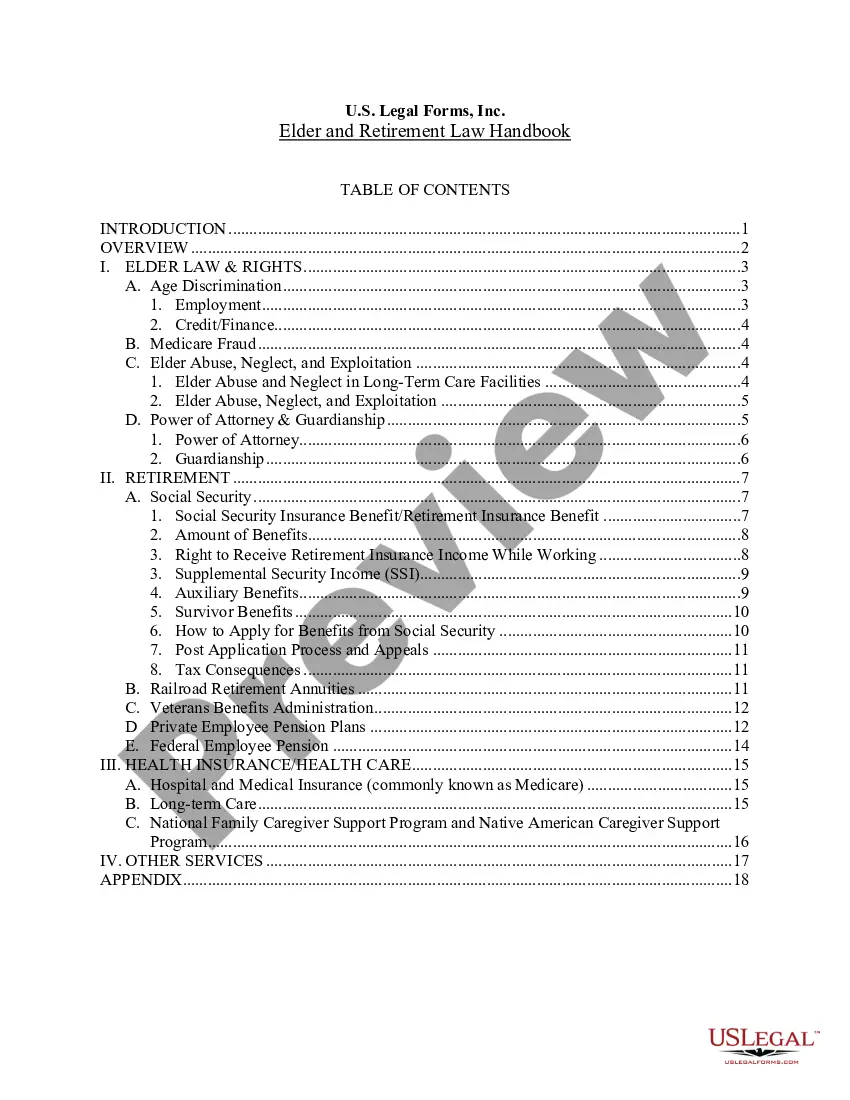
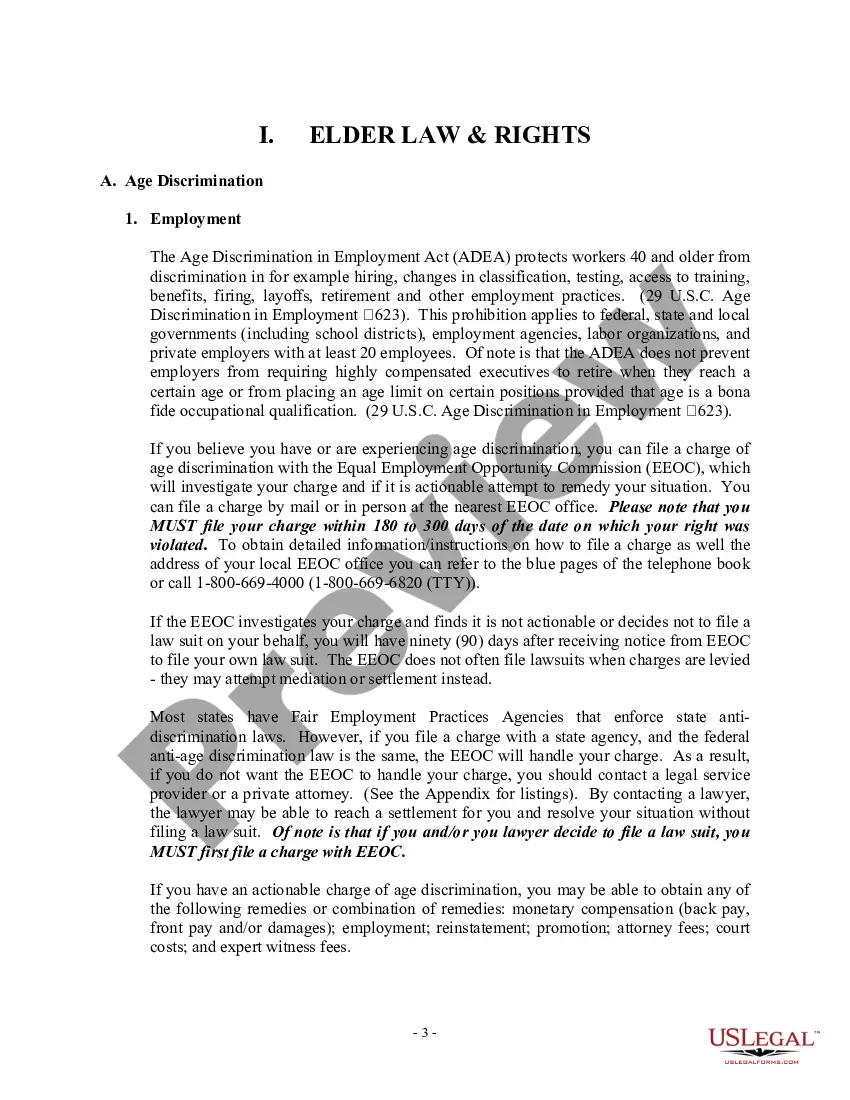




Get your form ready online
Our built-in tools help you complete, sign, share, and store your documents in one place.
Make edits, fill in missing information, and update formatting in US Legal Forms—just like you would in MS Word.
Download a copy, print it, send it by email, or mail it via USPS—whatever works best for your next step.
Sign and collect signatures with our SignNow integration. Send to multiple recipients, set reminders, and more. Go Premium to unlock E-Sign.
If this form requires notarization, complete it online through a secure video call—no need to meet a notary in person or wait for an appointment.
We protect your documents and personal data by following strict security and privacy standards.

Make edits, fill in missing information, and update formatting in US Legal Forms—just like you would in MS Word.

Download a copy, print it, send it by email, or mail it via USPS—whatever works best for your next step.

Sign and collect signatures with our SignNow integration. Send to multiple recipients, set reminders, and more. Go Premium to unlock E-Sign.

If this form requires notarization, complete it online through a secure video call—no need to meet a notary in person or wait for an appointment.

We protect your documents and personal data by following strict security and privacy standards.
Looking for another form?








Form popularity
FAQ
Completing it online at Your Texas Benefits. Faxing it to 877-447-2839. Calling 2-1-1 and choosing Option 2 after picking a language. Visiting a local office or community partner.
Reach out to your state's healthcare department, or head to your state's marketplace website if you'd like to do an online cancellation. Wait for a letter to come in the mail to confirm that your Medicaid is cancelled.
Completing it online at Your Texas Benefits. Faxing it to 877-447-2839. Calling 2-1-1 and choosing Option 2 after picking a language. Visiting a local office or community partner.
Form H1020-A is a Texas Health form designed to assist in gathering proof of age, relationship, and income statements. This document outlines the various types of acceptable proof to ensure eligibility for services.
If you are looking for long-term care services, and want to know your options Call 2-1-1, the hotline service for people looking to get help and find the services they need. Aging and Disability Resource Centers (ADRCs) can help you find and apply for long-term care programs for seniors and people with disabilities.
MTFCY recipients can report changes: online through YourTexasBenefits; by visiting a local eligibility determination office (which will forward the change to CBS); by calling 2-1-1; or. in writing, by mail or fax, or by completing Form H1019, Report of Change. The individual may mail or fax the change to:
Whether you have income from a 401(k), pension or IRA, Texas will not tax your retirement income. Likewise, if you plan on working part-time during retirement, Texas will not take your work income.
For more information or withdrawal assistance, please call the Texa$aver customer service center at (800) 634-5091.
With the Texa$aver voluntary retirement savings program, you can increase your personal retirement savings to bridge the financial gap between your pension and Social Security.
Are pensions or retirement income taxed in Texas? No, pension distributions, IRAs, 401(k) plans and other retirement plan income are not taxed in the state.