Mortgage Payoff Letter Form With Tax In Fulton
Description

Get your form ready online
Our built-in tools help you complete, sign, share, and store your documents in one place.
Make edits, fill in missing information, and update formatting in US Legal Forms—just like you would in MS Word.
Download a copy, print it, send it by email, or mail it via USPS—whatever works best for your next step.
Sign and collect signatures with our SignNow integration. Send to multiple recipients, set reminders, and more. Go Premium to unlock E-Sign.
If this form requires notarization, complete it online through a secure video call—no need to meet a notary in person or wait for an appointment.
We protect your documents and personal data by following strict security and privacy standards.

Make edits, fill in missing information, and update formatting in US Legal Forms—just like you would in MS Word.

Download a copy, print it, send it by email, or mail it via USPS—whatever works best for your next step.

Sign and collect signatures with our SignNow integration. Send to multiple recipients, set reminders, and more. Go Premium to unlock E-Sign.

If this form requires notarization, complete it online through a secure video call—no need to meet a notary in person or wait for an appointment.

We protect your documents and personal data by following strict security and privacy standards.
Looking for another form?
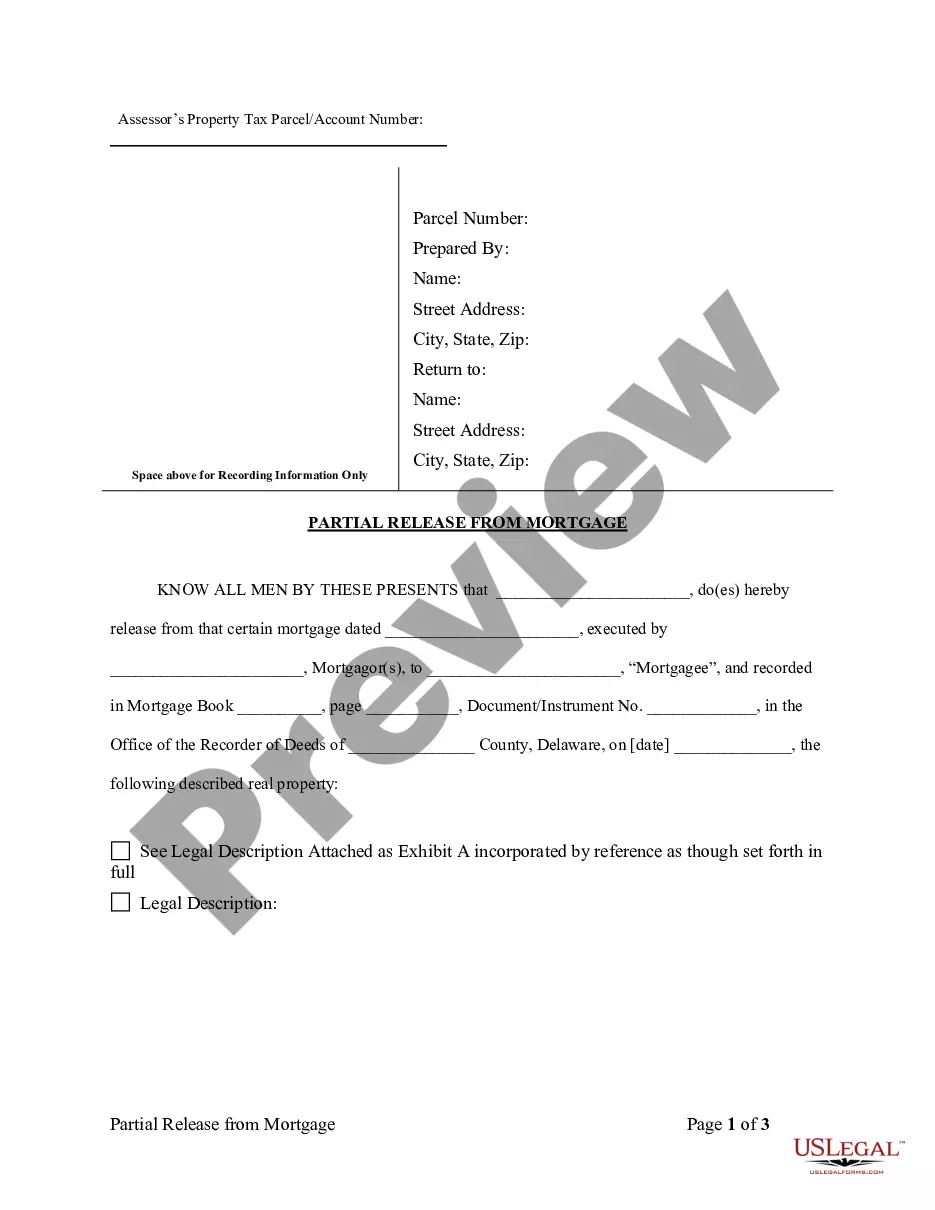








Form popularity
FAQ
There's a process to getting the mortgage payoff statement. First, you'll need to contact your lender and let them know you want the information. Depending on your lender, you may have to sign in to an online account, call a helpline, or send a formal letter to start the request process.
To get a payoff letter, ask your lender for an official payoff statement. Call or write to customer service or make the request online. While logged into your account, look for options to request or calculate a payoff amount, and provide details such as your desired payoff date.
Under federal law, the servicer must generally send you a payoff statement within seven business days of your request, subject to a few exceptions.
There's a process to getting the mortgage payoff statement. First, you'll need to contact your lender and let them know you want the information. Depending on your lender, you may have to sign in to an online account, call a helpline, or send a formal letter to start the request process.
Instead, you have to get a 10-day payoff estimate from your current lender, which includes the amount you owe, as well as any interest that might accrue on the principal balance in the next 10 days.
To get a payoff letter, ask your lender for an official payoff statement. Call or write to customer service or make the request online. While logged into your account, look for options to request or calculate a payoff amount, and provide details such as your desired payoff date.
For example “We are applying $XX. xx to our mortgage and want our mortgage recasted.” Submit a $250.00 check made payable to Fulton Bank. This check is not cashed until the recast is completed, if you decide not to go through with the recast then the check will be returned.
How do I turn my debit card ON or OFF? From the Fulton Bank Debit Card Controls main screen within Online Banking or using the Fulton Bank Mobile App, tap on the toggle switch to turn your debit card OFF or ON. Changes are effective immediately and you can control your debit card 24/7.
In order to close any account with Fulton Bank the account must first be at exactly a $0.00 balance for the process to begin. Once you have the desired account at a zero balance please send us a message stating that you would like the account closed.
