Lien Release Letter Format In Florida
Description

Get your form ready online
Our built-in tools help you complete, sign, share, and store your documents in one place.
Make edits, fill in missing information, and update formatting in US Legal Forms—just like you would in MS Word.
Download a copy, print it, send it by email, or mail it via USPS—whatever works best for your next step.
Sign and collect signatures with our SignNow integration. Send to multiple recipients, set reminders, and more. Go Premium to unlock E-Sign.
If this form requires notarization, complete it online through a secure video call—no need to meet a notary in person or wait for an appointment.
We protect your documents and personal data by following strict security and privacy standards.

Make edits, fill in missing information, and update formatting in US Legal Forms—just like you would in MS Word.

Download a copy, print it, send it by email, or mail it via USPS—whatever works best for your next step.

Sign and collect signatures with our SignNow integration. Send to multiple recipients, set reminders, and more. Go Premium to unlock E-Sign.

If this form requires notarization, complete it online through a secure video call—no need to meet a notary in person or wait for an appointment.

We protect your documents and personal data by following strict security and privacy standards.
Looking for another form?





Form popularity
FAQ
Obtaining a Lien Release 1 Confirm the FDIC has the authority to assist with a lien release. 2 Compile Required Documents and Prepare Request for a Lien Release. 3 Register/Mail request to FDIC DRR Customer Service and Records Research.
We would like to release the lien in respect of the below mentioned units pledged in our favour by the Investor, and we therefore, request you to kindly release the lien marked on the below mentioned units.
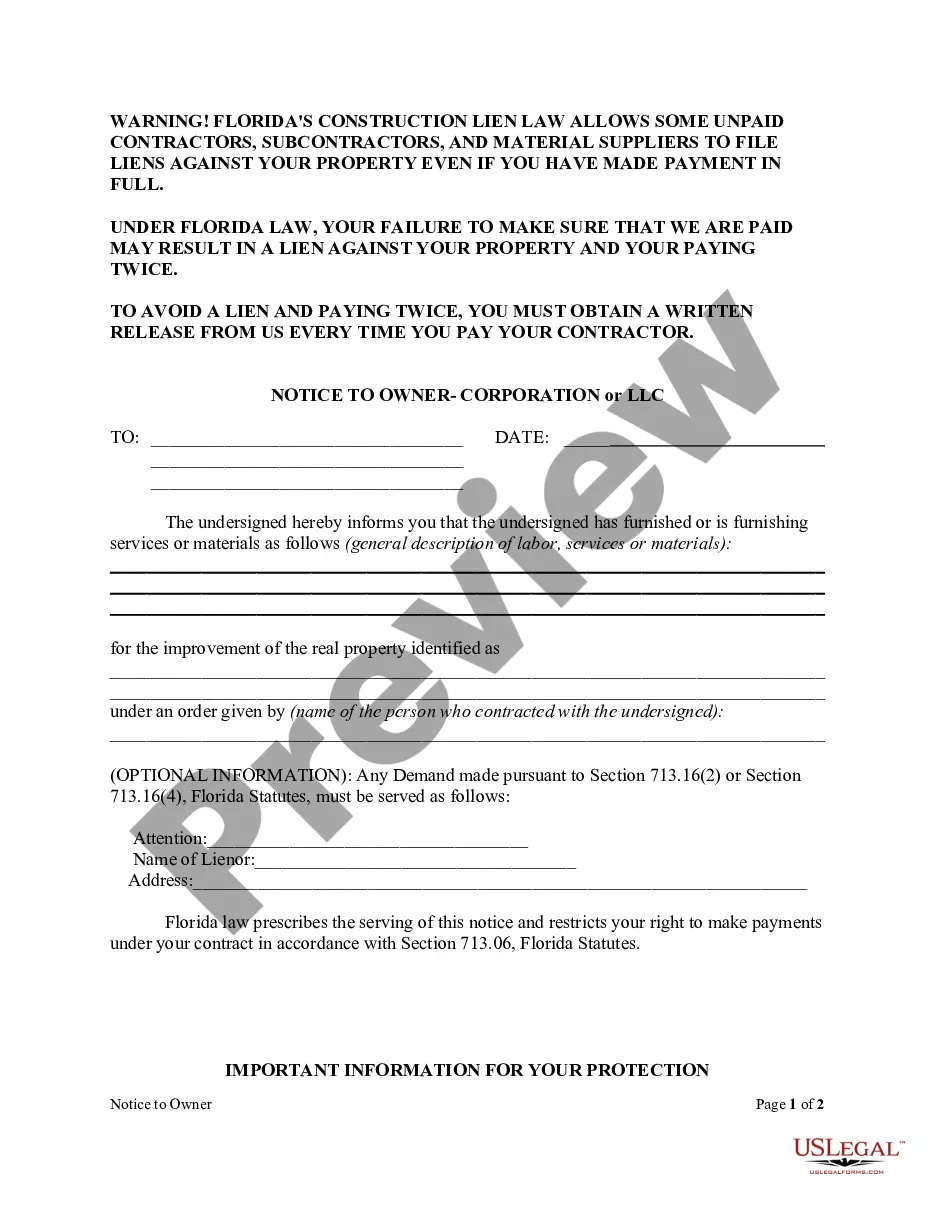
Identify the lien that is being released by entering the necessary details, such as the lienholder's name, the property or asset description, and the date the lien was filed. Clearly state your intention to release the lien and make sure to sign the form using your legal signature.
Paper titles with a lien can be released by the lienholder signing a lien satisfaction form. Electronic Liens have to be removed electronically. This is done by the lienholder's “third party provider” that put the electronic lien on the title for them.
Do Florida lien waivers have to be notarized? No. Florida statute does not require statutory lien waivers be notarized. However, if using an alternate lien waiver form, and the terms state that the document needs to be notarized, then it will be required.
Paper titles with a lien can be released by the lienholder signing a lien satisfaction form. Electronic Liens have to be removed electronically. This is done by the lienholder's “third party provider” that put the electronic lien on the title for them.
Paper titles with a lien can be released by the lienholder signing a lien satisfaction form. Electronic Liens have to be removed electronically. This is done by the lienholder's “third party provider” that put the electronic lien on the title for them.
Do Florida lien waivers have to be notarized? No. Florida statute does not require statutory lien waivers be notarized. However, if using an alternate lien waiver form, and the terms state that the document needs to be notarized, then it will be required.
(1) By entering satisfaction of the lien upon the margin of the record thereof in the clerk's office when not otherwise prohibited by law. This satisfaction must be signed by the lienor or the lienor's agent or attorney and attested by said clerk.

