Sba 7a Loan Agreement Form In Nassau
Description

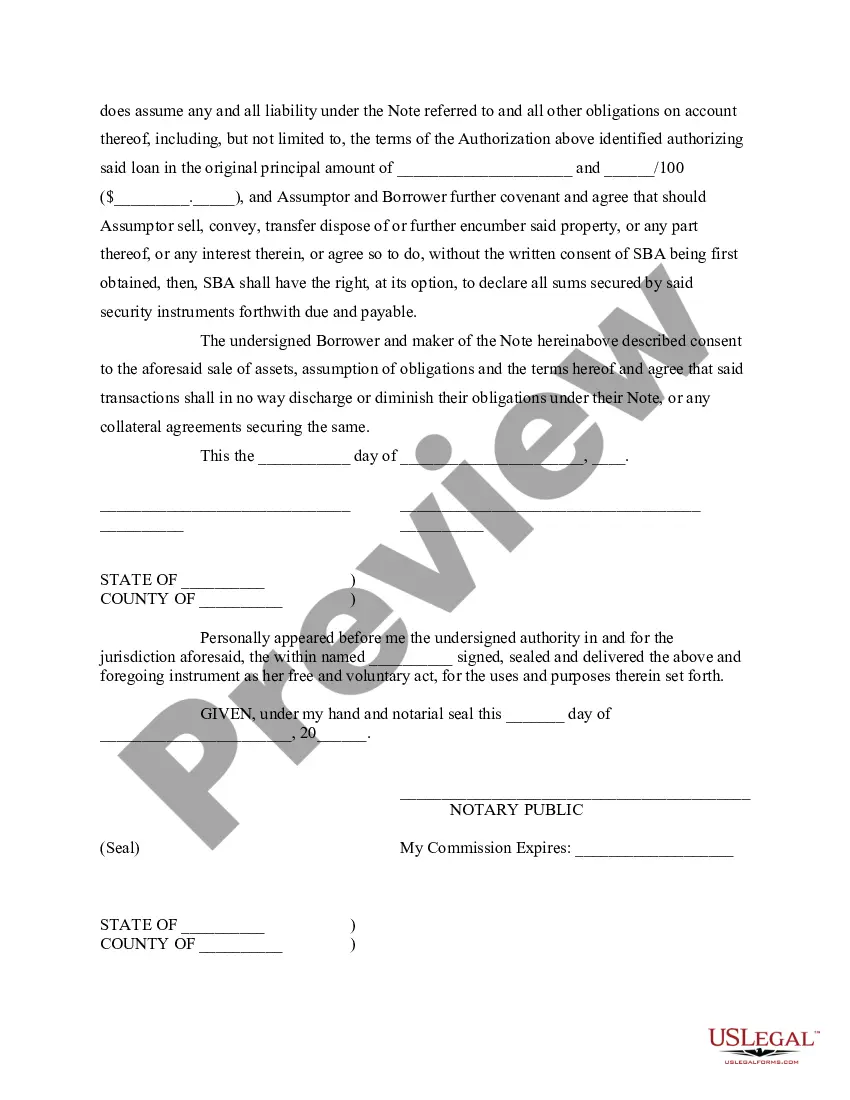
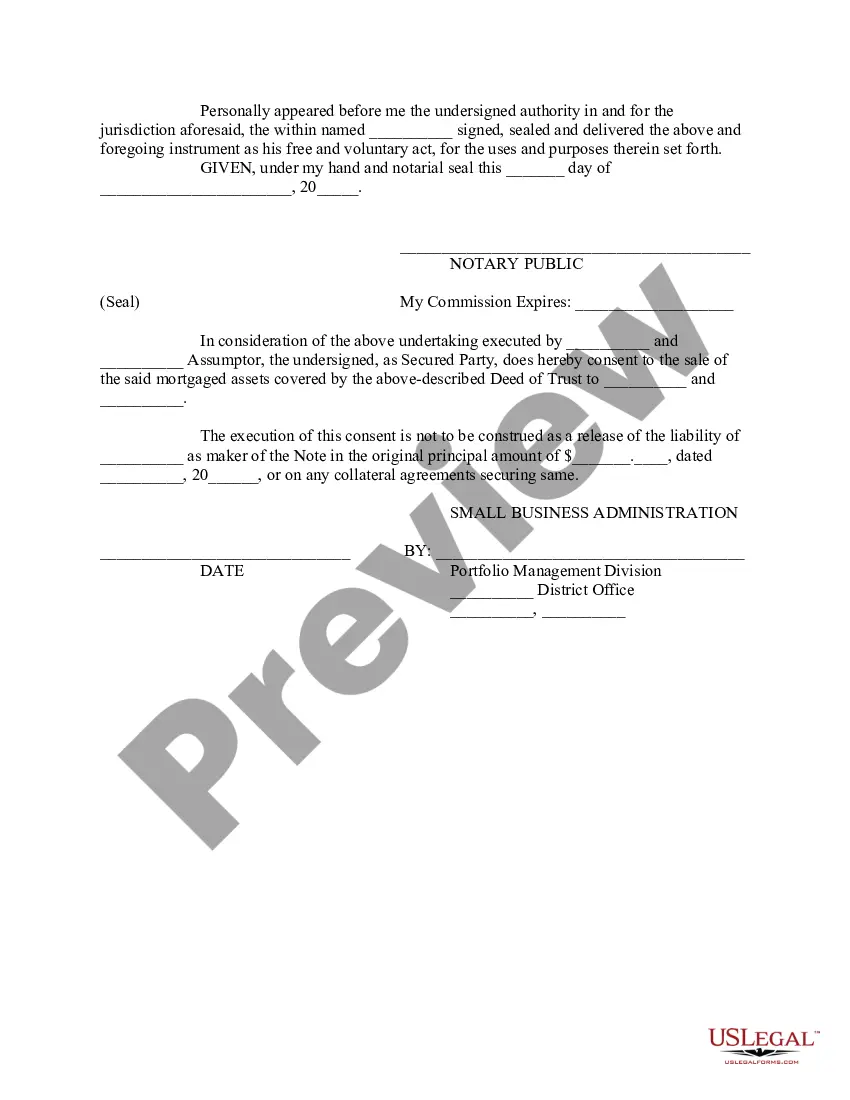

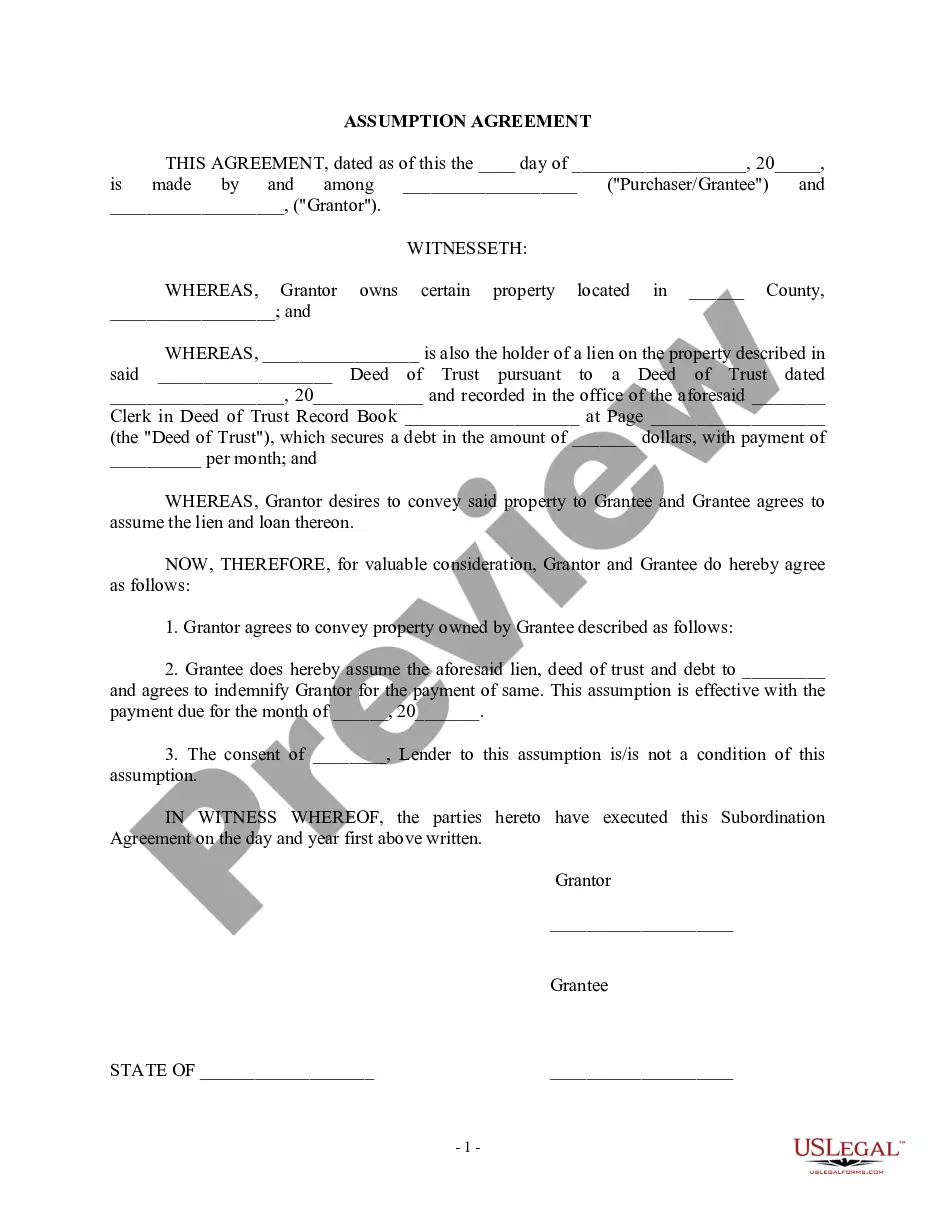
Get your form ready online
Our built-in tools help you complete, sign, share, and store your documents in one place.
Make edits, fill in missing information, and update formatting in US Legal Forms—just like you would in MS Word.
Download a copy, print it, send it by email, or mail it via USPS—whatever works best for your next step.
Sign and collect signatures with our SignNow integration. Send to multiple recipients, set reminders, and more. Go Premium to unlock E-Sign.
If this form requires notarization, complete it online through a secure video call—no need to meet a notary in person or wait for an appointment.
We protect your documents and personal data by following strict security and privacy standards.

Make edits, fill in missing information, and update formatting in US Legal Forms—just like you would in MS Word.

Download a copy, print it, send it by email, or mail it via USPS—whatever works best for your next step.

Sign and collect signatures with our SignNow integration. Send to multiple recipients, set reminders, and more. Go Premium to unlock E-Sign.

If this form requires notarization, complete it online through a secure video call—no need to meet a notary in person or wait for an appointment.

We protect your documents and personal data by following strict security and privacy standards.
Looking for another form?







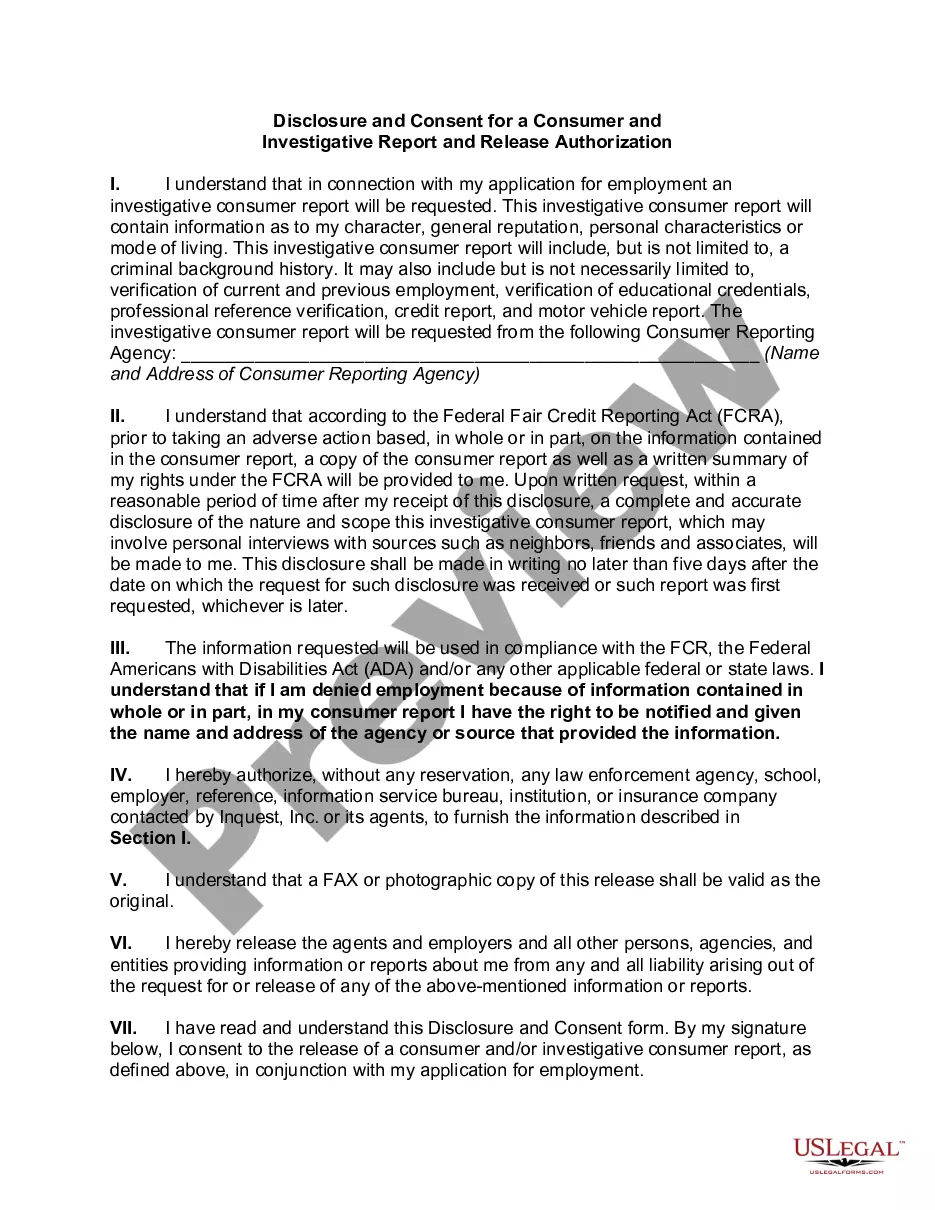

Form popularity
FAQ
The Stand-by Arrangement (SBA) provides short-term financial assistance to countries facing balance of payments problems. Historically, it has been the IMF lending instrument most used by advanced and emerging market countries.
How to fill out SBA form 413 Provide basic business information. Report your assets. Report your liabilities. List your source of income and contingent liabilities to complete section 1. Detail your notes payable to banks and others in section 2. Detail the status of your stocks and bonds for section 3.
How to fill out the SBA 7(a) Borrower Information Form Instructions? Gather necessary documents and business information. Complete Section I with Applicant details. Fill Sections II and III for individual and entity owners. Review the form for accuracy. Submit the completed form to your lender.
A statement of financial position is often formatted as a table with three columns. The first column lists the asset accounts, the second column lists liability or equity accounts and the final column contains totals for each section that are used to calculate net worth.
Here's the 10-step process for how to fill out SBA Form 1919: Fill In Your Business Identifying Information for Section 1. Answer Questions in Section 1 (Questions 1 - 16) Review Section 1: Sign and Date. Fill In Your Business Identifying Information for Section 2. Answer Questions in Section 2 (Questions 17 - 26)
How to Fill Out a Personal Financial Statement in 8 Simple Steps General Information. Asset Information. Liability Information. Income Sources. Contingent Liabilities. Life Insurance. Read Authorization Statements. Review.
Form 1919 gives the SBA crucial information about you, the borrower, and also facilitates a background check. Once you fill it out, you'll submit it to your participating lender (not to the SBA itself). You must answer each of its 22 questions, and the SBA may review your answers.
SBA Form 1920 has been retired as of August 1, 2023.
