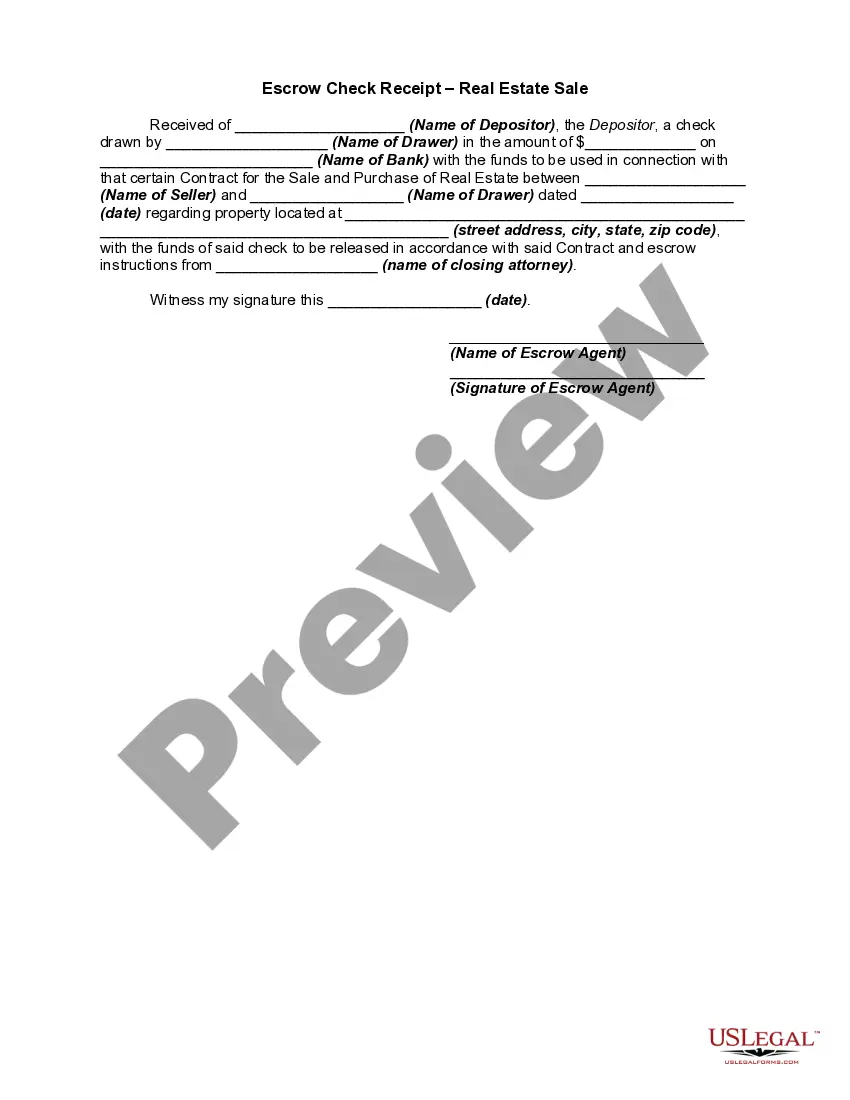
Escrow Release Form For Real Estate In Cuyahoga
Description
Get your form ready online
Our built-in tools help you complete, sign, share, and store your documents in one place.
Make edits, fill in missing information, and update formatting in US Legal Forms—just like you would in MS Word.
Download a copy, print it, send it by email, or mail it via USPS—whatever works best for your next step.
Sign and collect signatures with our SignNow integration. Send to multiple recipients, set reminders, and more. Go Premium to unlock E-Sign.
If this form requires notarization, complete it online through a secure video call—no need to meet a notary in person or wait for an appointment.
We protect your documents and personal data by following strict security and privacy standards.

Make edits, fill in missing information, and update formatting in US Legal Forms—just like you would in MS Word.

Download a copy, print it, send it by email, or mail it via USPS—whatever works best for your next step.

Sign and collect signatures with our SignNow integration. Send to multiple recipients, set reminders, and more. Go Premium to unlock E-Sign.

If this form requires notarization, complete it online through a secure video call—no need to meet a notary in person or wait for an appointment.

We protect your documents and personal data by following strict security and privacy standards.
Looking for another form?







Form popularity
FAQ
Document Formatting Requirements (9) A one and one-half-inch margin of blank space across the top of each of the remaining pages of the instrument or document to accommodate any certification or endorsement of the county engineer, county auditor, or county recorder, as may be required by law.
You may use the Recorded Document Search or call the Recorders Public Information Department at 216-443-7300 for further details. This site is provided to allow the citizens of Cuyahoga County, and the world, access to information housed at our office.
Margins of at least 1 inch of each side of the page and on the bottom; 3 inch margins on the top of the first page, reserved for Recorder, Auditor and Engineer; 1 1/2 inch margin on the top of each remaining pages.
Deeds and additional ownership documentation (circa 1810 to present) is available online or in person at the Recorder's Office, located on the 4th floor of the Cuyahoga County Administration Building. Circa 1860-1945, available at the Cuyahoga County Archives.
File with Clerk of Courts Before your rent is due, go to the Municipal Court and ask for the Clerk of Courts. Tell the clerk you want to escrow your rent. Fill out the court's escrow notice form. Attach a copy of your letter to the landlord.

