Meeting Board Template With Agenda In Wayne
Description




Get your form ready online
Our built-in tools help you complete, sign, share, and store your documents in one place.
Make edits, fill in missing information, and update formatting in US Legal Forms—just like you would in MS Word.
Download a copy, print it, send it by email, or mail it via USPS—whatever works best for your next step.
Sign and collect signatures with our SignNow integration. Send to multiple recipients, set reminders, and more. Go Premium to unlock E-Sign.
If this form requires notarization, complete it online through a secure video call—no need to meet a notary in person or wait for an appointment.
We protect your documents and personal data by following strict security and privacy standards.

Make edits, fill in missing information, and update formatting in US Legal Forms—just like you would in MS Word.

Download a copy, print it, send it by email, or mail it via USPS—whatever works best for your next step.

Sign and collect signatures with our SignNow integration. Send to multiple recipients, set reminders, and more. Go Premium to unlock E-Sign.

If this form requires notarization, complete it online through a secure video call—no need to meet a notary in person or wait for an appointment.

We protect your documents and personal data by following strict security and privacy standards.
Looking for another form?
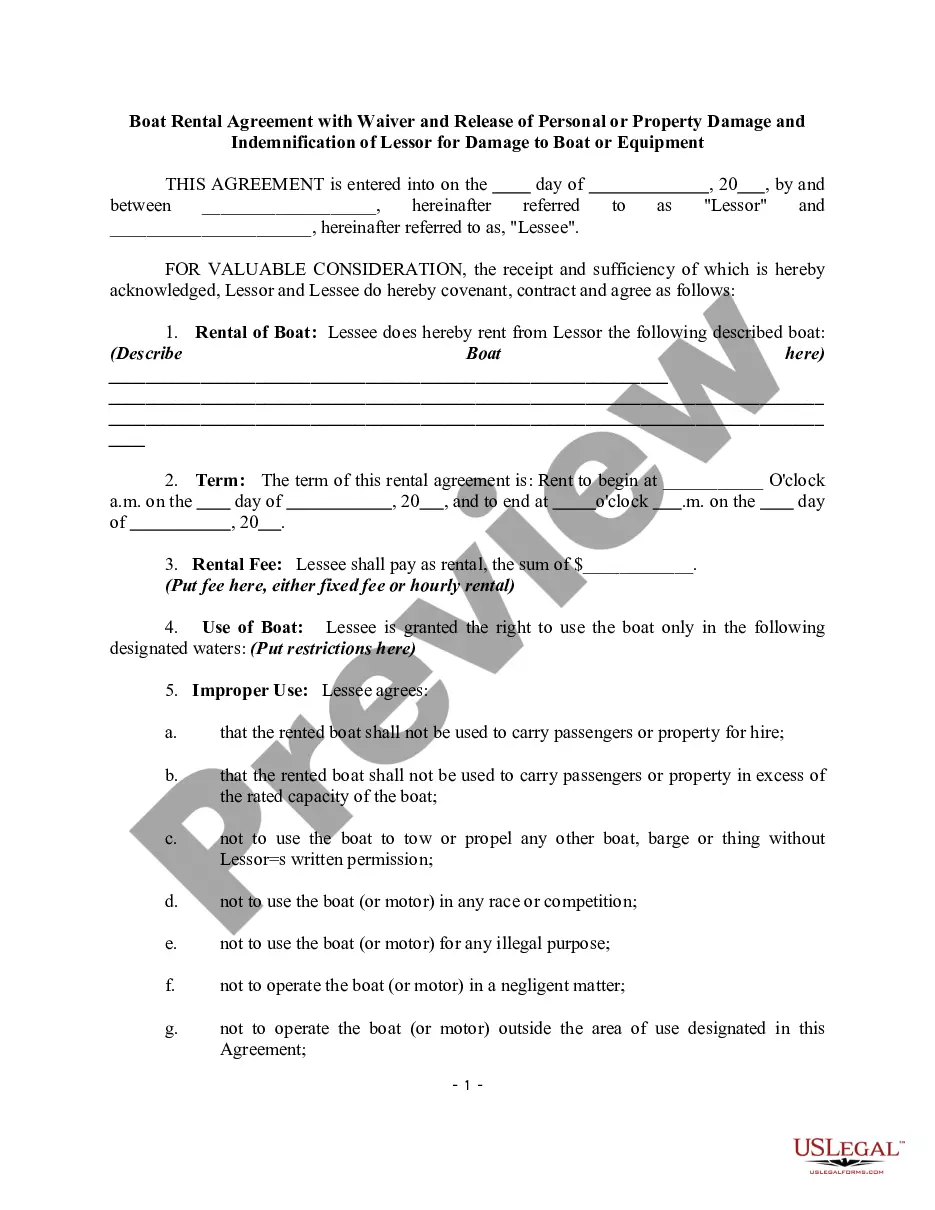





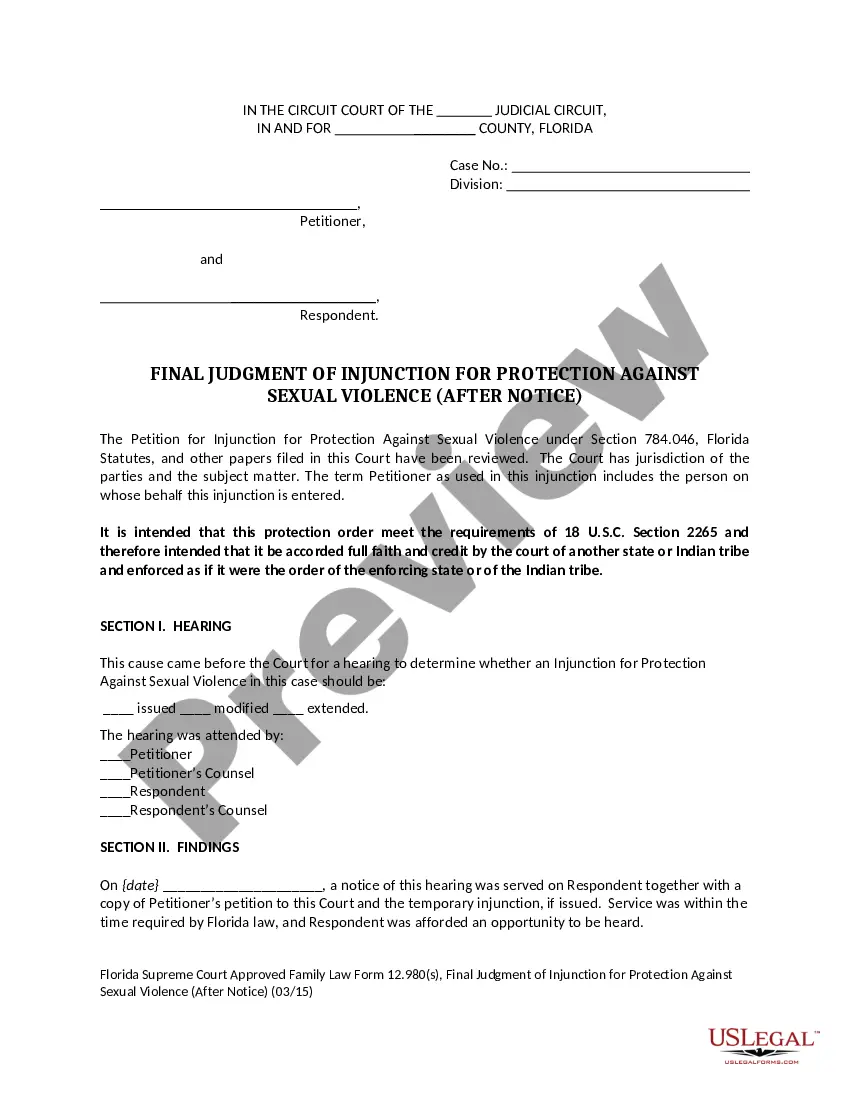



Form popularity
FAQ
Make Sure You Have These 7 Items on Your Next Meeting Agenda Meeting name. Date and time of the meeting. Specific agenda items. Amount of time for each agenda item. Name next to each agenda item. Meeting introduction. Meeting wrap-up. Learn how to run effective meetings.
How to write a meeting agenda in 5 steps Define the meeting's objective. When building an agenda, think about why you are having the meeting to begin with. Determine who needs to attend. Gather input from team members. Prioritize agenda items. Assign clear roles and responsibilities.
The 5Ps are Purpose, Participants, Process, Payoff, and Preparation (some suggest it should be 6Ps including Pizza). Purpose: Every meeting should have a clear purpose, which must be more specific than just a subject line calling for a 'daily meeting' (why should the team meet daily?).
1 Call to order. A board meeting agenda should begin with a call to order, welcoming remarks, and the gathering's objectives. 2 Agenda adjustments. 3 Approval of previous meeting's minutes. 4 Reports. 5 Old business. 6 New business. 7 Comments and announcements. 8 Adjournment.
Steps for planning a meeting agenda Define results first. What are the results your group needs to achieve by the end of the meeting? ... Identify the meeting's time frame. List the meeting's topics. Allot time frames by topic. Plan participation strategies to address each topic. Do a sanity check.
Create a meeting with meeting notes Go to your Teams calendar. Select + New meeting to schedule a meeting. In Details, select Add an agenda . Add an agenda, notes, or tasks. Select Send. Participants will receive an event invitation with the meeting notes attached.
How to write a meeting agenda in 5 steps Define the meeting's objective. When building an agenda, think about why you are having the meeting to begin with. Determine who needs to attend. Gather input from team members. Prioritize agenda items. Assign clear roles and responsibilities.
Create an Agenda in Microsoft Word – Step-by-Step Instructions Step 1: Select and Download an Agenda Template. Step 2: Edit the Header Section. Step 3: Provide the Title and Meeting Details. Step 4: Outline the Agenda. Step 5: Add Notes. Step 6: Save the Customized Agenda Template.
Inspired by the work of researchers Kim Cameron and David Whetten, here are some proven methods for how to have an effective meeting every time by following the four Ps: purpose, product, people, and process.

