Pleading Paper For Pages In Wayne
Description




Get your form ready online
Our built-in tools help you complete, sign, share, and store your documents in one place.
Make edits, fill in missing information, and update formatting in US Legal Forms—just like you would in MS Word.
Download a copy, print it, send it by email, or mail it via USPS—whatever works best for your next step.
Sign and collect signatures with our SignNow integration. Send to multiple recipients, set reminders, and more. Go Premium to unlock E-Sign.
If this form requires notarization, complete it online through a secure video call—no need to meet a notary in person or wait for an appointment.
We protect your documents and personal data by following strict security and privacy standards.

Make edits, fill in missing information, and update formatting in US Legal Forms—just like you would in MS Word.

Download a copy, print it, send it by email, or mail it via USPS—whatever works best for your next step.

Sign and collect signatures with our SignNow integration. Send to multiple recipients, set reminders, and more. Go Premium to unlock E-Sign.

If this form requires notarization, complete it online through a secure video call—no need to meet a notary in person or wait for an appointment.

We protect your documents and personal data by following strict security and privacy standards.
Looking for another form?






Form popularity
FAQ
Microsoft Word: A go-to choice for many users, Microsoft Word offers an array of note templates that can be customized to match your needs. Canva: Although primarily a design tool, Canva also offers a wide variety of note-taking templates.
Pleading form with 28 lines.
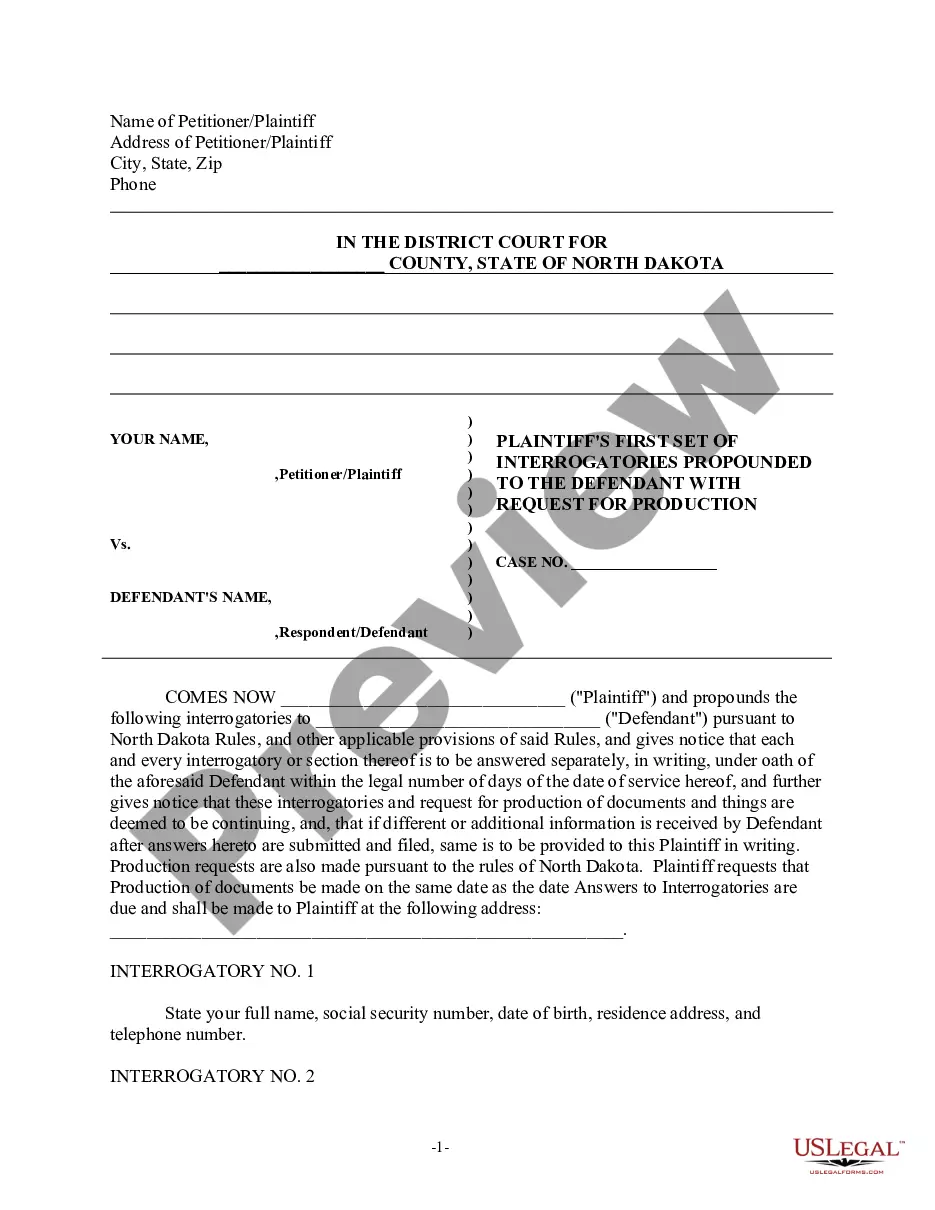
Pleading Paper Your name must start on line 1. The Court name and location must start on line 8. The caption of the case must start on line 11. You must have a footer with the title of the document. After the caption (the box with the name of the Plaintiff/Respondent) you can use the space as needed, using double spacing.
So all you have to do is select the layout tab. And then you want to go versus line numbers clickMoreSo all you have to do is select the layout tab. And then you want to go versus line numbers click inside of here. And select continuous. And now if you go ahead and start typing random letters.
And we're going to talk about how to download and work with a pleading template that Microsoft has sort of tucked and hidden away in its templates gallery. To get to it, you're going to open Microsoft Word. Whether you're on a PC or a Mac, this will be the same.
If the court requires special pleading paper, you can get it on the internet, from the courthouse, or from an office supply store. Pleading paper is legal paper that has numbers 1 through 28 in the left hand margin. If the court requires pleading paper, then you must draft legal pleadings on pleading paper.
Pleading Paper Your name must start on line 1. The Court name and location must start on line 8. The caption of the case must start on line 11. You must have a footer with the title of the document. After the caption (the box with the name of the Plaintiff/Respondent) you can use the space as needed, using double spacing.
Pleadings in civil litigation are formal written documents that outline the claims, defenses, and legal arguments of the parties involved in a lawsuit. These documents are filed with the court and serve as the foundation for the legal dispute.
Draft your pleading on legal paper and include your identifying information and a caption that states the involved parties and case number. Draft the body with numbered paragraphs, double spacing, clear headings, and page numbers. Include a certificate of service in your submission.

