Pleading Paper Template For Pages
Description
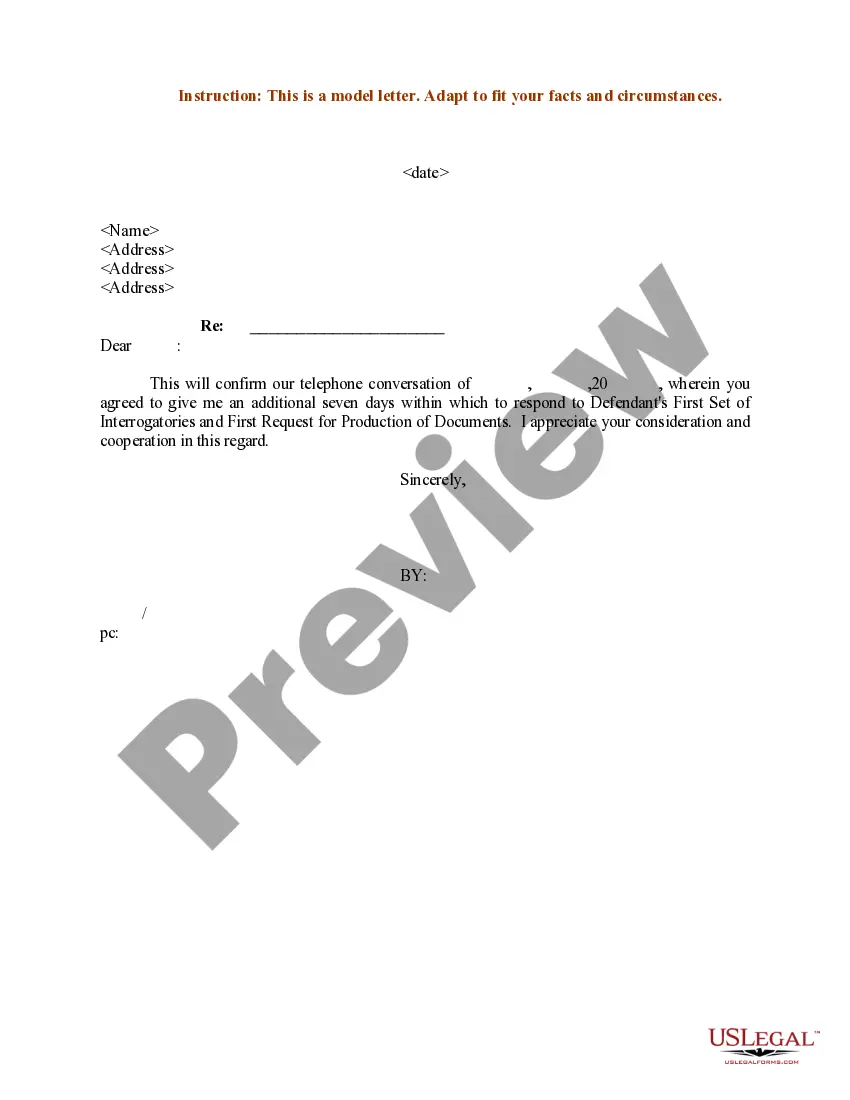
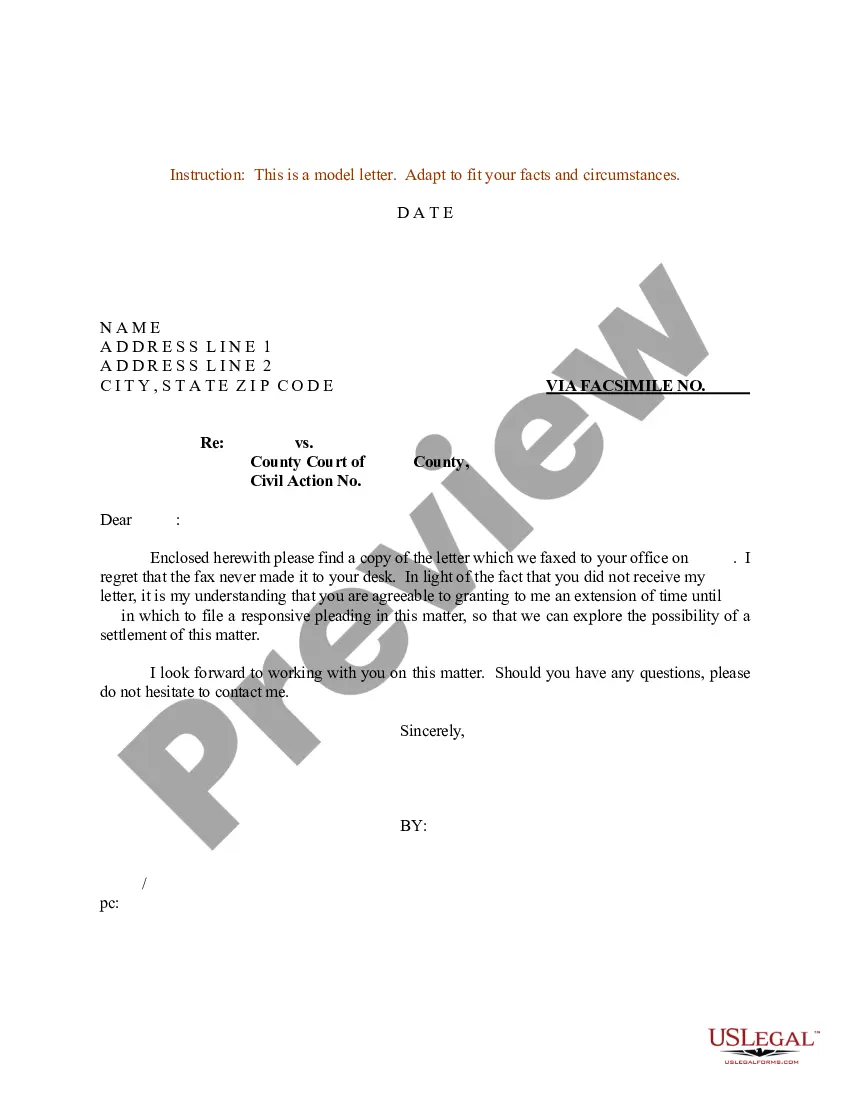


Get your form ready online
Our built-in tools help you complete, sign, share, and store your documents in one place.
Make edits, fill in missing information, and update formatting in US Legal Forms—just like you would in MS Word.
Download a copy, print it, send it by email, or mail it via USPS—whatever works best for your next step.
Sign and collect signatures with our SignNow integration. Send to multiple recipients, set reminders, and more. Go Premium to unlock E-Sign.
If this form requires notarization, complete it online through a secure video call—no need to meet a notary in person or wait for an appointment.
We protect your documents and personal data by following strict security and privacy standards.

Make edits, fill in missing information, and update formatting in US Legal Forms—just like you would in MS Word.

Download a copy, print it, send it by email, or mail it via USPS—whatever works best for your next step.

Sign and collect signatures with our SignNow integration. Send to multiple recipients, set reminders, and more. Go Premium to unlock E-Sign.

If this form requires notarization, complete it online through a secure video call—no need to meet a notary in person or wait for an appointment.

We protect your documents and personal data by following strict security and privacy standards.
Looking for another form?
How to fill out Sample Letter For Confirmation Of Time Extension To File Responsive Pleading?
The Pleading Paper Framework For Pages displayed on this site is a reusable formal framework created by expert attorneys adhering to federal and regional guidelines.
For over 25 years, US Legal Forms has supplied individuals, organizations, and legal professionals with over 85,000 validated, state-specific forms for various business and personal needs. It’s the quickest, most straightforward, and most reliable method to acquire the documents you require, as the service ensures bank-level data protection and anti-malware safeguards.
Join US Legal Forms to have verified legal templates for every situation in life readily available.
- Search for the document you require and review it.
- Choose the pricing plan that fits you and create an account. Use PayPal or a credit card for a rapid payment. If you already possess an account, Log In to check your subscription to proceed.
- Select your preferred format for your Pleading Paper Framework For Pages (PDF, DOCX, RTF) and download the template on your device.
- Print the template to fill it out manually. Alternatively, use an online multi-functional PDF editor to swiftly and accurately complete and sign your form with a legally-binding electronic signature.
- Re-download your documents as needed. Access the My documents tab in your profile to retrieve any previously saved forms.
Form popularity
FAQ
A pleading template is a pre-designed document that helps you format legal pleadings correctly. It provides a structured layout, making it easier to organize your arguments and present your case clearly. Using a pleading paper template for pages saves you time and ensures you meet court requirements, allowing you to focus on the content of your legal argument.
To make pleading paper in Google Docs, start by selecting a pleading paper template for pages that suits your requirements. You can find several templates online or create your own by setting the correct margins and line spacing. Once your template is set up, fill in the necessary information, ensuring you adhere to legal formatting guidelines for clarity and professionalism.
Common pleading mistakes include failing to follow the proper format and omitting essential information like case numbers or party names. Another frequent error is using vague language, which can lead to confusion in your argument. To avoid these pitfalls, consider using a pleading paper template for pages to ensure you include all necessary details clearly and concisely.
To format a pleading, use a pleading paper template for pages that adheres to court rules. Typically, the document should be double-spaced, with 1-inch margins on all sides. Include a caption at the top, followed by your statement of facts, legal arguments, and a conclusion. Don’t forget to number your paragraphs for easy reference.
An example of a pleading is a complaint, where a plaintiff outlines their case against the defendant. This document serves as the foundation of your legal argument, detailing the facts and legal grounds for the lawsuit. It's essential to utilize a pleading paper template for pages to maintain the required structure and ensure clarity in your claims.
To fill out pleading paper, start by selecting an appropriate pleading paper template for pages that suits your legal needs. Begin with the case title, including the parties involved and the court information at the top. Next, clearly state your claims or defenses in numbered paragraphs. Ensure you leave enough space for signatures and date lines at the bottom.
You can get pleading paper from various sources, including online legal template providers, office supply stores, or directly from court websites. For convenience, uslegalforms offers a range of pleading paper templates for pages that you can download and customize. This can simplify your document preparation process and help you maintain professional standards.
To get pleading paper on Google Docs, you can start by creating a new document and adjusting the page layout to match court requirements. Alternatively, you can search for a pleading paper template for pages online, and then upload it to Google Docs for easy editing. This ensures you have a compliant format that saves you time and effort while preparing your legal documents.
The three types of pleadings include complaints, answers, and counterclaims. Complaints outline the plaintiff's allegations and the basis for the court's jurisdiction. Answers provide the defendant's response to the allegations, while counterclaims allow the defendant to assert their own claims against the plaintiff. Utilizing a pleading paper template for pages can ensure that you format these documents correctly and meet legal requirements.
To format a document for legal paper, start by selecting the correct paper size, typically 8.5 x 14 inches. Use a clear font and set the margins to one inch. Incorporate a pleading paper template for pages to maintain proper alignment and spacing. Following these guidelines helps ensure that your document is professional and meets legal requirements.
