Confirmation Letter Sample For Business In Massachusetts
Description




Get your form ready online
Our built-in tools help you complete, sign, share, and store your documents in one place.
Make edits, fill in missing information, and update formatting in US Legal Forms—just like you would in MS Word.
Download a copy, print it, send it by email, or mail it via USPS—whatever works best for your next step.
Sign and collect signatures with our SignNow integration. Send to multiple recipients, set reminders, and more. Go Premium to unlock E-Sign.
If this form requires notarization, complete it online through a secure video call—no need to meet a notary in person or wait for an appointment.
We protect your documents and personal data by following strict security and privacy standards.

Make edits, fill in missing information, and update formatting in US Legal Forms—just like you would in MS Word.

Download a copy, print it, send it by email, or mail it via USPS—whatever works best for your next step.

Sign and collect signatures with our SignNow integration. Send to multiple recipients, set reminders, and more. Go Premium to unlock E-Sign.

If this form requires notarization, complete it online through a secure video call—no need to meet a notary in person or wait for an appointment.

We protect your documents and personal data by following strict security and privacy standards.
Looking for another form?






Form popularity
FAQ
The Business Employment Verification Letter Template is a professional document that confirms an employee's job status, salary, and work history.
Employment Verification Letter: What To Include? Address of the employer. Reason for requesting the employment verification letter. Name of the business or third party that requests it. Employee information that the business may need, including: Name and surname. Date when they started working in the company.
Subject: Confirmation of Employment – Job Classification Dear Mr./Ms. Last Name of Selected Applicant: Welcome to Agency/Department/Office Name. I am pleased to confirm your acceptance of our offer for the full-time/part-time position of job classification reporting to supervisor's name.
How to write a letter of employment: Include employer and requesting organisation details. Provide employee information (name, job title, employment dates). Follow a formal business letter format. Clearly state the letter's purpose. Include any additional requested details. Provide contact information and sign off.
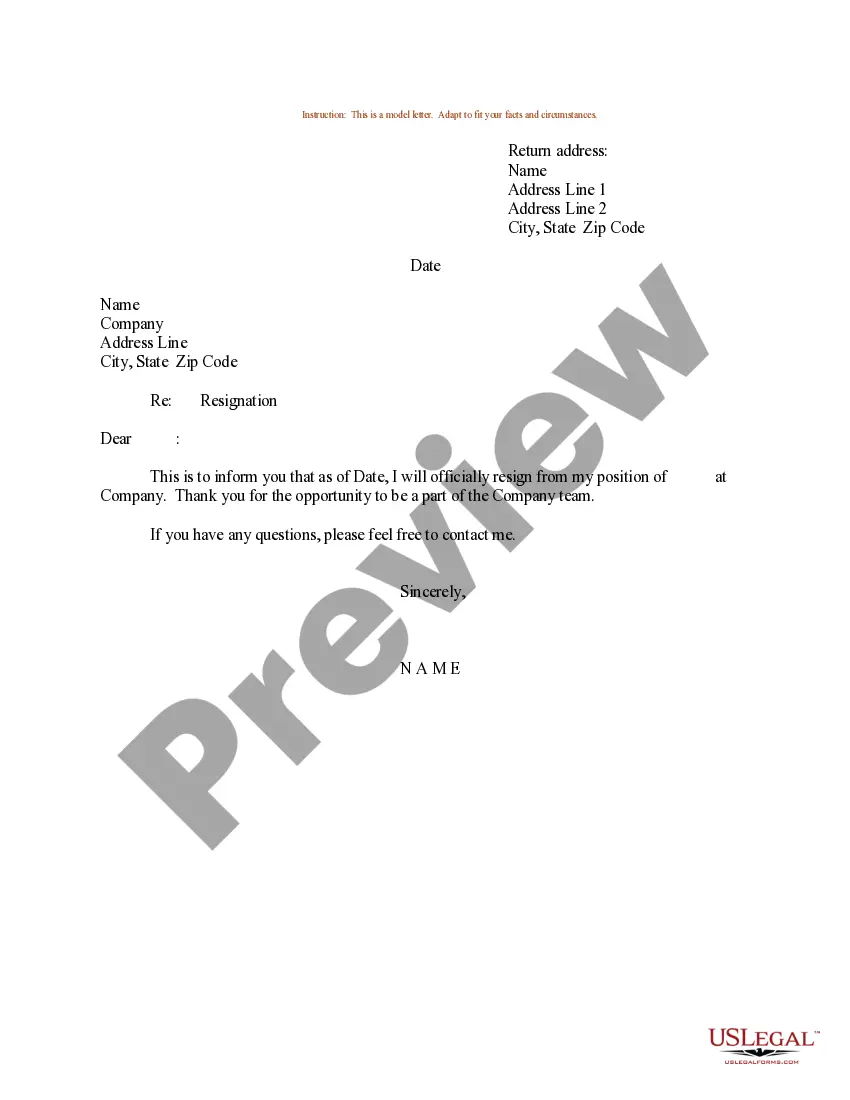
Confirmation Letter Format Header: Includes the company's name, address, and official contact information. Date: Includes the date on which the letter is being sent. Recipient's information: Includes the recipient's name, title, and official address. Subject: It describes the purpose of the letter.
Confirmation Letter Format Header: Includes the company's name, address, and official contact information. Date: Includes the date on which the letter is being sent. Recipient's information: Includes the recipient's name, title, and official address. Subject: It describes the purpose of the letter.
How to write a letter of employment: Include employer and requesting organisation details. Provide employee information (name, job title, employment dates). Follow a formal business letter format. Clearly state the letter's purpose. Include any additional requested details. Provide contact information and sign off.
We recommend applying for an EIN online if you have a SSN (Social Security Number) or ITIN (Individual Taxpayer Identification Number). This is the easiest filing method and it has the fastest approval time. Your EIN Number will be issued at the end of the online application, which takes about 15 minutes to complete.
An LLC applies for an EIN by filing Form SS-4, Application for Employer Identification Number. See Form SS-4 for information on applying for an EIN. A single-member LLC that is a disregarded entity that does not have employees and does not have an excise tax liability does not need an EIN.
An IRS letter 147c, also known as an EIN verification letter, is a letter the Internal Revenue Service (IRS) sends a company when it has lost or misplaced its Employer Identification Number (EIN) and needs to confirm what it is.

