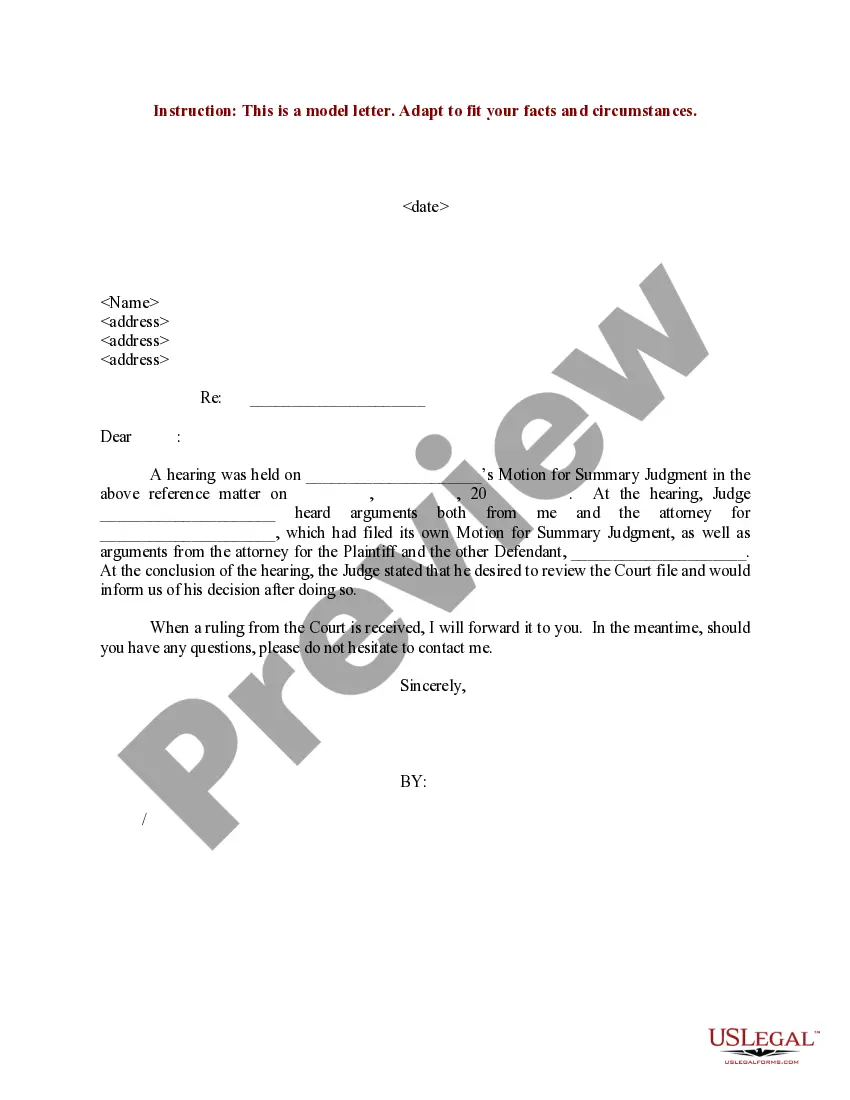
Acknowledgements Page Example In Phoenix
Description




Get your form ready online
Our built-in tools help you complete, sign, share, and store your documents in one place.
Make edits, fill in missing information, and update formatting in US Legal Forms—just like you would in MS Word.
Download a copy, print it, send it by email, or mail it via USPS—whatever works best for your next step.
Sign and collect signatures with our SignNow integration. Send to multiple recipients, set reminders, and more. Go Premium to unlock E-Sign.
If this form requires notarization, complete it online through a secure video call—no need to meet a notary in person or wait for an appointment.
We protect your documents and personal data by following strict security and privacy standards.

Make edits, fill in missing information, and update formatting in US Legal Forms—just like you would in MS Word.

Download a copy, print it, send it by email, or mail it via USPS—whatever works best for your next step.

Sign and collect signatures with our SignNow integration. Send to multiple recipients, set reminders, and more. Go Premium to unlock E-Sign.

If this form requires notarization, complete it online through a secure video call—no need to meet a notary in person or wait for an appointment.

We protect your documents and personal data by following strict security and privacy standards.
Looking for another form?







Form popularity
FAQ
You can point out the blank spaces. If. There is additional information the customer may fill in theMoreYou can point out the blank spaces. If. There is additional information the customer may fill in the blank spaces. If nothing applies the customer may draw lines or lists n/a in the blank spaces.
Now what do you fill in fill in the venue or county where you are notarizing the date you notarized.MoreNow what do you fill in fill in the venue or county where you are notarizing the date you notarized. Your name and title of office notary. Public next you fill in the name of your signer appearing.
What to Include in Acknowledgements: Express gratitude sincerely and genuinely. Avoid formulaic language and personalize your message where appropriate. Be specific about contributions: Briefly mention how each individual or entity helped you.
One of the most common mistakes that notaries make is not printing or signing their name exactly as it appears on their notary commission.
When to use: The Notary Acknowledgement Form is a generic form that may be used by an Arizona Notary Public to notarize a document. A court may require a notarized signature to verify the identity of the person signing a document before it is presented to the court.
Write the name of the person swearing to the truthfulness of the contents of the documents. Sign your name exactly as it appears on file with the Secretary of State and affix the official notary seal so that all the required elements of the notary seal appear legibly.
A notary public may not notarize a document for a signer who cannot directly acknowledge his signature or swear to the truthfulness of the statements in the notarial ceremony. Without the notarial ceremony, the notarial act is not officially executed.
An acknowledgment, on the other hand, does not require the Notary to personally witness the signature being written in most states. The customer may sign it in front of the Notary or even before coming to the Notary as long as they appear before the Notary to be identified and to acknowledge having signed the document.
A notarized document can be invalid if it has missing signatures, improper identification, incorrect or missing notary seals, or an incomplete notary section.