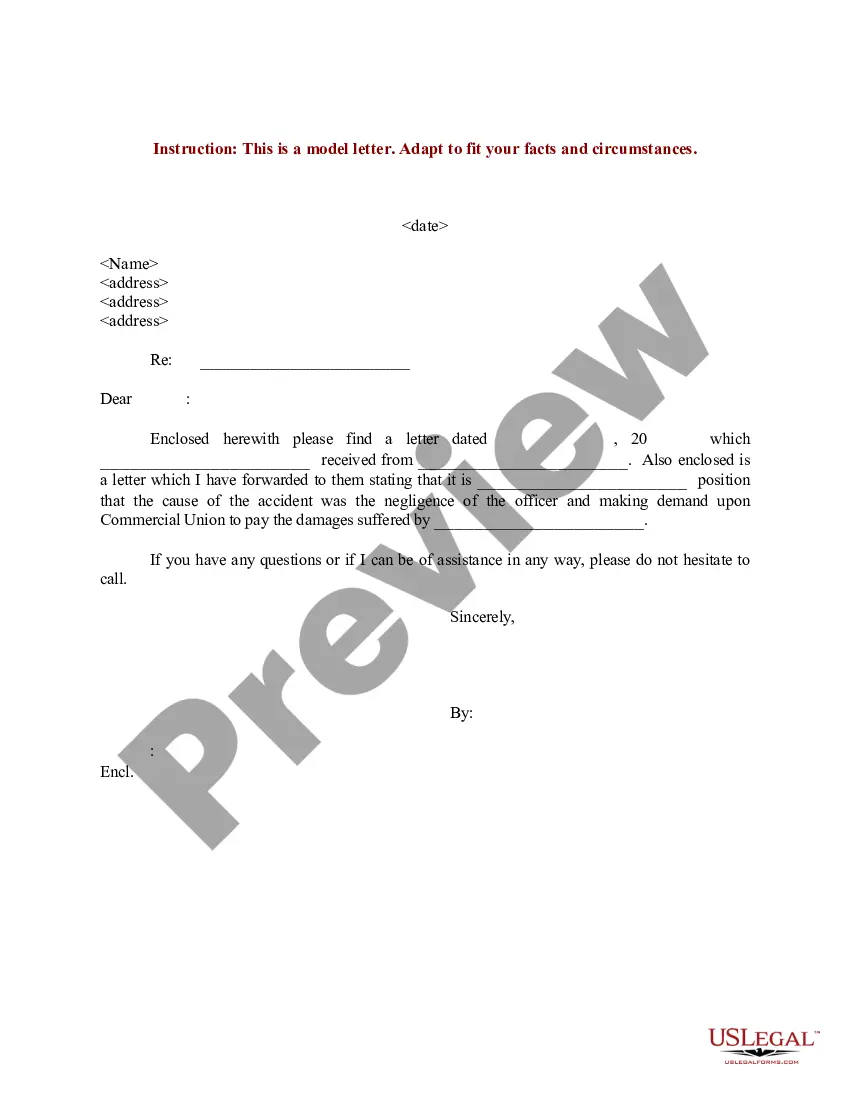
Letter Insurance Form For Medicare In Wayne
Description
Get your form ready online
Our built-in tools help you complete, sign, share, and store your documents in one place.
Make edits, fill in missing information, and update formatting in US Legal Forms—just like you would in MS Word.
Download a copy, print it, send it by email, or mail it via USPS—whatever works best for your next step.
Sign and collect signatures with our SignNow integration. Send to multiple recipients, set reminders, and more. Go Premium to unlock E-Sign.
If this form requires notarization, complete it online through a secure video call—no need to meet a notary in person or wait for an appointment.
We protect your documents and personal data by following strict security and privacy standards.

Make edits, fill in missing information, and update formatting in US Legal Forms—just like you would in MS Word.

Download a copy, print it, send it by email, or mail it via USPS—whatever works best for your next step.

Sign and collect signatures with our SignNow integration. Send to multiple recipients, set reminders, and more. Go Premium to unlock E-Sign.

If this form requires notarization, complete it online through a secure video call—no need to meet a notary in person or wait for an appointment.

We protect your documents and personal data by following strict security and privacy standards.
Looking for another form?
Form popularity
FAQ
To apply for Medicare, you'll need: Your Social Security Card. Your original birth certificate. Proof of U.S citizenship or legal citizenship status documentation if you were not born in the U.S. A copy of your W-2 form.
Ask your provider for the Provider Information or have them fill it out for you. Keep a copy of the form, claim details and receipts for your records. Send the claim as soon as possible, and as close to the date of service as possible. Complete a separate form for each claim.
If you have not looked at the Medicare website already, medicare is a great place to start. They have considerable information, and it is as reliable and accurate as you will find.
If you prefer, you can fax or mail the completed forms – CMS-40B Application for Enrollment in Medicare – Part B (Medical Insurance) and CMS-L564 Request for Employment Information – to your local Social Security office.
The best person to talk to about Medicare is an agent or broker who works for you and not for for the benefit of a particular insurance company or Medicare call center. This can be the most important health care decision you make. Find such a person by doing the following; Search Google for a “Medicare broker near me'.
Some of the items and services Medicare doesn't cover include: Eye exams (for prescription eyeglasses) Long-term care. Cosmetic surgery. Massage therapy. Routine physical exams. Hearing aids and exams for fitting them.
Four months before your 65th birth month you'll receive a letter from CalPERS titled “Important Information Concerning Health Coverage at Age 65.” This notice contains information regarding the CalPERS Medicare enrollment requirements.
As part of the application process for the SEP, the retiree will also need to complete the Form CMS-L564 “Request for Employment Information.” This form is used to document proof of active employer-sponsored group health plan coverage that has ended as a result of the retirement (or other termination of employment/ ...
This form is used for proof of group health care coverage based on current employment. This information is needed to process your Medicare enrollment application. The employer that provides the group health plan coverage completes the information about your health care coverage and dates of employment.
Centers for Medicare & Medicaid Services (CMS). The link on the CMS website @ . cms will help you search for the forms you need. Just print the forms, fill them out, and send them to the address listed on the forms.