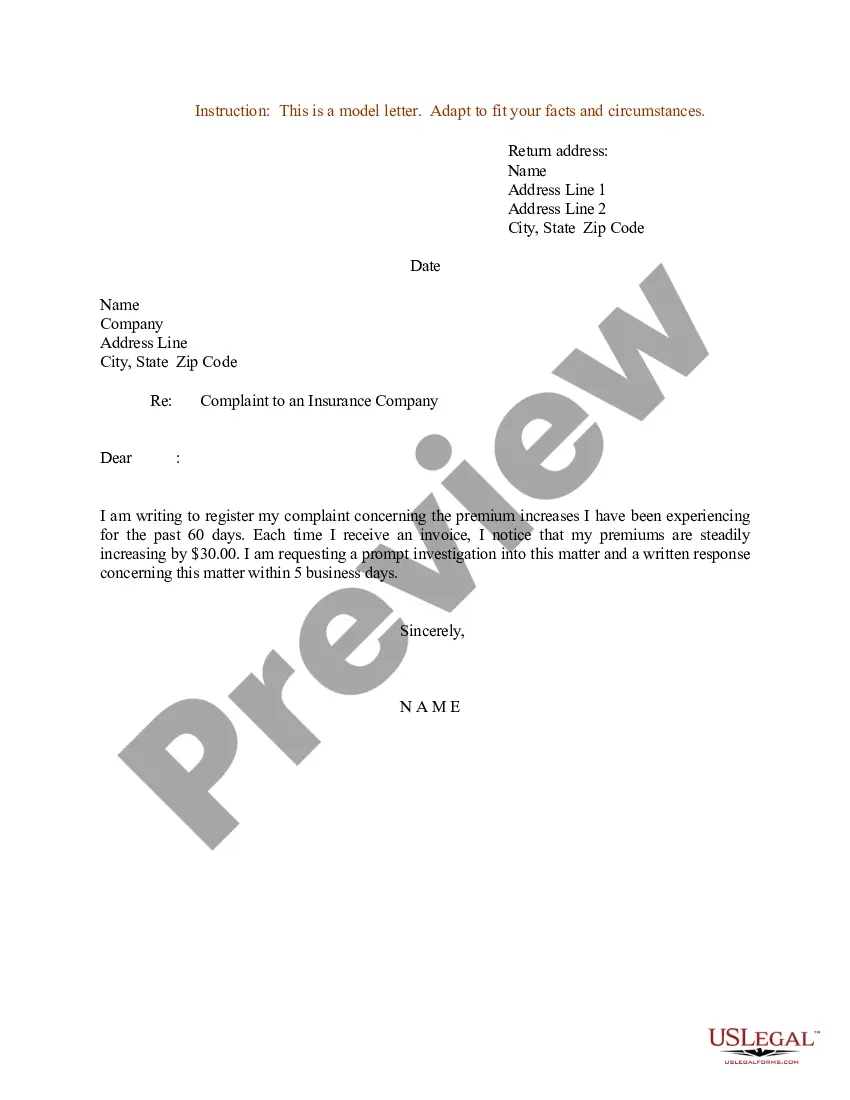
Letter Insurance Form For Medicare In Chicago
Description
Get your form ready online
Our built-in tools help you complete, sign, share, and store your documents in one place.
Make edits, fill in missing information, and update formatting in US Legal Forms—just like you would in MS Word.
Download a copy, print it, send it by email, or mail it via USPS—whatever works best for your next step.
Sign and collect signatures with our SignNow integration. Send to multiple recipients, set reminders, and more. Go Premium to unlock E-Sign.
If this form requires notarization, complete it online through a secure video call—no need to meet a notary in person or wait for an appointment.
We protect your documents and personal data by following strict security and privacy standards.

Make edits, fill in missing information, and update formatting in US Legal Forms—just like you would in MS Word.

Download a copy, print it, send it by email, or mail it via USPS—whatever works best for your next step.

Sign and collect signatures with our SignNow integration. Send to multiple recipients, set reminders, and more. Go Premium to unlock E-Sign.

If this form requires notarization, complete it online through a secure video call—no need to meet a notary in person or wait for an appointment.

We protect your documents and personal data by following strict security and privacy standards.
Looking for another form?









Form popularity
FAQ
Send your completed and signed application to your local Social Security office. If you have questions, call Social Security at 1-800-772-1213.
Send your completed and signed application to your local Social Security office. If you have questions, call Social Security at 1-800-772-1213.
Four months before your 65th birth month you'll receive a letter from CalPERS titled “Important Information Concerning Health Coverage at Age 65.” This notice contains information regarding the CalPERS Medicare enrollment requirements.
This form is used for proof of group health care coverage based on current employment. This information is needed to process your Medicare enrollment application. The employer that provides the group health plan coverage completes the information about your health care coverage and dates of employment.
Although Form CMS 1763 is not available for online submission, you can find it in docHubs library, fill out and easily print it out from your account.
You'll need to give the bank the following information: Account number: Your Medicare claim number without dashes. Biller name: CMS Medicare Insurance. Remittance address: Medicare Premium Collection Center. P.O. Box 790355. St. Louis, MO 63179-0355.
If you prefer, you can fax or mail the completed forms – CMS-40B Application for Enrollment in Medicare – Part B (Medical Insurance) and CMS-L564 Request for Employment Information – to your local Social Security office.
Check your mail - Your state will mail you a letter about your coverage. This letter will let you know if you need to complete a renewal form to see if you still qualify for Medicaid or CHIP.
What is it? You'll get this letter if you or someone on your behalf, asked for a new Medicare card, or if your Medicare coverage, Medicare number, or name changed.
Ask your provider for the Provider Information or have them fill it out for you. Keep a copy of the form, claim details and receipts for your records. Send the claim as soon as possible, and as close to the date of service as possible. Complete a separate form for each claim.

